PDF Squeezer
Daniel Witt
4.8 ★
store rating
Free
AppRecs review analysis
AppRecs rating 5.0. Trustworthiness 74 out of 100. Review manipulation risk 19 out of 100. Based on a review sample analyzed.
★★★★★
5.0
AppRecs Rating
Ratings breakdown
5 star
89%
4 star
6%
3 star
0%
2 star
6%
1 star
0%
What to know
✓
Low review manipulation risk
19% review manipulation risk
✓
Credible reviews
74% trustworthiness score from analyzed reviews
✓
High user satisfaction
89% of sampled ratings are 5 stars
About PDF Squeezer
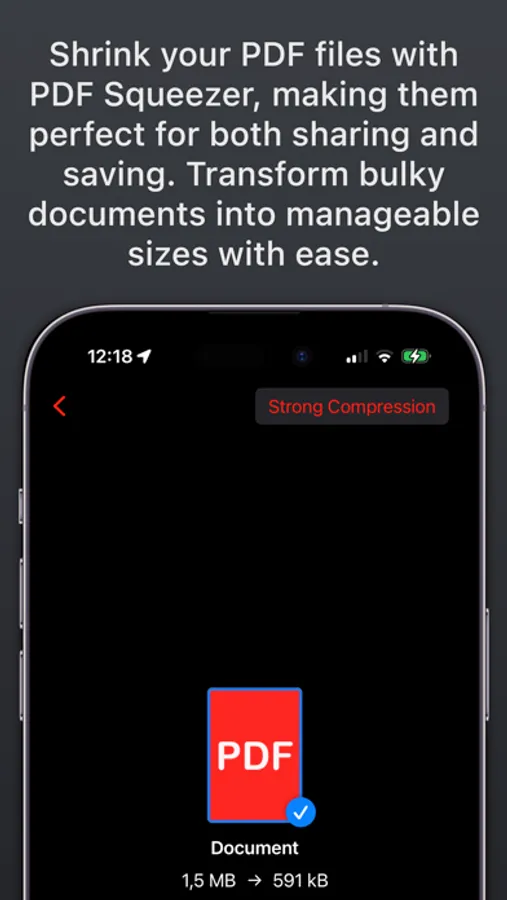
PDF Squeezer, the beloved Mac app, is now available for iPhone and iPad! Effortlessly reduce PDF file sizes with customizable compression settings to save space without losing quality. Process files securely on your device, ensuring total privacy with no internet connection required. Experience this well-known app's magic with an unlimited free trial!
Customizable Compression
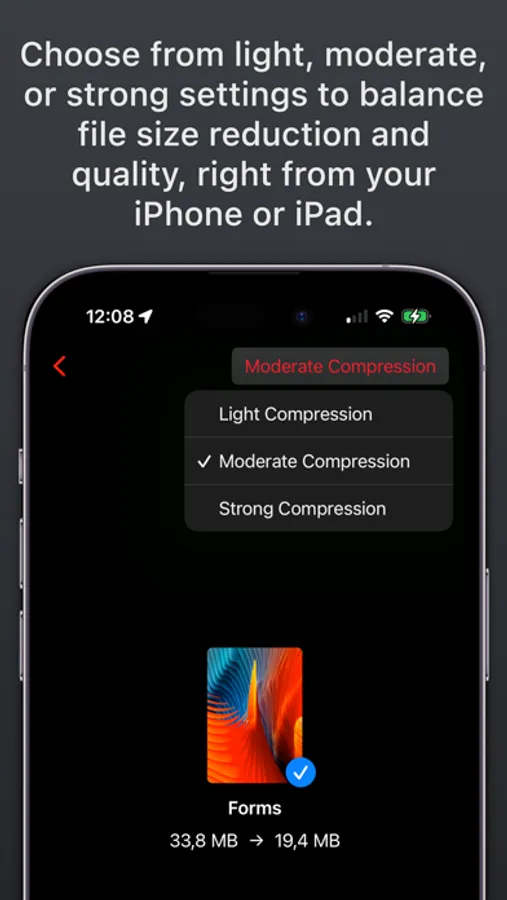
Choose from light, moderate, or strong settings to balance file size reduction and quality, right from your iPhone or iPad.
See Before You Save
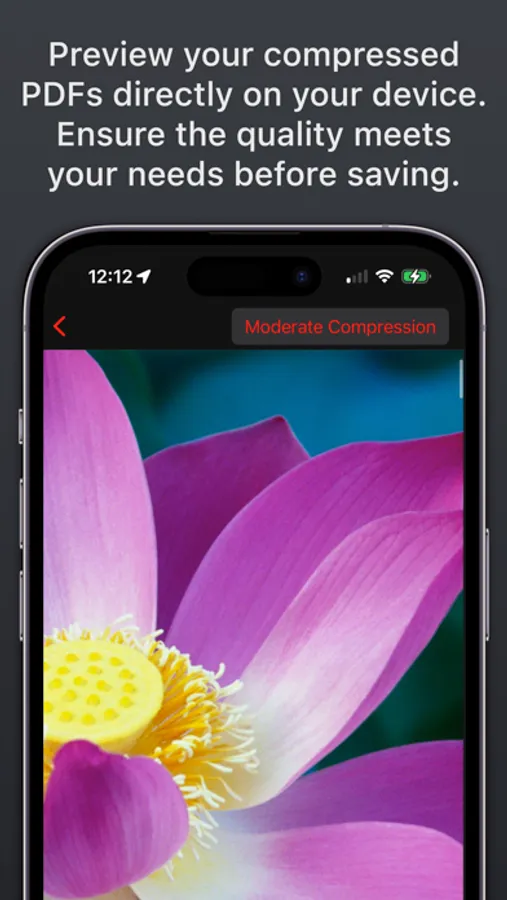
Preview your compressed PDFs directly on your device. Ensure the quality meets your needs before saving.
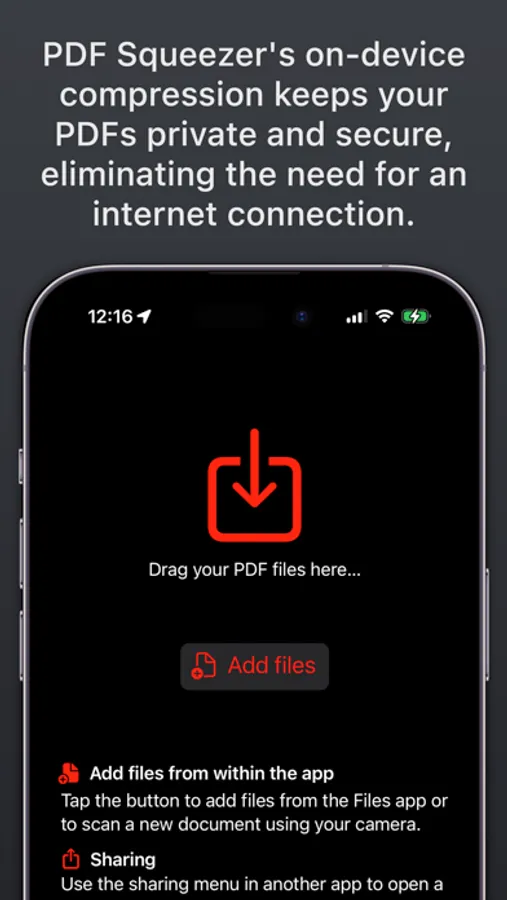
Privacy-Focused Compression
PDF Squeezer's on-device compression keeps your PDFs private and secure, eliminating the need for an Internet connection.
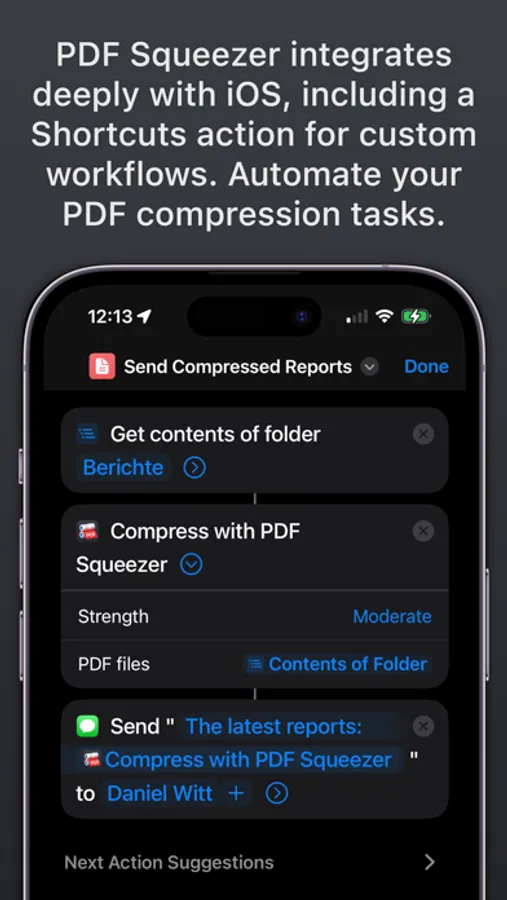
Streamline Your Workflow
PDF Squeezer integrates deeply with iOS, including a Shortcuts action for custom workflows. Automate your PDF compression tasks.
Batch Compression
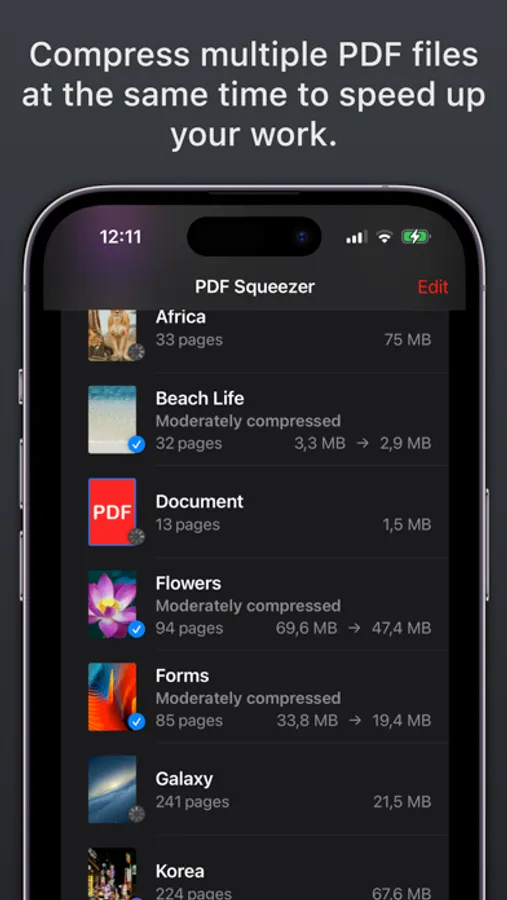
Compress multiple PDF files at the same time to speed up your work.
PDF Squeezer is also available for Mac and Windows as a separate purchase.
Customizable Compression
Choose from light, moderate, or strong settings to balance file size reduction and quality, right from your iPhone or iPad.
See Before You Save
Preview your compressed PDFs directly on your device. Ensure the quality meets your needs before saving.
Privacy-Focused Compression
PDF Squeezer's on-device compression keeps your PDFs private and secure, eliminating the need for an Internet connection.
Streamline Your Workflow
PDF Squeezer integrates deeply with iOS, including a Shortcuts action for custom workflows. Automate your PDF compression tasks.
Batch Compression
Compress multiple PDF files at the same time to speed up your work.
PDF Squeezer is also available for Mac and Windows as a separate purchase.