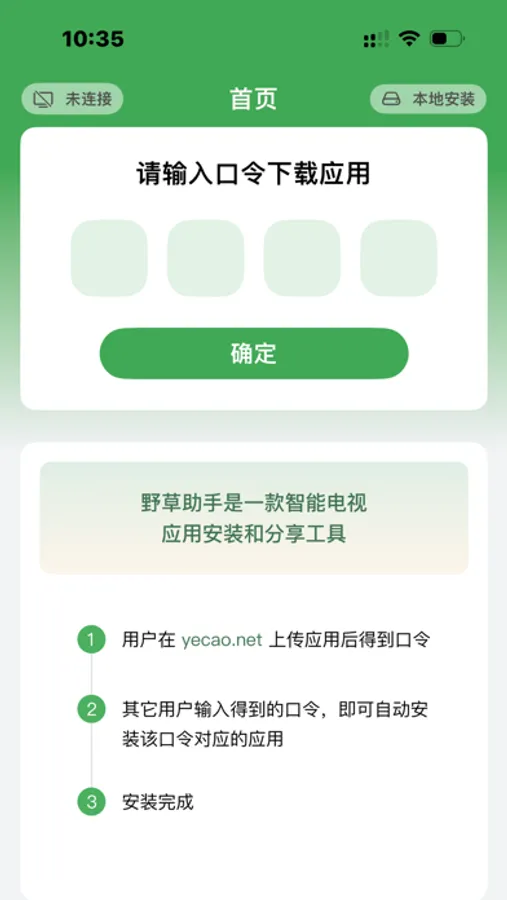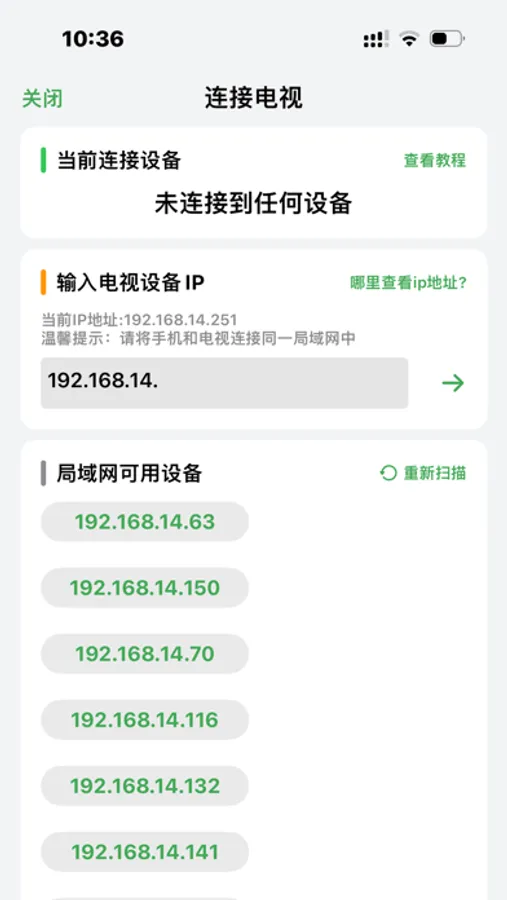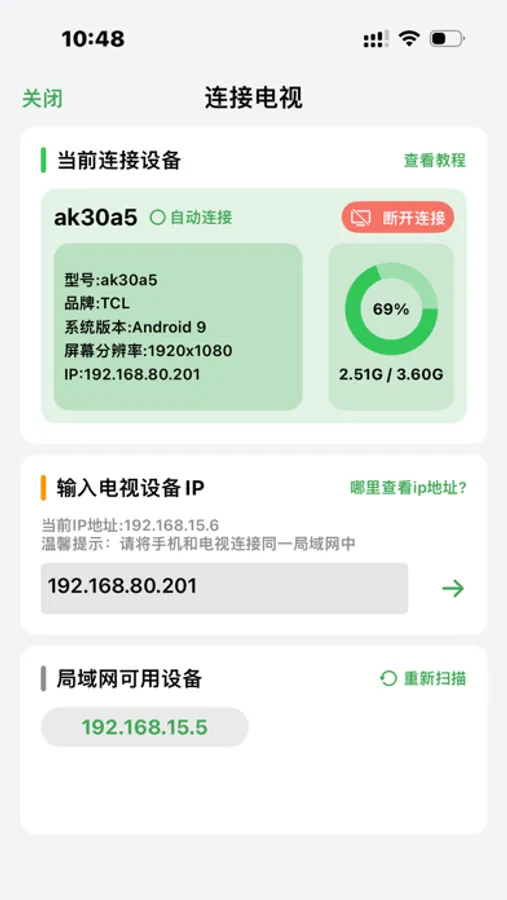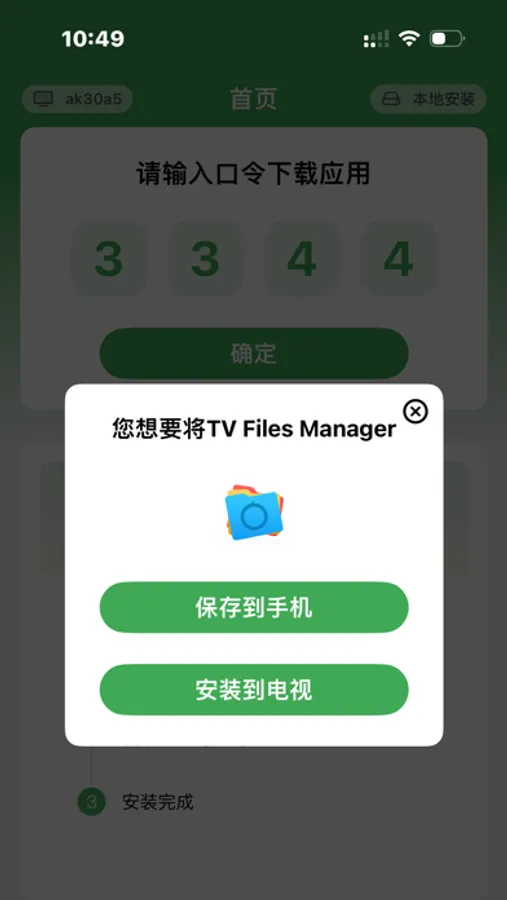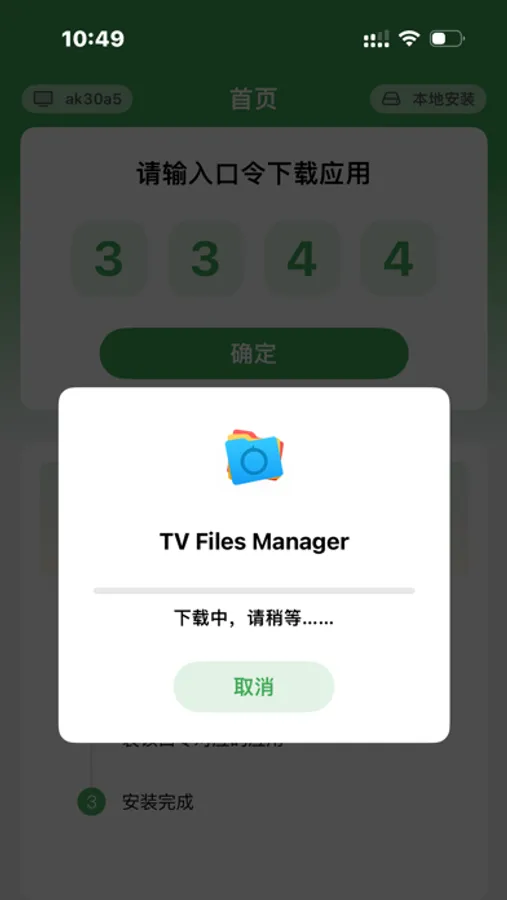
With this app, you can generate codes to install or share apps on your smart TV by adjusting ADB settings and entering app codes. Includes app code management features and online sharing options.
AppRecs review analysis
AppRecs rating 4.3. Trustworthiness 64 out of 100. Review manipulation risk 22 out of 100. Based on a review sample analyzed.
★★★★☆
4.3
AppRecs Rating
Ratings breakdown
5 star
92%
4 star
4%
3 star
0%
2 star
0%
1 star
4%
What to know
✓
Low review manipulation risk
22% review manipulation risk
✓
High user satisfaction
92% of sampled ratings are 5 stars
✓
Authentic reviews
No red flags detected
About Appwe
If users want to install an app on their smart TV, they only need to open Yecao Helper, and Yecao Helper will guide the user to adjust the TV ADB settings. After the setting is completed, the user enters the code of the app they want to install and clicks Confirm to automatically install the app corresponding to the code to the smart TV.
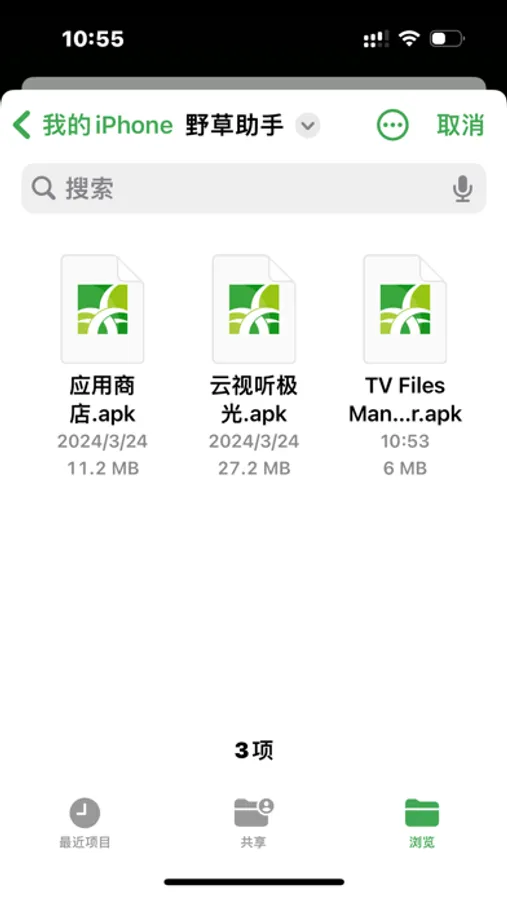
If the user wants to share the smart TV app with friends, they can visit the website (yecao.net) to upload the app. After the upload is completed, they will get a new code and just share the code with their friends.
If the user wants to share the smart TV app with friends, they can visit the website (yecao.net) to upload the app. After the upload is completed, they will get a new code and just share the code with their friends.