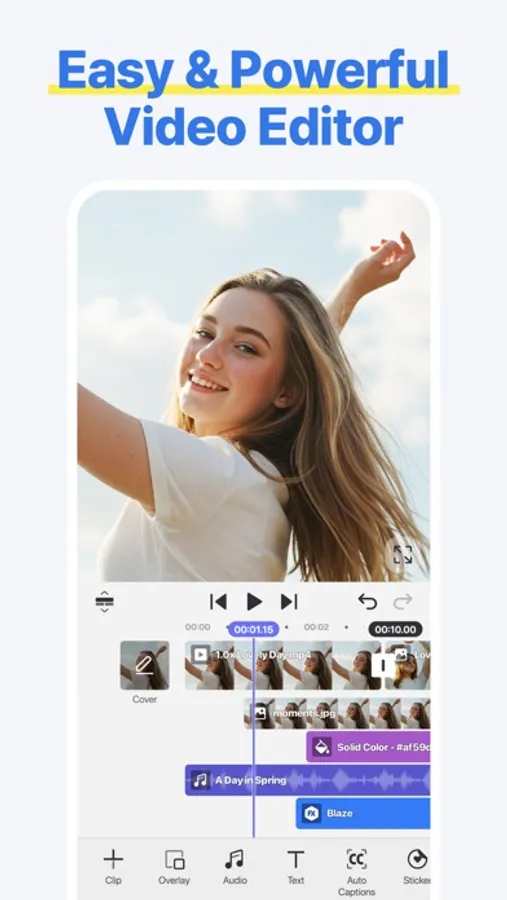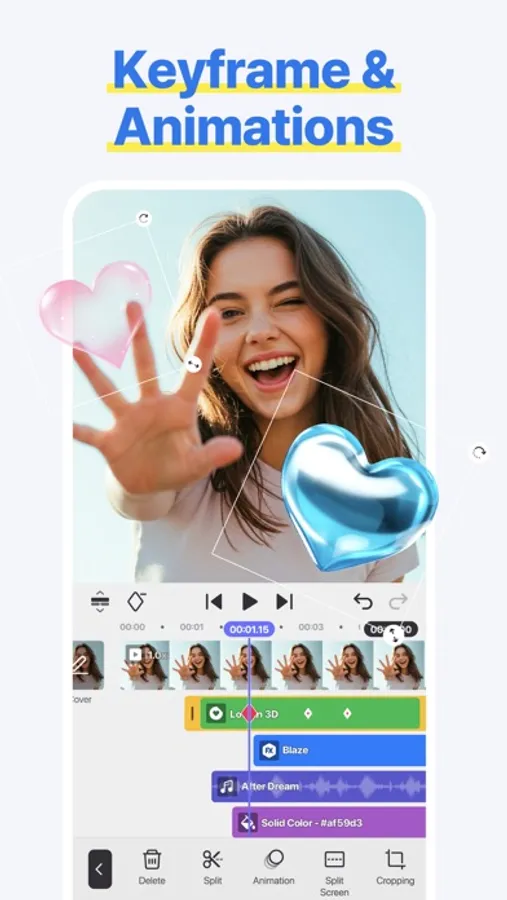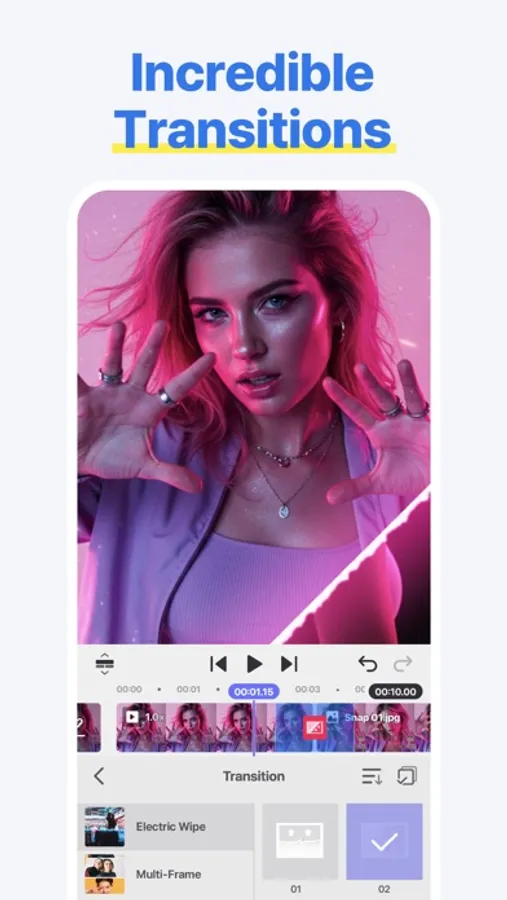
In this video editing app, you can cut, combine, add captions, overlays, and animations to create customized videos. Includes AI auto captioning, noise removal, style effects, and support for 4K at 60FPS.
AppRecs review analysis
AppRecs rating 4.5. Trustworthiness 71 out of 100. Review manipulation risk 27 out of 100. Based on a review sample analyzed.
★★★★☆
4.5
AppRecs Rating
Ratings breakdown
5 star
85%
4 star
7%
3 star
3%
2 star
2%
1 star
3%
What to know
✓
Low review manipulation risk
27% review manipulation risk
✓
Credible reviews
71% trustworthiness score from analyzed reviews
⚠
Pricing complaints
Many low ratings mention paywalls or pricing
About Spring - Video Editor
[ Make Your Videos Your Way! ]
● Cut, combine, caption, overlay, and animate!
● AI tools make editing easy
● No watermarks, no sneaky purchases
● Supports up to 4K at 60FPS
[ AI That Helps! ]
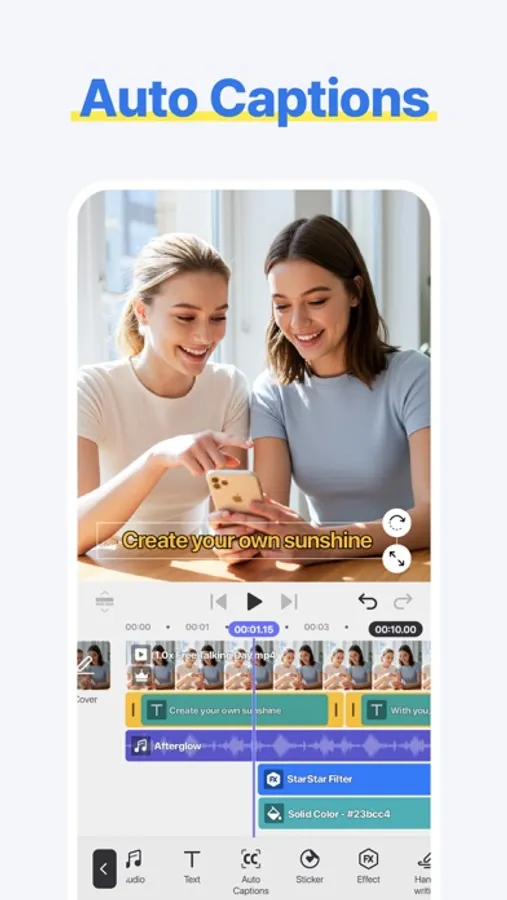
● AI Auto Captions: Add subtitles instantly from video or audio
● AI Text-to-Speech: Create spoken audio from text with one tap
● AI Music Match: Get song recommendations fast
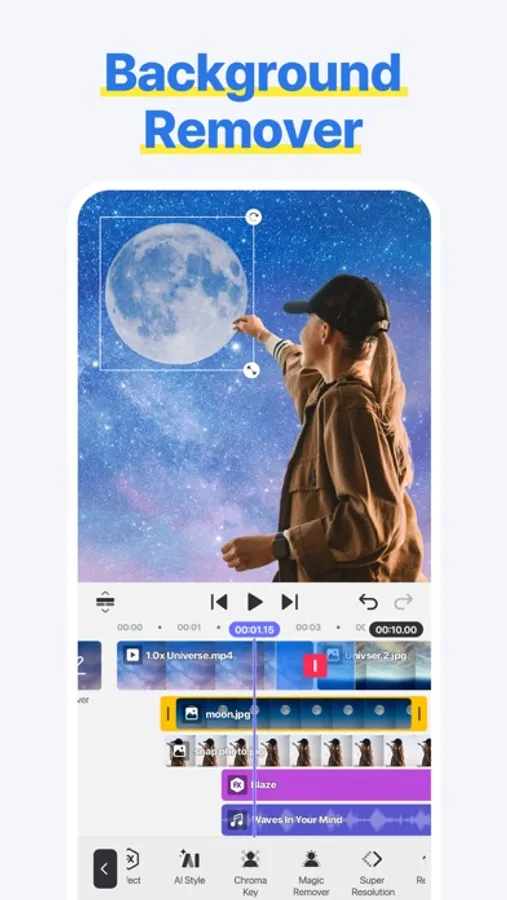
● AI Magic Removal & Noise Remover: Cut out the background and zap annoying sounds
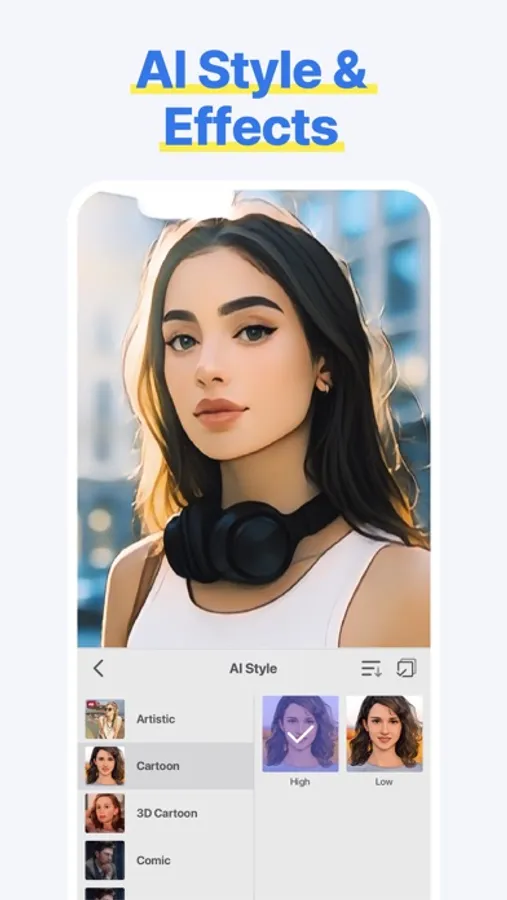
● AI Tracking, AI Upscaling, and AI Styles: Powerful AI tools to completely change how your video looks
[ Done In 60 Seconds: Reels, Shorts, and TikTok Templates ]
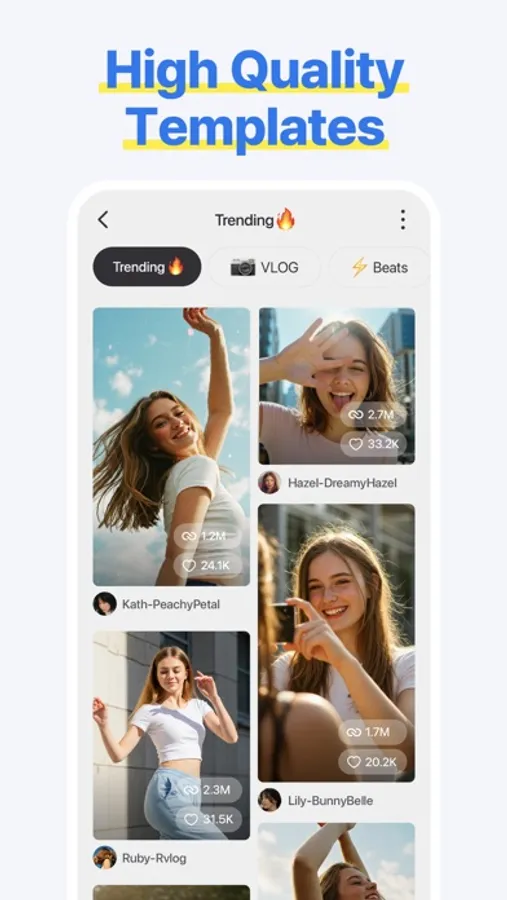
● Provides trendy short-form templates
● Quickly complete by simply changing images or videos
● Supports template saving, sharing, and collaboration functions
[ Use Easy & Powerful Editing Tools ]
● Make fast cuts, merge clips, make speed adjustments, and rewind
● Use pan & zoom, transitions, effects, and slow motion
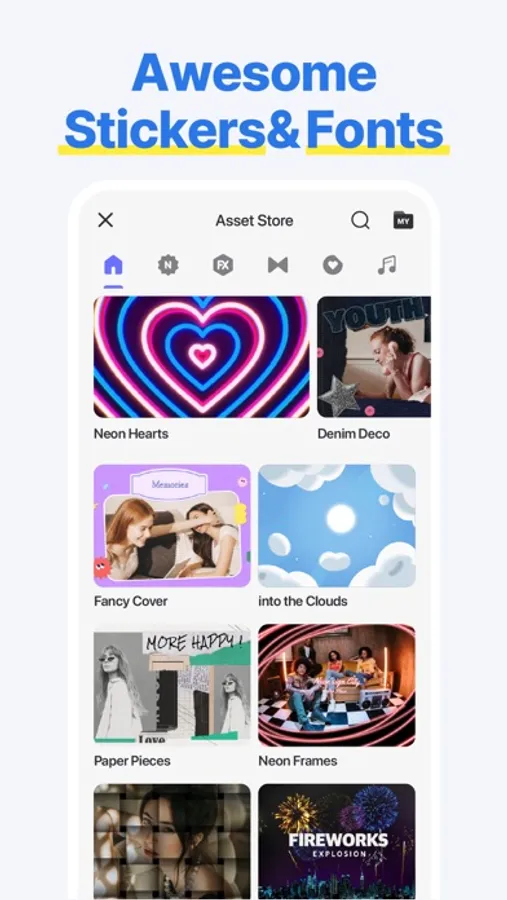
● Add subtitles, text, stickers, and fun visual effects
● Make color corrections, voice changes, or animate with keyframes
[ ""Use-it-Anywhere"" Music and Sound Effects ]
● Amazing background music and sound effects
● Safely upload to YouTube, Instagram, and TikTok
[ Design & Decorate Your Videos ]
● Choose from tons of stickers, graphic animations, and effects
● Vibe with fun, trending and free video creative elements
[ Make 4K Videos or HD Clips for Social Media ]
● Save up to 4K resolution and 60 frames per second
● Upload to social media, including YouTube, TikTok, and Instagram
● Create special effects with transparent background videos (ideal for design and motion graphics work)
Terms of Use for Spring and Asset Store Use:
https://resource.kinemaster.com/document/tos.html
Contact: support@kinemaster.com
● Cut, combine, caption, overlay, and animate!
● AI tools make editing easy
● No watermarks, no sneaky purchases
● Supports up to 4K at 60FPS
[ AI That Helps! ]
● AI Auto Captions: Add subtitles instantly from video or audio
● AI Text-to-Speech: Create spoken audio from text with one tap
● AI Music Match: Get song recommendations fast
● AI Magic Removal & Noise Remover: Cut out the background and zap annoying sounds
● AI Tracking, AI Upscaling, and AI Styles: Powerful AI tools to completely change how your video looks
[ Done In 60 Seconds: Reels, Shorts, and TikTok Templates ]
● Provides trendy short-form templates
● Quickly complete by simply changing images or videos
● Supports template saving, sharing, and collaboration functions
[ Use Easy & Powerful Editing Tools ]
● Make fast cuts, merge clips, make speed adjustments, and rewind
● Use pan & zoom, transitions, effects, and slow motion
● Add subtitles, text, stickers, and fun visual effects
● Make color corrections, voice changes, or animate with keyframes
[ ""Use-it-Anywhere"" Music and Sound Effects ]
● Amazing background music and sound effects
● Safely upload to YouTube, Instagram, and TikTok
[ Design & Decorate Your Videos ]
● Choose from tons of stickers, graphic animations, and effects
● Vibe with fun, trending and free video creative elements
[ Make 4K Videos or HD Clips for Social Media ]
● Save up to 4K resolution and 60 frames per second
● Upload to social media, including YouTube, TikTok, and Instagram
● Create special effects with transparent background videos (ideal for design and motion graphics work)
Terms of Use for Spring and Asset Store Use:
https://resource.kinemaster.com/document/tos.html
Contact: support@kinemaster.com