AppRecs review analysis
AppRecs rating 2.9. Trustworthiness 60 out of 100. Review manipulation risk 28 out of 100. Based on a review sample analyzed.
★★☆☆☆
2.9
AppRecs Rating
Ratings breakdown
5 star
55%
4 star
5%
3 star
5%
2 star
0%
1 star
36%
What to know
✓
Low review manipulation risk
28% review manipulation risk
About Remote Control - All TV
Welcome to TV Remote Control, the smart TV controller app that puts you in charge of your entertainment experience. Whether you’re relaxing on the couch or hosting a movie night, our app simplifies TV navigation and enhances your viewing pleasure.
Key Features:
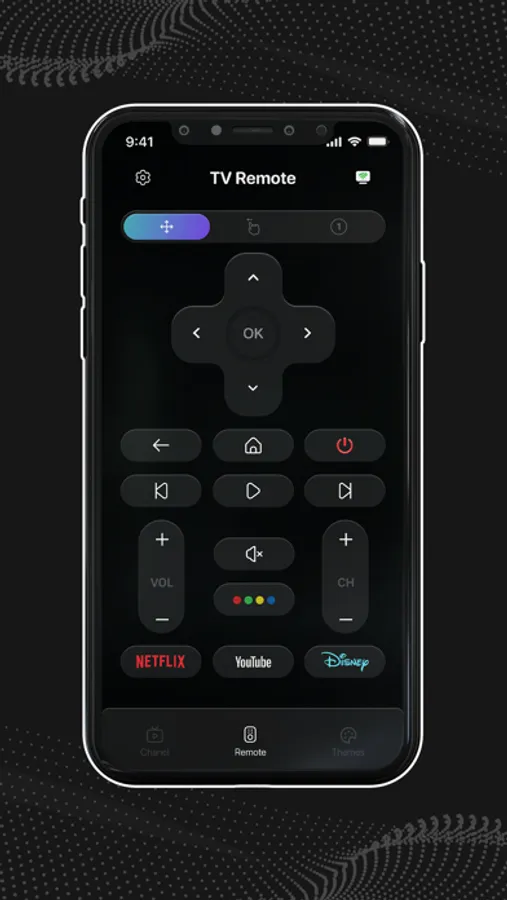
Use Your Phone as a TV Remote: Say goodbye to separate remotes! Control your TV directly from your phone. Navigate menus, adjust settings, and enjoy seamless interaction.
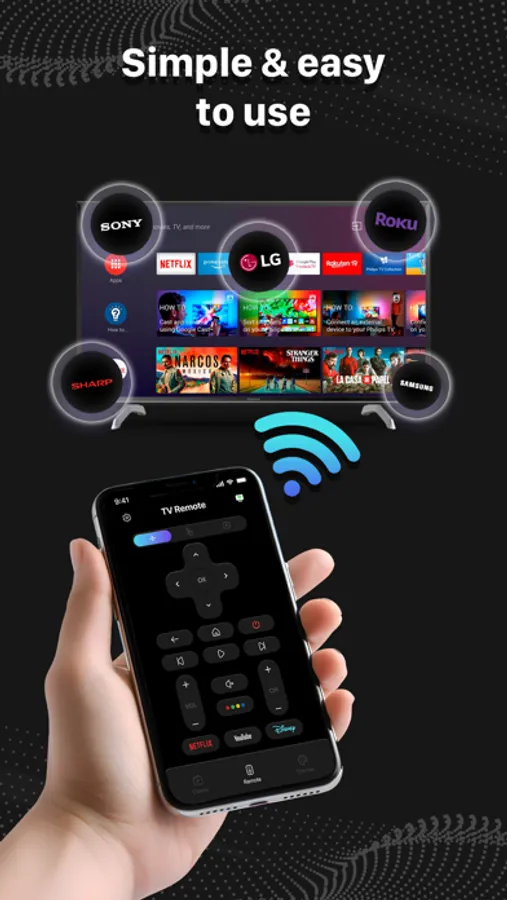
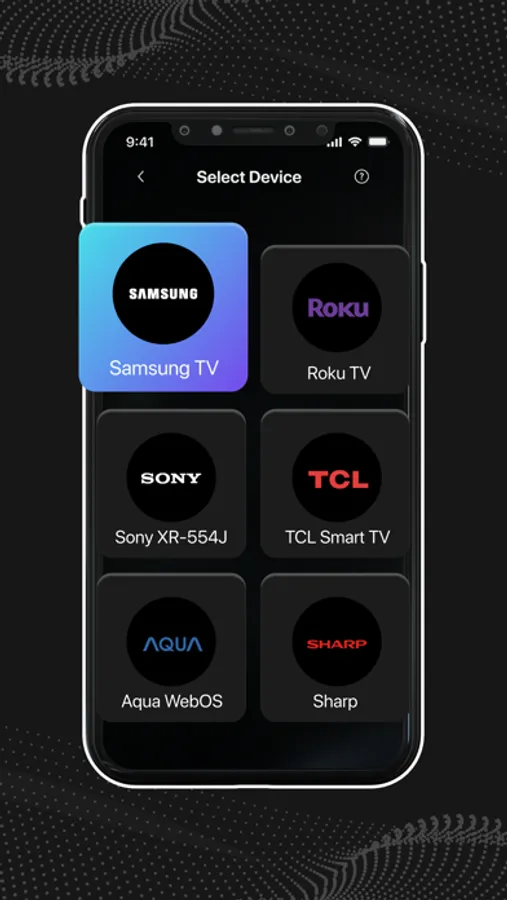
Universal Compatibility: Our app seamlessly connects with a wide range of TVs, including Samsung, Roku, LG, and more. No matter which brand you own, TV Remote Control has you in control.
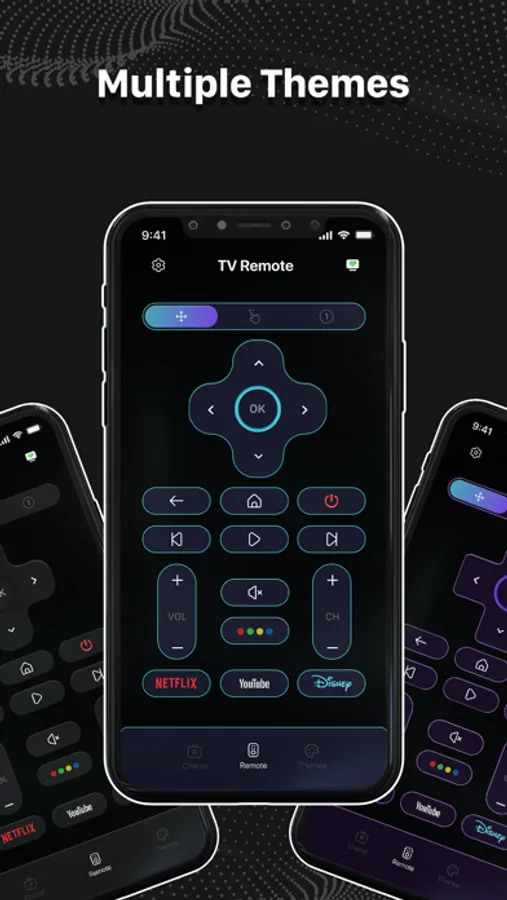
Customizable Themes: Personalize your TV Remote Control experience. Choose from a variety of themes to match your style—whether it’s sleek and minimalistic or vibrant and playful.
One-Touch Power: Turn your TV on or off with a simple tap. No more fumbling for multiple remotes—your phone does it all.
Volume Mastery: Adjust the volume directly from your phone. Whether it’s a thrilling movie or a soothing music channel, fine-tune the sound effortlessly.
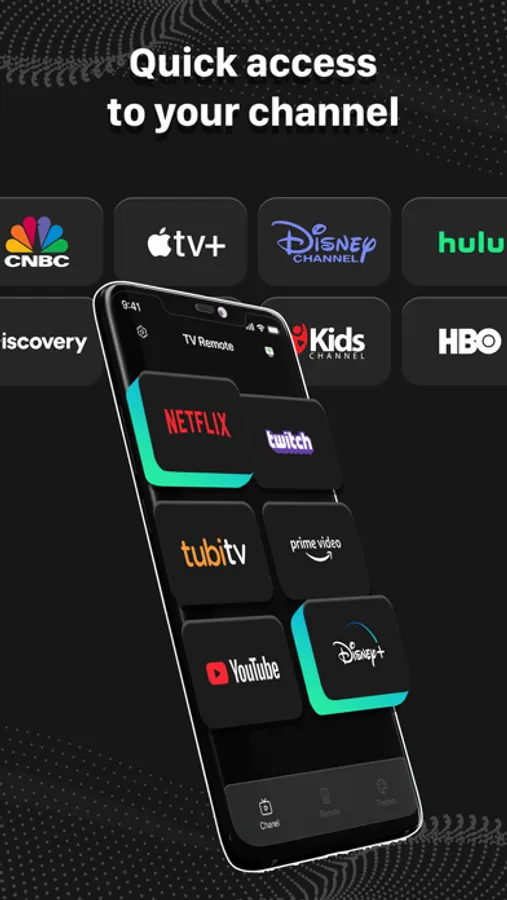
Channel Surfing Made Easy: Change channels without reaching for the physical remote. Swipe through channels like a pro.
Smart Search: Find your favorite shows, movies, and sports events using our intuitive search feature. Discover content across channels with ease.
Why Choose TV Remote Control?
Effortless Convenience: No more searching for lost remotes or dealing with complicated controls. Our app makes TV navigation effortless!
Smart Living: Control your TV without leaving the comfort of your couch. Say hello to hassle-free entertainment.
Battery-Saving Solution: Forget about replacing batteries. Your phone becomes the ultimate remote.
How It Works:
Wi-Fi Connection: Ensure your phone and TV are on the same Wi-Fi network.
Pairing: Open the app, tap the icon, and follow the on-screen instructions to pair your phone with the television.
Enjoy: Monitor your TV via your smartphone—use the touchpad, numeric keys, and more.
Download TV Remote Control Now!
Ready to simplify your entertainment experience? Download TV Remote Control and take charge of your TV, all from the palm of your hand
Remember, with TV Remote Control, you’re the master of your entertainment domain!
Key Features:
Use Your Phone as a TV Remote: Say goodbye to separate remotes! Control your TV directly from your phone. Navigate menus, adjust settings, and enjoy seamless interaction.
Universal Compatibility: Our app seamlessly connects with a wide range of TVs, including Samsung, Roku, LG, and more. No matter which brand you own, TV Remote Control has you in control.
Customizable Themes: Personalize your TV Remote Control experience. Choose from a variety of themes to match your style—whether it’s sleek and minimalistic or vibrant and playful.
One-Touch Power: Turn your TV on or off with a simple tap. No more fumbling for multiple remotes—your phone does it all.
Volume Mastery: Adjust the volume directly from your phone. Whether it’s a thrilling movie or a soothing music channel, fine-tune the sound effortlessly.
Channel Surfing Made Easy: Change channels without reaching for the physical remote. Swipe through channels like a pro.
Smart Search: Find your favorite shows, movies, and sports events using our intuitive search feature. Discover content across channels with ease.
Why Choose TV Remote Control?
Effortless Convenience: No more searching for lost remotes or dealing with complicated controls. Our app makes TV navigation effortless!
Smart Living: Control your TV without leaving the comfort of your couch. Say hello to hassle-free entertainment.
Battery-Saving Solution: Forget about replacing batteries. Your phone becomes the ultimate remote.
How It Works:
Wi-Fi Connection: Ensure your phone and TV are on the same Wi-Fi network.
Pairing: Open the app, tap the icon, and follow the on-screen instructions to pair your phone with the television.
Enjoy: Monitor your TV via your smartphone—use the touchpad, numeric keys, and more.
Download TV Remote Control Now!
Ready to simplify your entertainment experience? Download TV Remote Control and take charge of your TV, all from the palm of your hand
Remember, with TV Remote Control, you’re the master of your entertainment domain!