AppRecs review analysis
AppRecs rating 1.0. Trustworthiness 65 out of 100. Review manipulation risk 20 out of 100. Based on a review sample analyzed.
★☆☆☆☆
1.0
AppRecs Rating
Ratings breakdown
5 star
0%
4 star
0%
3 star
0%
2 star
0%
1 star
100%
What to know
✓
Low review manipulation risk
20% review manipulation risk
⚠
Mixed user feedback
Average 1.0★ rating suggests room for improvement
About AR Grid Art : Grid Drawing Art
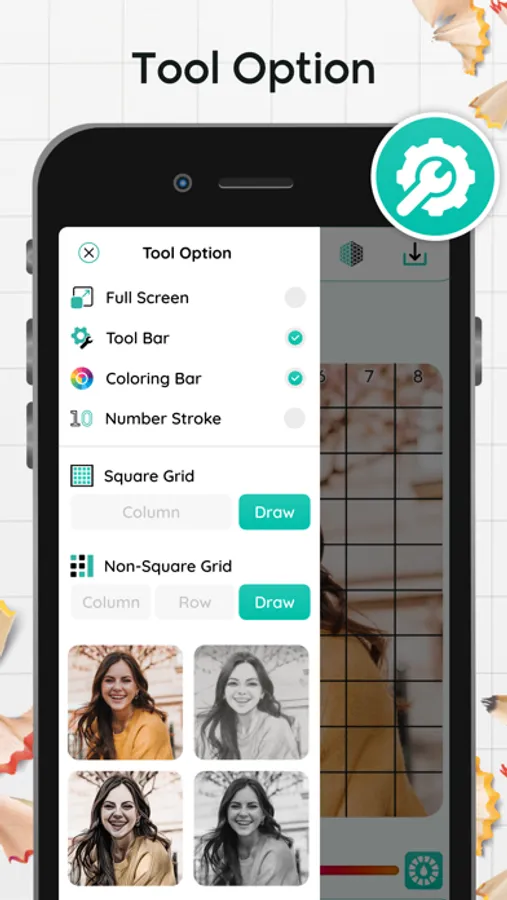
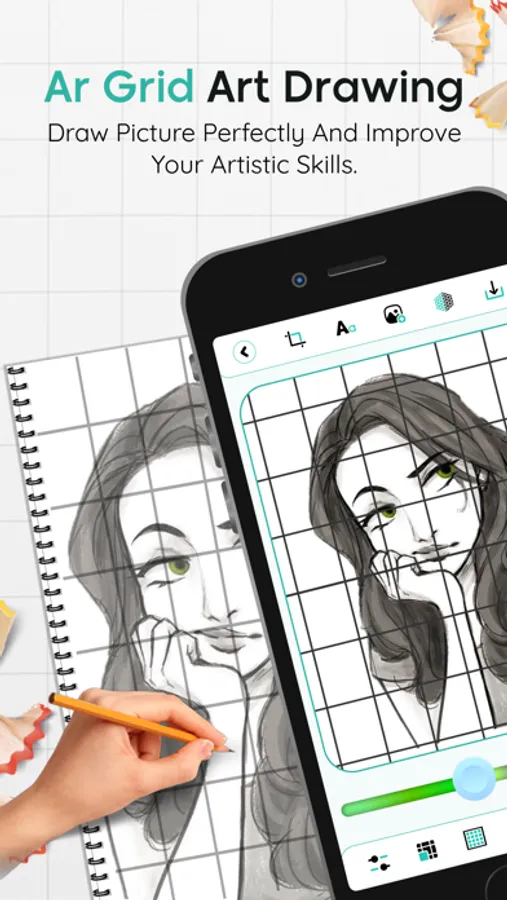
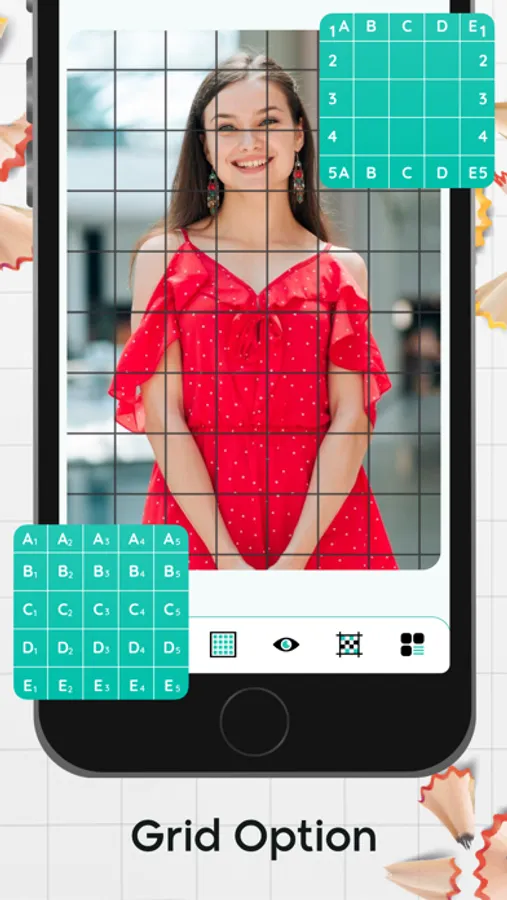
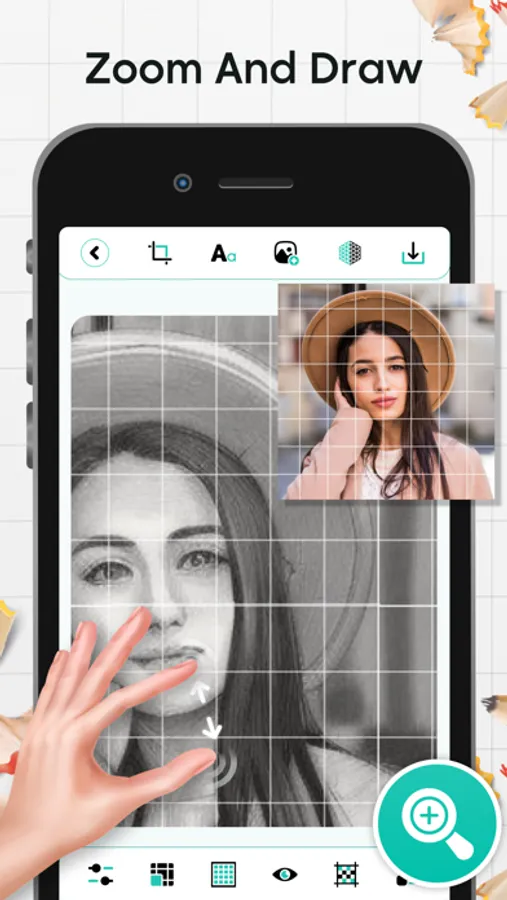
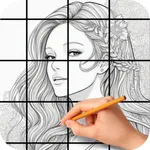
Using the AR Grid Art method, draw a grid on a reference photo and the same grid on canvas paper. Ensure both grids have the same number of squares and aspect ratio. Grid drawing lets you create rows, columns, squares, and non-square grids in any combination.
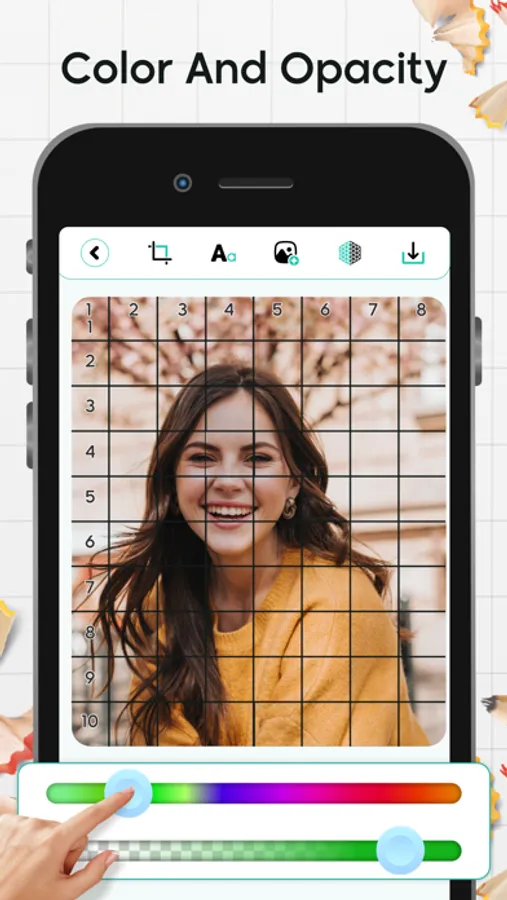
You can crop photos to any aspect ratio, including predefined ones like 9:16, 16:9, 4:3, 3:4, A4, and A3. You also can adjust the grid color and opacity, and save your settings for future use.
Key Features:
1 Grid to Drawing
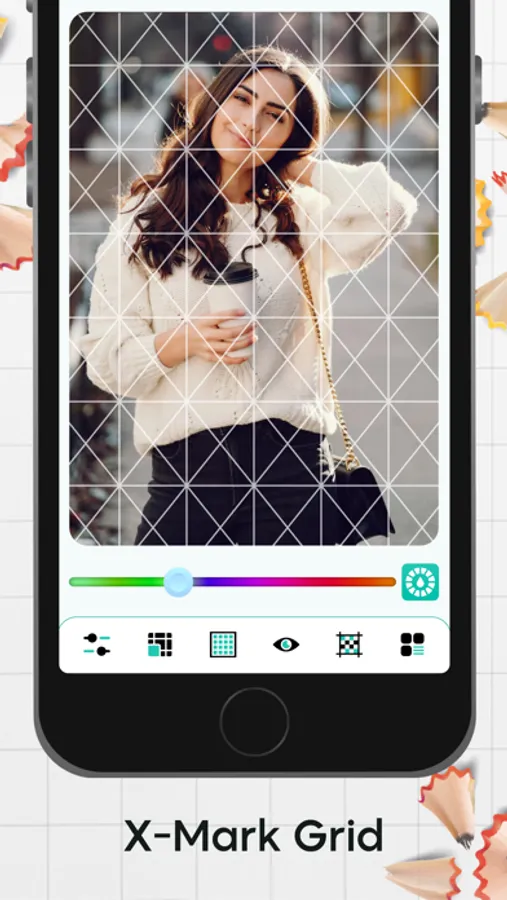
2 Drawing grid diagonally, useful for drawing and outline sketches.
3 Grid to Drawing by customizable cell size.
4 Grid to Drawing by customizable page size.
5 Creates Black and White image.
6 Crop in standard sizes
7 Crop the Image for customize Grid
8 Rotate or Crop the Image
Instantly enhance your artistic skills with the app and experience precise drawing at your fingertips!
You can crop photos to any aspect ratio, including predefined ones like 9:16, 16:9, 4:3, 3:4, A4, and A3. You also can adjust the grid color and opacity, and save your settings for future use.
Key Features:
1 Grid to Drawing
2 Drawing grid diagonally, useful for drawing and outline sketches.
3 Grid to Drawing by customizable cell size.
4 Grid to Drawing by customizable page size.
5 Creates Black and White image.
6 Crop in standard sizes
7 Crop the Image for customize Grid
8 Rotate or Crop the Image
Instantly enhance your artistic skills with the app and experience precise drawing at your fingertips!