About ConnectDots
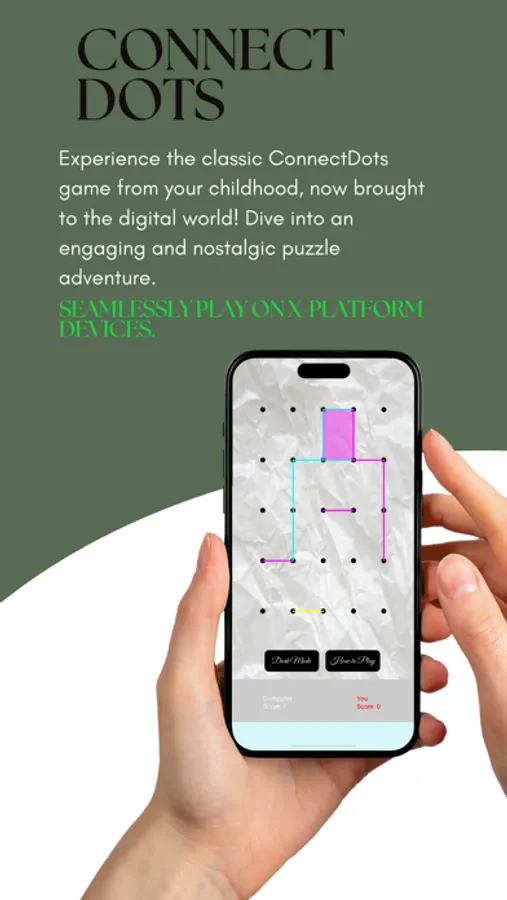
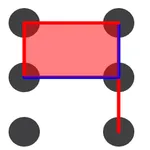
Experience the classic ConnectDots game from your childhood, now brought to the digital world! Dive into an engaging and nostalgic puzzle adventure.
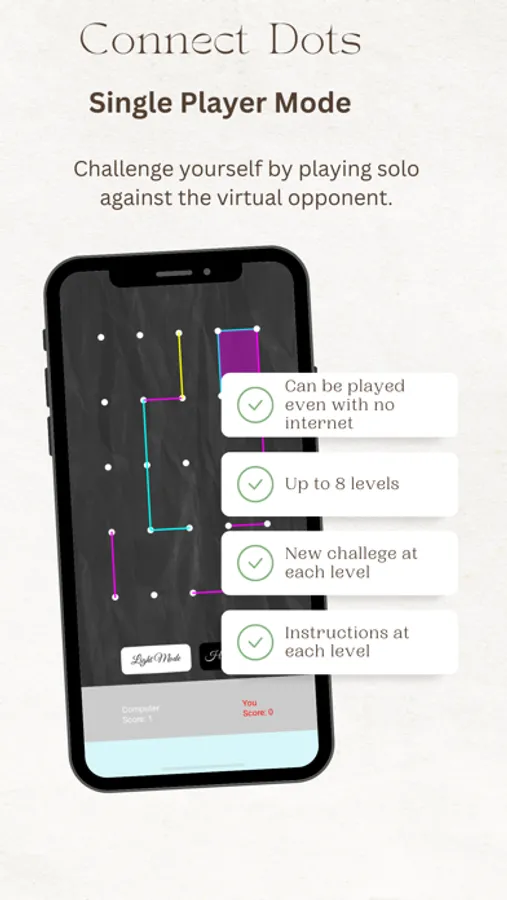
Single-Player Mode: Play against the computer for a solo challenge.
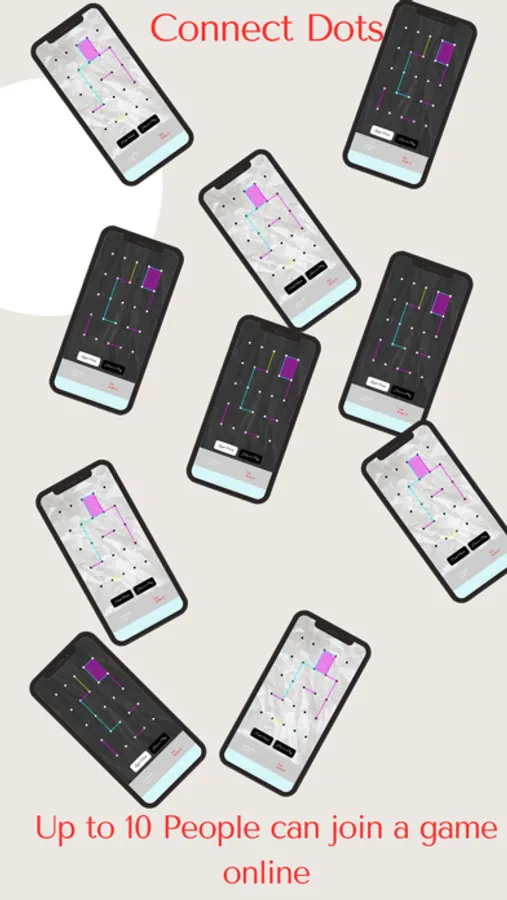
Multiplayer Mode: Compete online with up to 10 friends for endless fun.
Cross-Platform Play: Seamlessly play on X-Platform devices.
Whether you're playing alone or with friends, ConnectDots promises hours of fun and entertainment. Download now and start connecting the dots!
Create a single player game: 1). Enter any Name → 2). Pick 1 from Number of Players dropdown → 3). Choose Grid size → 4). Select difficulty → 5). Start Game
Create a multi player game: 1). Enter any Name → 2). Pick Number of Players from dropdown → 3). Choose Grid size → 4). Press 'Create Game for Multi-Player' button → 5). game id will appear on a pop up, share the id with other player, wait for all others to join, once all the players joined , then the Start Game will be activated → 6). Start Game
Join the multi player game: 1). Enter any Name → 2). You just need to enter the id in the box next to 'Join Game for Multi-Player' button → 3). Press 'Join Game for Multi-Player' button, and wait for Start Game button to be activated → 4). Start Game
Single-Player Mode: Play against the computer for a solo challenge.
Multiplayer Mode: Compete online with up to 10 friends for endless fun.
Cross-Platform Play: Seamlessly play on X-Platform devices.
Whether you're playing alone or with friends, ConnectDots promises hours of fun and entertainment. Download now and start connecting the dots!
Create a single player game: 1). Enter any Name → 2). Pick 1 from Number of Players dropdown → 3). Choose Grid size → 4). Select difficulty → 5). Start Game
Create a multi player game: 1). Enter any Name → 2). Pick Number of Players from dropdown → 3). Choose Grid size → 4). Press 'Create Game for Multi-Player' button → 5). game id will appear on a pop up, share the id with other player, wait for all others to join, once all the players joined , then the Start Game will be activated → 6). Start Game
Join the multi player game: 1). Enter any Name → 2). You just need to enter the id in the box next to 'Join Game for Multi-Player' button → 3). Press 'Join Game for Multi-Player' button, and wait for Start Game button to be activated → 4). Start Game