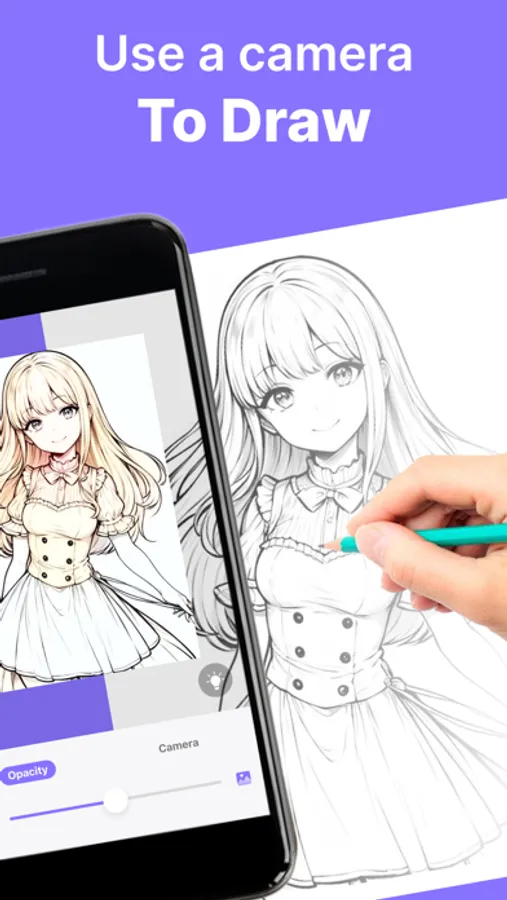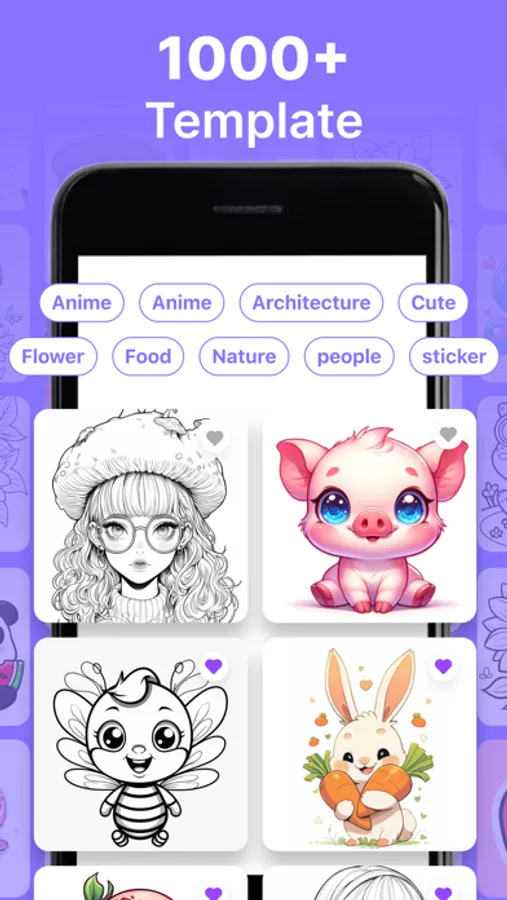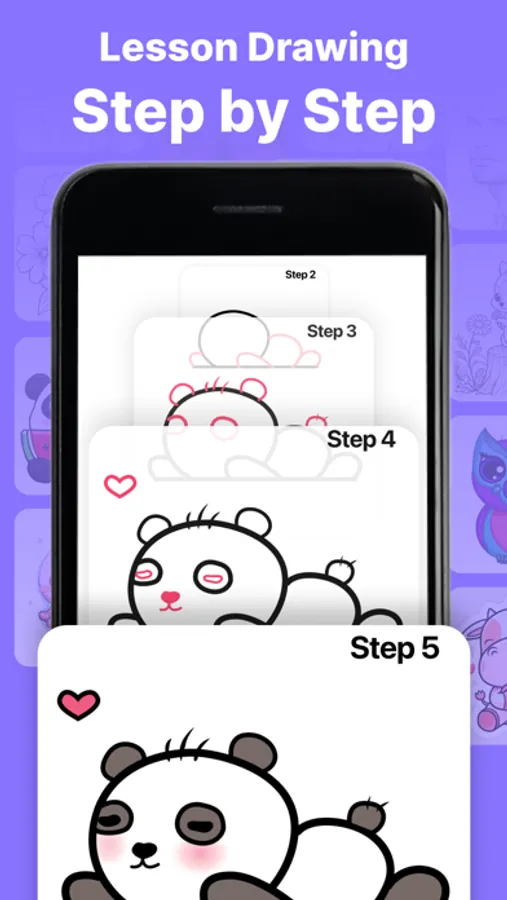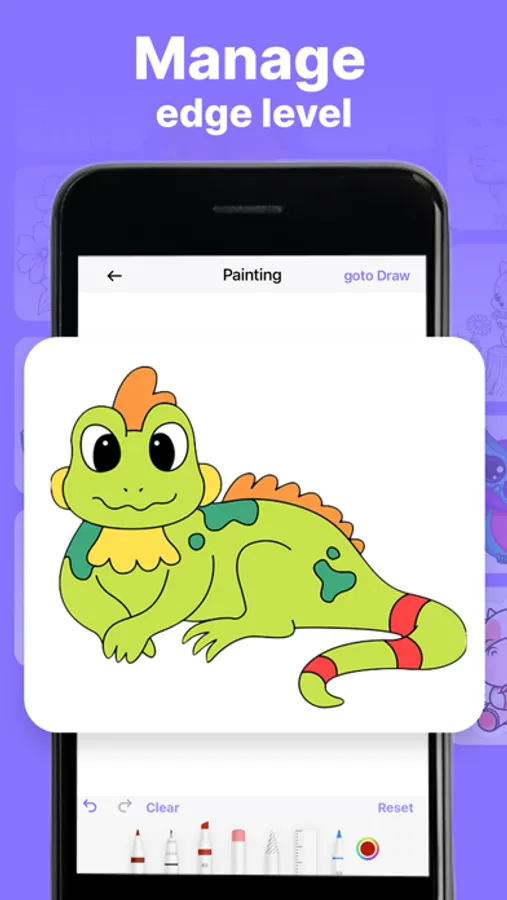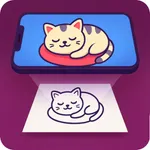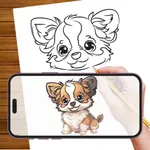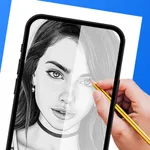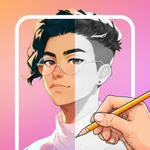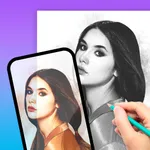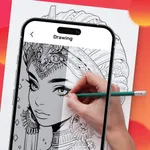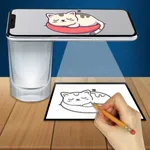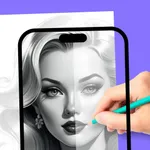
In this AR drawing app, users can trace images onto real-world surfaces using augmented reality technology. Includes tools for customization, AR overlay, and gallery storage of artwork.
AppRecs review analysis
AppRecs rating 4.3. Trustworthiness 78 out of 100. Review manipulation risk 28 out of 100. Based on a review sample analyzed.
★★★★☆
4.3
AppRecs Rating
Ratings breakdown
5 star
72%
4 star
9%
3 star
5%
2 star
3%
1 star
10%
What to know
✓
Low review manipulation risk
28% review manipulation risk
✓
Credible reviews
78% trustworthiness score from analyzed reviews
✓
High user satisfaction
82% of sampled ratings are 4+ stars (4.3★ average)
About AR Drawing: Tracing Paper
Unleash the full potential of your creativity with our revolutionary AR Drawing feature in AR Drawing! This is not just an app; it's your gateway to turning the real world into your canvas. With our intuitive interface, the only boundary is your imagination. It's effortlessly simple!
What is Sketch? Camera Sketch?
Turn your phone into a magical sketching tool! Capture real life images with your camera and transform them into breathtaking freehand artwork with just a tap. Create mind-blowing masterpieces from ordinary photos in an instant.
How to Begin Sketching:
1. Open the app
2. Select an object from our vast collection or use your gallery/camera.
3. Customize your object to perfection. Adjust Grid, Edge, and Opacity settings.
4. Start sketching by tracing the image line by line, seamlessly transferring the object onto any surface.
5. With AR Drawing, you have the power to draw anything, anywhere, at any time.
Key Features:
- Innovative AR Technology: Elevate your sketches with augmented reality.
- Diverse Categories: From Halloween themes to anime, flowers, cars, girls, and anything.
- Record Your Artistry: Capture every stroke and shade of your sketching and painting journey.
- Essential Tools: Utilize features like lock screen, image rotation, brightness adjustment, and flashlight.
- Gallery Storage: Save all your masterpieces directly in the app's gallery.
- Experience the simplest, most immersive way to learn drawing with your phone camera. Download AR Drawing today and discover a whole new world of artistic possibilities!
Terms of use: https://sites.google.com/view/ar-drawing-tracing-projector/terms-of-use
Privacy policy: https://sites.google.com/view/ar-drawing-tracing-projector/privacy-policy
What is Sketch? Camera Sketch?
Turn your phone into a magical sketching tool! Capture real life images with your camera and transform them into breathtaking freehand artwork with just a tap. Create mind-blowing masterpieces from ordinary photos in an instant.
How to Begin Sketching:
1. Open the app
2. Select an object from our vast collection or use your gallery/camera.
3. Customize your object to perfection. Adjust Grid, Edge, and Opacity settings.
4. Start sketching by tracing the image line by line, seamlessly transferring the object onto any surface.
5. With AR Drawing, you have the power to draw anything, anywhere, at any time.
Key Features:
- Innovative AR Technology: Elevate your sketches with augmented reality.
- Diverse Categories: From Halloween themes to anime, flowers, cars, girls, and anything.
- Record Your Artistry: Capture every stroke and shade of your sketching and painting journey.
- Essential Tools: Utilize features like lock screen, image rotation, brightness adjustment, and flashlight.
- Gallery Storage: Save all your masterpieces directly in the app's gallery.
- Experience the simplest, most immersive way to learn drawing with your phone camera. Download AR Drawing today and discover a whole new world of artistic possibilities!
Terms of use: https://sites.google.com/view/ar-drawing-tracing-projector/terms-of-use
Privacy policy: https://sites.google.com/view/ar-drawing-tracing-projector/privacy-policy