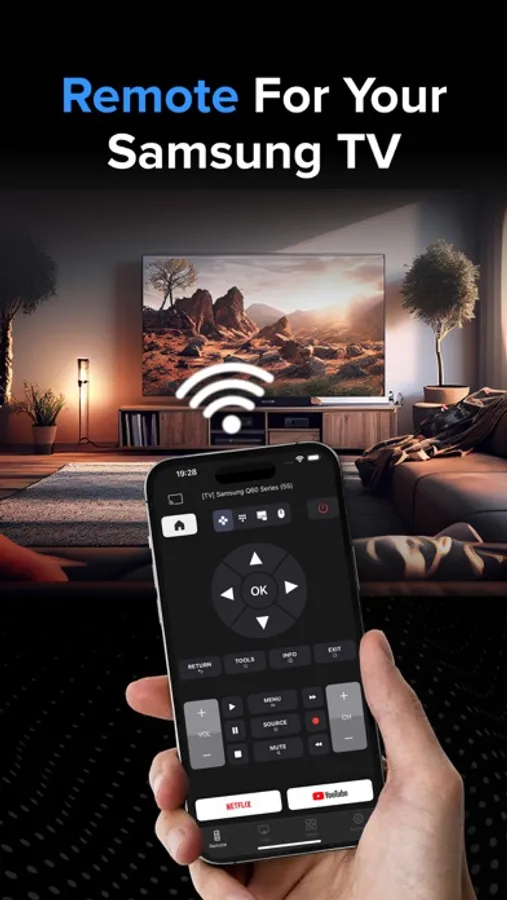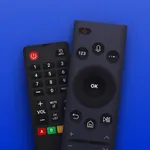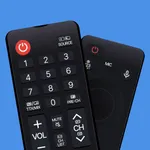
In this remote control app, you can navigate your Samsung Smart TV, launch apps, and adjust volume using your iPhone. Includes multi-TV support, media casting, and customizable interface options.
AppRecs review analysis
AppRecs rating 4.4. Trustworthiness 73 out of 100. Review manipulation risk 28 out of 100. Based on a review sample analyzed.
★★★★☆
4.4
AppRecs Rating
Ratings breakdown
5 star
75%
4 star
8%
3 star
4%
2 star
6%
1 star
7%
What to know
✓
Low review manipulation risk
28% review manipulation risk
✓
Credible reviews
73% trustworthiness score from analyzed reviews
✓
High user satisfaction
83% of sampled ratings are 4+ stars (4.4★ average)
About Remote Control For Samsung TV.
Samsung TV Remote Control: Your Ultimate Smart TV Companion
Transform your iPhone into a powerful, intuitive remote for your Samsung Smart TV! Our app brings the convenience of your TV controls right to your fingertips, offering a seamless and enhanced viewing experience.
Key Features:
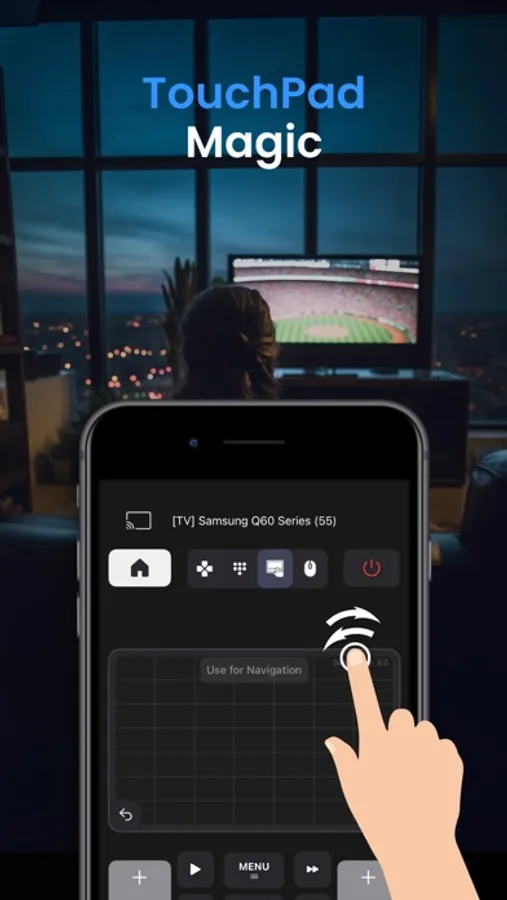
- TouchPad: Navigate your TV with precision using our responsive and advanced TouchPad. Works with TV navigation, all apps and web browser.
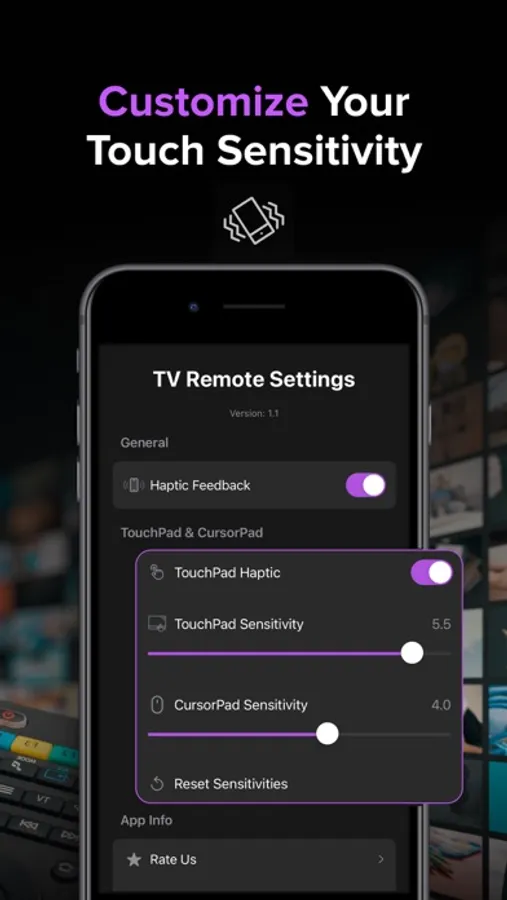
- Precision Control Customization: Adjustable sensitivity settings for both TouchPad and CursorPad for accurate navigation.
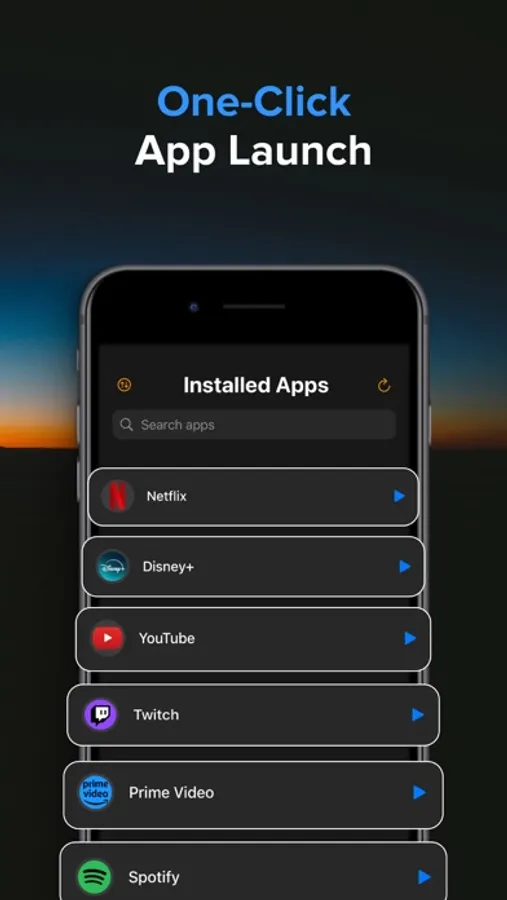
- Launch App Hub: Access all your TV's installed apps in one place. Launch any app with a single tap, making it easier than ever to start your favorite content.
- Remote Control: Navigate your TV with ease using our sleek, user-friendly interface. Control volume, change channels, access menus, and more - all from your iPhone.
- Haptic Feedback: Experience satisfying tactile responses with every button press, making navigation more intuitive and engaging.
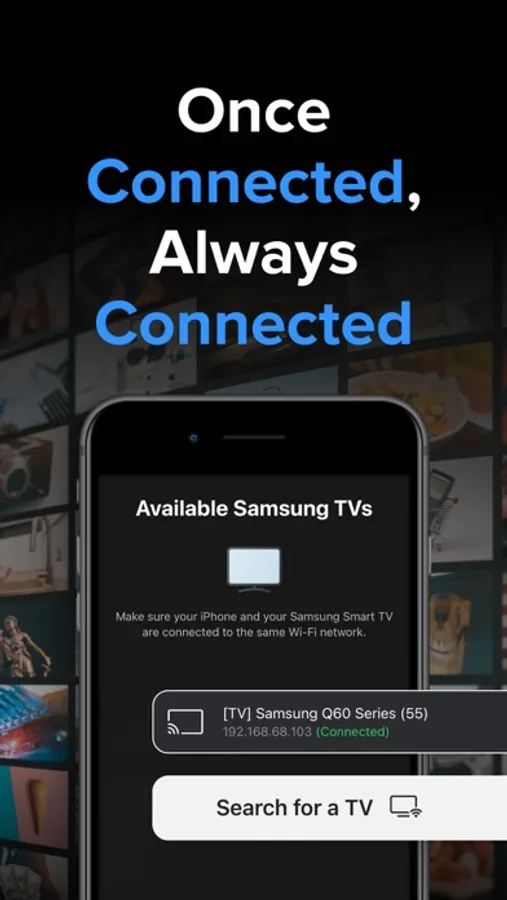
- Multi-TV Support: Easily switch between multiple Samsung TVs in your home. Perfect for households with several smart TVs.
- Quick Launch Apps: Start your favorite streaming services like Netflix and YouTube with just one tap.
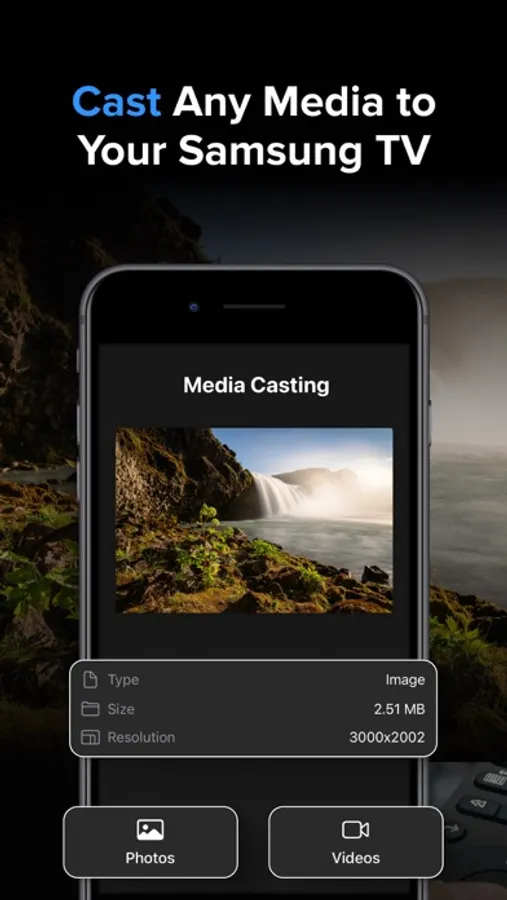
- Media Casting: Share your memories on the big screen! Cast photos and videos directly from your iPhone to your Samsung TV with our simple-to-use interface.
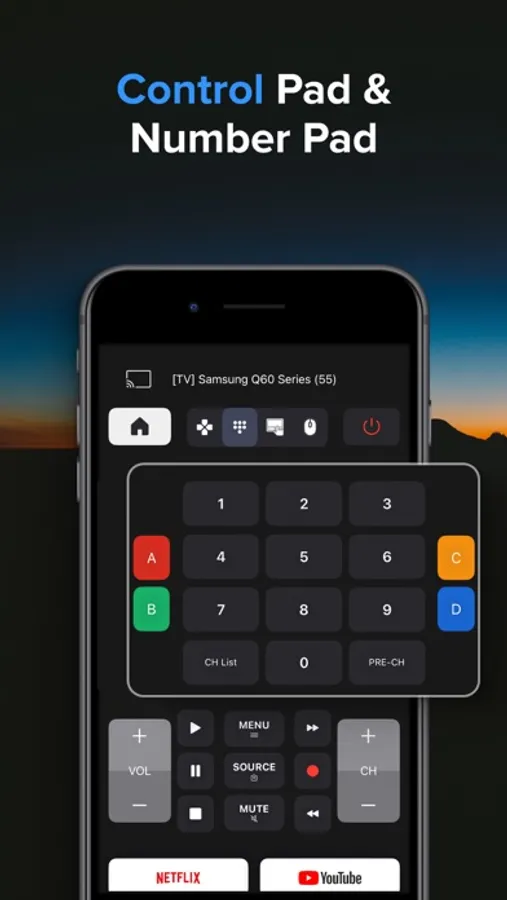
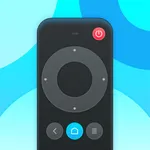
- Customizable Interface: Choose between arrow keys or a dial pad for navigation, tailoring the remote to your preference.
- Power Control: Turn your TV on and off remotely - perfect for those cozy nights when you don't want to leave your bed.
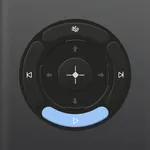
- Advanced Playback Controls: Play, pause, fast-forward, and rewind with dedicated media control buttons.
- No Additional Hardware: Works over your home Wi-Fi network - no dongles or additional hardware required!
Experience the future of TV control today! Transform now the way you interact with your Samsung Smart TV!
Note: Requires your iPhone and your Samsung TV to be connect on the same Wi-Fi network.
* Upgrade to Premium to remove ads and unlock all features, including the Launch App Hub, Touchpad & Media Casting. The Premium subscription costs $3.99 per week.
Information about the auto-renewable nature of the Premium Subscription:
- Your iTunes account will be charged for the subscription, which automatically renews unless auto-renew is turned off at least 24 hours before the current period ends. The cost of renewal will be the same as the original subscription price.
- You can manage auto-renewal in your Account Settings at any time. Please note that refunds are not provided for any unused portion of the subscription.
Terms of use: https://reportking.app/remotetvapp/terms.html
Transform your iPhone into a powerful, intuitive remote for your Samsung Smart TV! Our app brings the convenience of your TV controls right to your fingertips, offering a seamless and enhanced viewing experience.
Key Features:
- TouchPad: Navigate your TV with precision using our responsive and advanced TouchPad. Works with TV navigation, all apps and web browser.
- Precision Control Customization: Adjustable sensitivity settings for both TouchPad and CursorPad for accurate navigation.
- Launch App Hub: Access all your TV's installed apps in one place. Launch any app with a single tap, making it easier than ever to start your favorite content.
- Remote Control: Navigate your TV with ease using our sleek, user-friendly interface. Control volume, change channels, access menus, and more - all from your iPhone.
- Haptic Feedback: Experience satisfying tactile responses with every button press, making navigation more intuitive and engaging.
- Multi-TV Support: Easily switch between multiple Samsung TVs in your home. Perfect for households with several smart TVs.
- Quick Launch Apps: Start your favorite streaming services like Netflix and YouTube with just one tap.
- Media Casting: Share your memories on the big screen! Cast photos and videos directly from your iPhone to your Samsung TV with our simple-to-use interface.
- Customizable Interface: Choose between arrow keys or a dial pad for navigation, tailoring the remote to your preference.
- Power Control: Turn your TV on and off remotely - perfect for those cozy nights when you don't want to leave your bed.
- Advanced Playback Controls: Play, pause, fast-forward, and rewind with dedicated media control buttons.
- No Additional Hardware: Works over your home Wi-Fi network - no dongles or additional hardware required!
Experience the future of TV control today! Transform now the way you interact with your Samsung Smart TV!
Note: Requires your iPhone and your Samsung TV to be connect on the same Wi-Fi network.
* Upgrade to Premium to remove ads and unlock all features, including the Launch App Hub, Touchpad & Media Casting. The Premium subscription costs $3.99 per week.
Information about the auto-renewable nature of the Premium Subscription:
- Your iTunes account will be charged for the subscription, which automatically renews unless auto-renew is turned off at least 24 hours before the current period ends. The cost of renewal will be the same as the original subscription price.
- You can manage auto-renewal in your Account Settings at any time. Please note that refunds are not provided for any unused portion of the subscription.
Terms of use: https://reportking.app/remotetvapp/terms.html