Auto Captions: Video Subtitles
Fitness Labs
4.6 ★
store rating
Free
AppRecs review analysis
AppRecs rating 3.6. Trustworthiness 67 out of 100. Review manipulation risk 36 out of 100. Based on a review sample analyzed.
★★★☆☆
3.6
AppRecs Rating
Ratings breakdown
5 star
81%
4 star
9%
3 star
4%
2 star
2%
1 star
5%
What to know
✓
High user satisfaction
81% of sampled ratings are 5 stars
⚠
Review quality concerns
51% of sampled 5-star reviews are very short
About Auto Captions: Video Subtitles
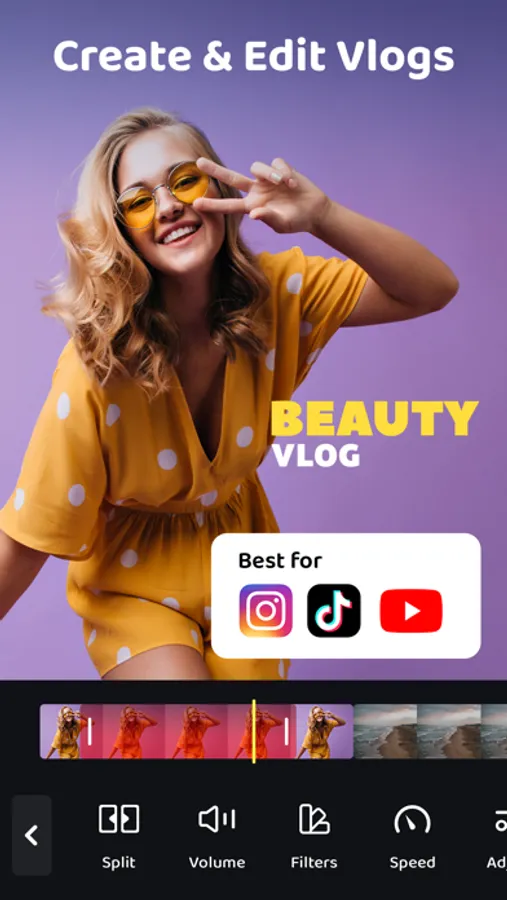
Transform your videos with Auto Captions, the smart video editing app that makes captioning fast, easy, and stylish.
Whether you're creating content for social media, educational videos, or professional presentations, Auto Captions automatically generates accurate subtitles for your videos and gives you full control over their look.
Key Features:
- Auto-Generated Captions: Save time and effort with automatic caption generation. Upload your video and let Auto Captions transcribe the audio to text, making your content accessible instantly.
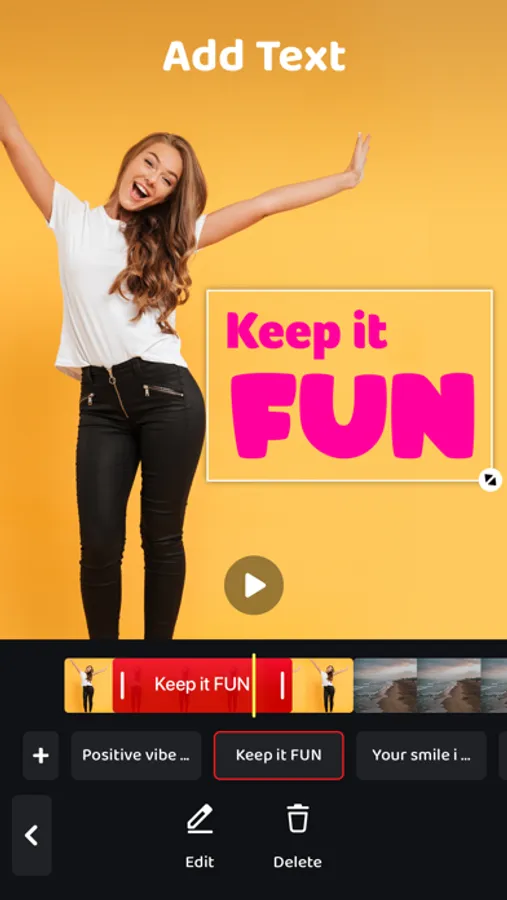
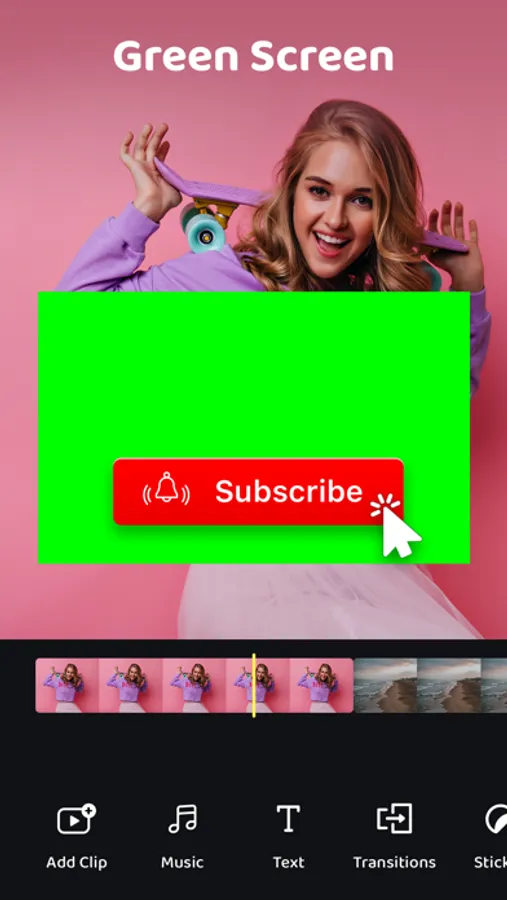
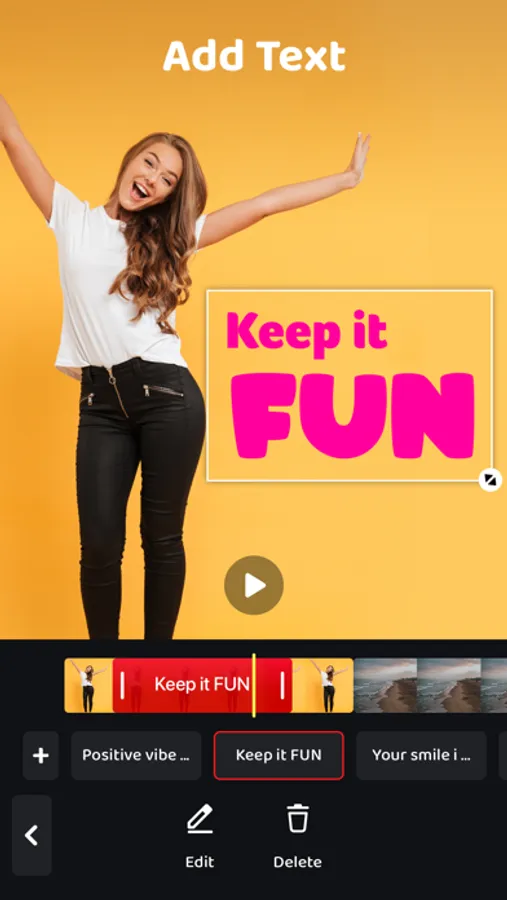
- Customizable Caption Styles: Personalize your captions with various fonts, colors, backgrounds, and text sizes. Choose the style that best fits the tone of your video and make your captions pop!
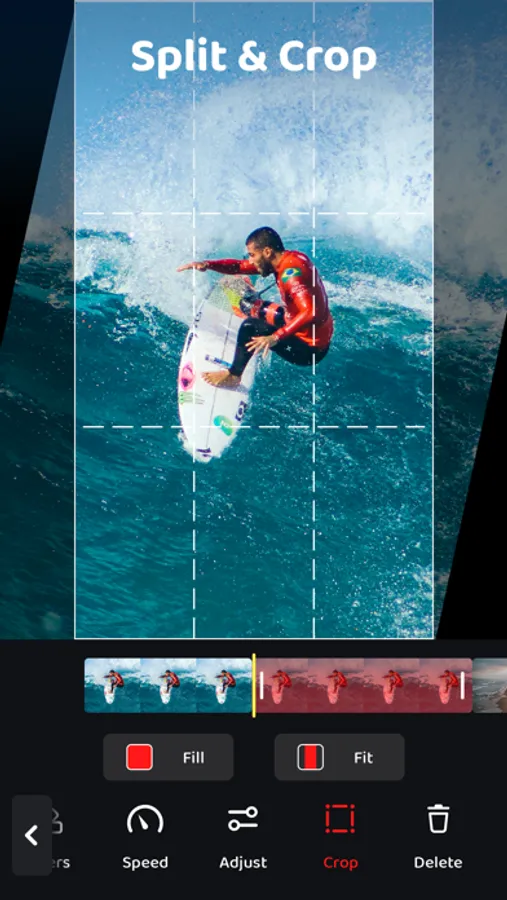
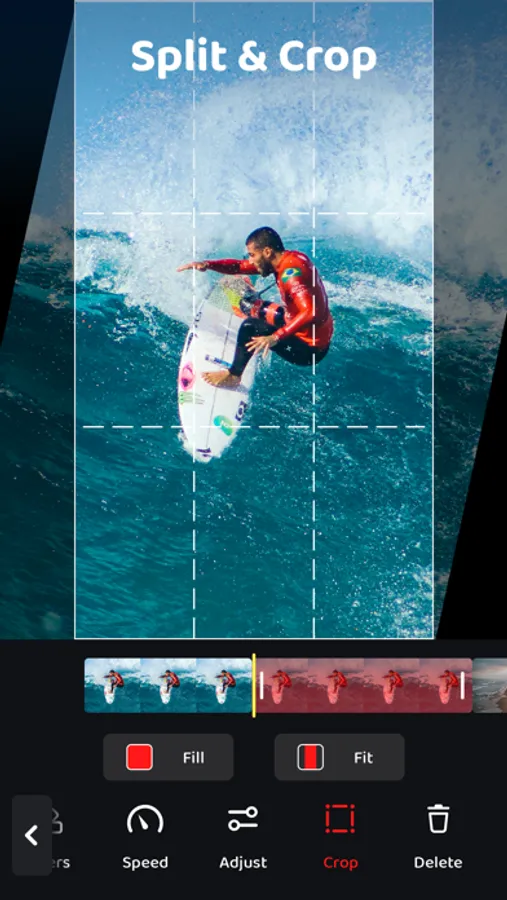
- Text Editing: Easily adjust the timing, positioning, and font size of your captions. Fine-tune every detail so your captions appear exactly how you want them.
- Multi-Language Support: Create captions in multiple languages for a global audience. Whether you're speaking to fans in different regions or adding multilingual subtitles, Auto Captions has you covered.
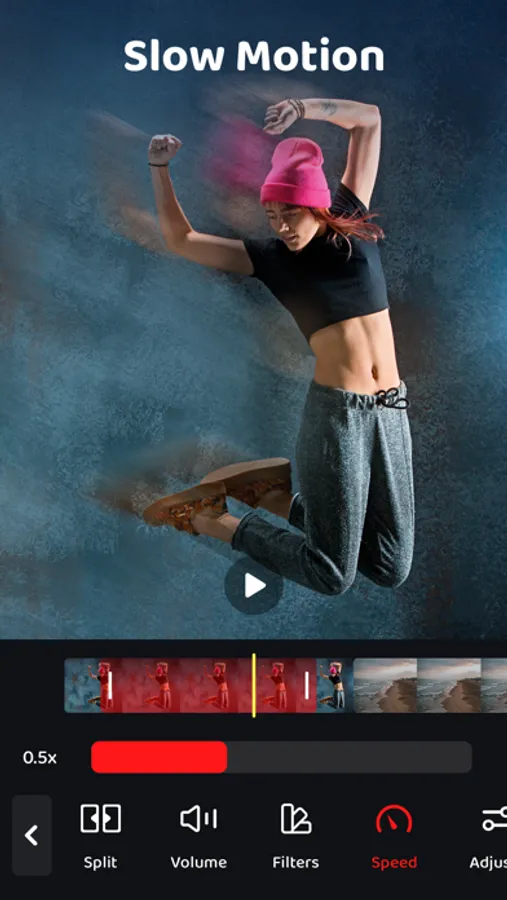
- Real-time Preview: See your edits come to life in real-time with a built-in preview feature. Adjust and perfect your video until it’s just right.
- Simple and Intuitive: Auto Captions is designed for both beginners and professionals. With an intuitive interface, anyone can create polished videos with captions in just a few steps.
- No Watermarks: Edit and share your videos without watermarks. Your content stays clean and professional, with no distractions.
Make your videos more engaging and accessible in minutes. With Auto Captions, you can easily add, edit, and customize captions to create videos that speak to everyone.
Download Auto Captions now and start editing like a pro!
We currently offer one auto-renewing subscription option: Captions Pro for $29.99/year
By subscribing you get unlimited file conversions.Payment will be charged to iTunes Account at confirmation of purchase. Your subscription will automatically renews unless auto-renew is turned off at least 24-hours before the end of the current period. Your account will be charged for renewal within 24-hours prior to the end of the current period. Subscriptions may be managed and auto-renewal may be turned off by going to the Account Settings after purchase. No cancellation of the current subscription is allowed during active subscription period.
Any unused portion of a free trial period, if offered, will be forfeited when the user purchases a subscription to that publication, where applicable
For the Terms of service and privacy policy, please check:
http://braincake.net/captions_privacy.html
http://braincake.net/captions_terms.html
Whether you're creating content for social media, educational videos, or professional presentations, Auto Captions automatically generates accurate subtitles for your videos and gives you full control over their look.
Key Features:
- Auto-Generated Captions: Save time and effort with automatic caption generation. Upload your video and let Auto Captions transcribe the audio to text, making your content accessible instantly.
- Customizable Caption Styles: Personalize your captions with various fonts, colors, backgrounds, and text sizes. Choose the style that best fits the tone of your video and make your captions pop!
- Text Editing: Easily adjust the timing, positioning, and font size of your captions. Fine-tune every detail so your captions appear exactly how you want them.
- Multi-Language Support: Create captions in multiple languages for a global audience. Whether you're speaking to fans in different regions or adding multilingual subtitles, Auto Captions has you covered.
- Real-time Preview: See your edits come to life in real-time with a built-in preview feature. Adjust and perfect your video until it’s just right.
- Simple and Intuitive: Auto Captions is designed for both beginners and professionals. With an intuitive interface, anyone can create polished videos with captions in just a few steps.
- No Watermarks: Edit and share your videos without watermarks. Your content stays clean and professional, with no distractions.
Make your videos more engaging and accessible in minutes. With Auto Captions, you can easily add, edit, and customize captions to create videos that speak to everyone.
Download Auto Captions now and start editing like a pro!
We currently offer one auto-renewing subscription option: Captions Pro for $29.99/year
By subscribing you get unlimited file conversions.Payment will be charged to iTunes Account at confirmation of purchase. Your subscription will automatically renews unless auto-renew is turned off at least 24-hours before the end of the current period. Your account will be charged for renewal within 24-hours prior to the end of the current period. Subscriptions may be managed and auto-renewal may be turned off by going to the Account Settings after purchase. No cancellation of the current subscription is allowed during active subscription period.
Any unused portion of a free trial period, if offered, will be forfeited when the user purchases a subscription to that publication, where applicable
For the Terms of service and privacy policy, please check:
http://braincake.net/captions_privacy.html
http://braincake.net/captions_terms.html