About Paste to PDF
Paste an image into a PDF file easily!
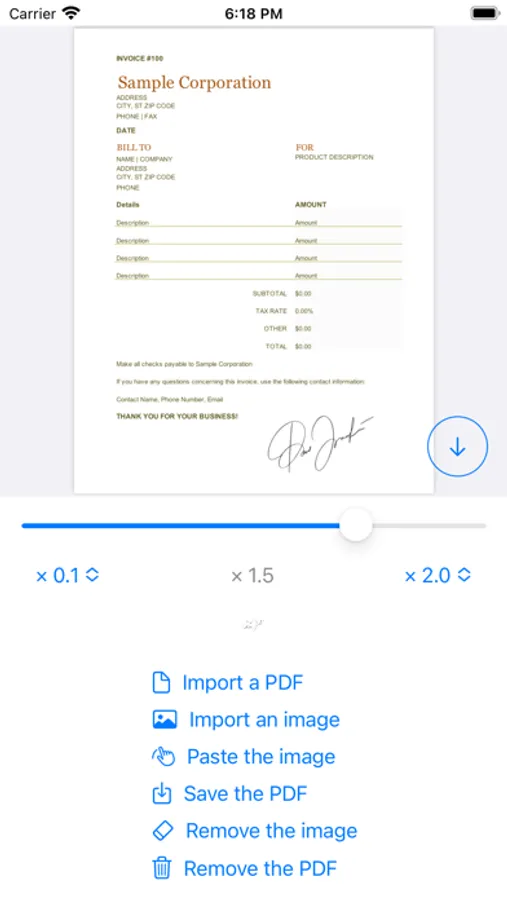
1) Import a PDF from the Files app.
2) Choose an image from the Photos app.
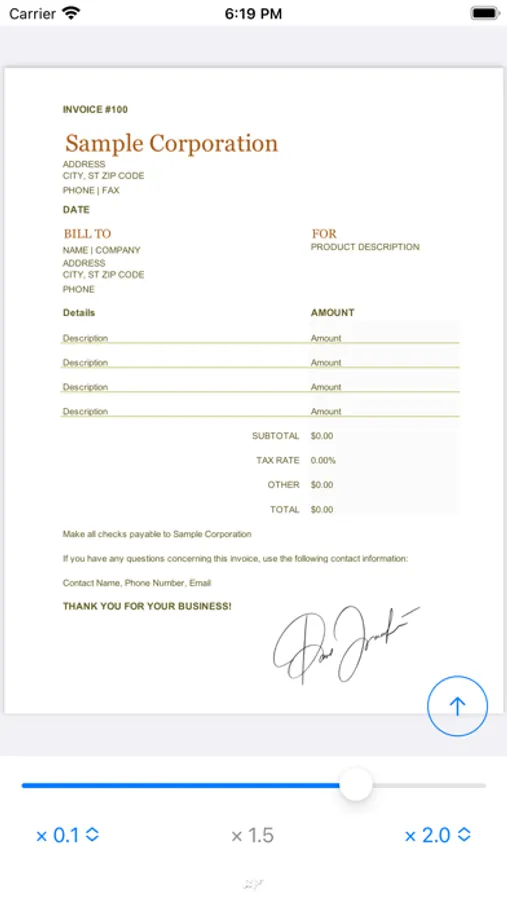
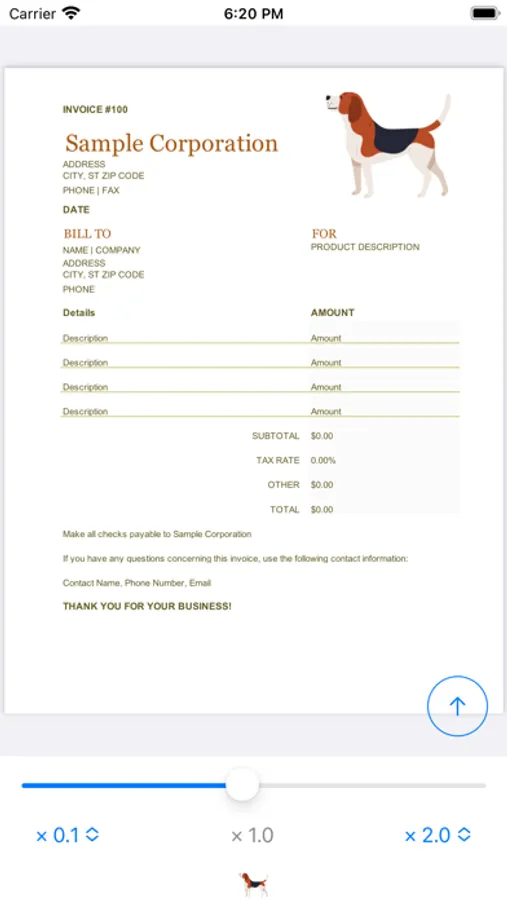
3) Paste the image, then adjust its size and position.
4) Save the updated PDF back to the Files app.
Need to add more images? Simply save your updated PDF, re-import it, and paste additional images.
1) Import a PDF from the Files app.
2) Choose an image from the Photos app.
3) Paste the image, then adjust its size and position.
4) Save the updated PDF back to the Files app.
Need to add more images? Simply save your updated PDF, re-import it, and paste additional images.