With this app, you can trim, adjust volume, and modify the tempo of MP3 files. Includes editing tools, quality selection, and sharing options.
AppRecs review analysis
AppRecs rating 4.5. Trustworthiness 0 out of 100. Review manipulation risk 0 out of 100. Based on a review sample analyzed.
★★★★☆
4.5
AppRecs Rating
Ratings breakdown
5 star
91%
4 star
5%
3 star
5%
2 star
0%
1 star
0%
What to know
✓
High user satisfaction
91% of sampled ratings are 5 stars
About MP3 Cutter - Trimmer
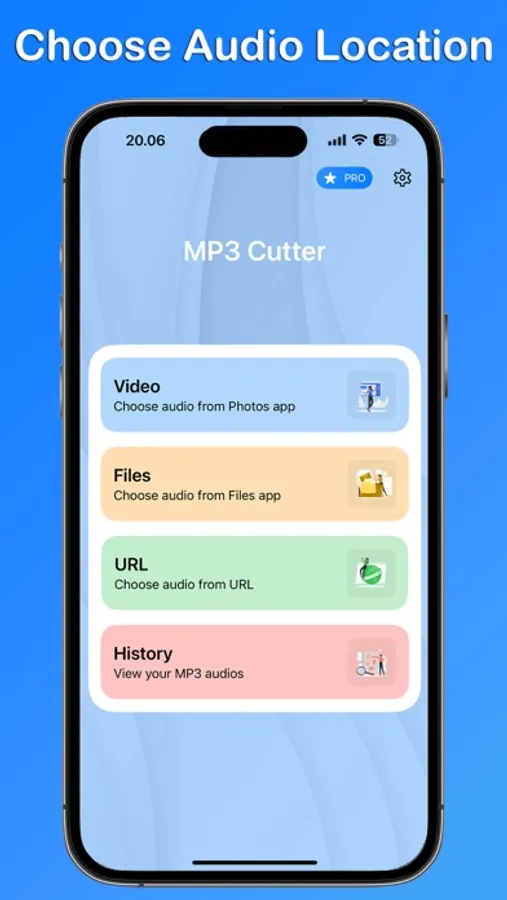
MP3 Cutter - Trimmer is a powerful app that lets you edit your MP3 files with precision.
Whether you want to cut a specific part of a track, adjust the volume, or change the tempo, this app has got you covered. Key features include:
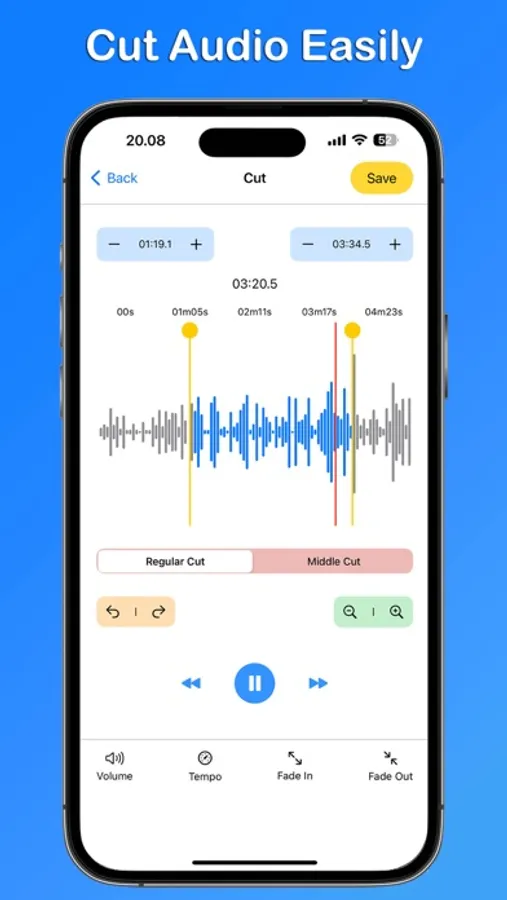
Cut and Trim: Quickly and accurately cut the beginning, end, or middle of an MP3 file.
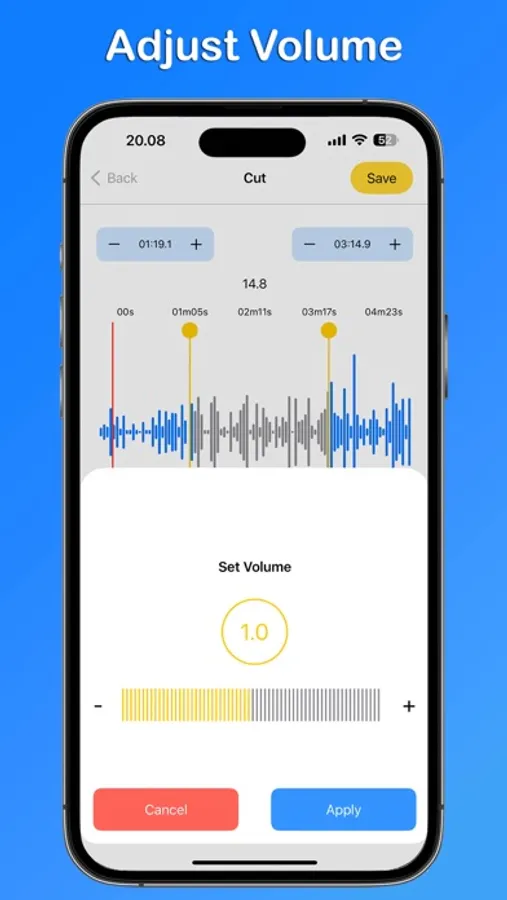
Adjust Volume: Modify the volume of your tracks to your liking.
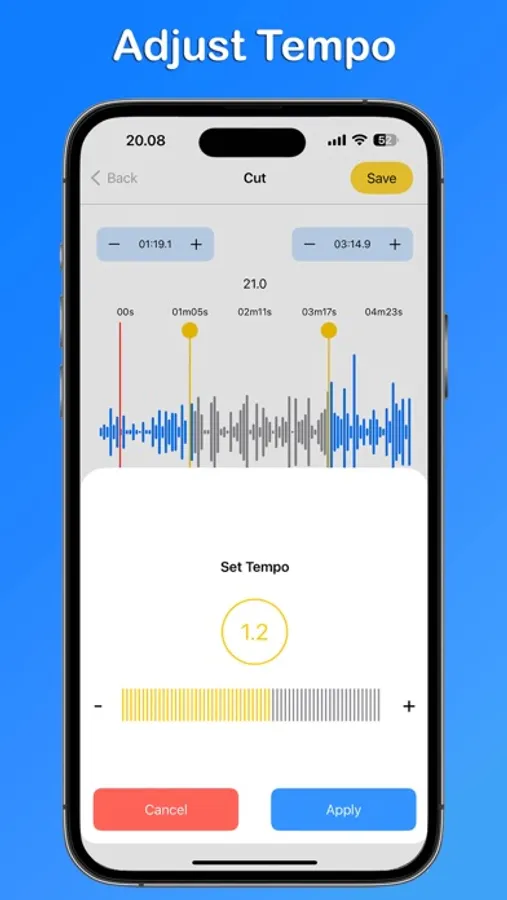
Tempo Control: Speed up or slow down your tracks easily.
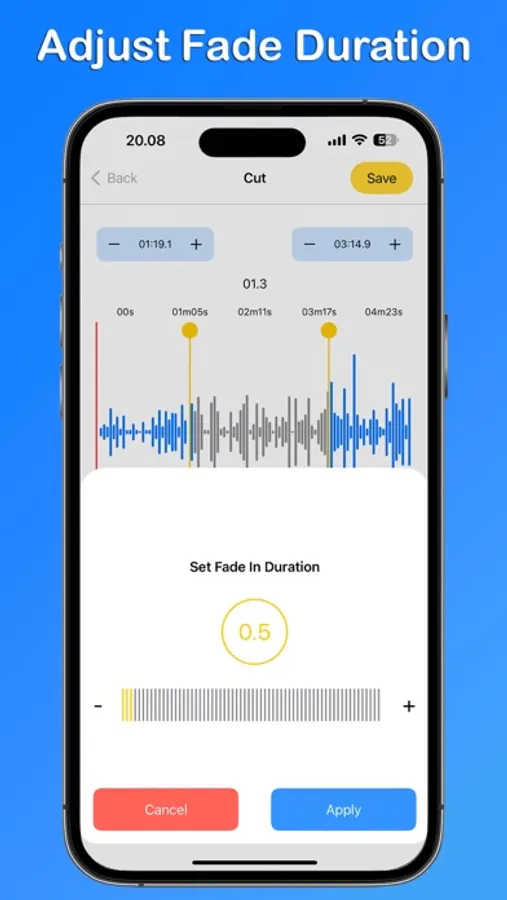
Fade In/Out: Apply smooth fade-in and fade-out effects to your tracks for a professional touch.
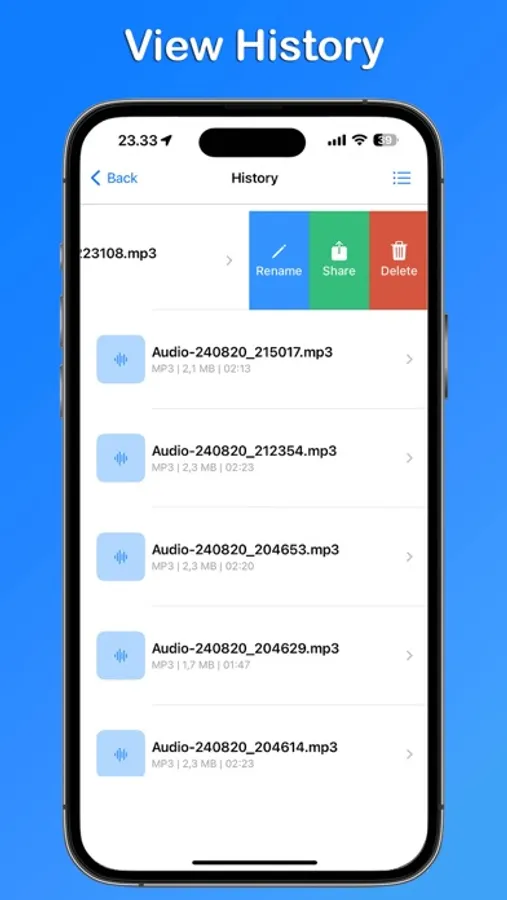
History: Access your editing history and revert changes if needed.
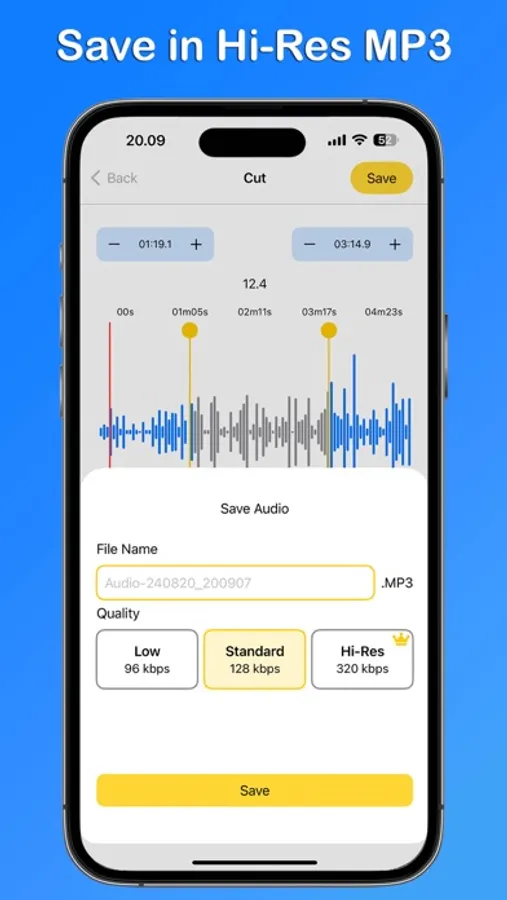
Choose Quality: Select MP3 quality up to Hi-Res for the best listening experience.
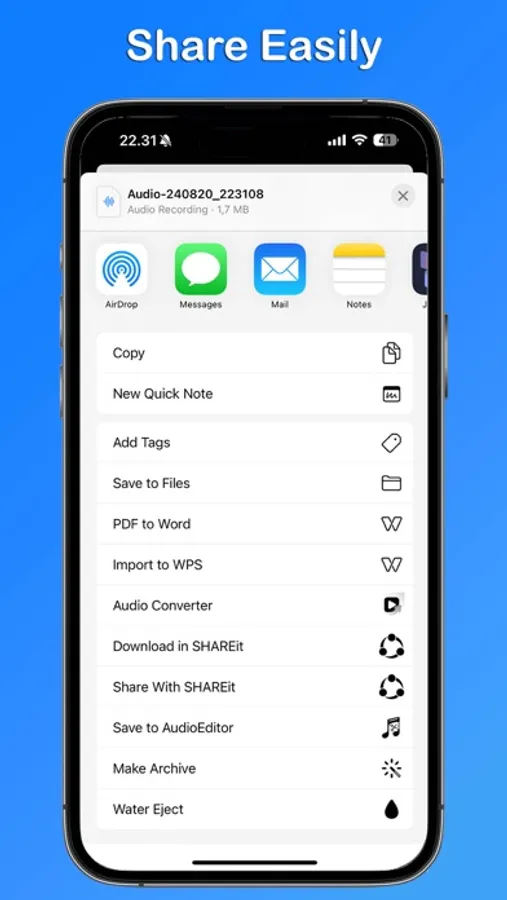
Share: Share your edited MP3 files with friends or on social media instantly.
Whether you're a music lover or a professional editor, MP3 Cutter - Trimmer offers all the tools you need to create perfect audio clips. The user-friendly interface ensures that anyone can start editing right away without any hassle.
MP3 Cutter - Trimmer app is free. You can use it forever, at no cost. However, MP3 Cutter - Trimmer does offer premium features for its subscribers. If you decide to purchase an upgrade, you will unlock additional features.
Terms of Use: https://kociapp.github.io/MP3-Cutter/term-of-use
Privacy Policy: https://kociapp.github.io/MP3-Cutter/privacy-policy
Whether you want to cut a specific part of a track, adjust the volume, or change the tempo, this app has got you covered. Key features include:
Cut and Trim: Quickly and accurately cut the beginning, end, or middle of an MP3 file.
Adjust Volume: Modify the volume of your tracks to your liking.
Tempo Control: Speed up or slow down your tracks easily.
Fade In/Out: Apply smooth fade-in and fade-out effects to your tracks for a professional touch.
History: Access your editing history and revert changes if needed.
Choose Quality: Select MP3 quality up to Hi-Res for the best listening experience.
Share: Share your edited MP3 files with friends or on social media instantly.
Whether you're a music lover or a professional editor, MP3 Cutter - Trimmer offers all the tools you need to create perfect audio clips. The user-friendly interface ensures that anyone can start editing right away without any hassle.
MP3 Cutter - Trimmer app is free. You can use it forever, at no cost. However, MP3 Cutter - Trimmer does offer premium features for its subscribers. If you decide to purchase an upgrade, you will unlock additional features.
Terms of Use: https://kociapp.github.io/MP3-Cutter/term-of-use
Privacy Policy: https://kociapp.github.io/MP3-Cutter/privacy-policy