Voice Message Saver
Muhammed Sadiq Afridi
Free
About Voice Message Saver
WhatsApp Voice Message Saver
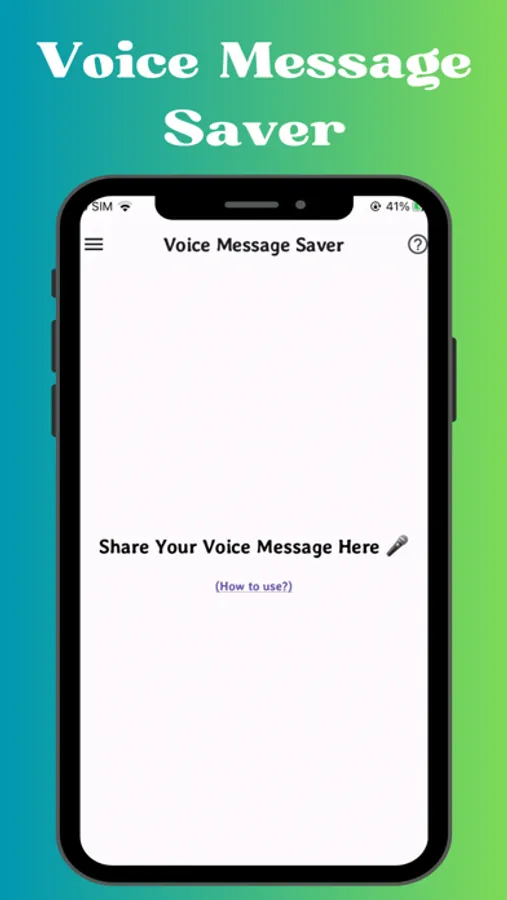
Save and manage your WhatsApp voice messages with ease using our new application, Voice Message Saver! This app is designed to help you save voice notes or voice messages from WhatsApp permanently.
Common Questions We Address:
How to save voice messages from WhatsApp on iPhone
How to download and save WhatsApp voice messages
How to save WhatsApp voice notes on your phone
Key Features:
Share Directly: Share your WhatsApp voice notes directly to Voice Message Saver.
Save & Manage: Save and manage your voice messages as needed.
User-Friendly Interface: Simple, attractive, and ideal for beginners.
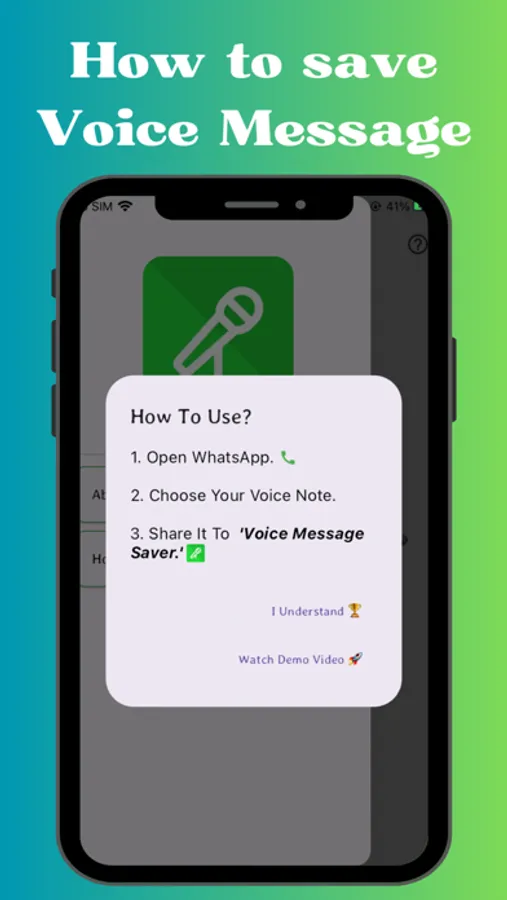
How to Save Your WhatsApp Voice Message:
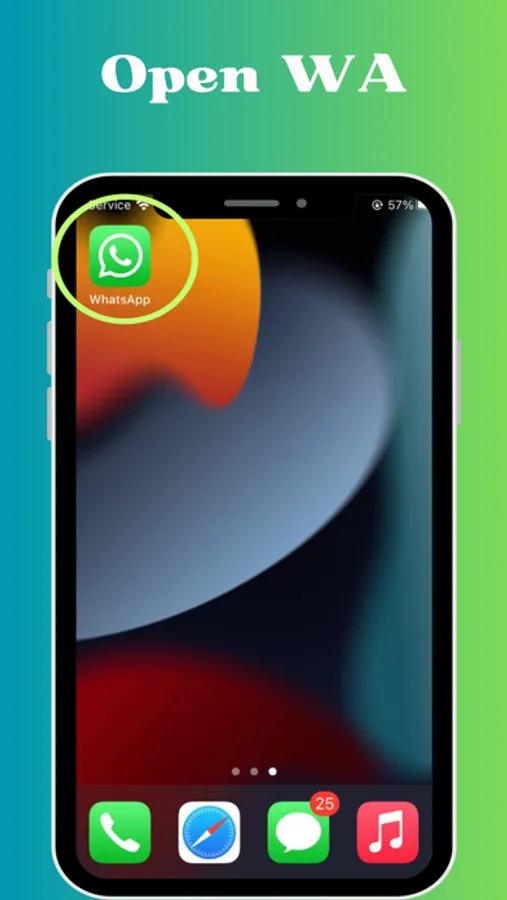
Open the WhatsApp application.
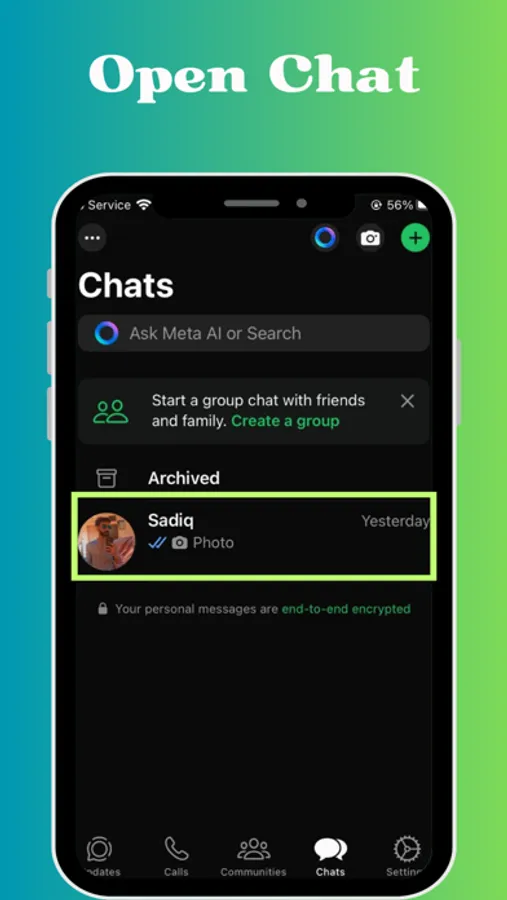
Go to the chat containing the voice note you want to save.
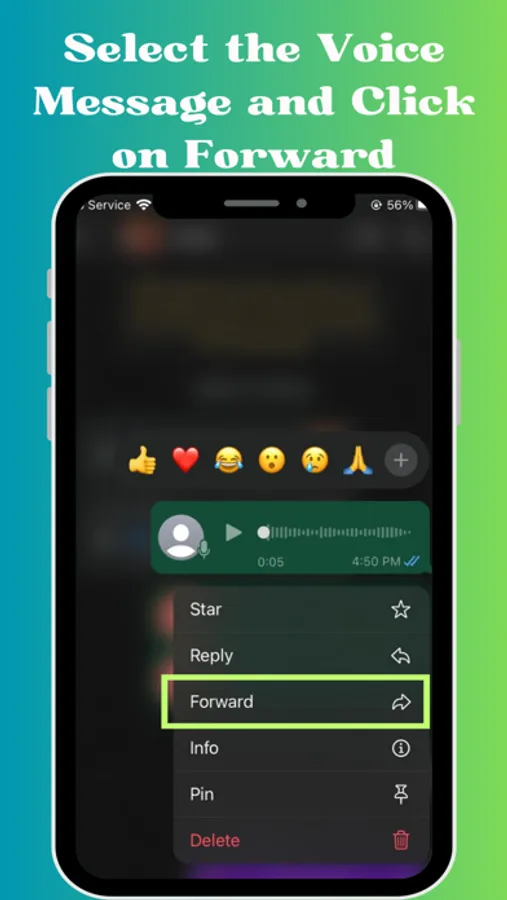
Select the voice note.
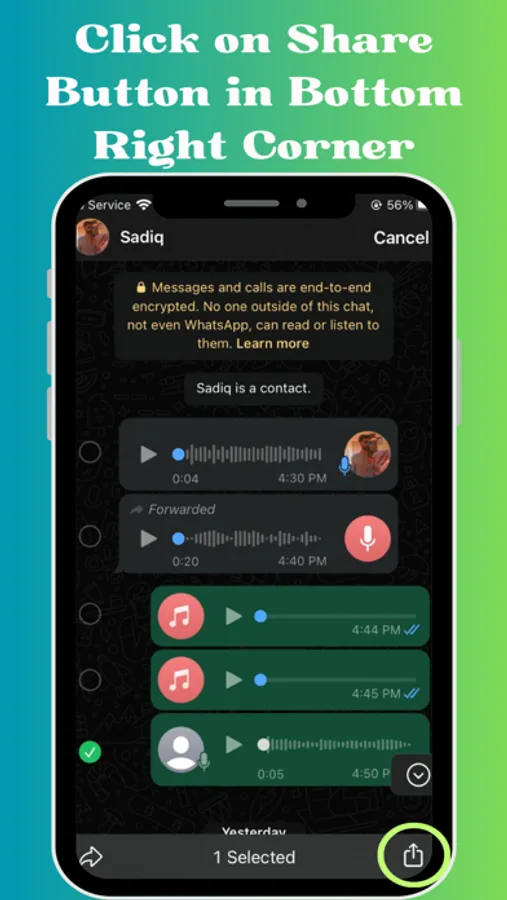
Tap the share icon that appears at the bottom of the chat.
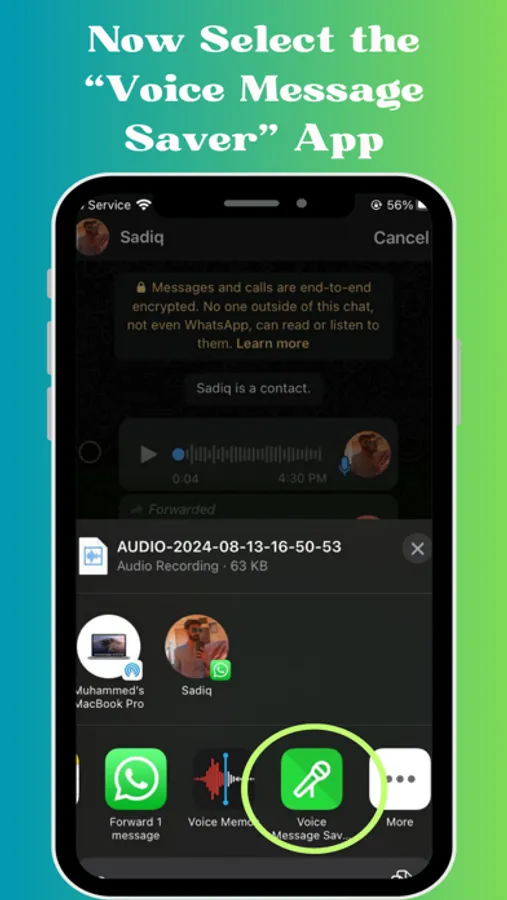
Choose Voice Message Saver from the share list.
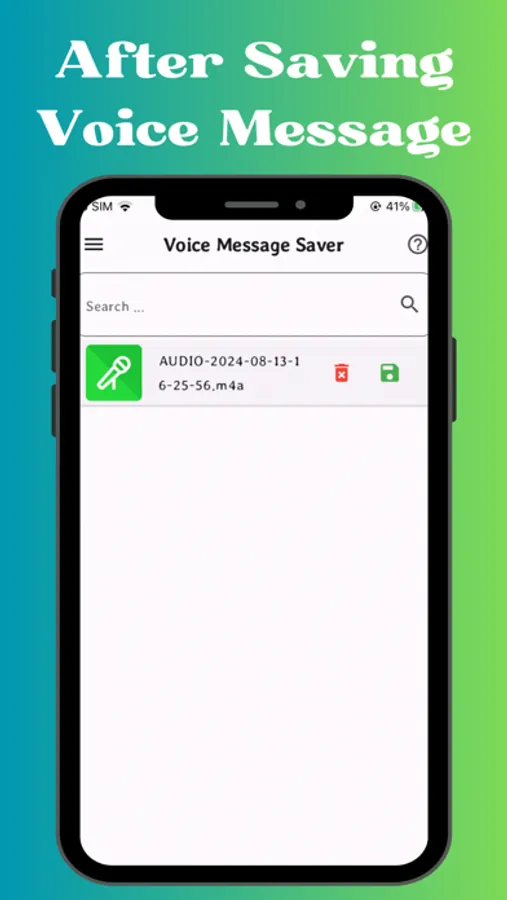
Allow the app to save the voice note.
Enjoy your saved voice message!
If you have any feedback or encounter any issues, feel free to contact us at trickswithandro@gmail.com.
Save and manage your WhatsApp voice messages with ease using our new application, Voice Message Saver! This app is designed to help you save voice notes or voice messages from WhatsApp permanently.
Common Questions We Address:
How to save voice messages from WhatsApp on iPhone
How to download and save WhatsApp voice messages
How to save WhatsApp voice notes on your phone
Key Features:
Share Directly: Share your WhatsApp voice notes directly to Voice Message Saver.
Save & Manage: Save and manage your voice messages as needed.
User-Friendly Interface: Simple, attractive, and ideal for beginners.
How to Save Your WhatsApp Voice Message:
Open the WhatsApp application.
Go to the chat containing the voice note you want to save.
Select the voice note.
Tap the share icon that appears at the bottom of the chat.
Choose Voice Message Saver from the share list.
Allow the app to save the voice note.
Enjoy your saved voice message!
If you have any feedback or encounter any issues, feel free to contact us at trickswithandro@gmail.com.