AppRecs review analysis
AppRecs rating 4.2. Trustworthiness 74 out of 100. Review manipulation risk 23 out of 100. Based on a review sample analyzed.
★★★★☆
4.2
AppRecs Rating
Ratings breakdown
5 star
71%
4 star
4%
3 star
8%
2 star
4%
1 star
13%
What to know
✓
Low review manipulation risk
23% review manipulation risk
✓
Credible reviews
74% trustworthiness score from analyzed reviews
✓
High user satisfaction
75% of sampled ratings are 4+ stars (4.2★ average)
About Play: Create Better Apps
Play has been awarded the 2025 Apple Design Award for Innovation! We're honored to be recognized with one of Apple's highest accolades.
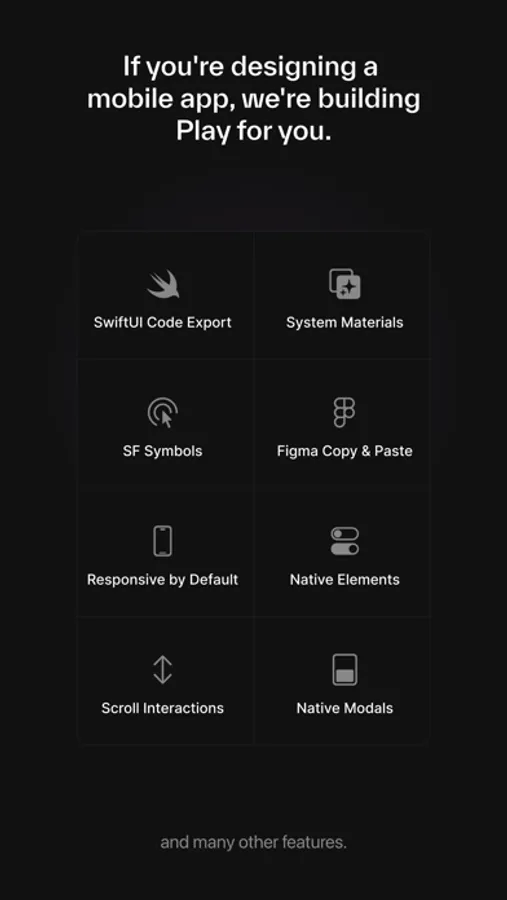
If you’re designing a mobile app, we’re building Play for you. Play combines a familiar design canvas with the power of Apple's native iOS elements, access to device hardware, and interactions that use Core Animation. Play takes a new approach to app design by giving you access to the native materials of the medium, but design and prototype from both your Mac and iPhone.
Play’s Features
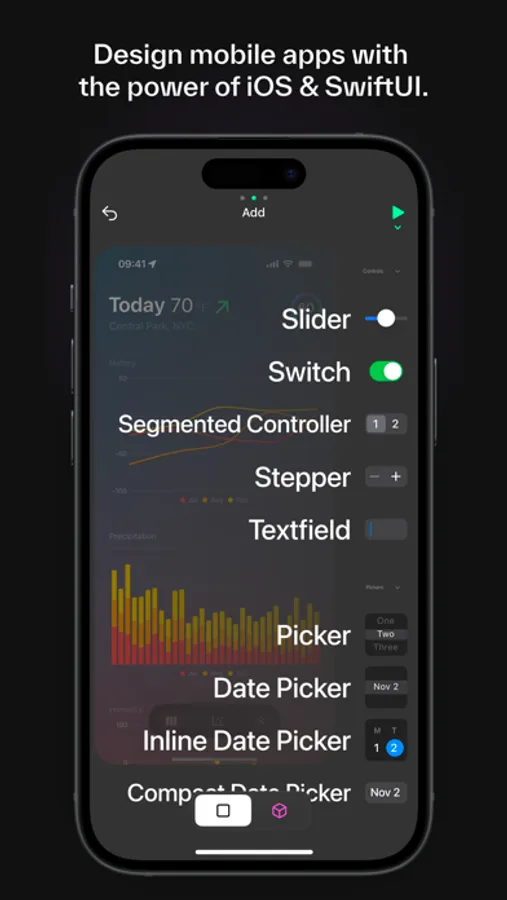
— Design with native iOS elements like Apple Maps, Swift Charts, SF Symbols, Materials, input text fields, date pickers, switches, steppers, modals, and more.
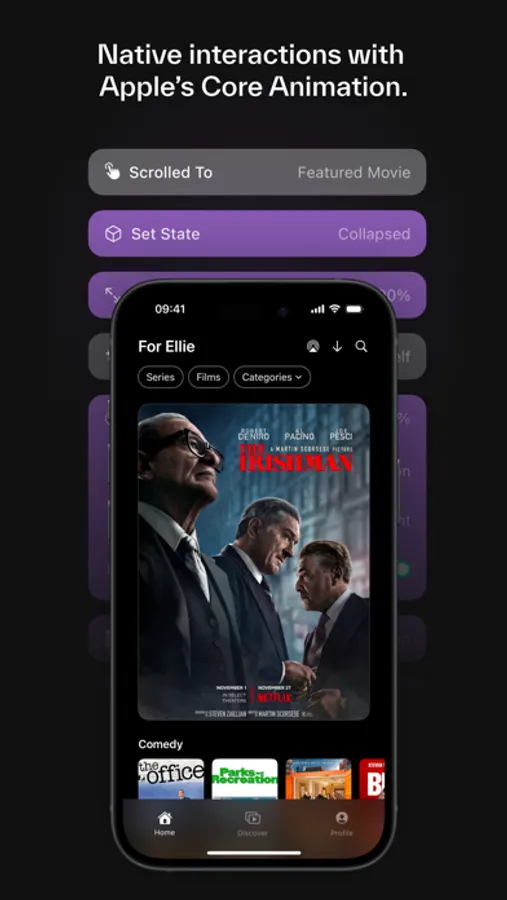
— Design interactions that are performant, interruptible, and use Apple's Core Animation to render your prototype with the same technology as a finished mobile app.
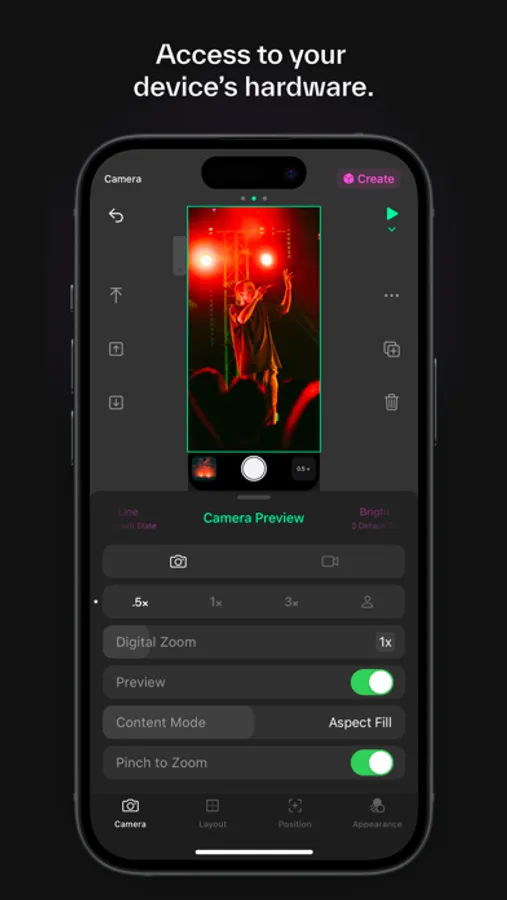
— Tap directly into the powerful capabilities of Apple hardware with features like the camera and haptics.
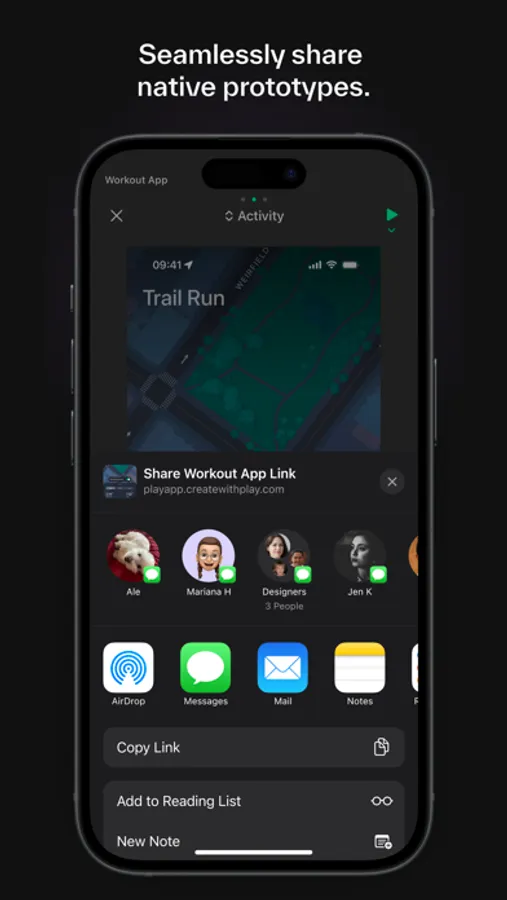
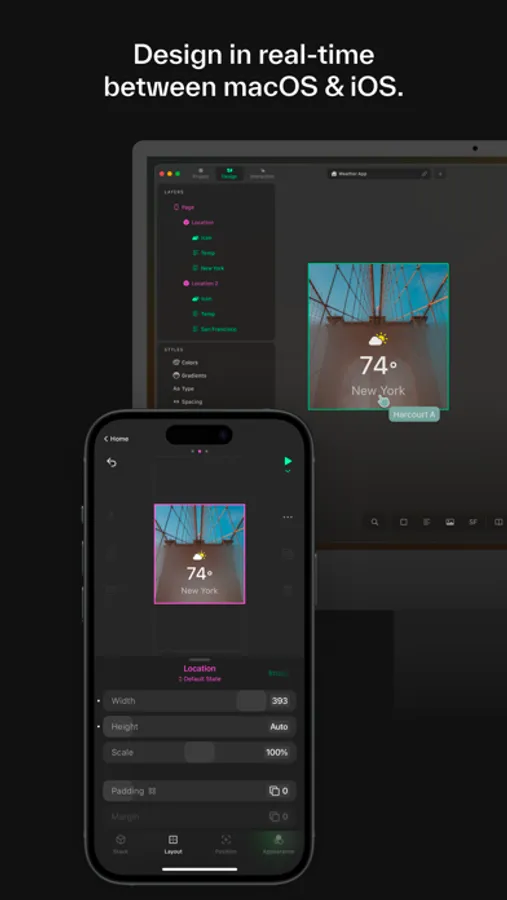
— Design collaboratively on your Mac and your iPhone, all synced in real-time.
— Already have designs in Figma? Easily copy and paste right into Play to continue working
— Designs and prototypes are responsive by default in Play. Easily view your work across every iPhone device with the tap of a button.
— Use SwiftUI code that’s generated in real-time based on your designs, letting engineers easily layout views in Xcode.
Apple Terms of Use: https://www.apple.com/legal/internet-services/itunes/dev/stdeula/
If you’re designing a mobile app, we’re building Play for you. Play combines a familiar design canvas with the power of Apple's native iOS elements, access to device hardware, and interactions that use Core Animation. Play takes a new approach to app design by giving you access to the native materials of the medium, but design and prototype from both your Mac and iPhone.
Play’s Features
— Design with native iOS elements like Apple Maps, Swift Charts, SF Symbols, Materials, input text fields, date pickers, switches, steppers, modals, and more.
— Design interactions that are performant, interruptible, and use Apple's Core Animation to render your prototype with the same technology as a finished mobile app.
— Tap directly into the powerful capabilities of Apple hardware with features like the camera and haptics.
— Design collaboratively on your Mac and your iPhone, all synced in real-time.
— Already have designs in Figma? Easily copy and paste right into Play to continue working
— Designs and prototypes are responsive by default in Play. Easily view your work across every iPhone device with the tap of a button.
— Use SwiftUI code that’s generated in real-time based on your designs, letting engineers easily layout views in Xcode.
Apple Terms of Use: https://www.apple.com/legal/internet-services/itunes/dev/stdeula/