About Motioncube Mobile Control
Control the Motioncube-powered interactive devices with a mobile app on your iPhone or iPad.
This mobile app lets you manage the content on the interactive floor/table/wall.
Motioncube Mobile Control enables:
- navigating through the menu on a device,
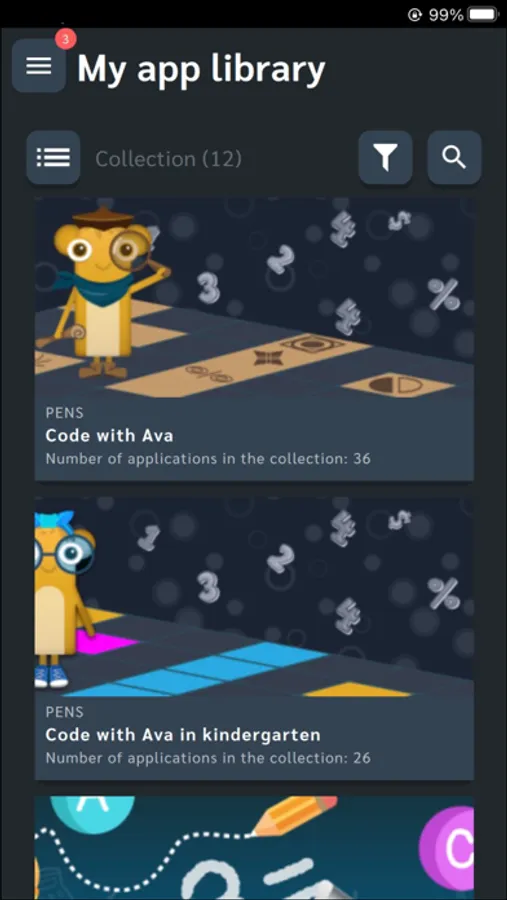
- viewing and launching applications,
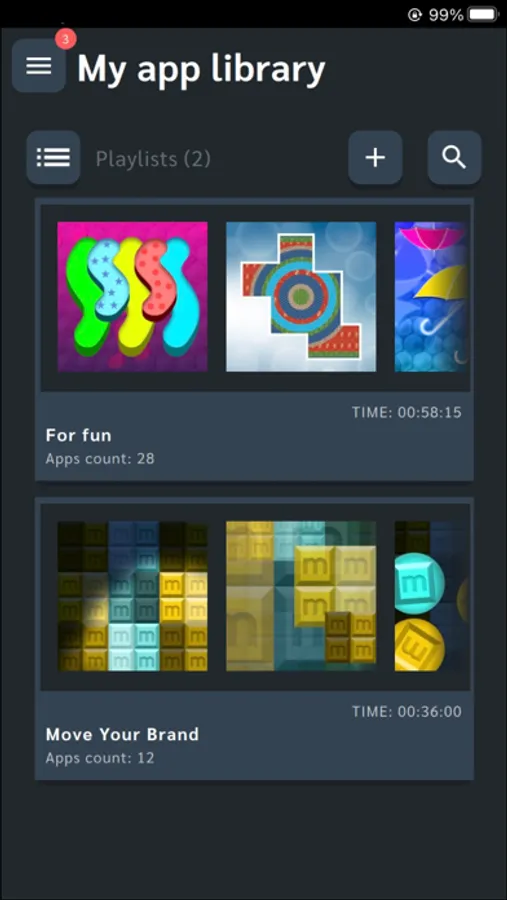
- running Playlists,
- adding games to favorites,
- changing a device mode to floor/table/wall,
- and changing a user profile on a device.
Connect your mobile device to the same network as the interactive device. Then select "Connect" on both devices.
Feel the freedom that a mobile remote gives!
More information about the mobile remote control can be found in the Motioncube User Help Center.
This mobile app lets you manage the content on the interactive floor/table/wall.
Motioncube Mobile Control enables:
- navigating through the menu on a device,
- viewing and launching applications,
- running Playlists,
- adding games to favorites,
- changing a device mode to floor/table/wall,
- and changing a user profile on a device.
Connect your mobile device to the same network as the interactive device. Then select "Connect" on both devices.
Feel the freedom that a mobile remote gives!
More information about the mobile remote control can be found in the Motioncube User Help Center.