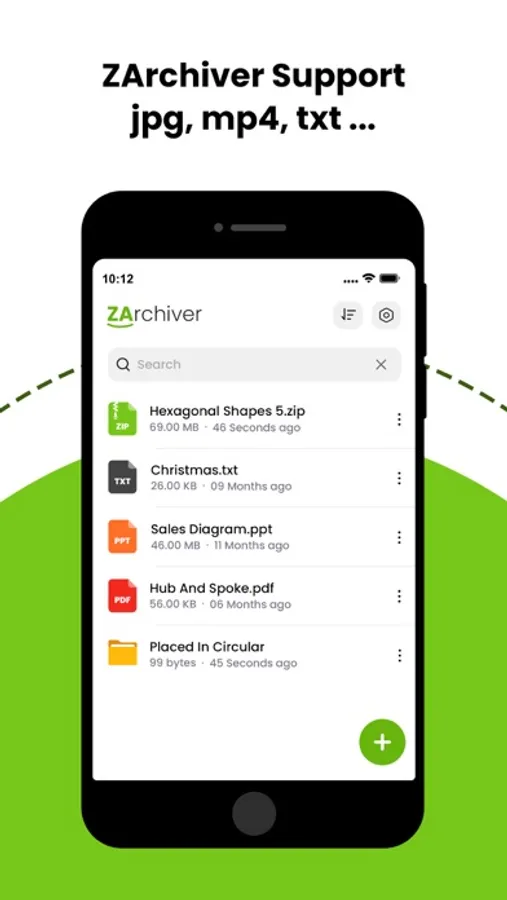
In this file compression and extraction app, users can create and extract archives in various formats with secure password protection. Includes support for multiple archive types, preview files, and manage files directly within the app.
AppRecs review analysis
AppRecs rating 4.6. Trustworthiness 72 out of 100. Review manipulation risk 29 out of 100. Based on a review sample analyzed.
★★★★☆
4.6
AppRecs Rating
Ratings breakdown
5 star
85%
4 star
3%
3 star
2%
2 star
4%
1 star
7%
What to know
✓
Low review manipulation risk
29% review manipulation risk
✓
Credible reviews
72% trustworthiness score from analyzed reviews
✓
High user satisfaction
85% of sampled ratings are 5 stars
About WinRAR - RAR archives
Effortless File Compression & Extraction on Your Phone
Unlock the full potential of file management with The Zip Archiver, your go-to app for compressing, extracting, and managing files on the go. With a sleek and intuitive interface, the app is designed to make file handling fast, secure, and incredibly easy.
◆ Key Features:
- Compress Files Efficiently:
Create ZIP, RAR, or 7Z archives to reduce file sizes and save space on your device or for easy sharing. Customize compression levels to suit your needs.
- Extract with Ease:
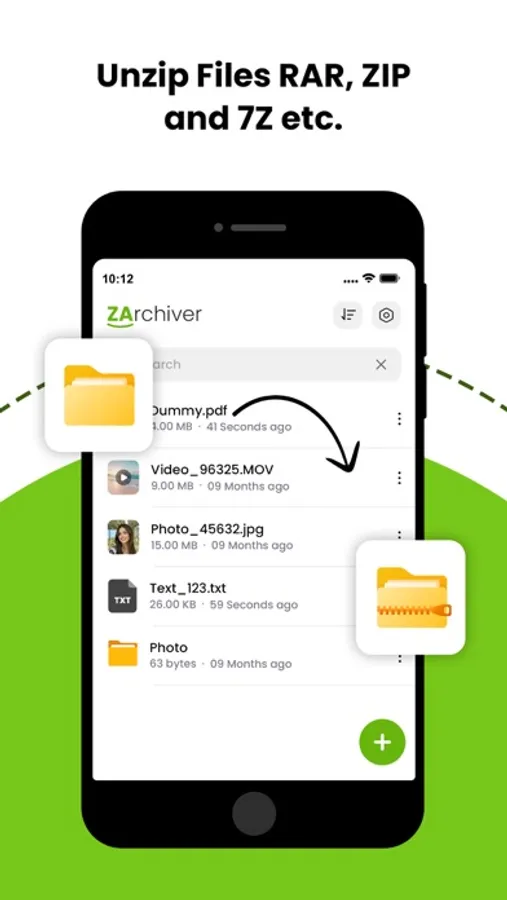
Extract files from ZIP, RAR, 7Z, TAR, GZ, and many other archive formats. Preview content before extraction and extract only the files you need.
- Decompress with Ease:
Decompress the following archive types: 7z (7zip), zip, rar, rar5, bzip2, gzip, XZ, iso, tar, arj, cab, lzh, lha, lzma, xar, tgz, tbz, Z, deb, rpm, zipx, mtz, chm, dmg, cpio, cramfs, img (fat, ntfs, ubf), wim, ecm, lzip, zst (zstd), egg, alz;
- Secure Your Files:
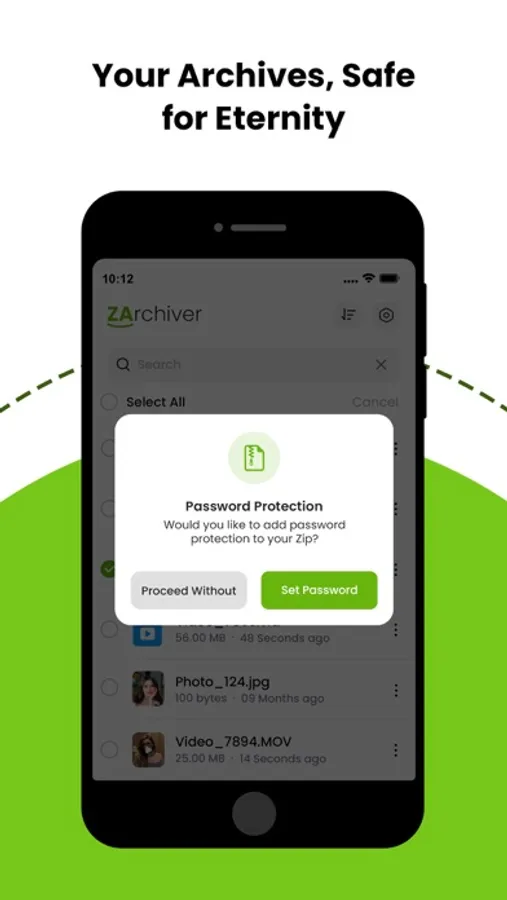
Protect your archives with strong passwords using AES-256 encryption. Keep sensitive data safe while sharing or storing.
- File Management Made Simple:
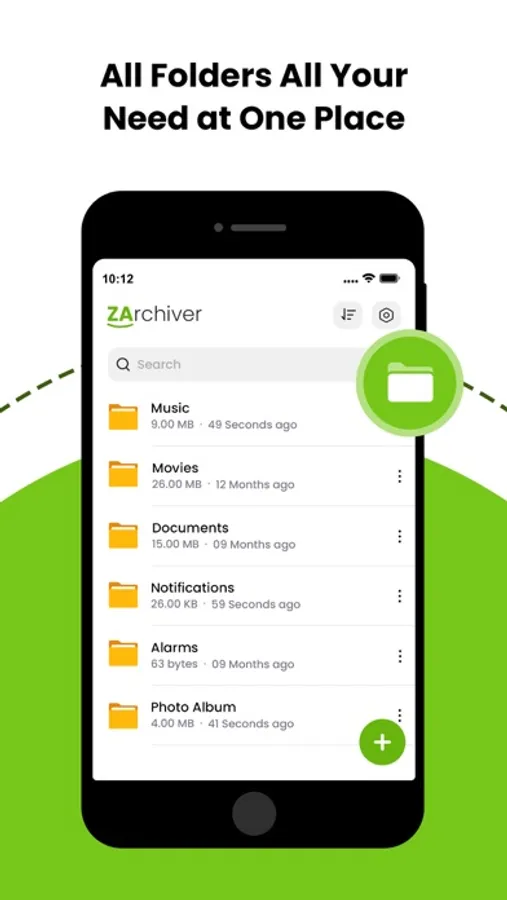
Organize, rename, delete, and move files directly within the app. Seamlessly browse your local storage and manage files like a pro.
- Batch Operations:
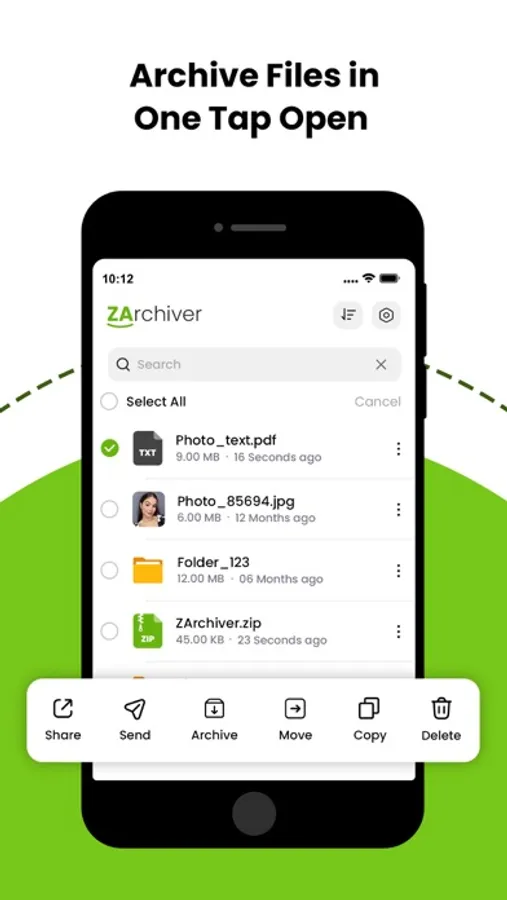
Save time by compressing or extracting multiple files simultaneously. The app handles large operations without slowing down your device.
- Preview and Share Files:
View documents, images, and other file types directly within the app before extraction. Easily share compressed files via email, messaging apps, or AirDrop.
- Support for Multiple Languages:
Enjoy the app in your preferred language with multi-language support for a global user base.
◆ Why Choose The Zip Archiver?
- Lightweight and fast performance
- Optimized for iOS devices, including iPhone and iPad
- User-friendly design for both beginners and advanced users
- Regular updates with new features and format support
◆ Who Is It For?
Whether you’re a student, professional, or casual user, The Zip Archiver is perfect for anyone who needs a reliable tool to manage archives, save space, and securely share files.
Get unlimited access to all premium features of The Zip Archiver Pro by
Subscribe Monthly The Zip Archiver Pro at $1.99 and Yearly Pro at $9.99 to use ads free versions of the premium app which can cancel anytime
• Privacy Policy: https://sites.google.com/view/anandnaidu-pp
• Terms of Service: https://sites.google.com/view/anandnaidu-tou
Download The Zip Archiver today and take control of your file management like never before!
Unlock the full potential of file management with The Zip Archiver, your go-to app for compressing, extracting, and managing files on the go. With a sleek and intuitive interface, the app is designed to make file handling fast, secure, and incredibly easy.
◆ Key Features:
- Compress Files Efficiently:
Create ZIP, RAR, or 7Z archives to reduce file sizes and save space on your device or for easy sharing. Customize compression levels to suit your needs.
- Extract with Ease:
Extract files from ZIP, RAR, 7Z, TAR, GZ, and many other archive formats. Preview content before extraction and extract only the files you need.
- Decompress with Ease:
Decompress the following archive types: 7z (7zip), zip, rar, rar5, bzip2, gzip, XZ, iso, tar, arj, cab, lzh, lha, lzma, xar, tgz, tbz, Z, deb, rpm, zipx, mtz, chm, dmg, cpio, cramfs, img (fat, ntfs, ubf), wim, ecm, lzip, zst (zstd), egg, alz;
- Secure Your Files:
Protect your archives with strong passwords using AES-256 encryption. Keep sensitive data safe while sharing or storing.
- File Management Made Simple:
Organize, rename, delete, and move files directly within the app. Seamlessly browse your local storage and manage files like a pro.
- Batch Operations:
Save time by compressing or extracting multiple files simultaneously. The app handles large operations without slowing down your device.
- Preview and Share Files:
View documents, images, and other file types directly within the app before extraction. Easily share compressed files via email, messaging apps, or AirDrop.
- Support for Multiple Languages:
Enjoy the app in your preferred language with multi-language support for a global user base.
◆ Why Choose The Zip Archiver?
- Lightweight and fast performance
- Optimized for iOS devices, including iPhone and iPad
- User-friendly design for both beginners and advanced users
- Regular updates with new features and format support
◆ Who Is It For?
Whether you’re a student, professional, or casual user, The Zip Archiver is perfect for anyone who needs a reliable tool to manage archives, save space, and securely share files.
Get unlimited access to all premium features of The Zip Archiver Pro by
Subscribe Monthly The Zip Archiver Pro at $1.99 and Yearly Pro at $9.99 to use ads free versions of the premium app which can cancel anytime
• Privacy Policy: https://sites.google.com/view/anandnaidu-pp
• Terms of Service: https://sites.google.com/view/anandnaidu-tou
Download The Zip Archiver today and take control of your file management like never before!