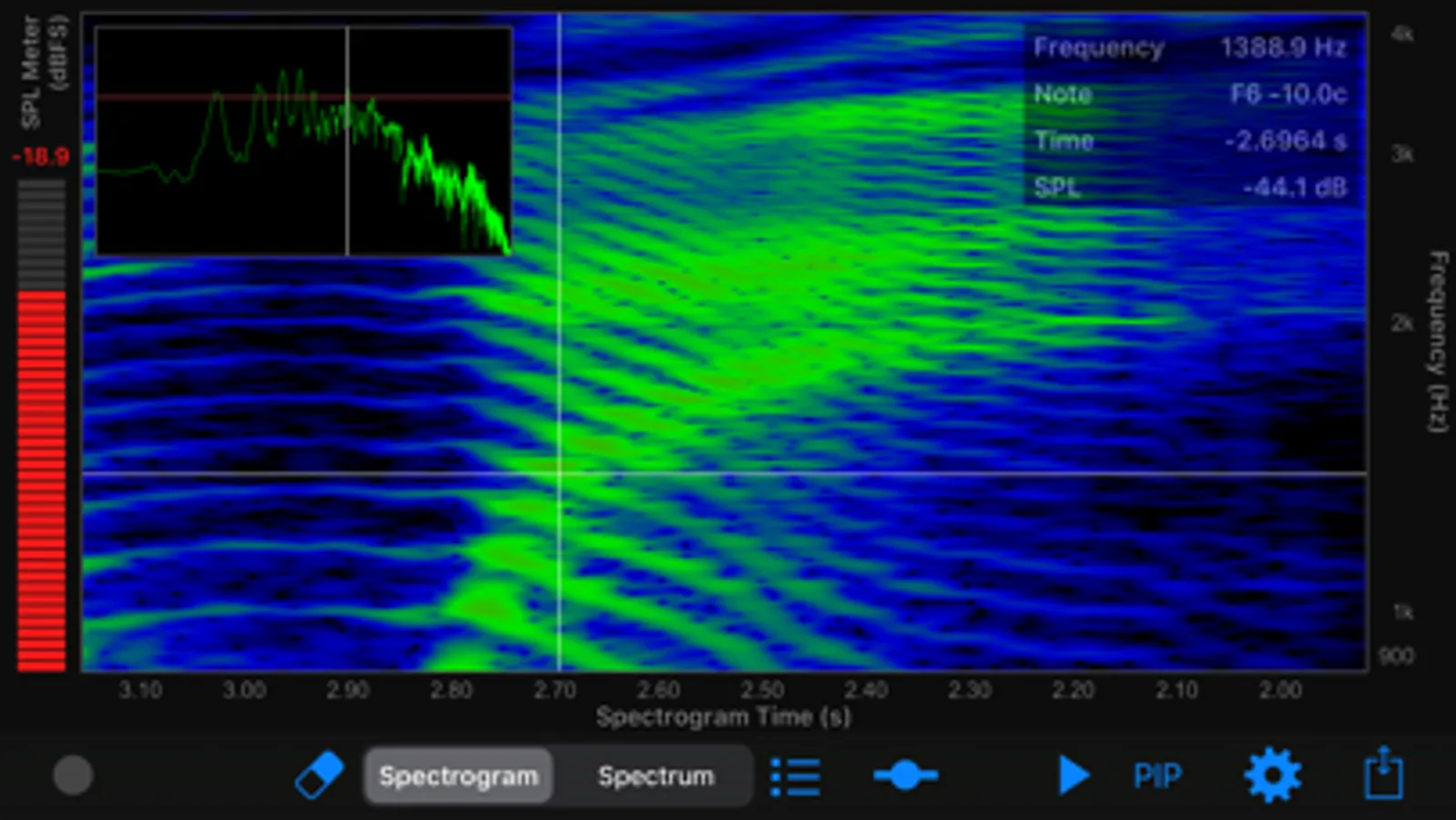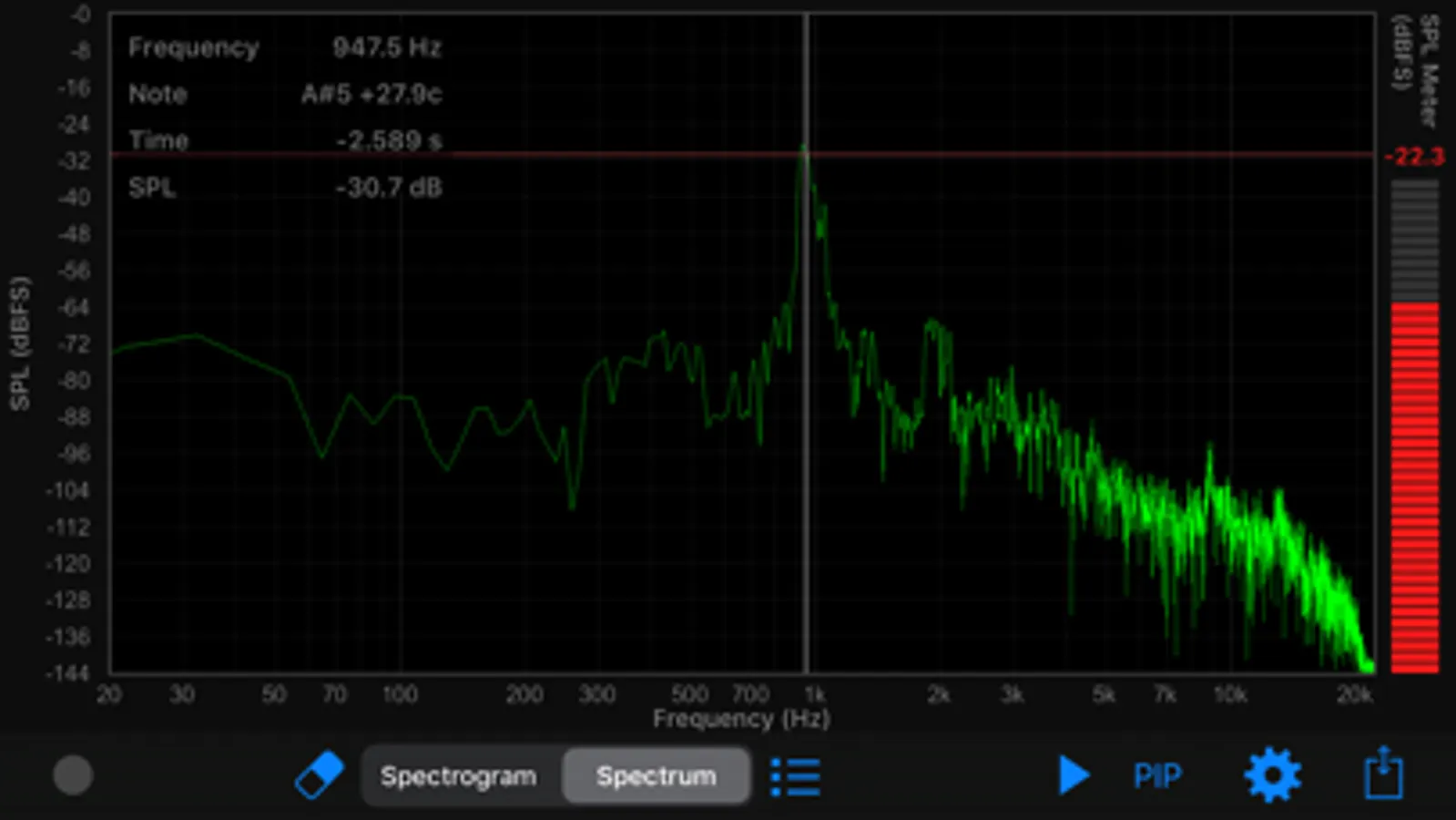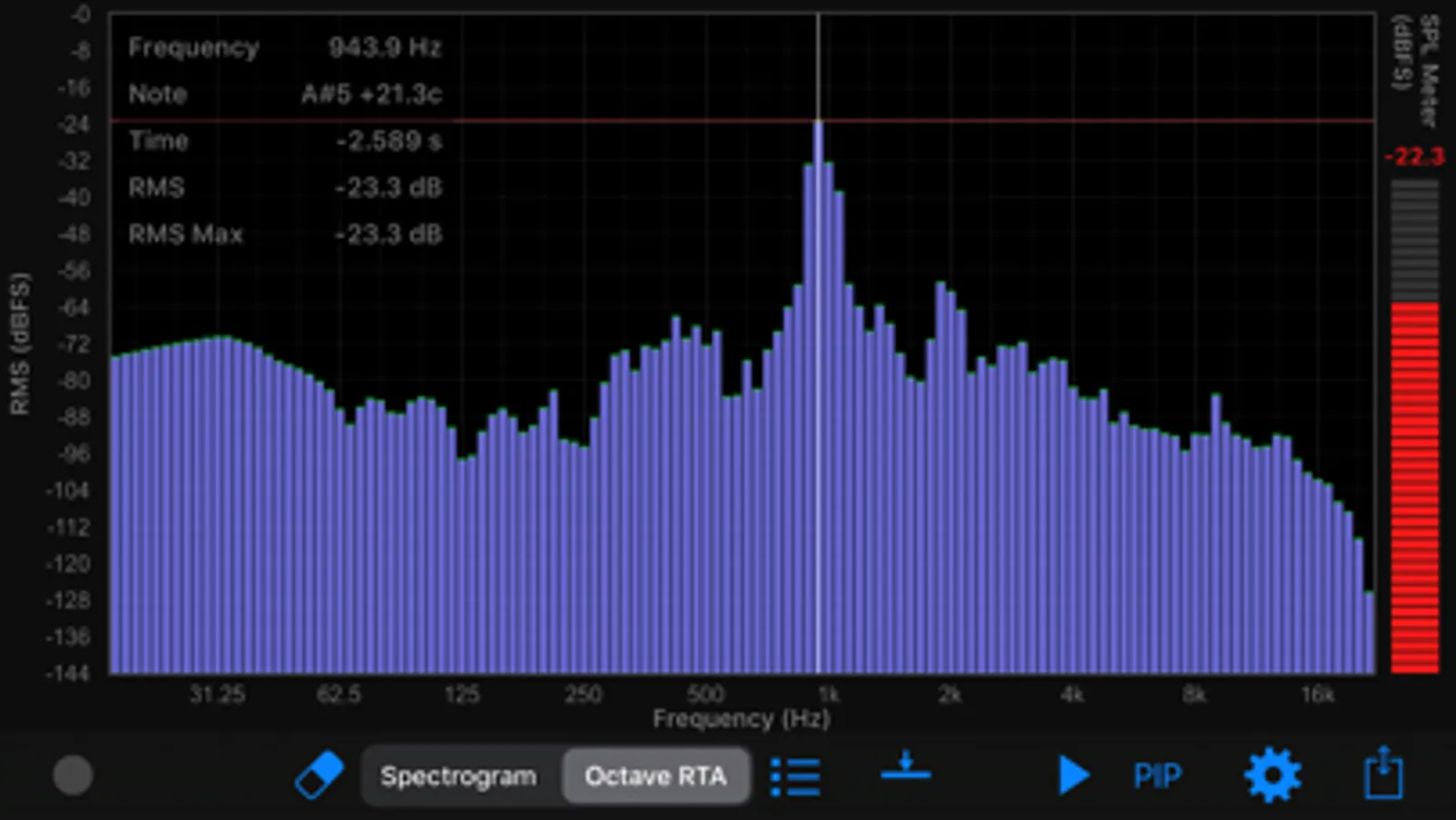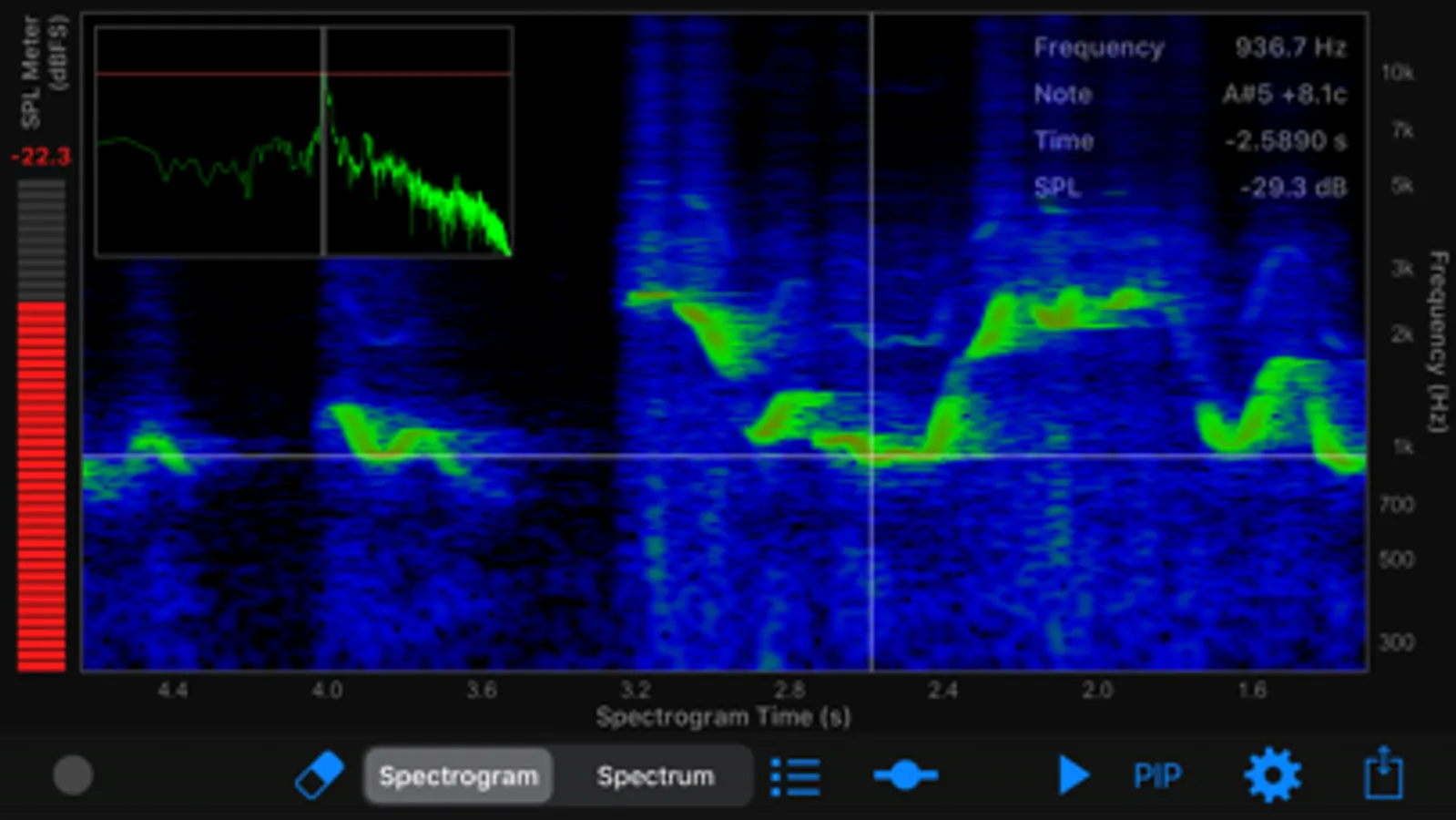
With this audio analysis app, you can visualize acoustic signals through spectrograms, spectra, and oscilloscopes, and measure frequency responses in real time. Includes spectrum and spectrogram analyzers, recording and sharing features, and support for external microphones.
AppRecs review analysis
AppRecs rating 4.5. Trustworthiness 80 out of 100. Review manipulation risk 19 out of 100. Based on a review sample analyzed.
★★★★☆
4.5
AppRecs Rating
Ratings breakdown
5 star
74%
4 star
11%
3 star
5%
2 star
0%
1 star
11%
What to know
✓
Low review manipulation risk
19% review manipulation risk
✓
Credible reviews
80% trustworthiness score from analyzed reviews
✓
High user satisfaction
84% of sampled ratings are 4+ stars (4.4★ average)
About Audio Analyzer
Audio Analyzer is a real-time spectrum, spectrogram, oscilloscope and octave RTA analyzer. It gives you a visual representation of an acoustic signal. It can be used to analyze the sounds of musical instruments, to identify spoken words phonetically, to measure the frequency response of audio equipment, or to picture the calls of different animals. You can also check “The Singer’s Formant”, the most important measure for every opera singer.
Features
- Spectrogram analyzer (color, black and white)
- Spectrum analyzer
- Oscilloscope (full FFT window size)
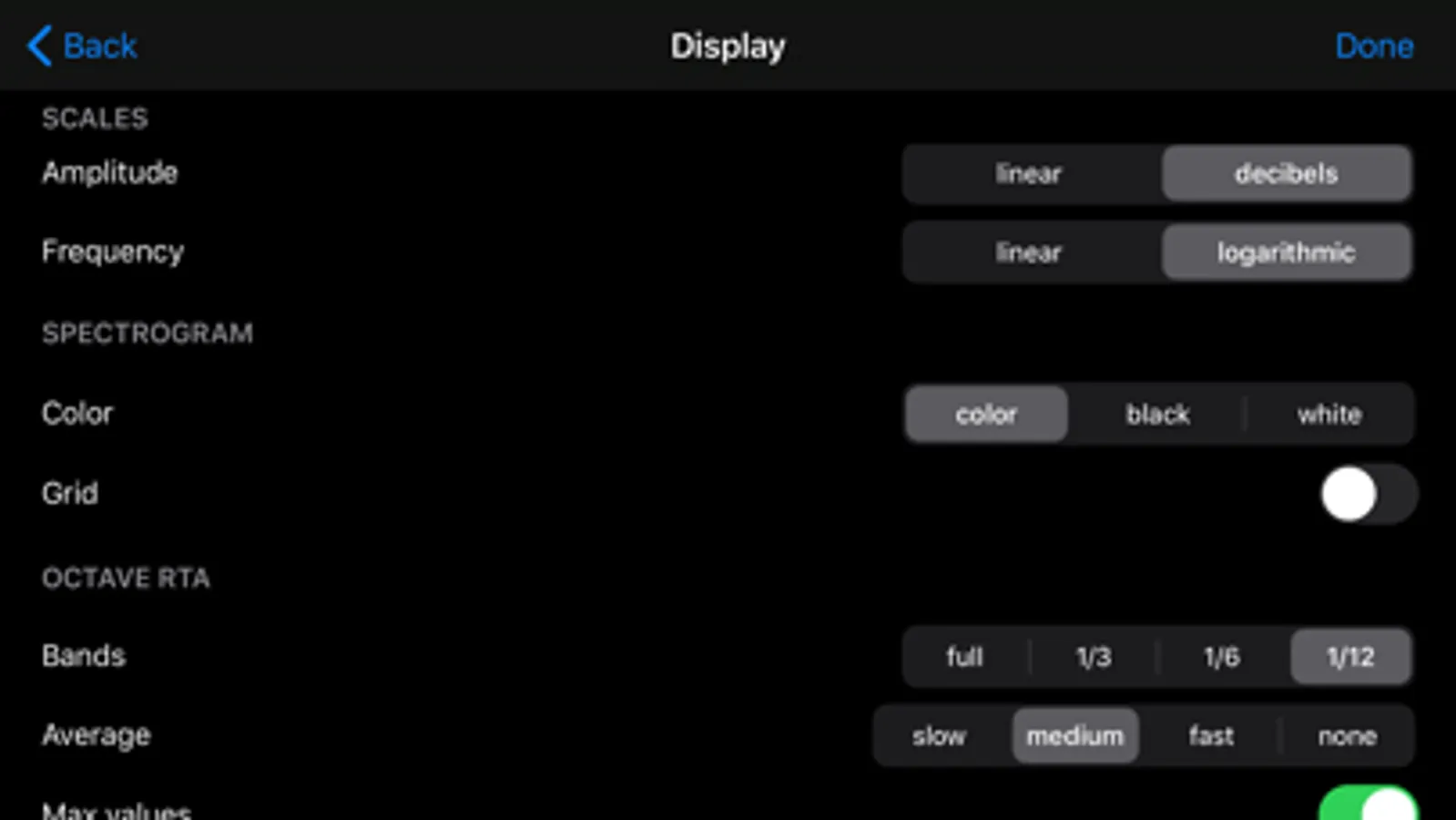
- Octave RTA analyzer: bands - full, 1/3, 1/6, 1/12 (RMS values)
- SPL Meter (dBFS)
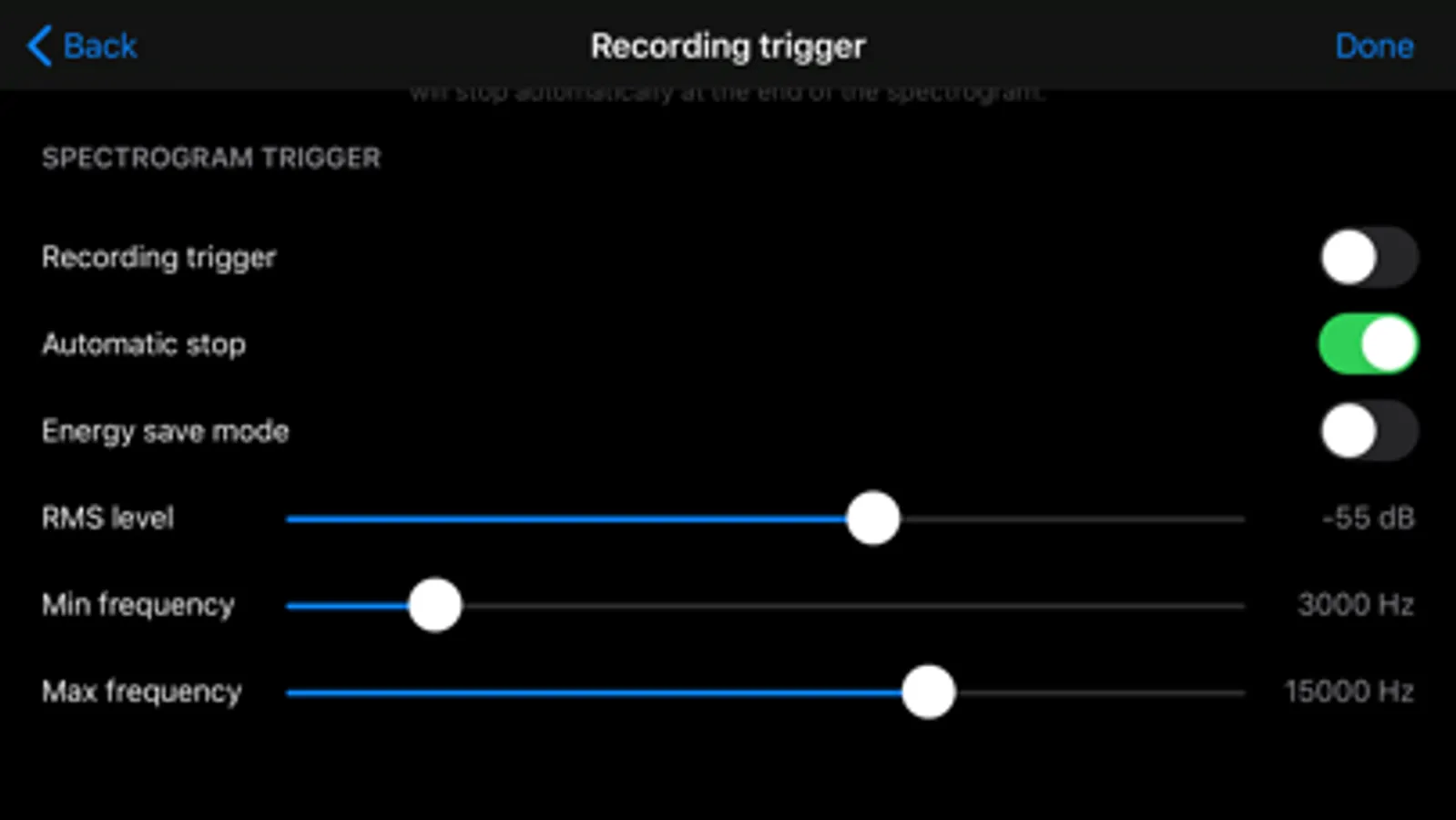
- Recording trigger (triggered by frequencies in the specified frequency band)
- Fast real-time response
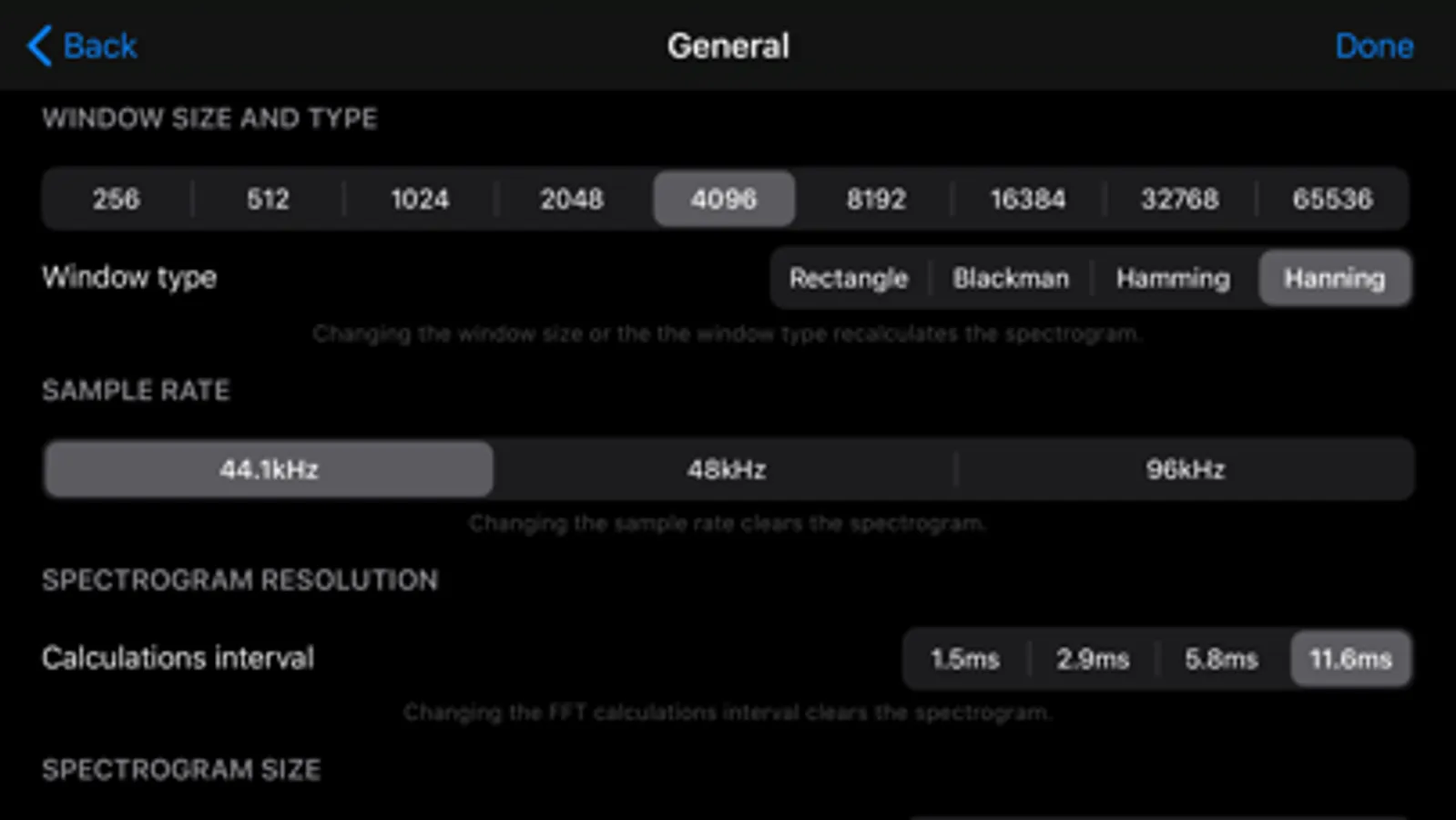
- Sampling rates: 44.1kHz, 48kHz, 96kHz*
- Fast Fourier Transform (FFT)
- Window sizes: 256, 512, 1024, 2048, 4096, 8192, 16384, 32768, 65536
- Variable frequency resolution of the spectrogram
- Variable between FFT computations time interval (time resolution)
- Max/min Octave RTA values
- Zoom and pan all charts
- Measure values in all charts
- Play back analysis (just tap on the spectrogram and play)
- PIP (picture-in-picture), allows the simultaneous analysis on the spectrogram chart and Second chart: Octave RTA, Spectrum or Oscilloscope
- Audio input can be supplied via the built-in microphone, and an external microphone* (via the earphone jack, via the USB camera adapter, or through the iPhone/iPad dock connector – Core Audio compliant devices). External devices are shown in the application only when connected (e.g. external mic connected via the earphone jack)
- Sharing charts and audio recordings (through mail, social networks, clipboard)
- Exporting to the iOS Document Browser (supports iCloud): audio recordings (wav) and image charts (png)
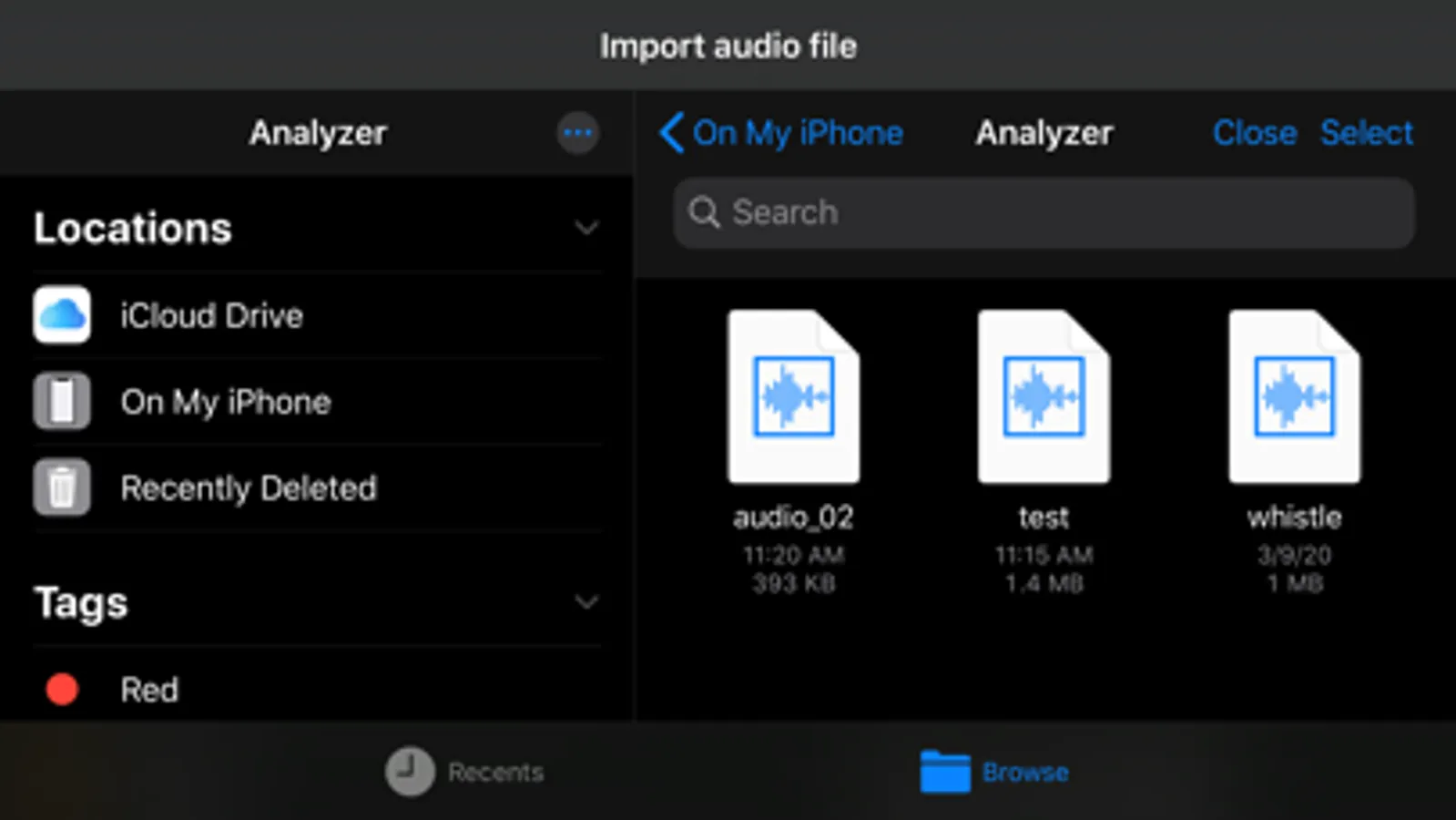
- Importing audio files from another application or from the iOS Document Browser (supports iCloud)
- Many formats supported for audio file import
- Automatic conversion from other sampling rates for imported files
- Frequency scale: linear and logarithmic
- Amplitude scale: linear and logarithmic SPL/RMS (dBFS)
- SPL meter weighting: dBZ - linear
Make sure you use the latest iOS update.
*For 96kHz analysis use an external microphone with such capabilities through a USB camera adapter or through the iPhone/iPad dock connector (internal mic or external mic connected via the earphone jack can only be used for 44.1kHz or 48kHz analysis) You can also import files recorded on an external device.
Features
- Spectrogram analyzer (color, black and white)
- Spectrum analyzer
- Oscilloscope (full FFT window size)
- Octave RTA analyzer: bands - full, 1/3, 1/6, 1/12 (RMS values)
- SPL Meter (dBFS)
- Recording trigger (triggered by frequencies in the specified frequency band)
- Fast real-time response
- Sampling rates: 44.1kHz, 48kHz, 96kHz*
- Fast Fourier Transform (FFT)
- Window sizes: 256, 512, 1024, 2048, 4096, 8192, 16384, 32768, 65536
- Variable frequency resolution of the spectrogram
- Variable between FFT computations time interval (time resolution)
- Max/min Octave RTA values
- Zoom and pan all charts
- Measure values in all charts
- Play back analysis (just tap on the spectrogram and play)
- PIP (picture-in-picture), allows the simultaneous analysis on the spectrogram chart and Second chart: Octave RTA, Spectrum or Oscilloscope
- Audio input can be supplied via the built-in microphone, and an external microphone* (via the earphone jack, via the USB camera adapter, or through the iPhone/iPad dock connector – Core Audio compliant devices). External devices are shown in the application only when connected (e.g. external mic connected via the earphone jack)
- Sharing charts and audio recordings (through mail, social networks, clipboard)
- Exporting to the iOS Document Browser (supports iCloud): audio recordings (wav) and image charts (png)
- Importing audio files from another application or from the iOS Document Browser (supports iCloud)
- Many formats supported for audio file import
- Automatic conversion from other sampling rates for imported files
- Frequency scale: linear and logarithmic
- Amplitude scale: linear and logarithmic SPL/RMS (dBFS)
- SPL meter weighting: dBZ - linear
Make sure you use the latest iOS update.
*For 96kHz analysis use an external microphone with such capabilities through a USB camera adapter or through the iPhone/iPad dock connector (internal mic or external mic connected via the earphone jack can only be used for 44.1kHz or 48kHz analysis) You can also import files recorded on an external device.