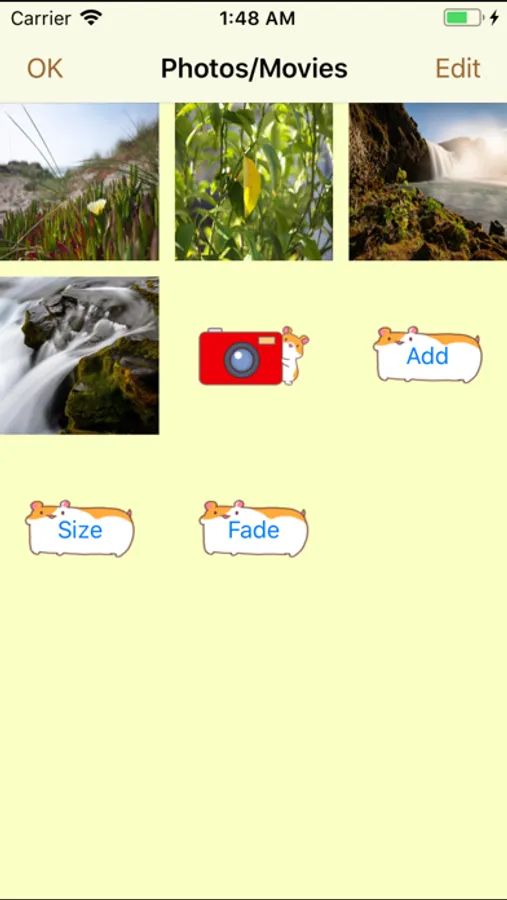
With this photo movie maker app, you can create movies by combining sound, photos, and videos, then customize photo durations and insert videos between slides. Includes features for adding music, recording voice, and applying sound effects.
AppRecs review analysis
AppRecs rating 4.6. Trustworthiness 70 out of 100. Review manipulation risk 24 out of 100. Based on a review sample analyzed.
★★★★☆
4.6
AppRecs Rating
Ratings breakdown
5 star
82%
4 star
8%
3 star
1%
2 star
3%
1 star
5%
What to know
✓
Low review manipulation risk
24% review manipulation risk
✓
Credible reviews
70% trustworthiness score from analyzed reviews
✓
High user satisfaction
82% of sampled ratings are 5 stars
About Photo Movie Maker - Slideshow
This app is a movie creator from your sound, photos, and video.
This app can insert your video between slideshow.
Feathers:
◦ Create your movie from sound, photo and short movies.
◦ Choose videos and photos from your Camera rolls.
◦ Set each photo duration.
◦ Add from one to more than 100 photo(s).
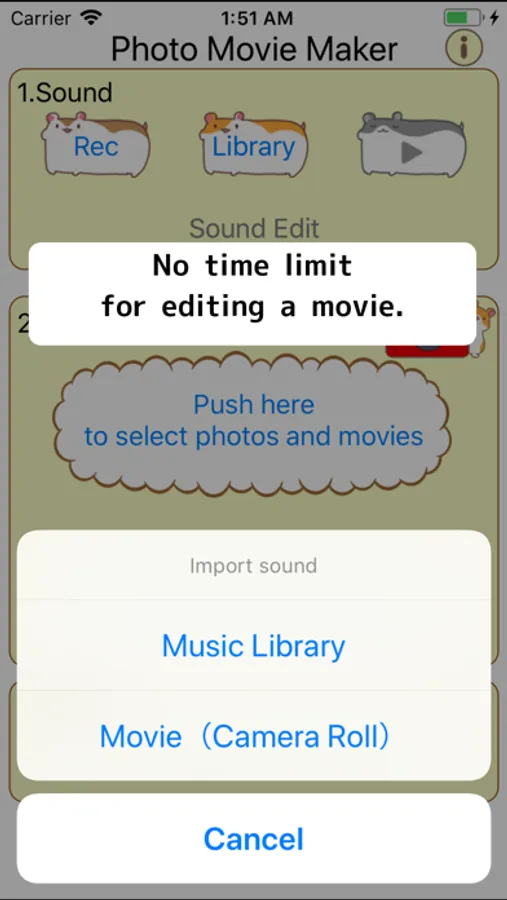
◦ Add music from your iPod/iPhone.
◦ Add music from your movie in your camera roll.
◦ Record your voice.
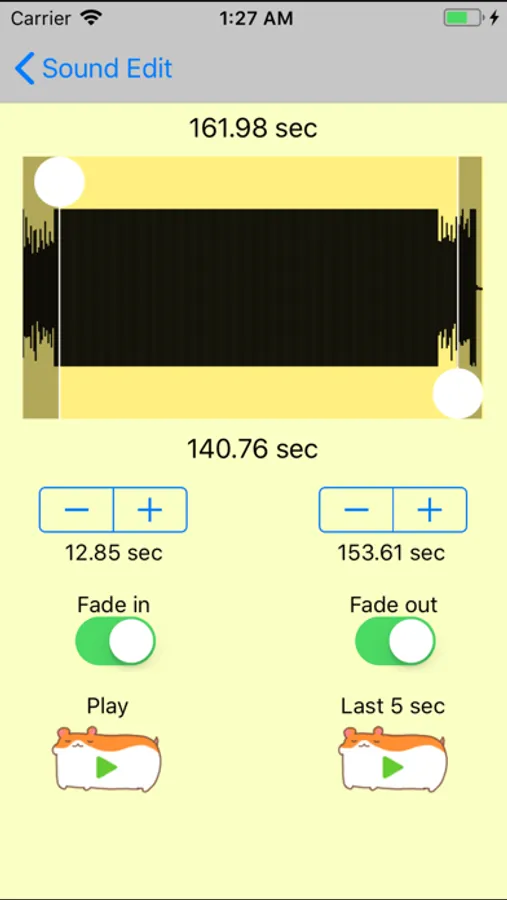
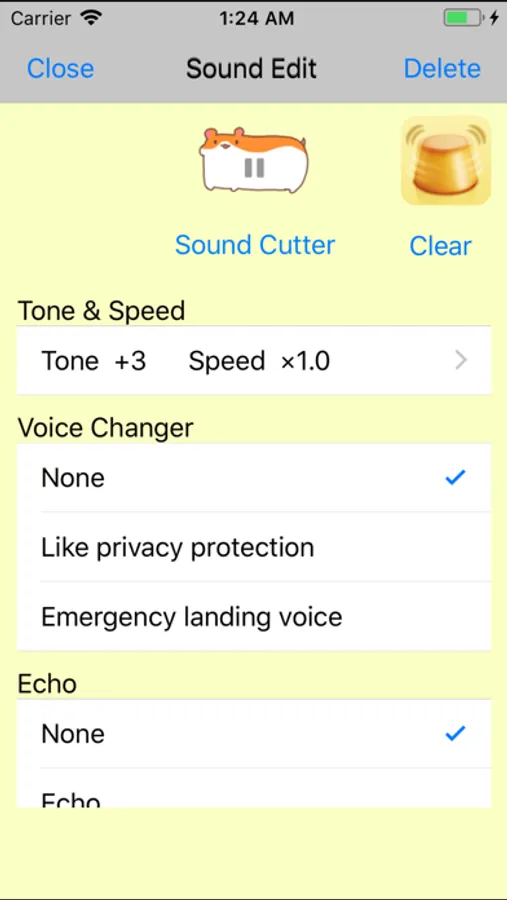
◦ Sound Effect (Pitch Shift/Speed change/Voice Changer/Echo)
How to use:
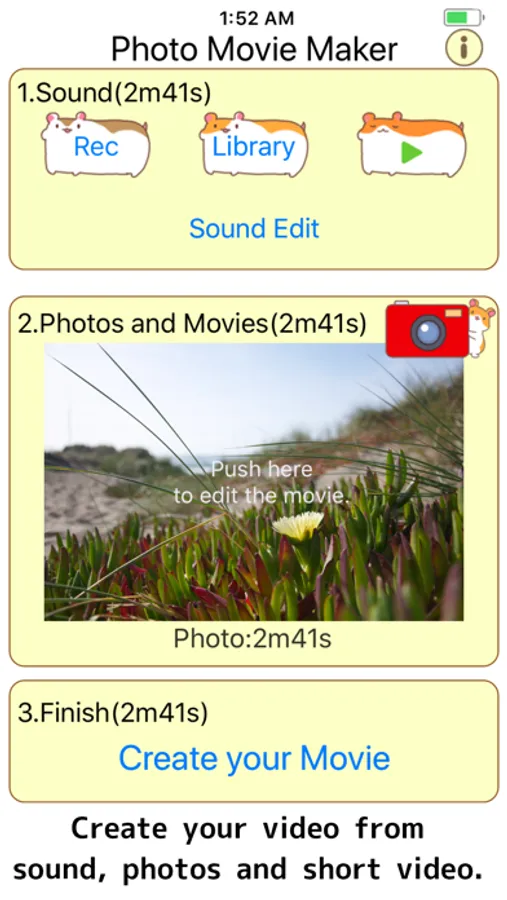
1.Set Sound
Recording your voice, or Select music from your iPod library or video of Camera Roll.
*Movie will generate in length of sound.
*You can not use copyright protected music.
2.Set Photos.
Take a photo or Select a picture(s) from Camera Roll.
3.Creat a Video!
Push the button to generate a video, and the video will save into Camera Roll.
This app can insert your video between slideshow.
Feathers:
◦ Create your movie from sound, photo and short movies.
◦ Choose videos and photos from your Camera rolls.
◦ Set each photo duration.
◦ Add from one to more than 100 photo(s).
◦ Add music from your iPod/iPhone.
◦ Add music from your movie in your camera roll.
◦ Record your voice.
◦ Sound Effect (Pitch Shift/Speed change/Voice Changer/Echo)
How to use:
1.Set Sound
Recording your voice, or Select music from your iPod library or video of Camera Roll.
*Movie will generate in length of sound.
*You can not use copyright protected music.
2.Set Photos.
Take a photo or Select a picture(s) from Camera Roll.
3.Creat a Video!
Push the button to generate a video, and the video will save into Camera Roll.