With this ad blocker, you can block ads, trackers, and customize DNS rules on your iOS device. Includes local DNS proxy, Safari content blocking, and rule synchronization via iCloud.
AppRecs review analysis
AppRecs rating 4.1. Trustworthiness 77 out of 100. Review manipulation risk 25 out of 100. Based on a review sample analyzed.
★★★★☆
4.1
AppRecs Rating
Ratings breakdown
5 star
74%
4 star
8%
3 star
4%
2 star
2%
1 star
12%
What to know
✓
Low review manipulation risk
25% review manipulation risk
⚠
Ad complaints
Many low ratings mention excessive ads
⚠
Pricing complaints
Many low ratings mention paywalls or pricing
About AdBlock
The original AdBlock - the first and last ad-blocker you'll ever need. A one time purchase - no subscriptions needed. We've been blocking ads on iPhones and iPads since 2012 - we know our game! :)
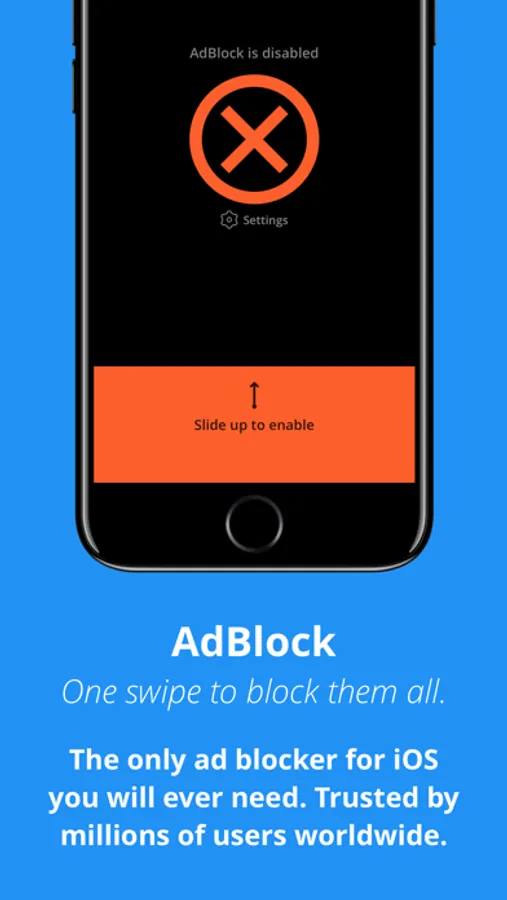
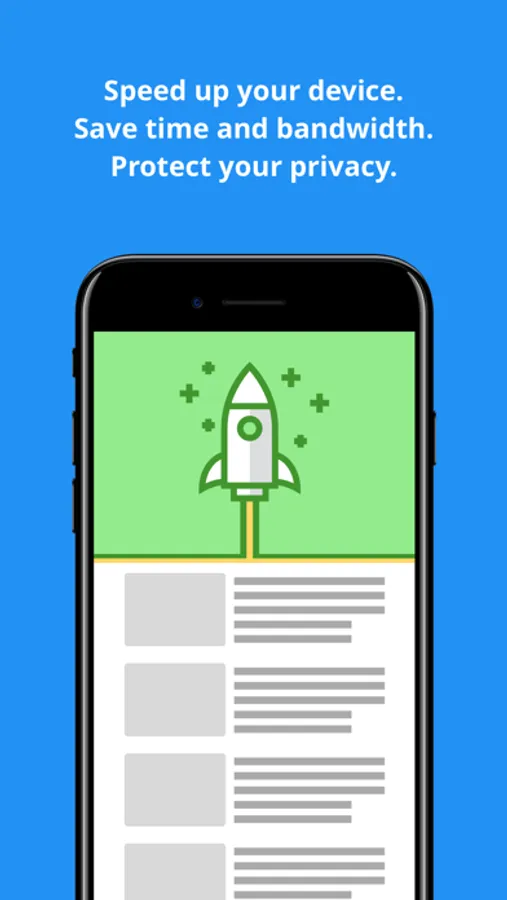
AdBlock allows you to block ads on your iOS device. Get rid of 99% of annoying popups, banners and video ads. Protect your privacy, limit bandwidth use, speed up your device, save battery and drastically improve your day-to-day iOS experience.
The most important advantages of AdBlock are:
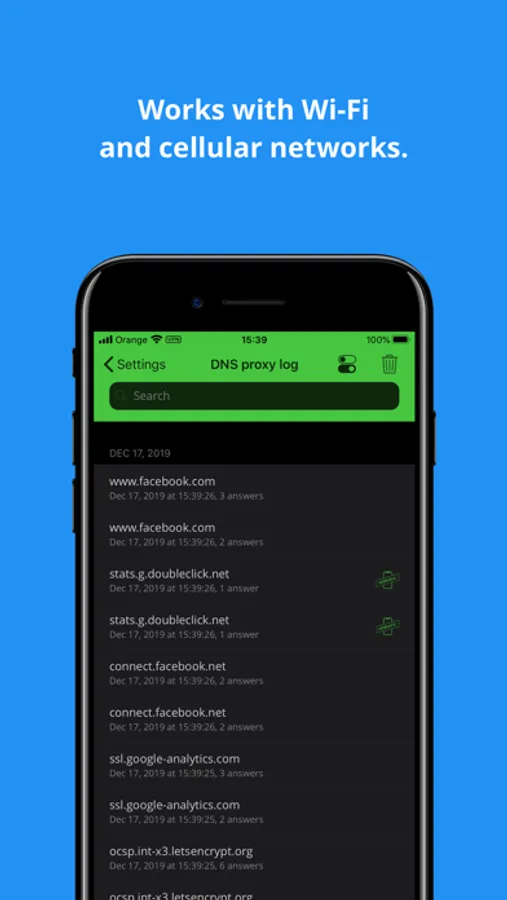
• AdBlock comes with a local DNS proxy service built-in. Use it to see which domains you're device is contacting. Create your own rules and assign any IP to any domain, right on your device. You can (and should!) bootstrap this feature with rules found online.
• AdBlock has enhanced DNS proxy rules export and import function. Share DNS proxy rules with other users, easily import rules found on the Internet.
• AdBlock comes with a Safari Content Blocker to block ads on websites in Safari.
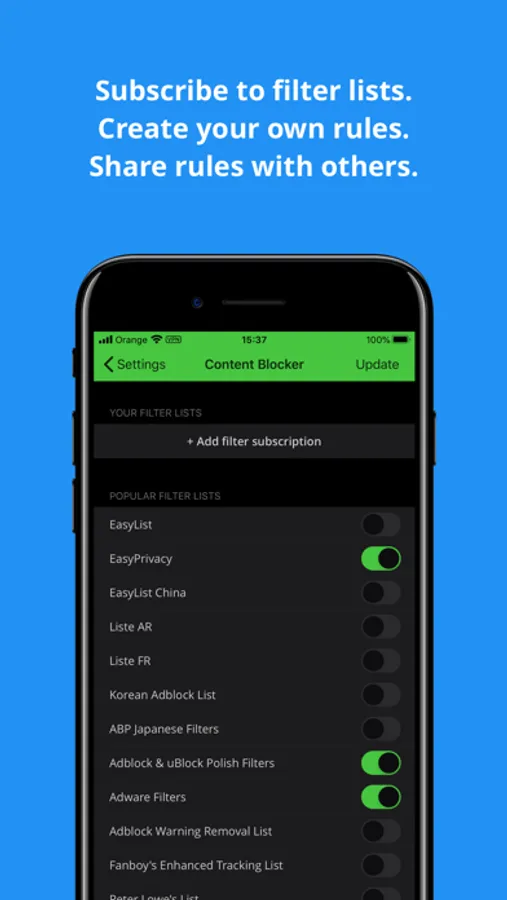
• AdBlock allows you to create your own list of domains and synchronize your rules between all your devices using iCloud.
• AdBlock allows you to protect your privacy by blocking mobile trackers. Prevent Internet trackers from recording your online activity and selling your private data.
• AdBlock does not send your Internet traffic through any remote server. All of your connections stay direct, fast and secure. Ads are blocked right on your device!
• Setting up AdBlock is simple! Just download the app, and follow the tutorial to set everything up. When in doubt - contact our support!
• AdBlock automatically updates to the latest version of the filters on every app run. We keep the ad servers database up-to-date for you.
• AdBlock works with Wi-Fi and cellular networks. You don't need to set it up separately for every network you use.
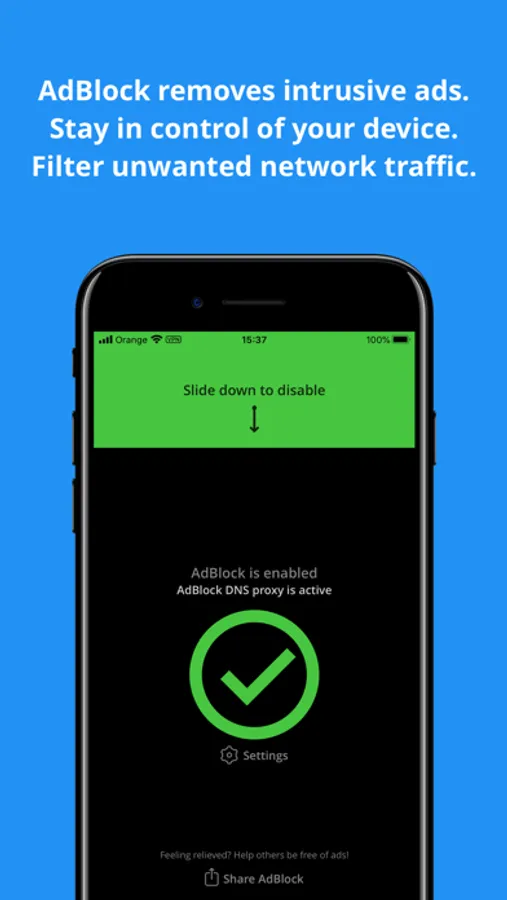
• AdBlock comes with a handy widget to quickly change the DNS proxy status when needed.
Looking for support? Contact our dedicated support line directly from the app - we'll help you out with the proper setup and answer all the questions you might have.
AdBlock allows you to block ads on your iOS device. Get rid of 99% of annoying popups, banners and video ads. Protect your privacy, limit bandwidth use, speed up your device, save battery and drastically improve your day-to-day iOS experience.
The most important advantages of AdBlock are:
• AdBlock comes with a local DNS proxy service built-in. Use it to see which domains you're device is contacting. Create your own rules and assign any IP to any domain, right on your device. You can (and should!) bootstrap this feature with rules found online.
• AdBlock has enhanced DNS proxy rules export and import function. Share DNS proxy rules with other users, easily import rules found on the Internet.
• AdBlock comes with a Safari Content Blocker to block ads on websites in Safari.
• AdBlock allows you to create your own list of domains and synchronize your rules between all your devices using iCloud.
• AdBlock allows you to protect your privacy by blocking mobile trackers. Prevent Internet trackers from recording your online activity and selling your private data.
• AdBlock does not send your Internet traffic through any remote server. All of your connections stay direct, fast and secure. Ads are blocked right on your device!
• Setting up AdBlock is simple! Just download the app, and follow the tutorial to set everything up. When in doubt - contact our support!
• AdBlock automatically updates to the latest version of the filters on every app run. We keep the ad servers database up-to-date for you.
• AdBlock works with Wi-Fi and cellular networks. You don't need to set it up separately for every network you use.
• AdBlock comes with a handy widget to quickly change the DNS proxy status when needed.
Looking for support? Contact our dedicated support line directly from the app - we'll help you out with the proper setup and answer all the questions you might have.