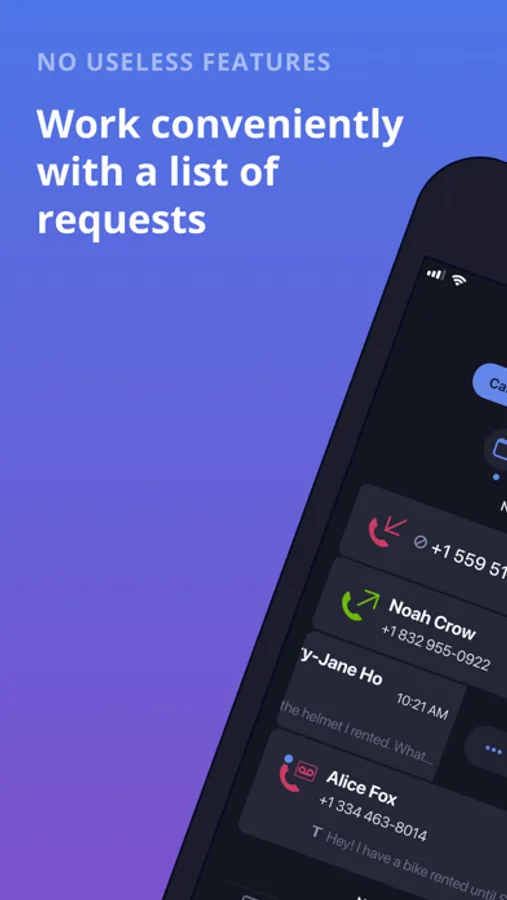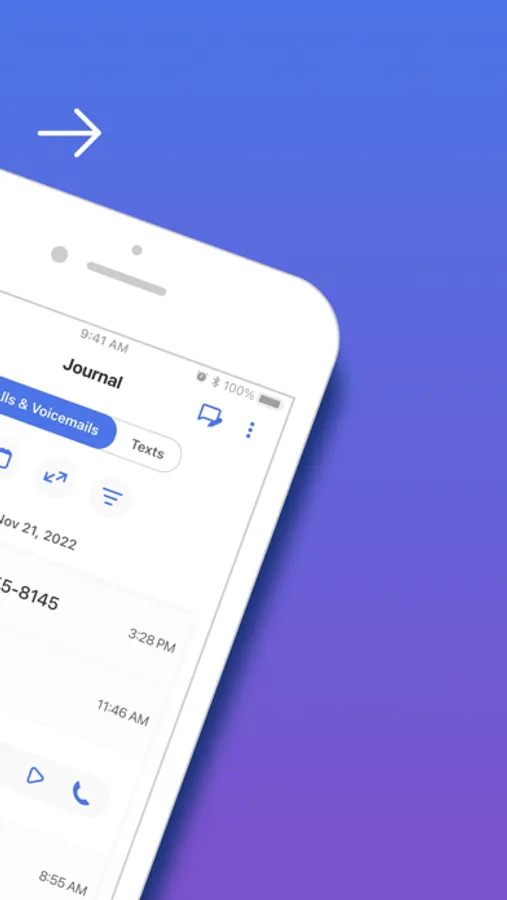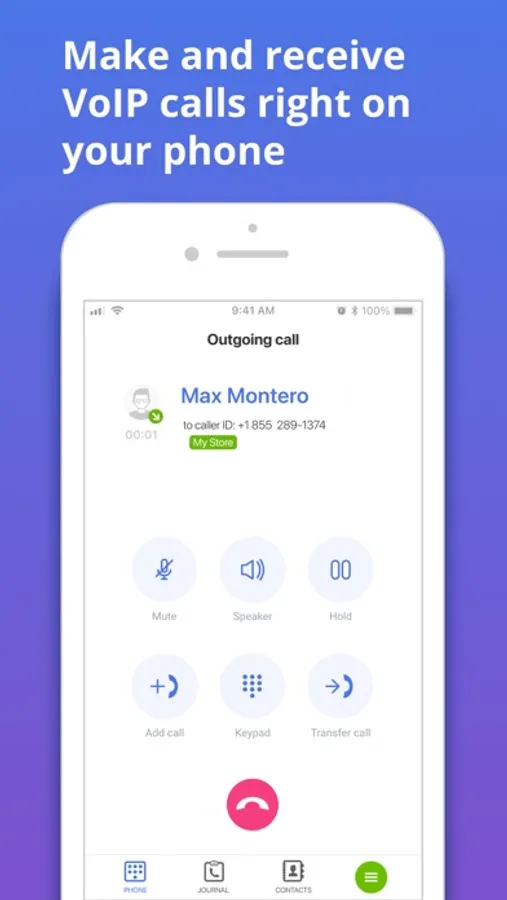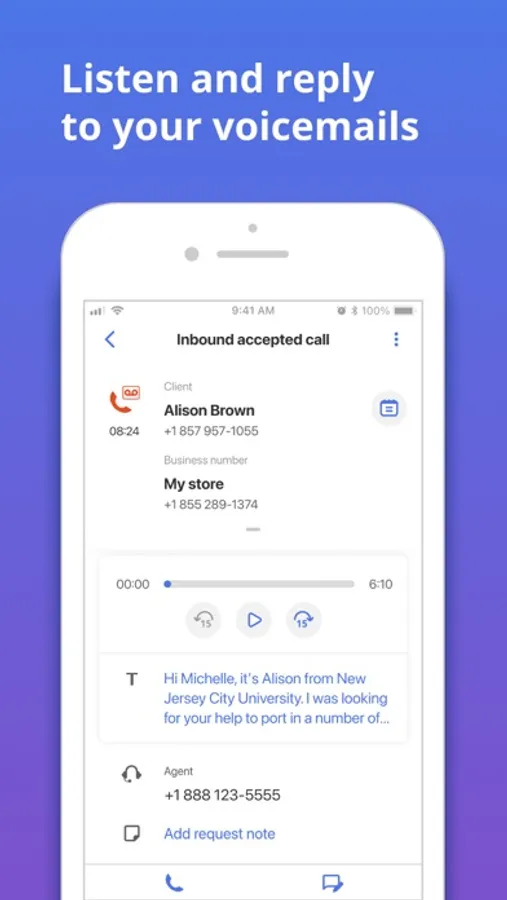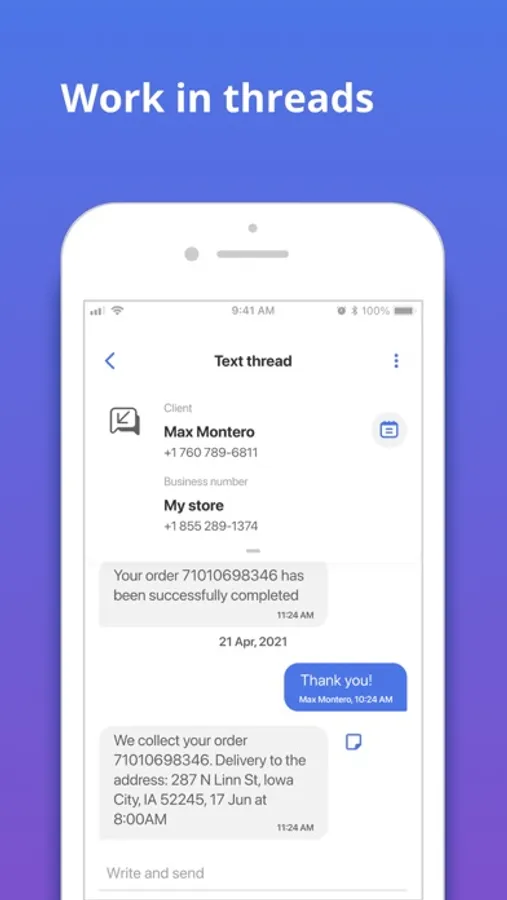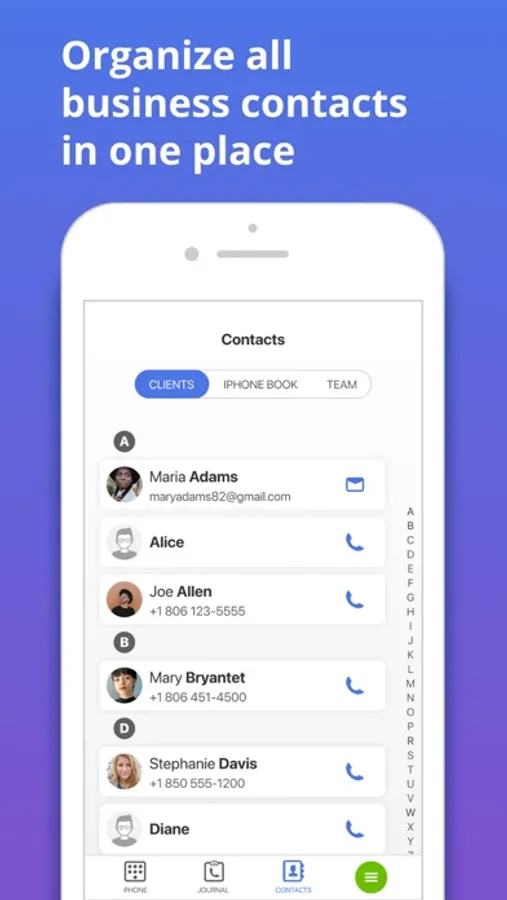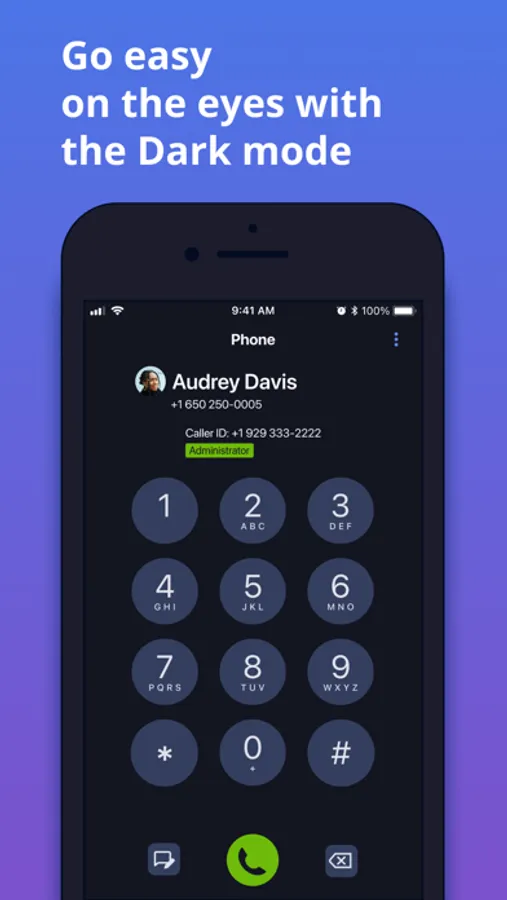
With this communication management app, you can monitor customer requests, view details, and respond via native applications. Includes alert notifications, request assignment, and progress tracking features.
AppRecs review analysis
AppRecs rating 3.6. Trustworthiness 84 out of 100. Review manipulation risk 21 out of 100. Based on a review sample analyzed.
★★★☆☆
3.6
AppRecs Rating
Ratings breakdown
5 star
58%
4 star
11%
3 star
5%
2 star
7%
1 star
19%
What to know
✓
Low review manipulation risk
21% review manipulation risk
✓
Credible reviews
84% trustworthiness score from analyzed reviews
⚠
Pricing complaints
Many low ratings mention paywalls or pricing
About MightyCall Classic
Receive, Review and Respond to Customer Requests from Anywhere with MightyCall Mobile
Designed with small business owners and their teams in mind, MightyCall Mobile helps you monitor and manage omnichannel communications. No matter where you are, you’ll be alerted to new requests and be able to respond from your phone or reassign the task to a colleague. It’s like having your very own call center in your pocket.
With the MightyCall Mobile App you can:
* Get alerts - when new customer requests arrive
* View customer requests – with omnichannel coverage in a single activity queue
* Quickly assign requests - to yourself or a staff member with a swipe
* View request details – with a single touch
* Track next steps - by adding comments to a request
* Immediately respond - using native applications like email or phone calls
* Update your address book - with a customer’s contact info
* Complete requests - with the push of a button
* Monitor progress – ensuring that opportunities don’t fall through the cracks
Download and install the free iOS application to get access to MightyCall features on-the-go.
Designed with small business owners and their teams in mind, MightyCall Mobile helps you monitor and manage omnichannel communications. No matter where you are, you’ll be alerted to new requests and be able to respond from your phone or reassign the task to a colleague. It’s like having your very own call center in your pocket.
With the MightyCall Mobile App you can:
* Get alerts - when new customer requests arrive
* View customer requests – with omnichannel coverage in a single activity queue
* Quickly assign requests - to yourself or a staff member with a swipe
* View request details – with a single touch
* Track next steps - by adding comments to a request
* Immediately respond - using native applications like email or phone calls
* Update your address book - with a customer’s contact info
* Complete requests - with the push of a button
* Monitor progress – ensuring that opportunities don’t fall through the cracks
Download and install the free iOS application to get access to MightyCall features on-the-go.