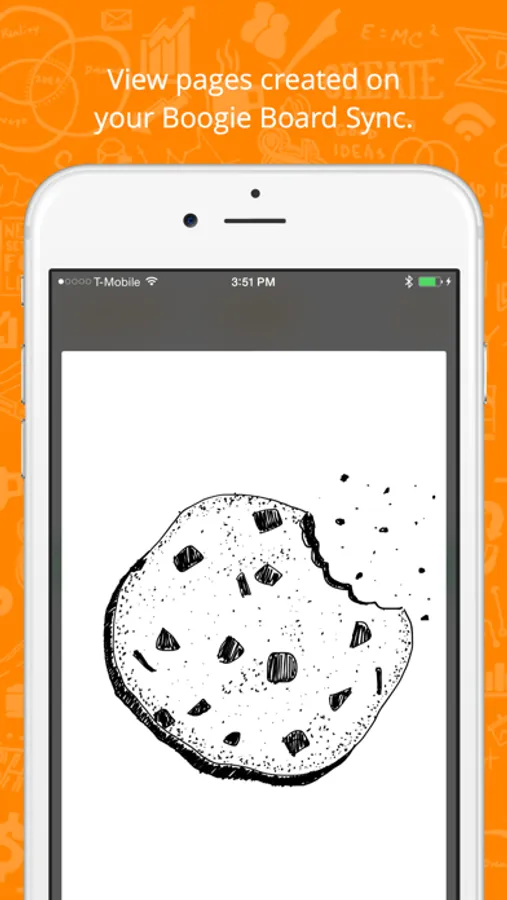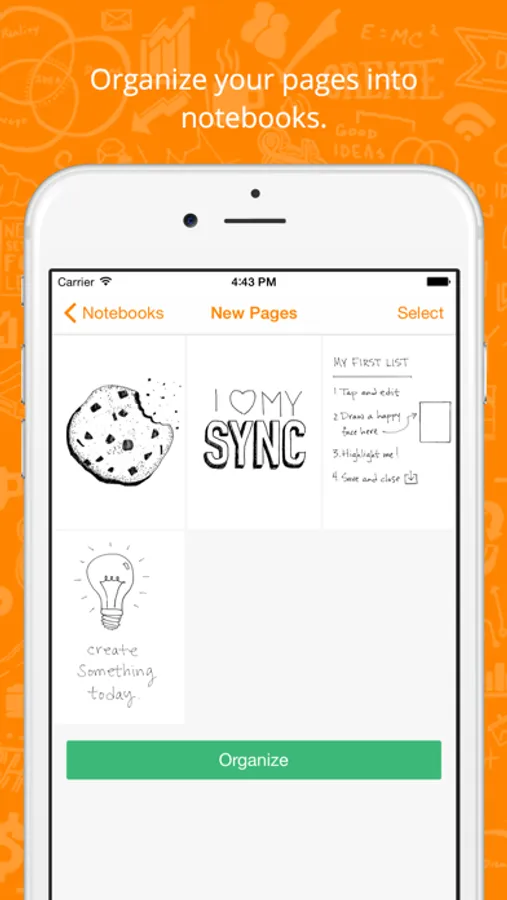
With this app, you can view, organize, and markup pages from your Boogie Board Sync device. Includes page management, markup tools, and sharing options.
AppRecs review analysis
AppRecs rating 2.9. Trustworthiness 81 out of 100. Review manipulation risk 22 out of 100. Based on a review sample analyzed.
★★☆☆☆
2.9
AppRecs Rating
Ratings breakdown
5 star
32%
4 star
14%
3 star
13%
2 star
11%
1 star
31%
What to know
✓
Low review manipulation risk
22% review manipulation risk
✓
Credible reviews
81% trustworthiness score from analyzed reviews
⚠
High negative review ratio
41% of sampled ratings are 1–2 stars
About Boogie Board Sync
The official Boogie Board Sync app.
Connect the Boogie Board Sync to your iOS device over Bluetooth and watch yourself become more productive and creative.
Stay organized:
• Automatically download new pages from the Boogie Board Sync.
• View or delete pages saved to the app.
• Put pages into notebooks for quick access.
• Find pages easily using search.
• Quick Add: Organize a page by drawing an edge down the side of the Boogie Board Sync. The page will then be automatically moved to a notebook you have selected.
Stay creative:
• Use your finger to markup pages that were previously created on the Boogie Board Sync.
• Choose between a pen or highlighter for editing.
• Create pages from scratch, no Boogie Board Sync required.
Stay connected:
• Share any page as a image, PDF or video.
• Exported videos will animate the page exactly as it was draw.
• Seamlessly synchronize your pages to Dropbox or Evernote.
Boogie Board Live:
• Share, in real-time, what is being drawn on your Boogie Board Sync with anyone just by sending a link.
• More information can be found at www.boogieboardlive.com.
Connect the Boogie Board Sync to your iOS device over Bluetooth and watch yourself become more productive and creative.
Stay organized:
• Automatically download new pages from the Boogie Board Sync.
• View or delete pages saved to the app.
• Put pages into notebooks for quick access.
• Find pages easily using search.
• Quick Add: Organize a page by drawing an edge down the side of the Boogie Board Sync. The page will then be automatically moved to a notebook you have selected.
Stay creative:
• Use your finger to markup pages that were previously created on the Boogie Board Sync.
• Choose between a pen or highlighter for editing.
• Create pages from scratch, no Boogie Board Sync required.
Stay connected:
• Share any page as a image, PDF or video.
• Exported videos will animate the page exactly as it was draw.
• Seamlessly synchronize your pages to Dropbox or Evernote.
Boogie Board Live:
• Share, in real-time, what is being drawn on your Boogie Board Sync with anyone just by sending a link.
• More information can be found at www.boogieboardlive.com.