Code Viewer - best reader for code
skoroapps s.r.o.
3.4 ★
store rating
Free
AppRecs review analysis
AppRecs rating 3.2. Trustworthiness 78 out of 100. Review manipulation risk 22 out of 100. Based on a review sample analyzed.
★★★☆☆
3.2
AppRecs Rating
Ratings breakdown
5 star
39%
4 star
17%
3 star
11%
2 star
11%
1 star
22%
What to know
✓
Low review manipulation risk
22% review manipulation risk
✓
Credible reviews
78% trustworthiness score from analyzed reviews
About Code Viewer - best reader for code
*Featured by Apple in "New and Noteworthy" category
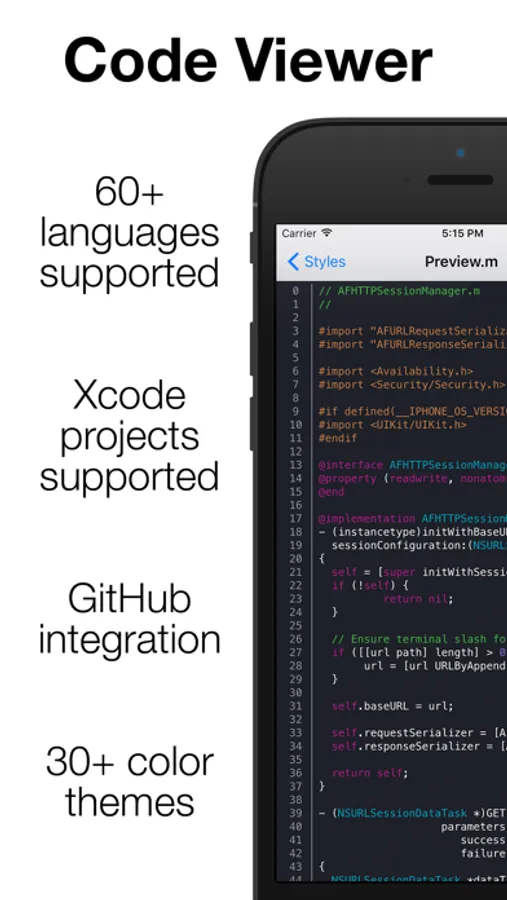
* View source code files, with native colors *
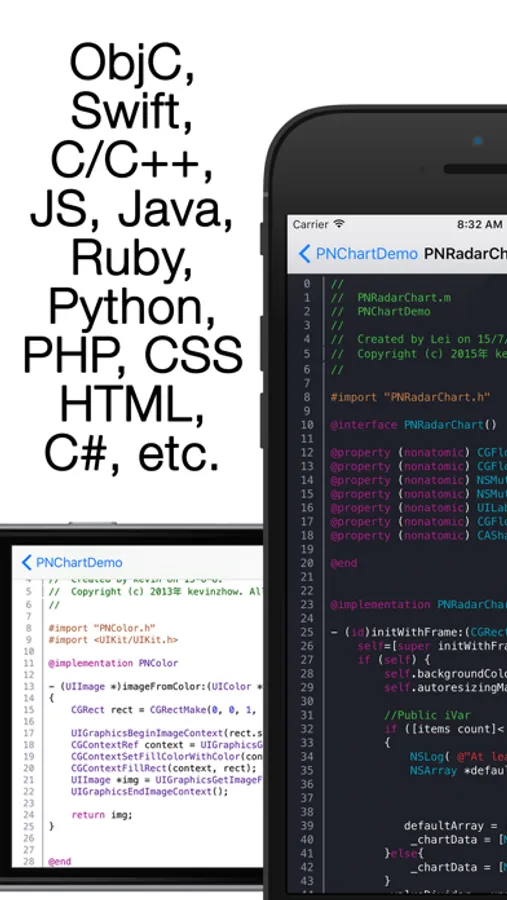
App support 60+ programming languages, like Swift, C, C++, JS, ObjC, C#, HTML, XML, Java, Python, Ruby etc.
* Open Xcode projects like Xcode do it. *
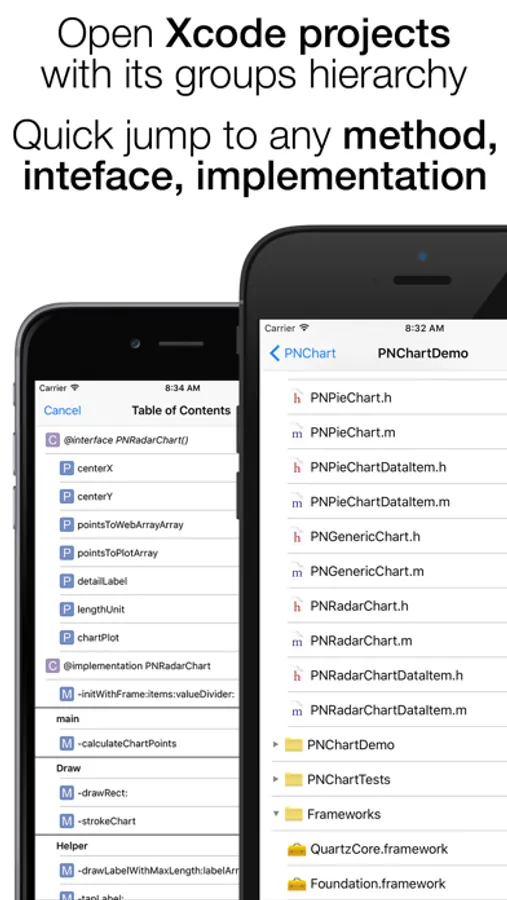
You can browse file through folders, or select .xcodeproj file to open whole Xcode project. App will analyse project files, and open your project like Xcode, with all groups, bundles, frameworks, etc.
* Table of Contents *
In each header or source file, you can use Table of Contents, for fast jump to any method definition, interfere, protocol or property declaration, #define constant. We also cheek your #pragma marks, to group your methods.
* Easy add new code *
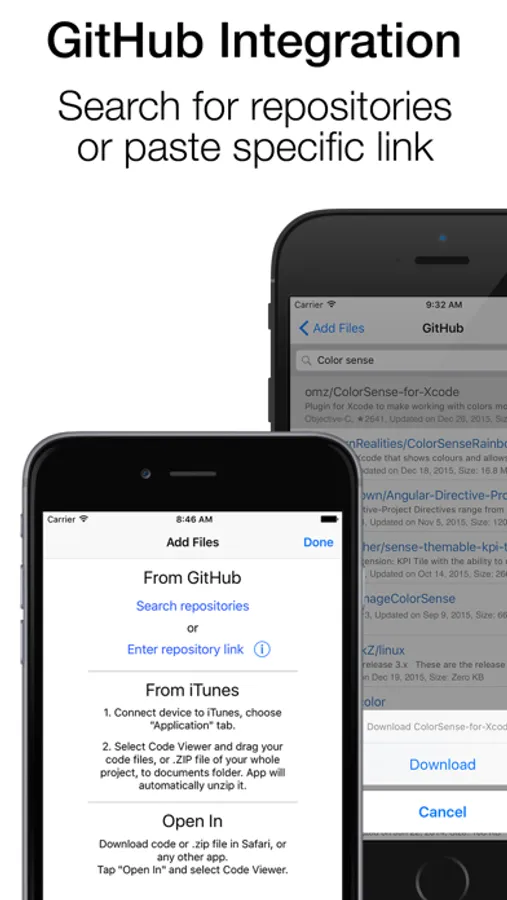
Just drag your files to app through iTunes, or download/search files directly from GitHub. Just past a link to repository like github.com/AFNetworking/ or search for repository by name. Also you can "Open In" any file in Code Viewer from Safari or any other app.
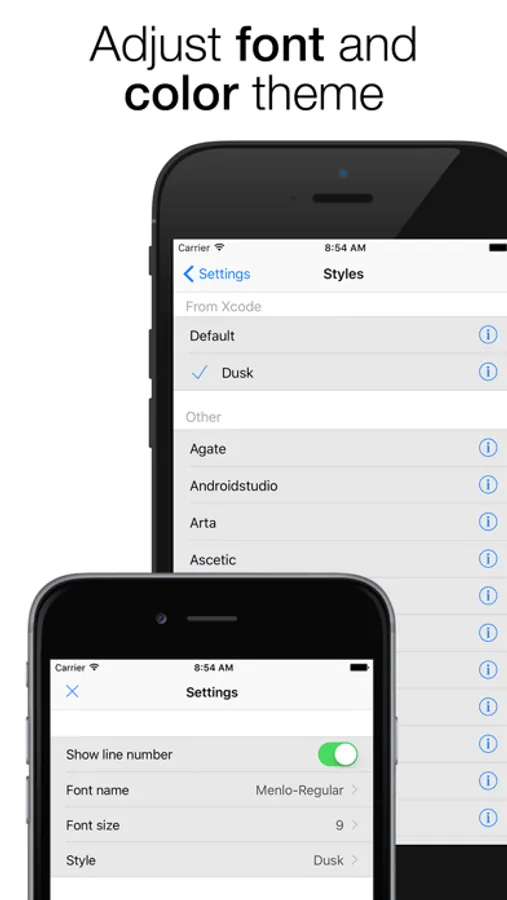
* 30+ color themes *
Including Xcode Default and Dusk themes
Please send to us your feedback at suppor@skoroapps.com
* View source code files, with native colors *
App support 60+ programming languages, like Swift, C, C++, JS, ObjC, C#, HTML, XML, Java, Python, Ruby etc.
* Open Xcode projects like Xcode do it. *
You can browse file through folders, or select .xcodeproj file to open whole Xcode project. App will analyse project files, and open your project like Xcode, with all groups, bundles, frameworks, etc.
* Table of Contents *
In each header or source file, you can use Table of Contents, for fast jump to any method definition, interfere, protocol or property declaration, #define constant. We also cheek your #pragma marks, to group your methods.
* Easy add new code *
Just drag your files to app through iTunes, or download/search files directly from GitHub. Just past a link to repository like github.com/AFNetworking/ or search for repository by name. Also you can "Open In" any file in Code Viewer from Safari or any other app.
* 30+ color themes *
Including Xcode Default and Dusk themes
Please send to us your feedback at suppor@skoroapps.com