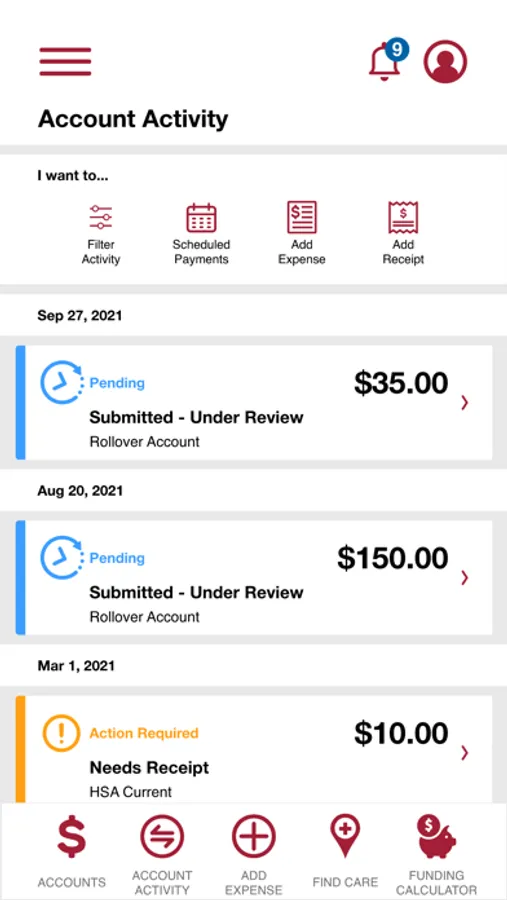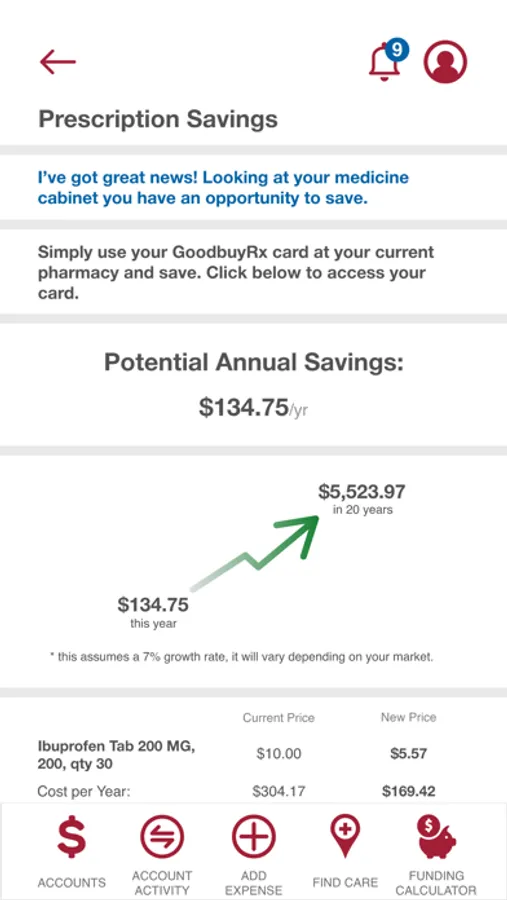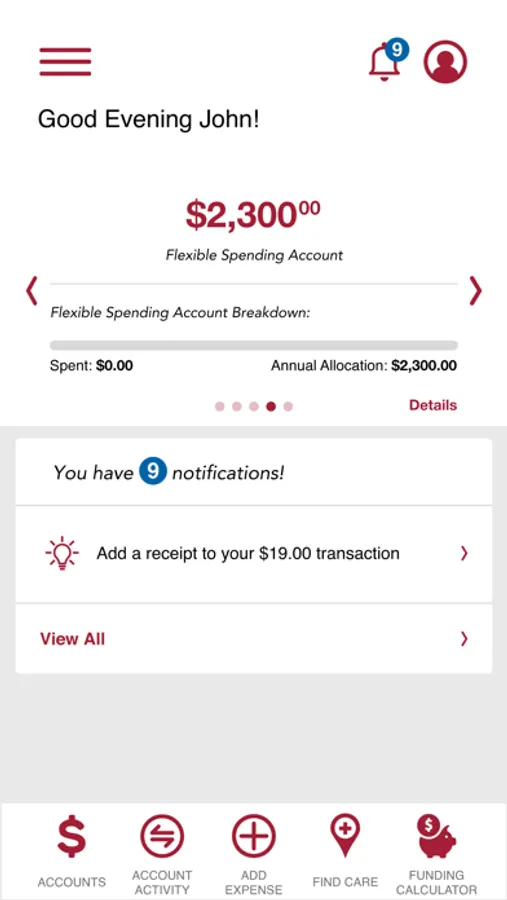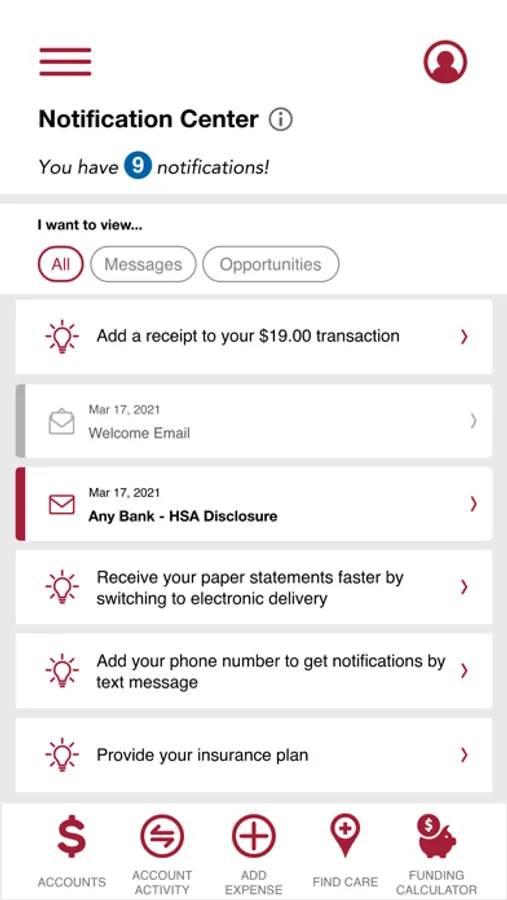
With this benefits management app, you can view account balances, submit claims, and receive notifications. Includes receipt capture, transaction history, and customer support features.
AppRecs review analysis
AppRecs rating 4.5. Trustworthiness 81 out of 100. Review manipulation risk 20 out of 100. Based on a review sample analyzed.
★★★★☆
4.5
AppRecs Rating
Ratings breakdown
5 star
83%
4 star
6%
3 star
2%
2 star
2%
1 star
8%
What to know
✓
Low review manipulation risk
20% review manipulation risk
✓
Credible reviews
81% trustworthiness score from analyzed reviews
✓
High user satisfaction
83% of sampled ratings are 5 stars
About EBPA Mobile
Your FSA, HRA, Parking and Transit Benefits just got smarter!
Access your FSA, HRA, Parking or Transit benefits from the pharmacy, doctor’s office, metro or anywhere you need access with the new EBPA Mobile App for iPhone, iPad, iPod Touch and other mobile devices.
Get the most from your FSA, HRA, Parking and Transit benefits with on-demand mobile access:
• Snap receipt photos and submit new claims on the go
• Get real-time account balances on the spot
• View and reconcile recent transactions
• Communicate with EBPA Customer Service
• Receive custom SMS account alerts without missing a beat
How to get moving with the EBPA Mobile App:
If you haven’t done so already, safely and securely register for a user name and password by visiting the EBPA online portal at www.mywealthcareonline.com/ebpa. Then, simply download the app and go!
Access your FSA, HRA, Parking or Transit benefits from the pharmacy, doctor’s office, metro or anywhere you need access with the new EBPA Mobile App for iPhone, iPad, iPod Touch and other mobile devices.
Get the most from your FSA, HRA, Parking and Transit benefits with on-demand mobile access:
• Snap receipt photos and submit new claims on the go
• Get real-time account balances on the spot
• View and reconcile recent transactions
• Communicate with EBPA Customer Service
• Receive custom SMS account alerts without missing a beat
How to get moving with the EBPA Mobile App:
If you haven’t done so already, safely and securely register for a user name and password by visiting the EBPA online portal at www.mywealthcareonline.com/ebpa. Then, simply download the app and go!