In this calculator app, you can perform financial calculations, view an audit tape, and use a unit converter. Includes interactive worksheets, multiple views, and built-in help features.
AppRecs review analysis
AppRecs rating 4.4. Trustworthiness 67 out of 100. Review manipulation risk 31 out of 100. Based on a review sample analyzed.
★★★★☆
4.4
AppRecs Rating
Ratings breakdown
5 star
92%
4 star
6%
3 star
1%
2 star
0%
1 star
0%
What to know
✓
High user satisfaction
92% of sampled ratings are 5 stars
About 12Calc
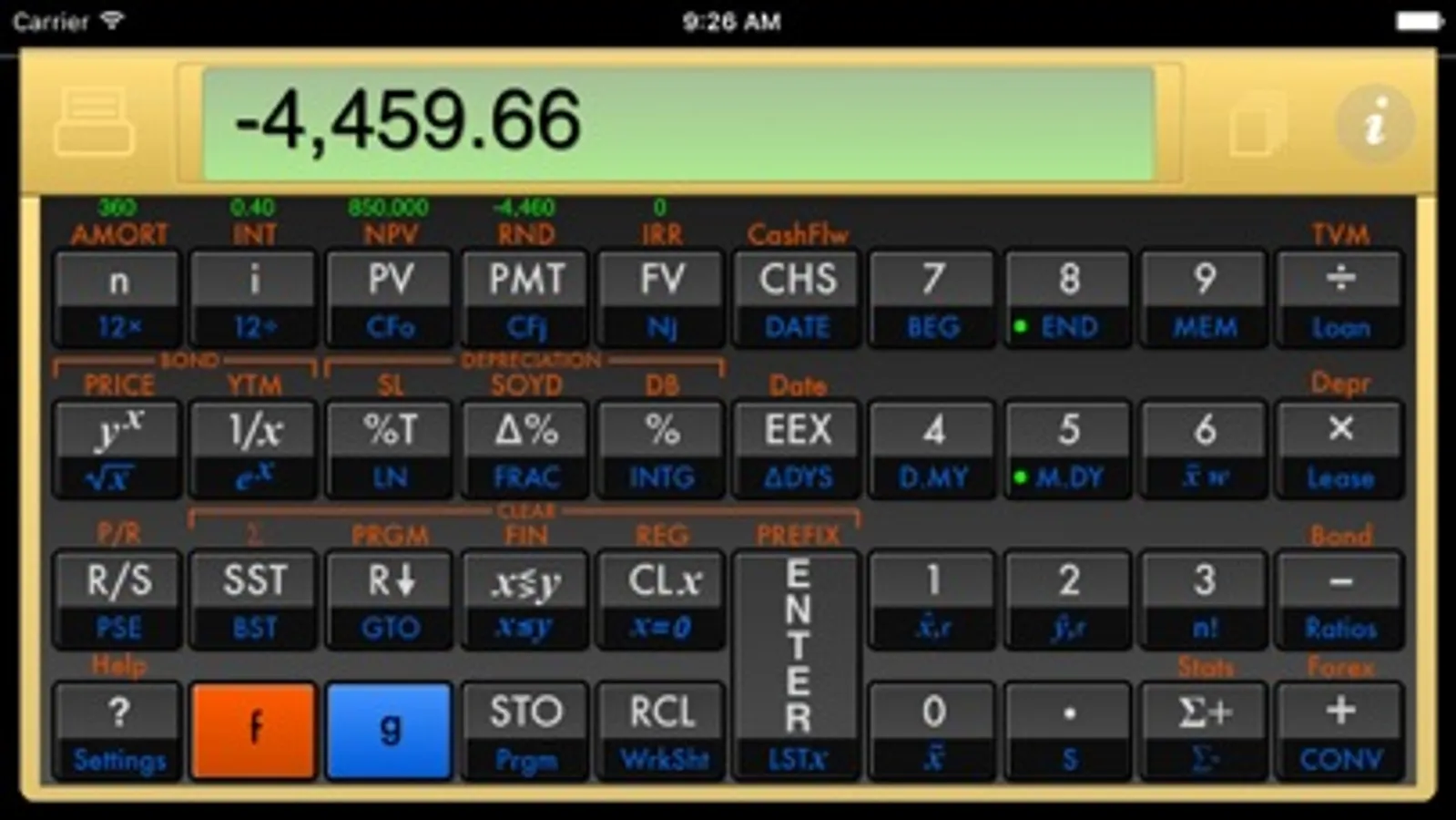
12Calc is a full version of the well known HP12C for the iPhone and iPad. It also includes an audit tape, unit converter, worksheets, rotated views, user guide and HD graphics optimized for iPad and iPhone retina displays.
•Runs in 64 bit mode on the latest iOS release and new iPads and iPhones.
•Calculations are highly accurate and blazing fast. No more "running" flashing displays for amortizations, depreciation schedules or interest calculations. Work as fast as you can type.
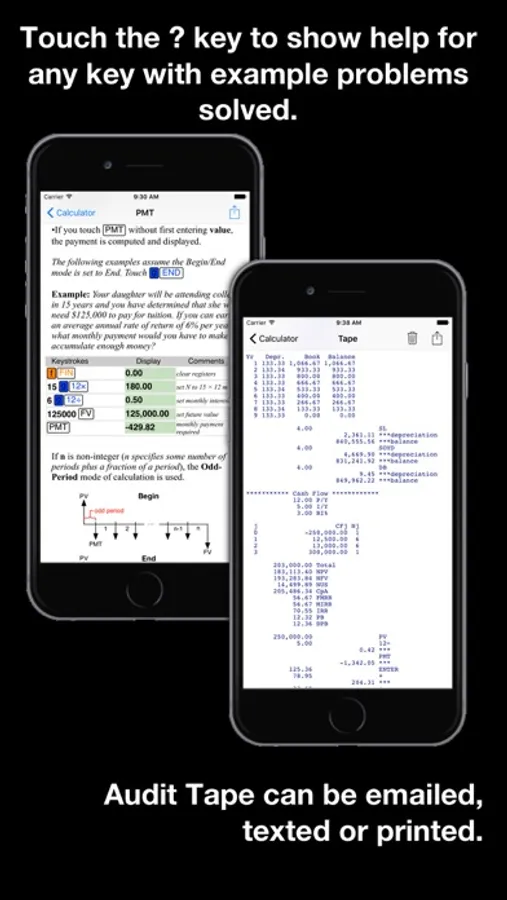
•Audit Tape: The audit tape keeps a record of your calculations. You can review, mail, text, share or print the tape.
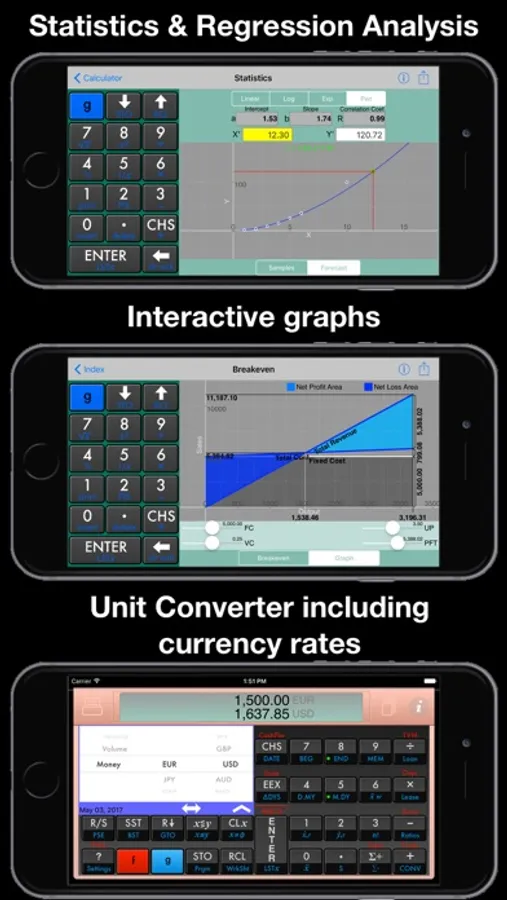
•Unit Converter: Convert between a wide variety of common units and currencies. Currency rates can be downloaded from the internet.
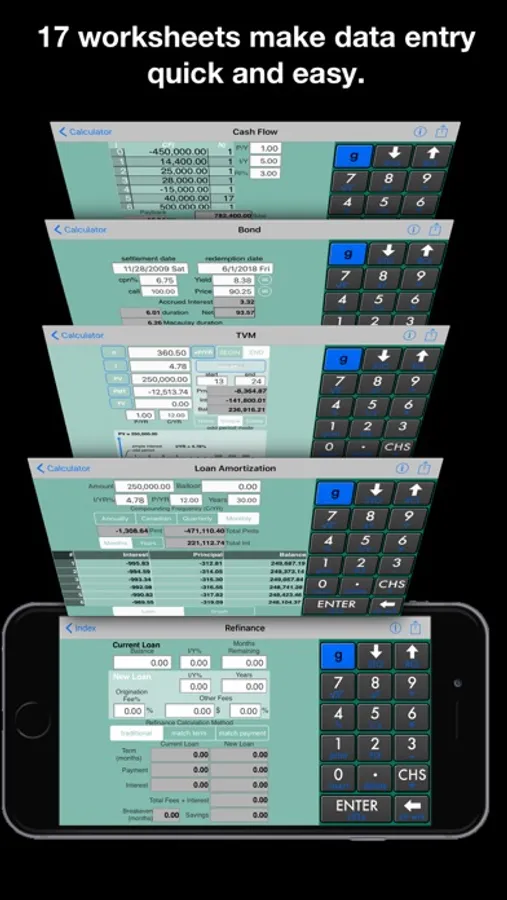
•Work Sheets with interactive graphs:
Auto Purchase
Black-Scholes
Bond
Break-even
Cash Flow analysis
Currency
Date
Depreciation
Interest Conversion
Lease
Loan Amortization (includes option for Canadian mortgages)
Margin&Markup
Refinance
Statistics
Tip
TVM
•Views for all orientations: Portrait and landscape renderings of the full keyboard are provided for iPhone and iPad. The iPad version includes slide over and multiple split view displays as well as side-by-side display of the help page, audit tape, tvm mortgage table or program variables.
•Built-in contextual help: Touch the ? key for a description of any keyboard function with examples of use. If you are just learning or can't remember how to use a function- just touch the ? key. Includes tutorials on how to use reverse Polish notation (RPN) and how to solve time value of money problems.
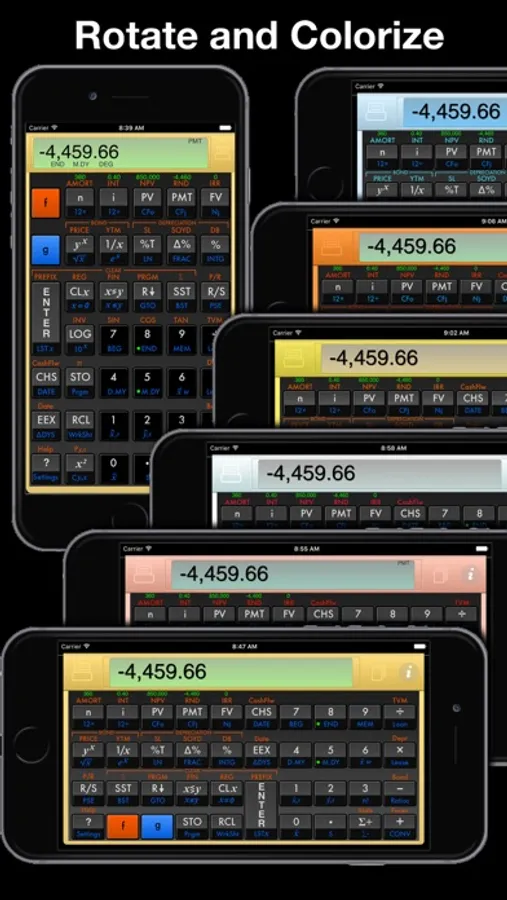
•HD Graphics: Graphics optimized for both retina and standard resolution screens. Choose from multiple color schemes including gold, rose gold, brass, copper, silver and several color tints.
•Runs in 64 bit mode on the latest iOS release and new iPads and iPhones.
•Calculations are highly accurate and blazing fast. No more "running" flashing displays for amortizations, depreciation schedules or interest calculations. Work as fast as you can type.
•Audit Tape: The audit tape keeps a record of your calculations. You can review, mail, text, share or print the tape.
•Unit Converter: Convert between a wide variety of common units and currencies. Currency rates can be downloaded from the internet.
•Work Sheets with interactive graphs:
Auto Purchase
Black-Scholes
Bond
Break-even
Cash Flow analysis
Currency
Date
Depreciation
Interest Conversion
Lease
Loan Amortization (includes option for Canadian mortgages)
Margin&Markup
Refinance
Statistics
Tip
TVM
•Views for all orientations: Portrait and landscape renderings of the full keyboard are provided for iPhone and iPad. The iPad version includes slide over and multiple split view displays as well as side-by-side display of the help page, audit tape, tvm mortgage table or program variables.
•Built-in contextual help: Touch the ? key for a description of any keyboard function with examples of use. If you are just learning or can't remember how to use a function- just touch the ? key. Includes tutorials on how to use reverse Polish notation (RPN) and how to solve time value of money problems.
•HD Graphics: Graphics optimized for both retina and standard resolution screens. Choose from multiple color schemes including gold, rose gold, brass, copper, silver and several color tints.