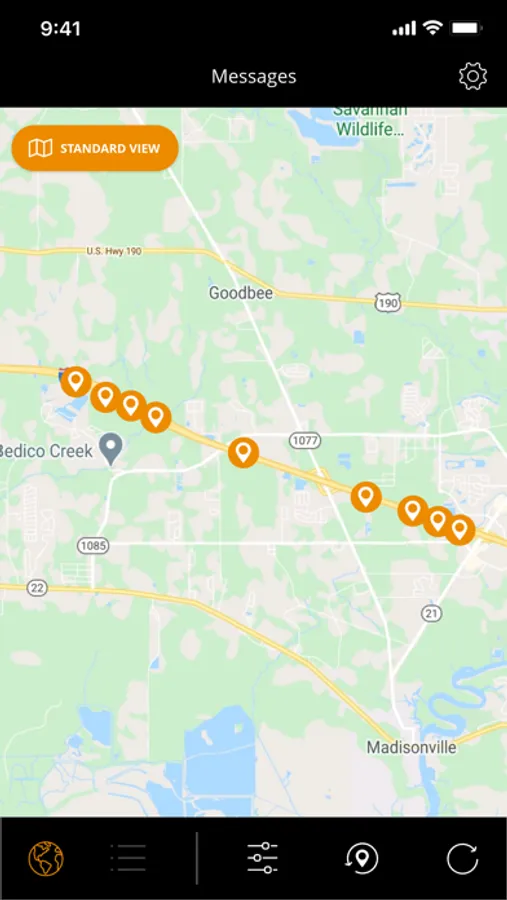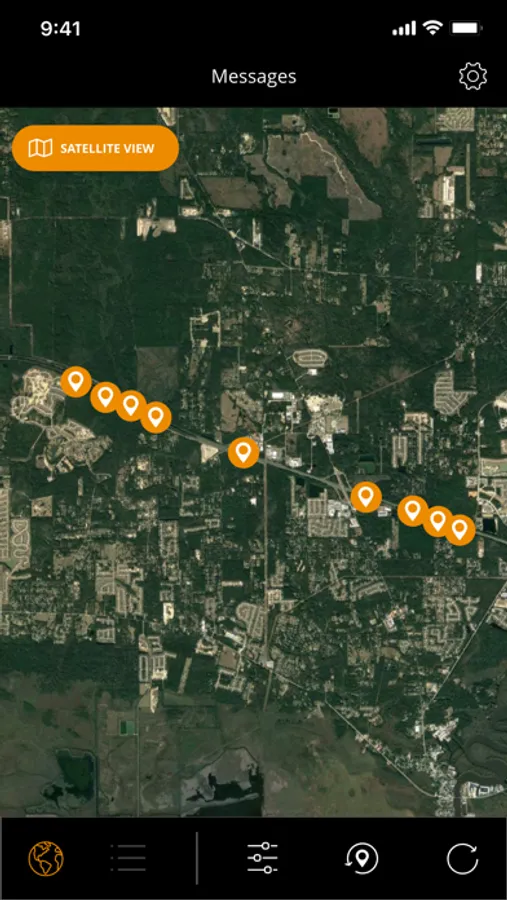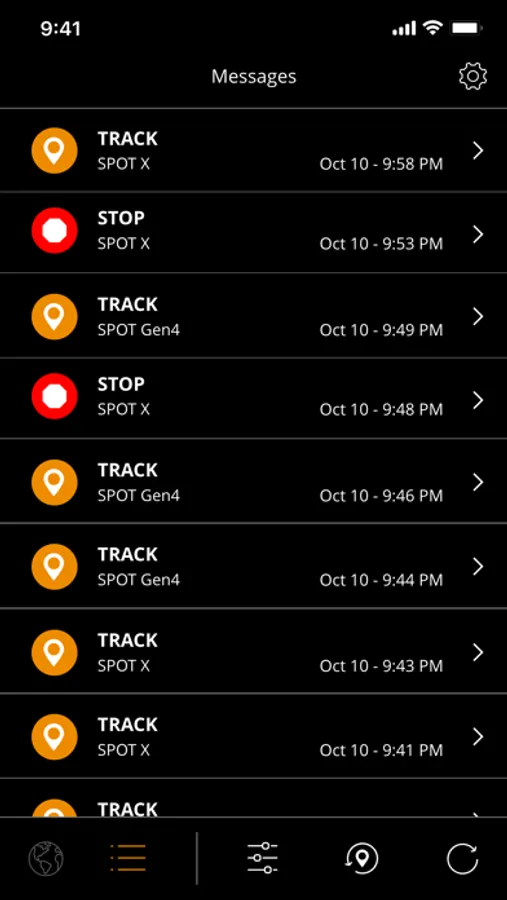
In this GPS tracking app, you can monitor messages from your SPOT device and view locations on various maps. Includes message filtering, GPS display options, and auto-deletion settings.
AppRecs review analysis
AppRecs rating 1.6. Trustworthiness 74 out of 100. Review manipulation risk 25 out of 100. Based on a review sample analyzed.
★☆☆☆☆
1.6
AppRecs Rating
Ratings breakdown
5 star
16%
4 star
7%
3 star
7%
2 star
10%
1 star
60%
What to know
⚠
Pricing complaints
Many low ratings mention paywalls or pricing
⚠
Mixed user feedback
Average 2.1★ rating suggests room for improvement
⚠
High negative review ratio
70% of sampled ratings are 1–2 stars
About The SPOT App
SPOT satellite devices provide GPS location-based messaging, emergency, and coordination with Search and Rescue and anti-theft alerting and tracking beyond the boundaries of cellular. The SPOT satellite technology, powered by Globalstar, has initiated over 7,000 rescues around the globe.
The SPOT App allows you to view messages sent from your SPOT device, track progress, or monitor assets.
Features:
• Display SPOT messages with GPS locations on a standard map, a satellite map, or hybrid map
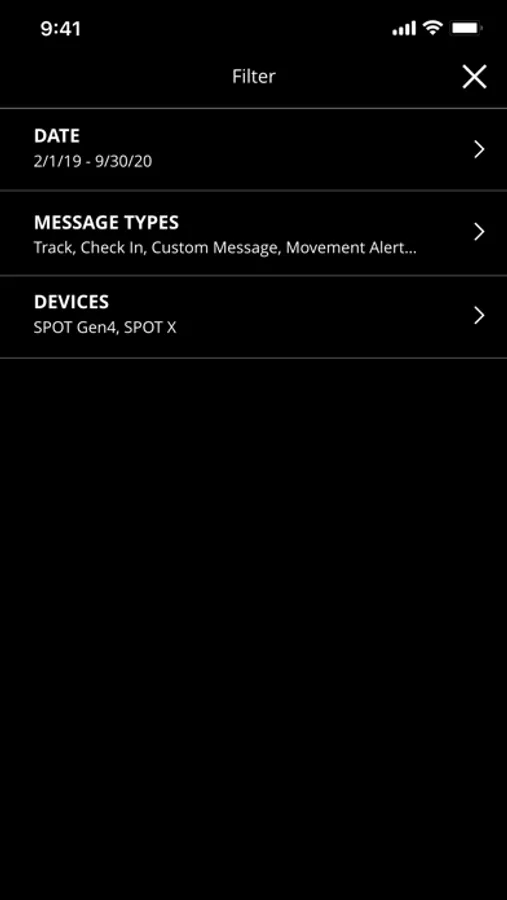
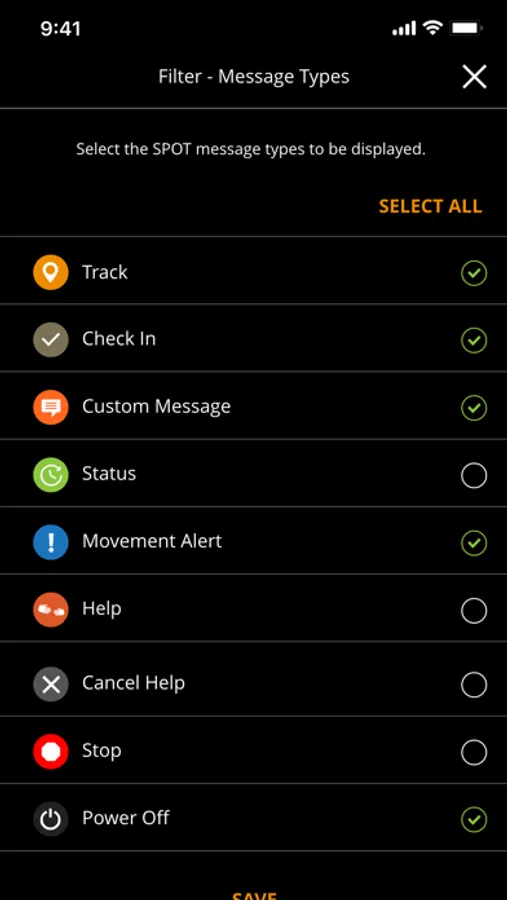
• Filter your SPOT messages by date range, message type, or device type
• Easily zoom to the most recent SPOT message
• Select preferred GPS coordinate display format
• Option to auto-delete SPOT messages by time or quantity within the app. Auto-deleted messages are removed from the app but remain in your SPOT Mapping account for 3 years
• Set the frequency to check for new SPOT messages
*The SPOT App requires a SPOT account with an active SPOT satellite device and a Wi-Fi or data connection to view your SPOT messages. To learn more, visit FindMeSPOT.com.
The SPOT App allows you to view messages sent from your SPOT device, track progress, or monitor assets.
Features:
• Display SPOT messages with GPS locations on a standard map, a satellite map, or hybrid map
• Filter your SPOT messages by date range, message type, or device type
• Easily zoom to the most recent SPOT message
• Select preferred GPS coordinate display format
• Option to auto-delete SPOT messages by time or quantity within the app. Auto-deleted messages are removed from the app but remain in your SPOT Mapping account for 3 years
• Set the frequency to check for new SPOT messages
*The SPOT App requires a SPOT account with an active SPOT satellite device and a Wi-Fi or data connection to view your SPOT messages. To learn more, visit FindMeSPOT.com.