SyncCal
Dominique Andr Gunia
3.7 ★
store rating
$0.99
AppRecs review analysis
AppRecs rating 3.4. Trustworthiness 83 out of 100. Review manipulation risk 22 out of 100. Based on a review sample analyzed.
★★★☆☆
3.4
AppRecs Rating
Ratings breakdown
5 star
55%
4 star
15%
3 star
0%
2 star
0%
1 star
30%
What to know
✓
Low review manipulation risk
22% review manipulation risk
✓
Credible reviews
83% trustworthiness score from analyzed reviews
✓
Good user ratings
70% positive sampled reviews
About SyncCal
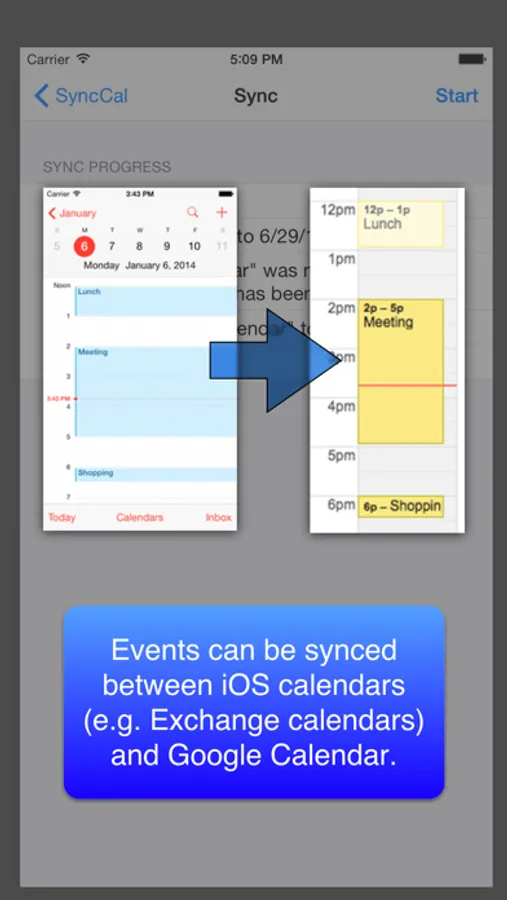
SyncCal allows you to share your iOS calendars (e.g. iCloud and Exchange calendars) via Google Calendar with other people. E.g. if you would like to share your work calendar with your family, you can do it this way. And if you (or your employer) doesn't want the events' details to be uploaded to Google Calendar, you can only upload empty events instead, so that your family knows at least the times of your events.
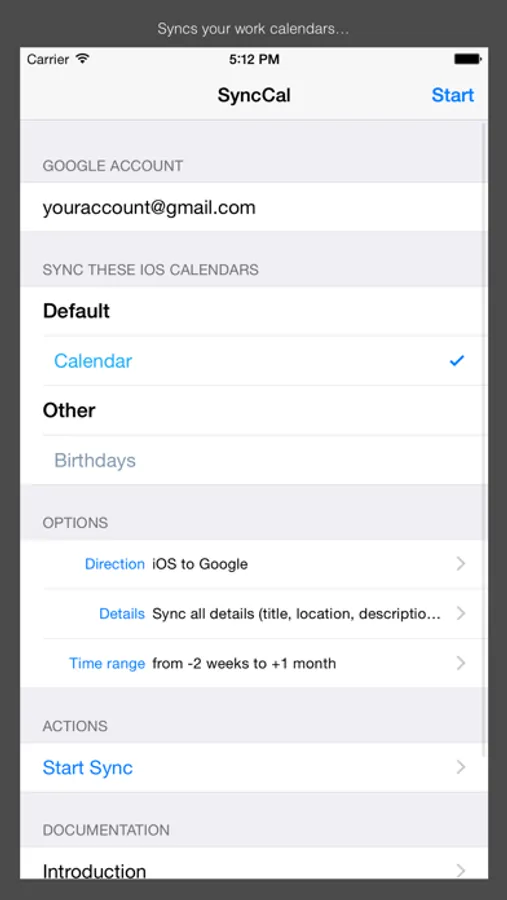
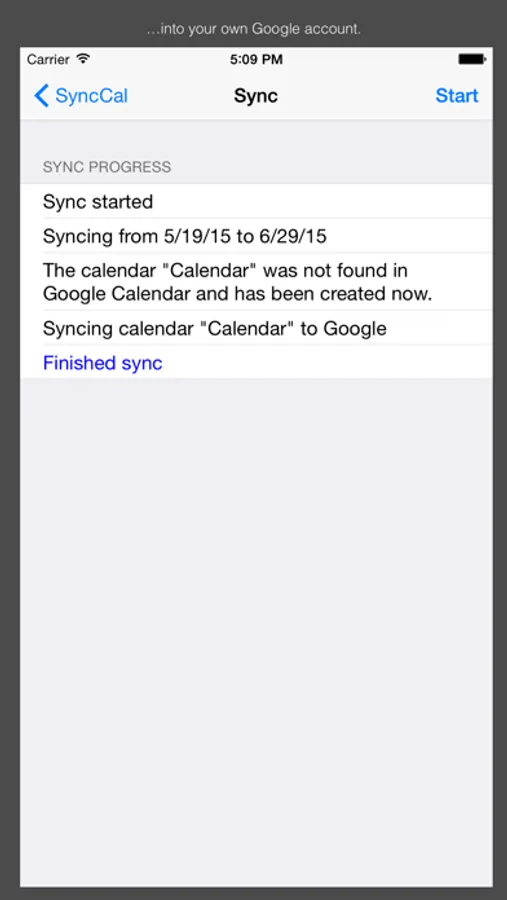
Just install SyncCal, enter your Google Calendar account, select which calendars should be synced and tap "Start". Afterward it will copy the selected calendars into new calendars in Google Calendar. It will also automatically keep them up-to-date by using background refresh and push notifications.
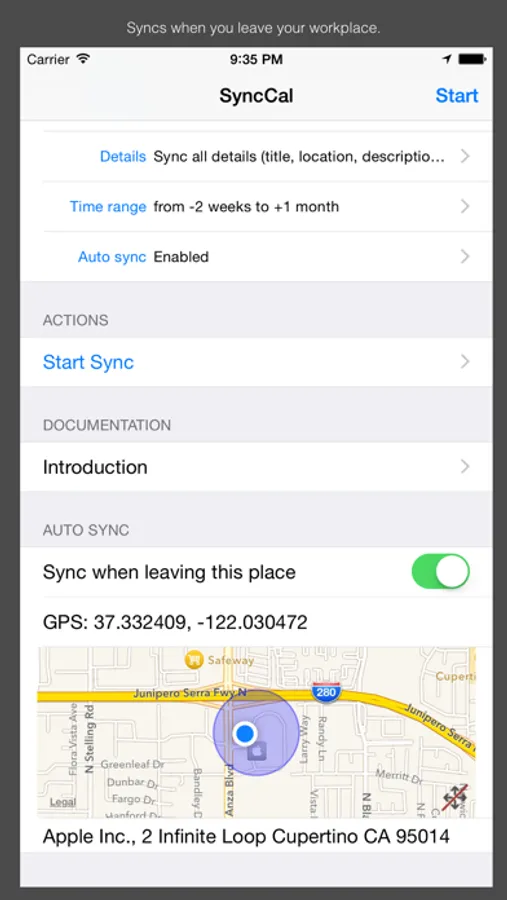
It can also be configured to automatically sync when you leave your workplace. Just turn "Sync when leaving this place" on when you are at work. SyncCal will save the location and afterward it will automatically sync every time you leave your workplace.
iOS' birthday calendar can also be synced into a Google calendar this way.
You can find further information on http://synccal.calengoo.com . If you have any problems please contact synccal@calengoo.com .
Just install SyncCal, enter your Google Calendar account, select which calendars should be synced and tap "Start". Afterward it will copy the selected calendars into new calendars in Google Calendar. It will also automatically keep them up-to-date by using background refresh and push notifications.
It can also be configured to automatically sync when you leave your workplace. Just turn "Sync when leaving this place" on when you are at work. SyncCal will save the location and afterward it will automatically sync every time you leave your workplace.
iOS' birthday calendar can also be synced into a Google calendar this way.
You can find further information on http://synccal.calengoo.com . If you have any problems please contact synccal@calengoo.com .