Nextcloud Notes
Nextcloud GmbH
2.3 ★
store rating
Free
AppRecs review analysis
AppRecs rating 1.8. Trustworthiness 75 out of 100. Review manipulation risk 22 out of 100. Based on a review sample analyzed.
★☆☆☆☆
1.8
AppRecs Rating
Ratings breakdown
5 star
21%
4 star
6%
3 star
7%
2 star
8%
1 star
57%
What to know
⚠
Pricing complaints
Many low ratings mention paywalls or pricing
⚠
Mixed user feedback
Average 2.3★ rating suggests room for improvement
⚠
High negative review ratio
65% of sampled ratings are 1–2 stars
About Nextcloud Notes
Note: Access to a Nextcloud server with the Notes app installed is required to use this app. Visit https://nextcloud.com for more information.
Nextcloud Notes is a notes editor that syncs with the Notes app (https://github.com/nextcloud/notes/releases) on your server.
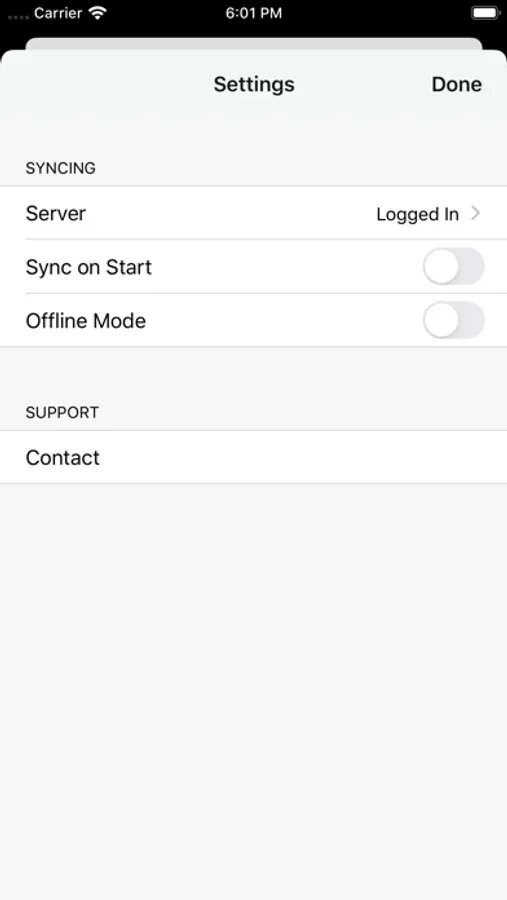
Once you have logged in to your server, all notes will be kept in sync between devices and also the web interface. Optionally supports sync on startup.
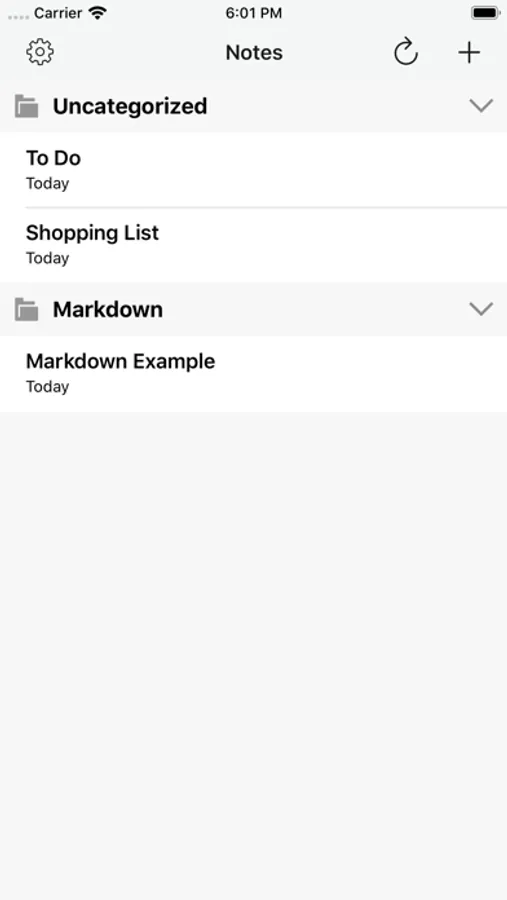
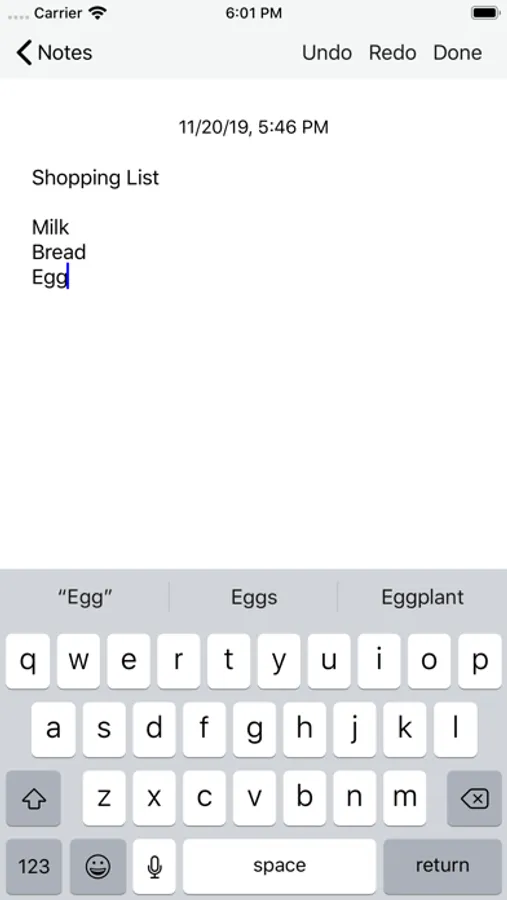
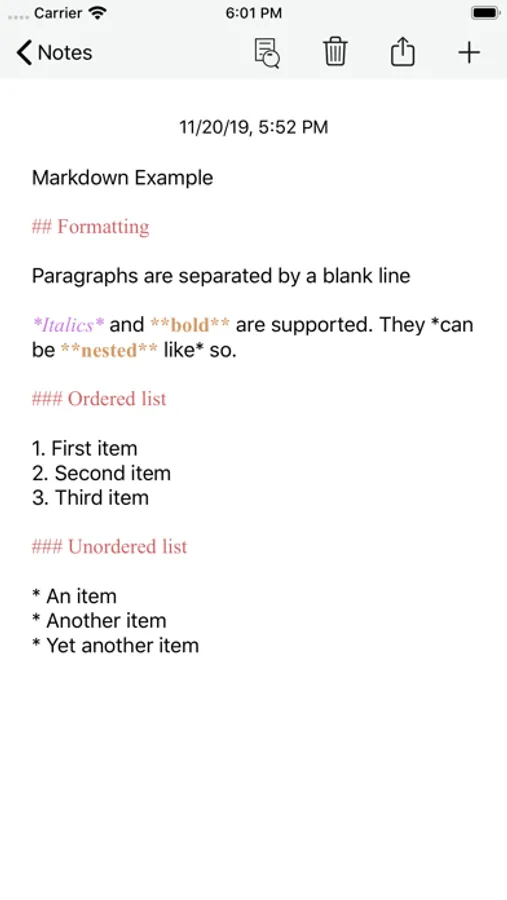
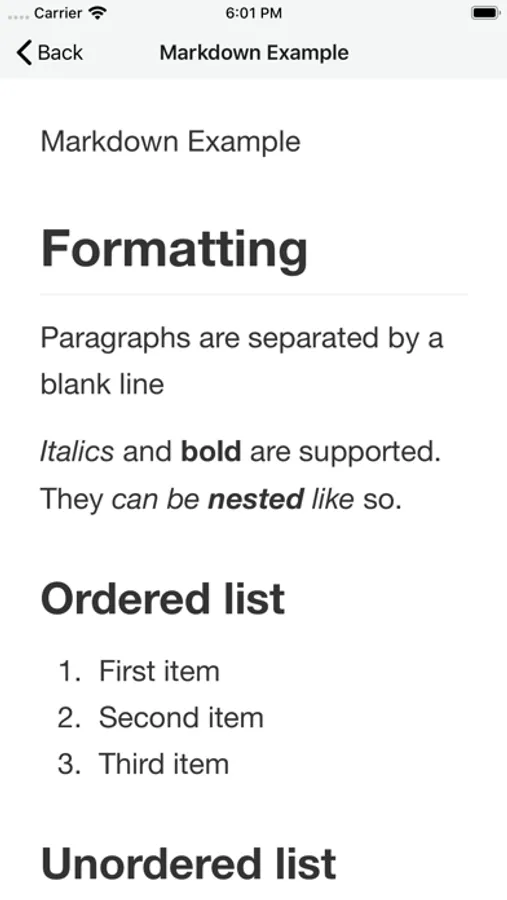
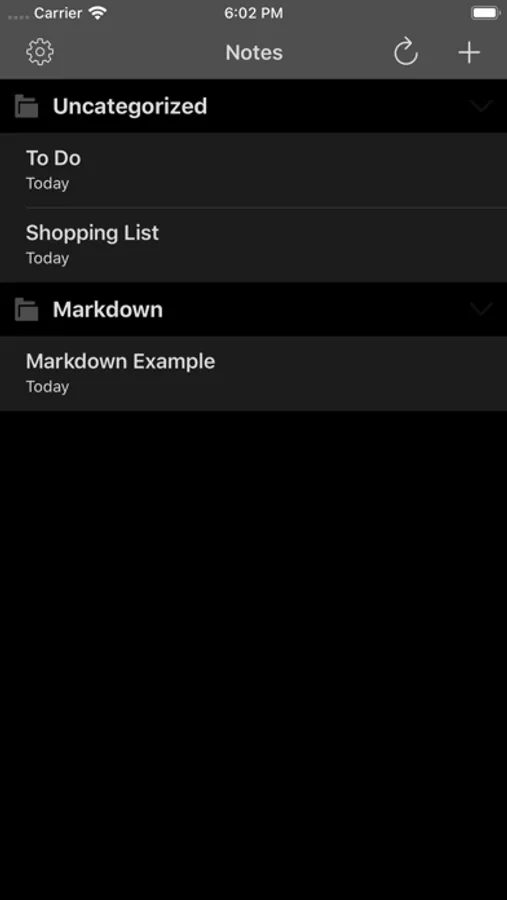
You can create and delete notes directly on the device. Notes can be organized in categories. Edit as plain text or use markdown for rich formatting. Notes can be copied or exported to other apps or services in several formats.
If you have a sync client (optional) installed on your desktop computer all notes will be there too, and can be edited with any text editor.
Nextcloud Notes is a notes editor that syncs with the Notes app (https://github.com/nextcloud/notes/releases) on your server.
Once you have logged in to your server, all notes will be kept in sync between devices and also the web interface. Optionally supports sync on startup.
You can create and delete notes directly on the device. Notes can be organized in categories. Edit as plain text or use markdown for rich formatting. Notes can be copied or exported to other apps or services in several formats.
If you have a sync client (optional) installed on your desktop computer all notes will be there too, and can be edited with any text editor.