AppRecs review analysis
AppRecs rating 1.6. Trustworthiness 79 out of 100. Review manipulation risk 20 out of 100. Based on a review sample analyzed.
★☆☆☆☆
1.6
AppRecs Rating
Ratings breakdown
5 star
18%
4 star
0%
3 star
9%
2 star
18%
1 star
55%
What to know
✓
Low review manipulation risk
20% review manipulation risk
⚠
Pricing complaints
Many low ratings mention paywalls or pricing
⚠
Mixed user feedback
Average 2.1★ rating suggests room for improvement
About Sighthound Video
*** Before you sign into the Sighthound Video app, please make sure you have an IP camera or webcam connected to your computer and have downloaded the latest version of the Sighthound Video desktop software (v4.0 or later). Visit the Sighthound website for download instructions and more information. ***
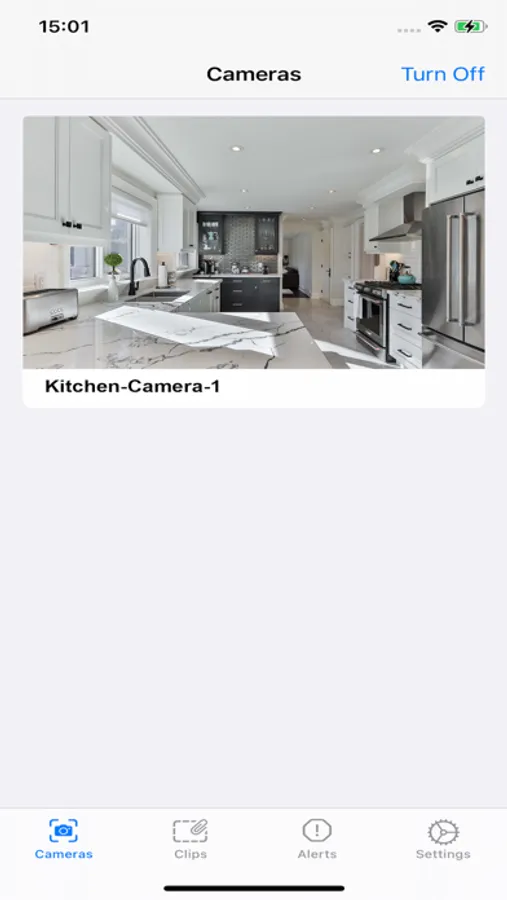
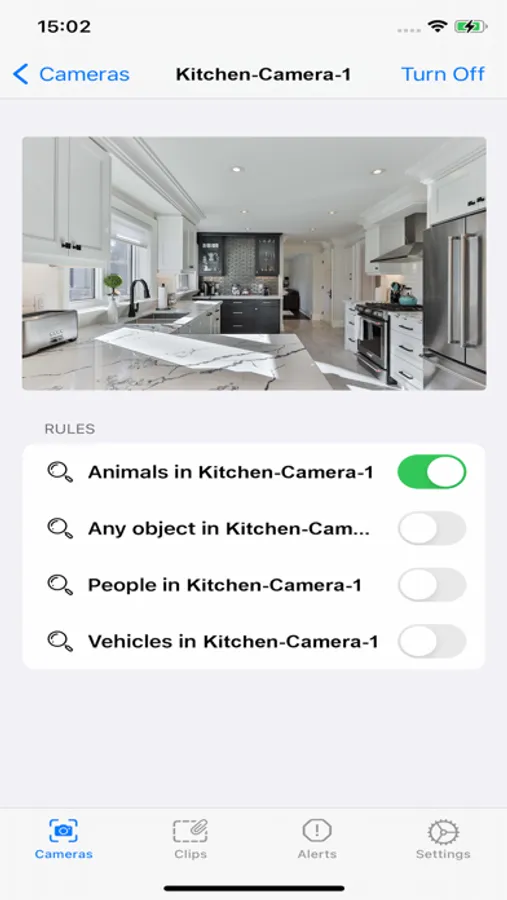
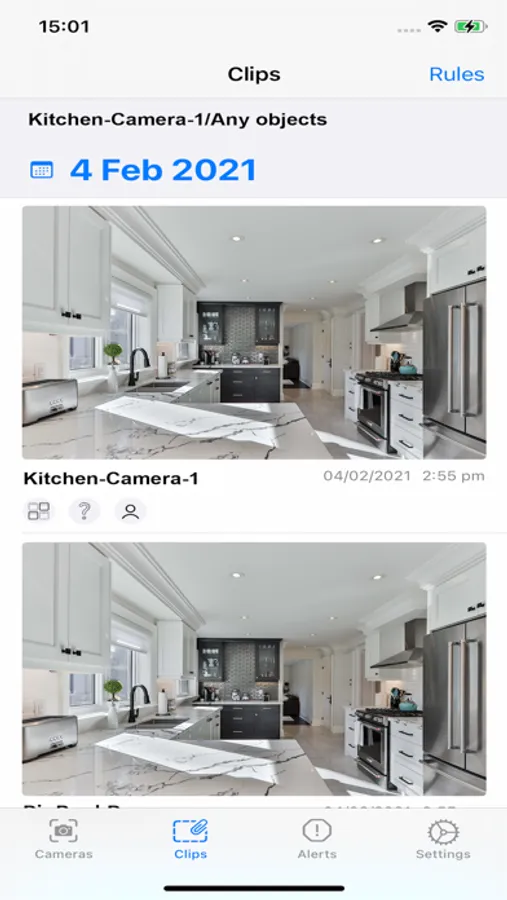
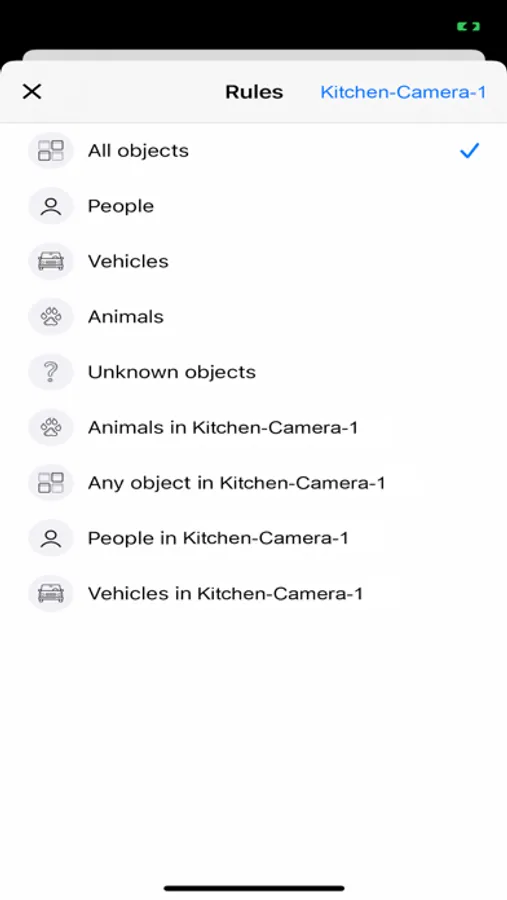
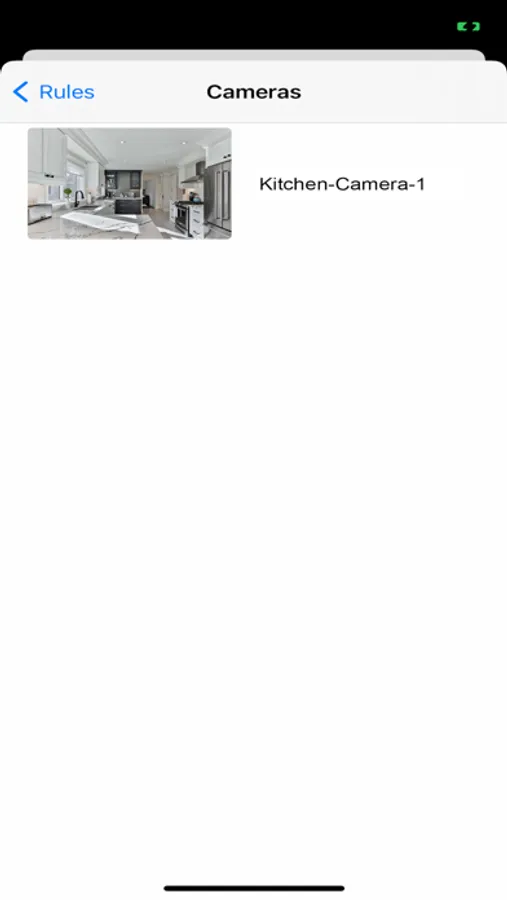
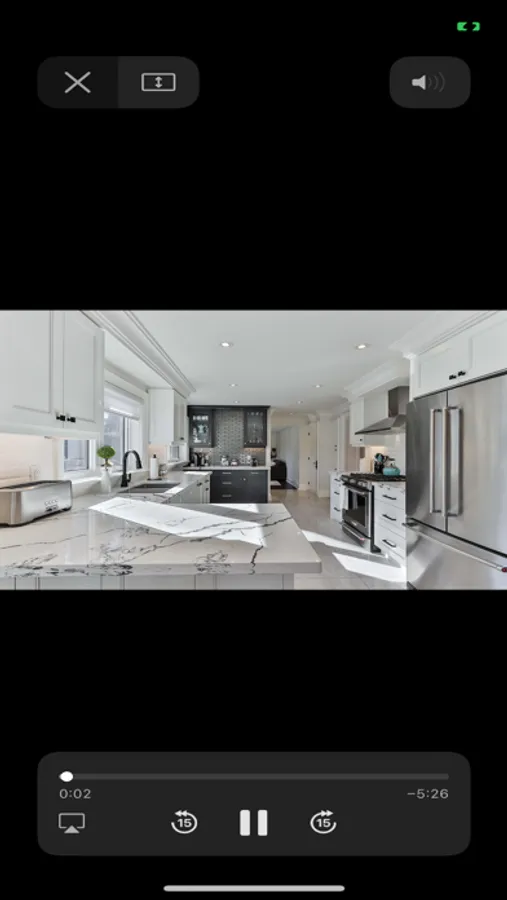
Get access to Sighthound Video remotely. Sighthound Video software has been trained to simulate the human brain’s recognition abilities. It doesn’t just detect motion like most other security software - it detects and tracks people. With this app you can view your cameras remotely, be alerted to people who have triggered rules you set, and search through clips of camera activity. You must have installed Sighthound Video on a computer connected to your IP cameras before using this app. Get the software at the Sighthound website if you haven’t already. You’ll soon see that the software’s ability to detect and differentiate humans from animals or other objects greatly reduces the number of false positives and unnecessary alerts sent to users, which can make even the most modern security cameras unusable.
Sighthound is the first video security software to work seamlessly on computers, iPads, and iPhones. After installing the software on your computer, it finds most cameras automatically, and you are using the desktop software in seconds. With the Sighthound Video iPhone app, users can benefit from the intelligence of Sighthound away from the home or office.
******* Main Features *******
1. Quick Setup: Installs in seconds and instantly finds your cameras
2. Clip Search: Search days of video in seconds - it’s a search engine for what your cameras have seen.
3. Live Feeds: See what’s happening at your place on your iPhone or iPad in real-time.
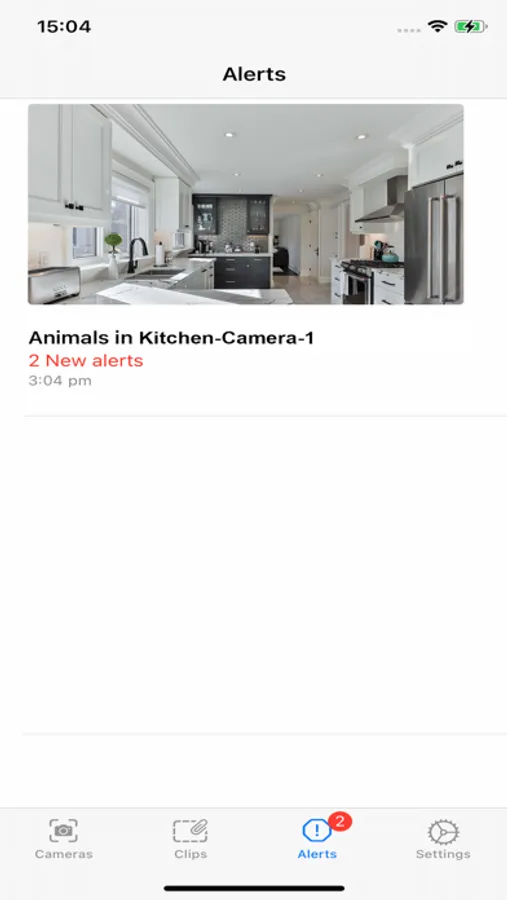
4. Smart Alerts: Receive push notifications of camera activity based on the rules you’ve set
******* Easy Setup *******
Step 1: Make sure you have an IP camera or webcam connected to your computer and download the Sighthound Video desktop software from the Sighthound website
Step 2: Enable remote access from Sighthound’s preferences window and create a login user ID and password
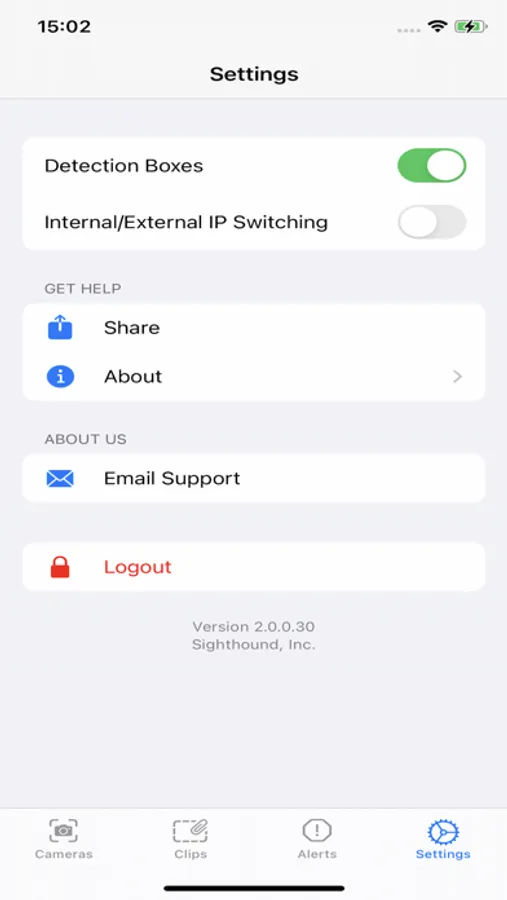
Step 3: Download the mobile app and sign in using the login user ID and password you’ve created along with the internal IP address
If you have any questions about setting up Sighthound Video on your mobile device, please visit the Sighthound website for answers.
Get access to Sighthound Video remotely. Sighthound Video software has been trained to simulate the human brain’s recognition abilities. It doesn’t just detect motion like most other security software - it detects and tracks people. With this app you can view your cameras remotely, be alerted to people who have triggered rules you set, and search through clips of camera activity. You must have installed Sighthound Video on a computer connected to your IP cameras before using this app. Get the software at the Sighthound website if you haven’t already. You’ll soon see that the software’s ability to detect and differentiate humans from animals or other objects greatly reduces the number of false positives and unnecessary alerts sent to users, which can make even the most modern security cameras unusable.
Sighthound is the first video security software to work seamlessly on computers, iPads, and iPhones. After installing the software on your computer, it finds most cameras automatically, and you are using the desktop software in seconds. With the Sighthound Video iPhone app, users can benefit from the intelligence of Sighthound away from the home or office.
******* Main Features *******
1. Quick Setup: Installs in seconds and instantly finds your cameras
2. Clip Search: Search days of video in seconds - it’s a search engine for what your cameras have seen.
3. Live Feeds: See what’s happening at your place on your iPhone or iPad in real-time.
4. Smart Alerts: Receive push notifications of camera activity based on the rules you’ve set
******* Easy Setup *******
Step 1: Make sure you have an IP camera or webcam connected to your computer and download the Sighthound Video desktop software from the Sighthound website
Step 2: Enable remote access from Sighthound’s preferences window and create a login user ID and password
Step 3: Download the mobile app and sign in using the login user ID and password you’ve created along with the internal IP address
If you have any questions about setting up Sighthound Video on your mobile device, please visit the Sighthound website for answers.