AppRecs review analysis
AppRecs rating 2.0. Trustworthiness 81 out of 100. Review manipulation risk 21 out of 100. Based on a review sample analyzed.
★★☆☆☆
2.0
AppRecs Rating
Ratings breakdown
5 star
19%
4 star
6%
3 star
25%
2 star
6%
1 star
44%
What to know
✓
Low review manipulation risk
21% review manipulation risk
✓
Credible reviews
81% trustworthiness score from analyzed reviews
⚠
Mixed user feedback
Average 2.0★ rating suggests room for improvement
About TreeView
Build your family tree with TreeView and you’ll have your family history at your fingertips, even when you have no signal! Whether you’re an experienced family historian or just starting out, you’ll find TreeView easy to use and an essential tool in your research.
Features
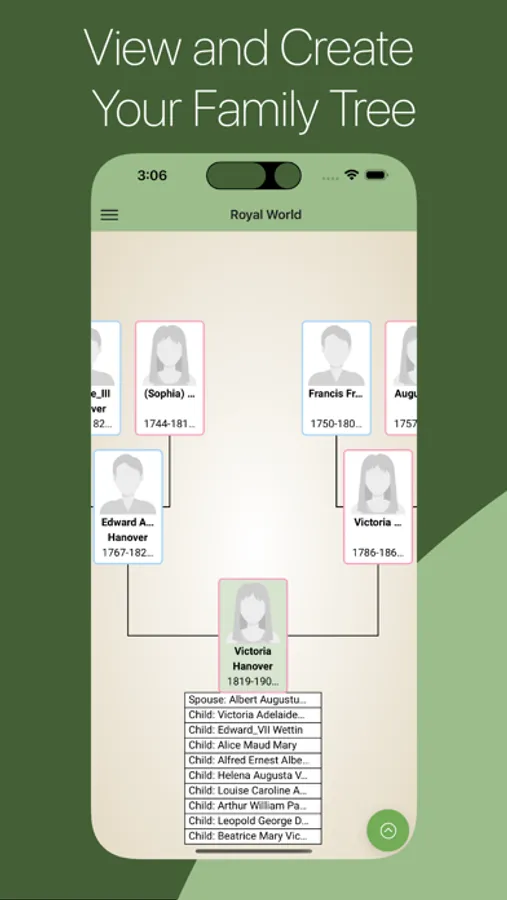
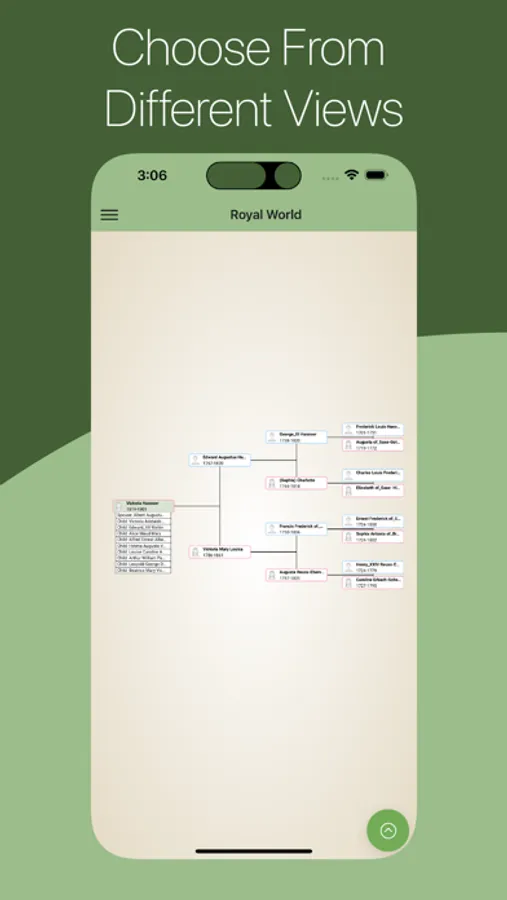
• Includes a number of flexible tree designs including Pedigree, Hourglass, Ancestors, Descendants and Family views.
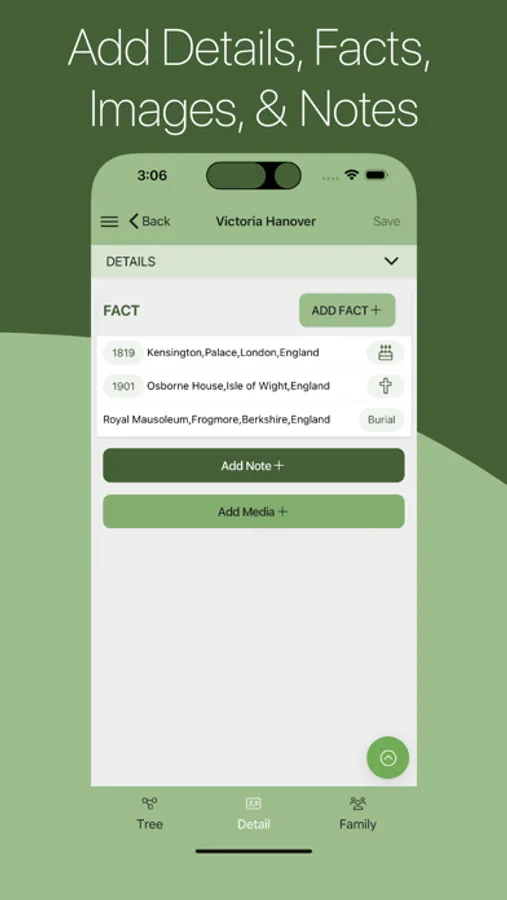
• Add and amend details easily and add notes, all from within the app.
• View historical records for your ancestors via TheGenealogist (subscription required).
• Upload photos to embellish your tree.
• Offline mode – View your family tree even when you have no signal.
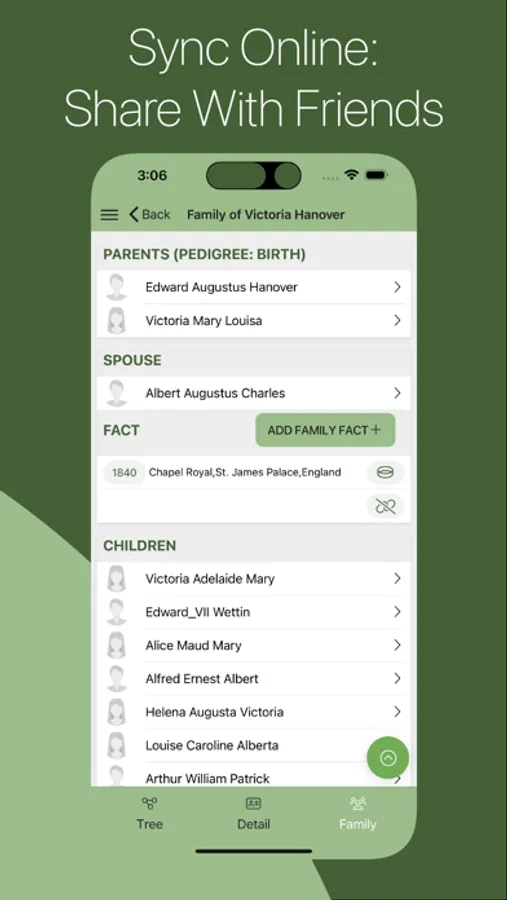
• Information you add on one device will automatically be available on all your other devices.
• Help and advice at your fingertips.
Compatibility
• Import a GEDCOM file of your family tree at TreeView.co.uk (Free of charge) or TheGenealogist to view and edit it on your device.
• If you have already built a family tree on TheGenealogist or TreeView.co.uk, you can log in with that account to view and edit you tree.
Privacy
TreeView offers you the flexibility to be as private or public with your trees as you wish. With 3 settings you have the choice of who you share your family tree with.
• Private
• Invitation only (Users can see if there is a potential match in your tree, but cannot see the full tree’s details without your permission)
• Public
Features
• Includes a number of flexible tree designs including Pedigree, Hourglass, Ancestors, Descendants and Family views.
• Add and amend details easily and add notes, all from within the app.
• View historical records for your ancestors via TheGenealogist (subscription required).
• Upload photos to embellish your tree.
• Offline mode – View your family tree even when you have no signal.
• Information you add on one device will automatically be available on all your other devices.
• Help and advice at your fingertips.
Compatibility
• Import a GEDCOM file of your family tree at TreeView.co.uk (Free of charge) or TheGenealogist to view and edit it on your device.
• If you have already built a family tree on TheGenealogist or TreeView.co.uk, you can log in with that account to view and edit you tree.
Privacy
TreeView offers you the flexibility to be as private or public with your trees as you wish. With 3 settings you have the choice of who you share your family tree with.
• Private
• Invitation only (Users can see if there is a potential match in your tree, but cannot see the full tree’s details without your permission)
• Public