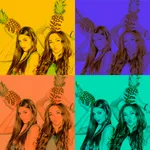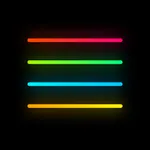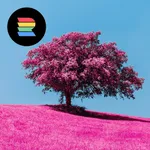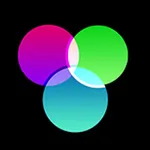
In this photo editing app, you can apply filters, overlays, and textures to enhance images. Includes over 200 overlays, 140 filters, and customizable text options.
AppRecs review analysis
AppRecs rating 4.2. Trustworthiness 71 out of 100. Review manipulation risk 28 out of 100. Based on a review sample analyzed.
★★★★☆
4.2
AppRecs Rating
Ratings breakdown
5 star
75%
4 star
9%
3 star
5%
2 star
2%
1 star
10%
What to know
✓
Low review manipulation risk
28% review manipulation risk
✓
Credible reviews
71% trustworthiness score from analyzed reviews
⚠
Ad complaints
Many low ratings mention excessive ads
About MocaDeco - Be Creative
You can be creative with MocaDeco!
Apply dramatic filters, cool effects, add eye-catching typography and artworks to your photos.
Overlays
• Over 200 overlays in 16 themes.
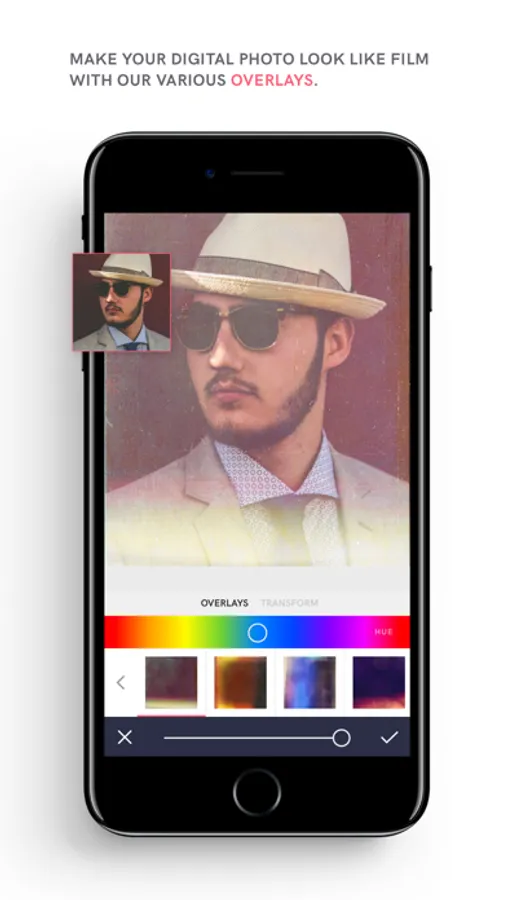
• Make your ordinary photos look like vintage film with our various overlays.
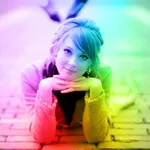
• Add a variety of overlays to your images, including rainbows, skies, analog light leaks, grainy film textures and emotional bokeh light effects.
Filters
• Over 140 unique filters in 12 themes.
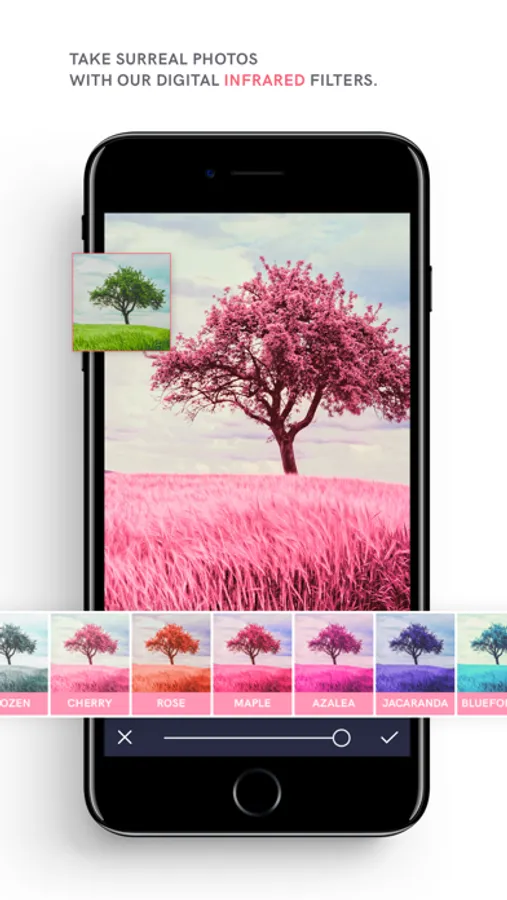
• Capture poetic and surreal photos with our 12 digital infrared filters.
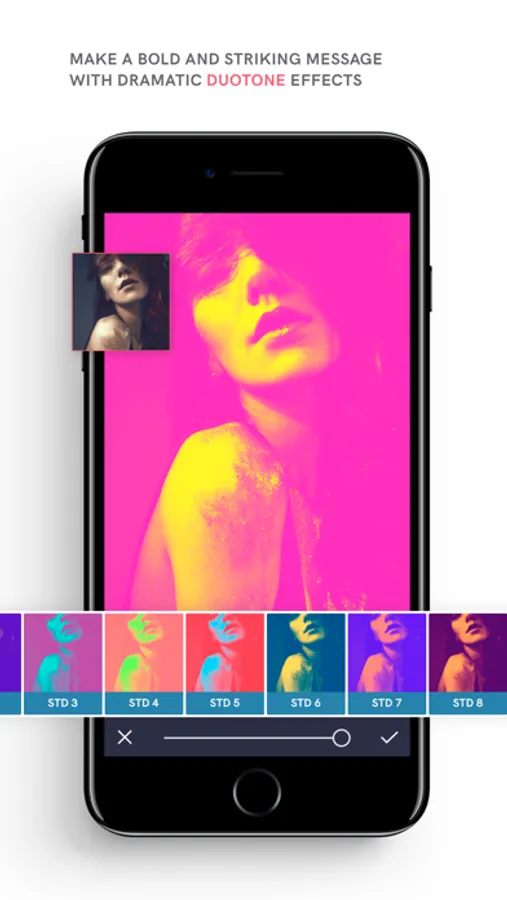
• Deliver bold and striking messages with 21 duotone filters.
Artworks & Fonts
• Select from over 700 artworks & over 150 fonts.
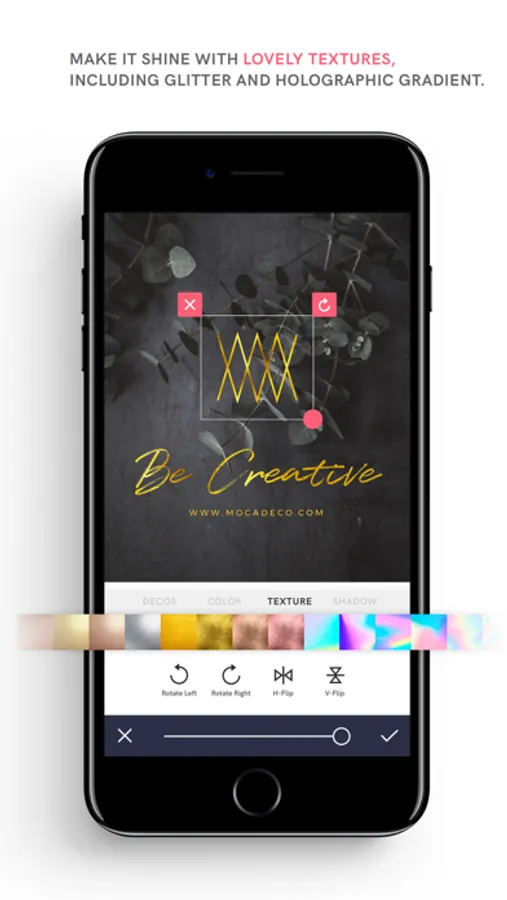
• Fill with glitter and different lovely textures, including gold foils, holographic gradients, marbles and more.
• Adjust the font size, color, line height, letter spacing, alignment and more.
• Make it stand out with drop shadows.
Image Adjustments & More
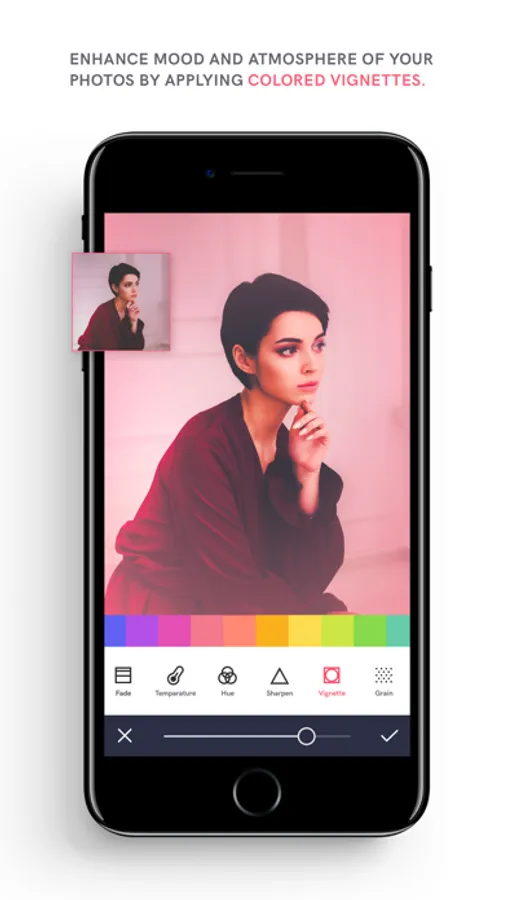
• Enhance the mood & atmosphere of your photos by applying colored vignettes.
• Brightness, Contrast, Highlight, Shadow, Saturation, Fade, Temperature, Hue, Color Fringe, Prism, Sharpen, Grain.
• The HSL tool gives you control to adjust the Hue, Saturation and Lightness of a specific color in the image.
• Blur images to convey feelings and apply tilt-shift to panoramic shots to make them look like miniatures.
• Crop to 18 different ratios, flip or rotate your photo.
• Correct horizontal and vertical lines as well lens distortions.
Camera
• Manual controls such as exposure, ISO, shutter speed, and white balance.
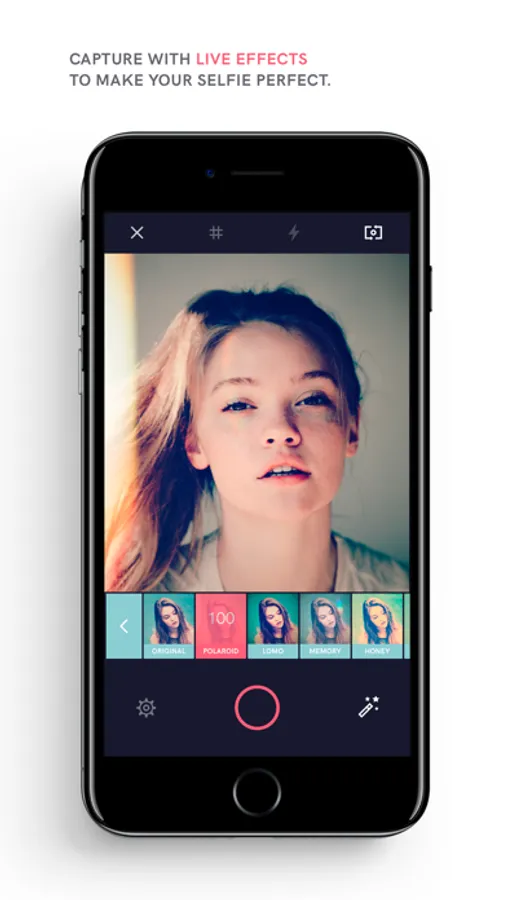
• Apply all filters in live camera mode, allowing you to see your final product before you even tap the shutter button.
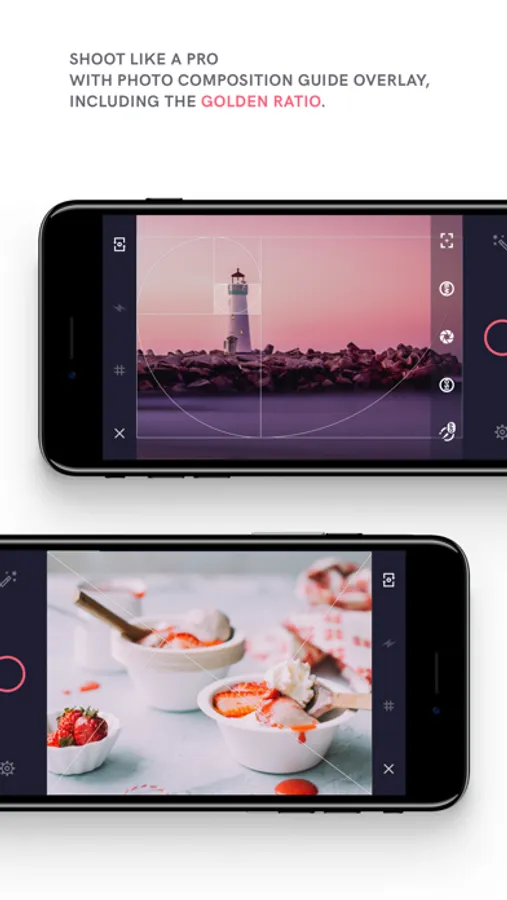
• Shoot like a pro using 5 photo composition guide.
Layer and Project Based Editing
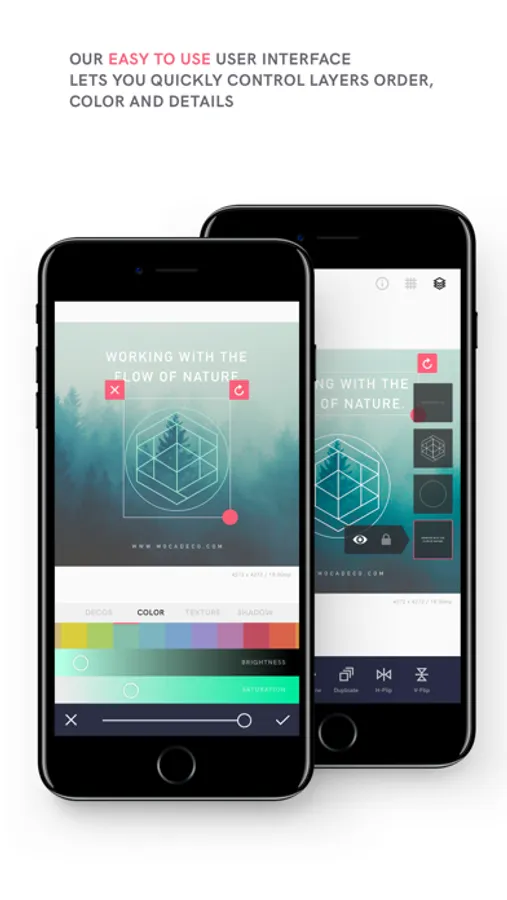
• Rearrange the order by long-tapping and dragging to the desired position.
• Lock or hide layers for easier editing.
• Save your work as an editable projects.
Blank Canvas
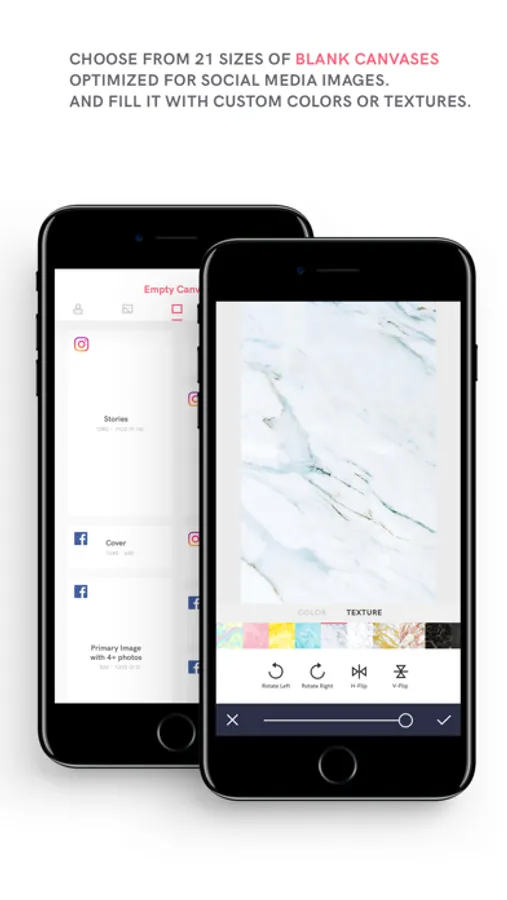
• Choose from 21 sizes of blank canvases optimized for social media images.
• Add various textures or custom colors.
Don't forget tag your gorgeous edits on Instagram with #mocadeco
Have any questions? Contact us. We welcome your feedback.
Email us at support@mocadeco.com or visit www.mocadeco.com/support
Apply dramatic filters, cool effects, add eye-catching typography and artworks to your photos.
Overlays
• Over 200 overlays in 16 themes.
• Make your ordinary photos look like vintage film with our various overlays.
• Add a variety of overlays to your images, including rainbows, skies, analog light leaks, grainy film textures and emotional bokeh light effects.
Filters
• Over 140 unique filters in 12 themes.
• Capture poetic and surreal photos with our 12 digital infrared filters.
• Deliver bold and striking messages with 21 duotone filters.
Artworks & Fonts
• Select from over 700 artworks & over 150 fonts.
• Fill with glitter and different lovely textures, including gold foils, holographic gradients, marbles and more.
• Adjust the font size, color, line height, letter spacing, alignment and more.
• Make it stand out with drop shadows.
Image Adjustments & More
• Enhance the mood & atmosphere of your photos by applying colored vignettes.
• Brightness, Contrast, Highlight, Shadow, Saturation, Fade, Temperature, Hue, Color Fringe, Prism, Sharpen, Grain.
• The HSL tool gives you control to adjust the Hue, Saturation and Lightness of a specific color in the image.
• Blur images to convey feelings and apply tilt-shift to panoramic shots to make them look like miniatures.
• Crop to 18 different ratios, flip or rotate your photo.
• Correct horizontal and vertical lines as well lens distortions.
Camera
• Manual controls such as exposure, ISO, shutter speed, and white balance.
• Apply all filters in live camera mode, allowing you to see your final product before you even tap the shutter button.
• Shoot like a pro using 5 photo composition guide.
Layer and Project Based Editing
• Rearrange the order by long-tapping and dragging to the desired position.
• Lock or hide layers for easier editing.
• Save your work as an editable projects.
Blank Canvas
• Choose from 21 sizes of blank canvases optimized for social media images.
• Add various textures or custom colors.
Don't forget tag your gorgeous edits on Instagram with #mocadeco
Have any questions? Contact us. We welcome your feedback.
Email us at support@mocadeco.com or visit www.mocadeco.com/support