In this classroom management app, teachers can track and control book checkouts by scanning barcodes and managing student accounts. Includes barcode scanning, account management, and library organization features.
About Classroom Checkout
Classroom Checkout™ makes it super easy to manage checkouts from your classroom children's book library. Your students can check out books by simply scanning barcodes.*
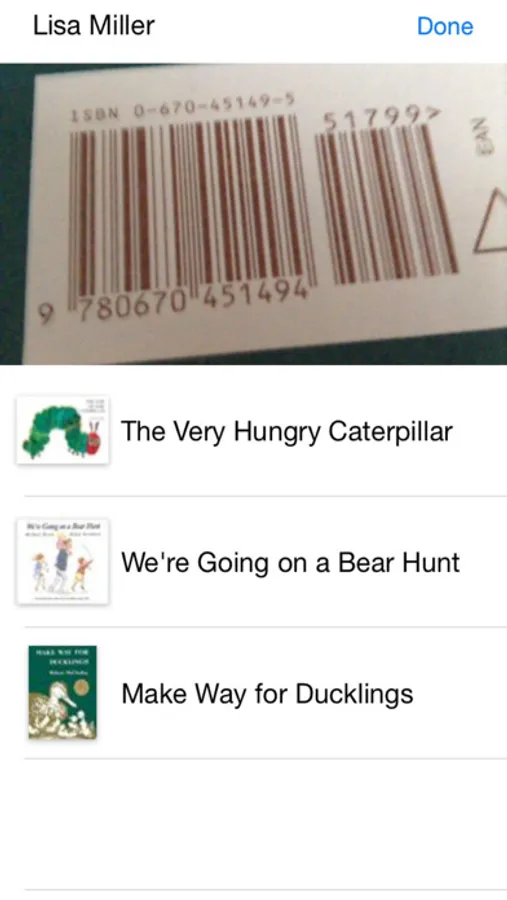
• A student scans a book's barcode to check out or in.
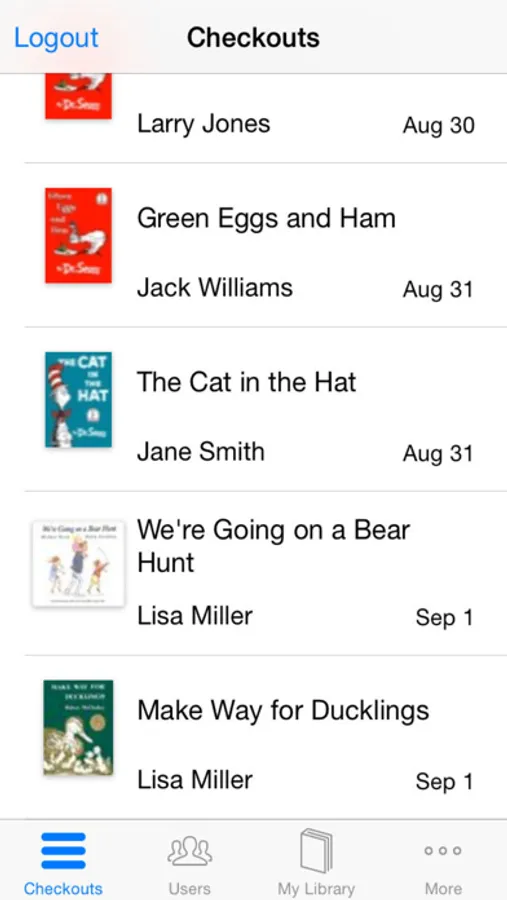
• The teacher can see currently checked out books.
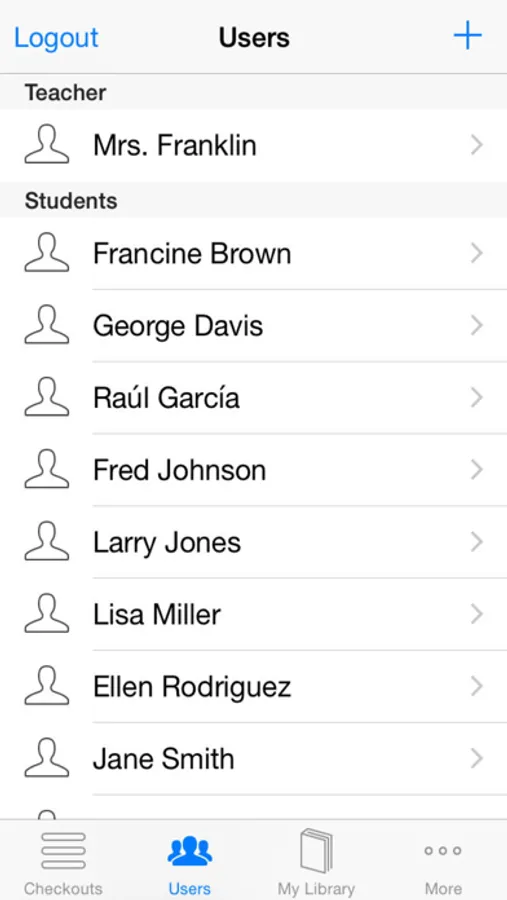
• The teacher manages student accounts, assigning login codes.
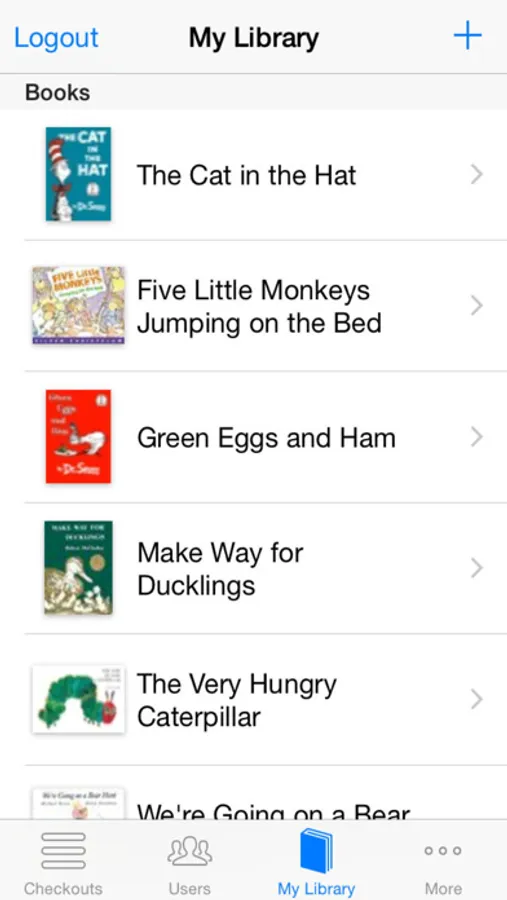
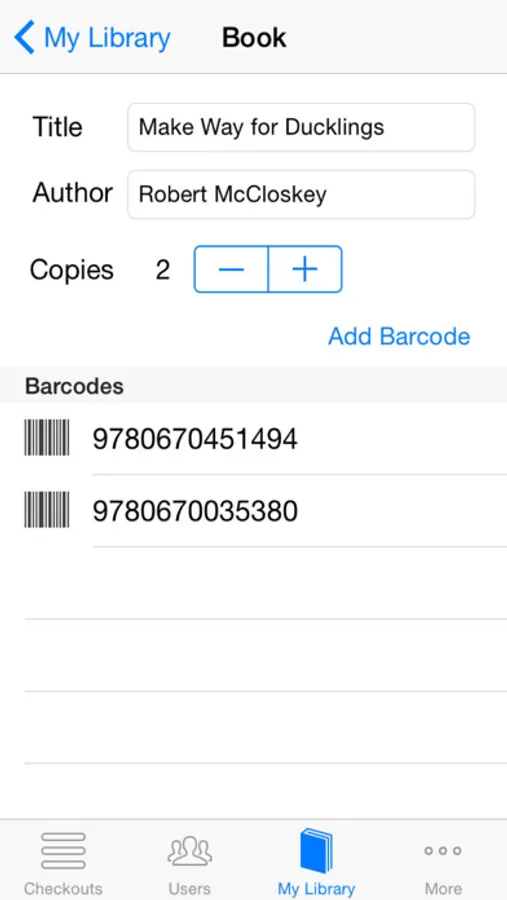
• The teacher can manage the classroom library.
Classroom Checkout is designed to be installed on a shared iOS device, with each student and the teacher using a numeric login code to access the app.
An online manual for Classroom Checkout is available at fikesfarm.com
* Classroom Checkout requires a scannable barcode on each book. This can either be the ISBN or UPC barcode commonly found on the back cover, or any EAN-13 barcode label affixed to the cover.
• A student scans a book's barcode to check out or in.
• The teacher can see currently checked out books.
• The teacher manages student accounts, assigning login codes.
• The teacher can manage the classroom library.
Classroom Checkout is designed to be installed on a shared iOS device, with each student and the teacher using a numeric login code to access the app.
An online manual for Classroom Checkout is available at fikesfarm.com
* Classroom Checkout requires a scannable barcode on each book. This can either be the ISBN or UPC barcode commonly found on the back cover, or any EAN-13 barcode label affixed to the cover.