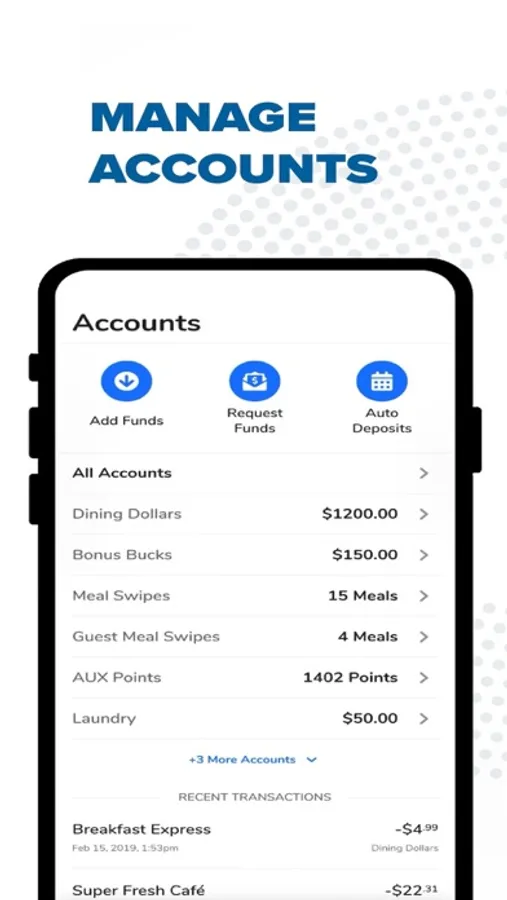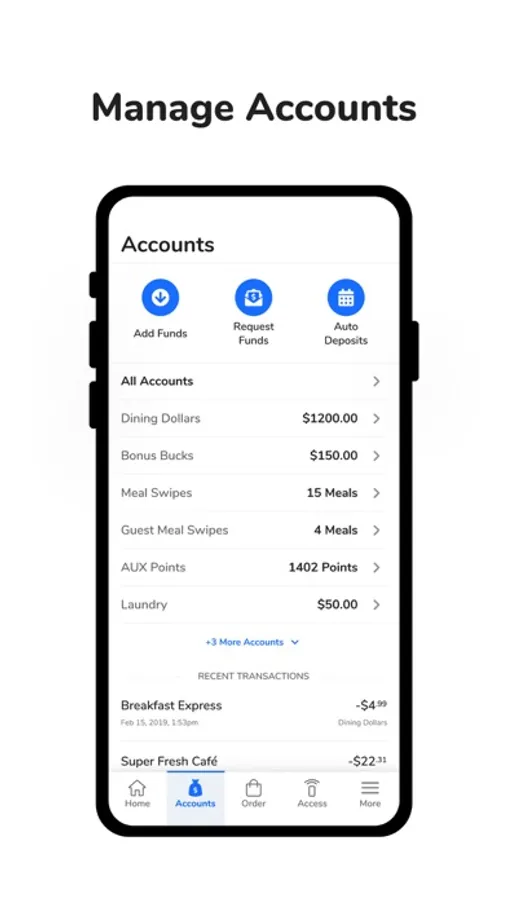
With this mobile platform, you can manage campus ID functions such as access, payments, and reservations. Includes account management, transaction history, and campus-specific features.
AppRecs review analysis
AppRecs rating 3.6. Trustworthiness 69 out of 100. Review manipulation risk 23 out of 100. Based on a review sample analyzed.
★★★☆☆
3.6
AppRecs Rating
Ratings breakdown
5 star
78%
4 star
6%
3 star
2%
2 star
2%
1 star
12%
What to know
✓
Low review manipulation risk
23% review manipulation risk
✓
High user satisfaction
84% of sampled ratings are 4+ stars (4.4★ average)
⚠
Ad complaints
Many low ratings mention excessive ads
About GET Mobile
Ditch your plastic card for an all-in-one mobile ID. GET is an online and mobile platform that brings convenience and value to university and hospital campuses.
For colleges and universities: One app does it all! GET allows you to manage funds, make purchases, order food, open doors, make dining reservations, and earn rewards. You can use GET just like you use a plastic ID card.
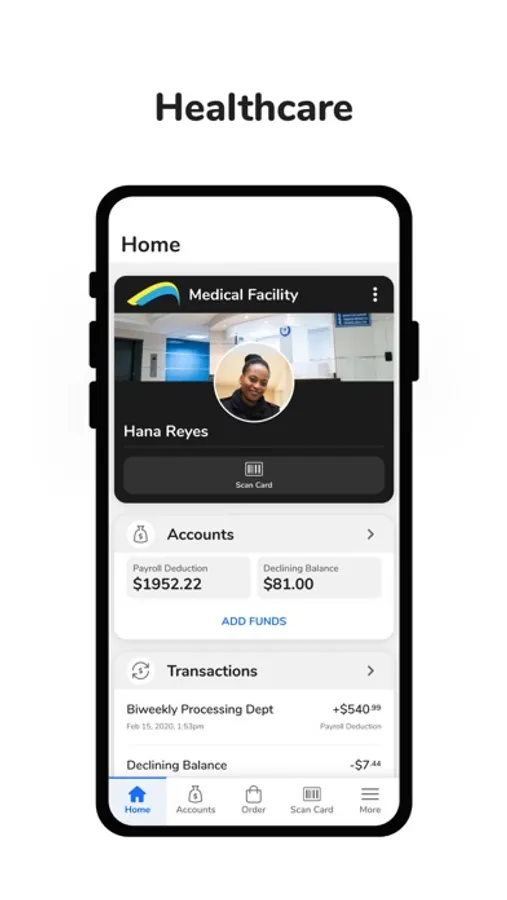
For healthcare: Add your badge to your mobile phone. Download GET to opt into payroll deduction, manage funds, view and make purchases, report a lost or stolen ID card, and place online food orders.
The GET mobile app only works if your university or hospital offers the GET platform from CBORD. To activate: download the app; select your campus or organization; create an account; and manage your campus ID on your phone. If your campus isn’t listed, contact your local ID card services office.
Questions or comments about GET can be directed to GETFeedback@cbord.com.
For colleges and universities: One app does it all! GET allows you to manage funds, make purchases, order food, open doors, make dining reservations, and earn rewards. You can use GET just like you use a plastic ID card.
For healthcare: Add your badge to your mobile phone. Download GET to opt into payroll deduction, manage funds, view and make purchases, report a lost or stolen ID card, and place online food orders.
The GET mobile app only works if your university or hospital offers the GET platform from CBORD. To activate: download the app; select your campus or organization; create an account; and manage your campus ID on your phone. If your campus isn’t listed, contact your local ID card services office.
Questions or comments about GET can be directed to GETFeedback@cbord.com.