AppRecs review analysis
AppRecs rating 4.5. Trustworthiness 65 out of 100. Review manipulation risk 29 out of 100. Based on a review sample analyzed.
★★★★☆
4.5
AppRecs Rating
Ratings breakdown
5 star
100%
4 star
0%
3 star
0%
2 star
0%
1 star
0%
What to know
✓
Low review manipulation risk
29% review manipulation risk
✓
High user satisfaction
100% of sampled ratings are 5 stars
About EBC Reader
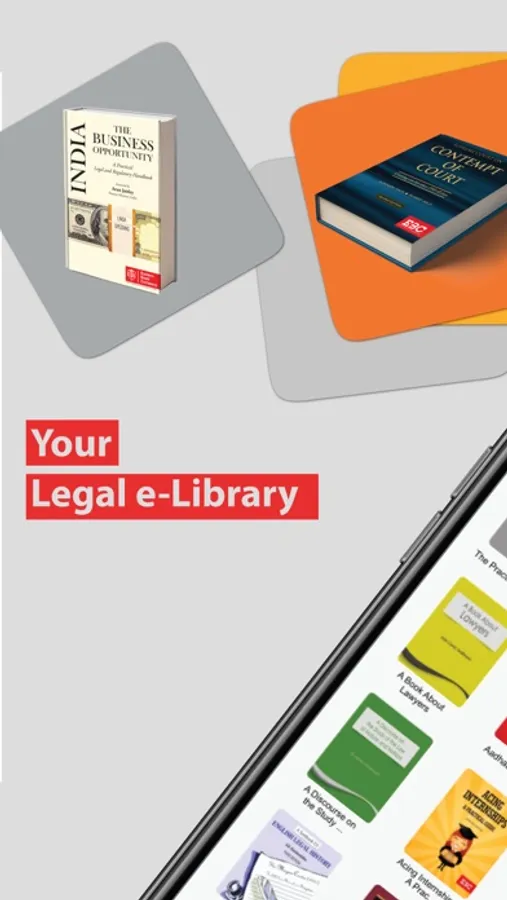
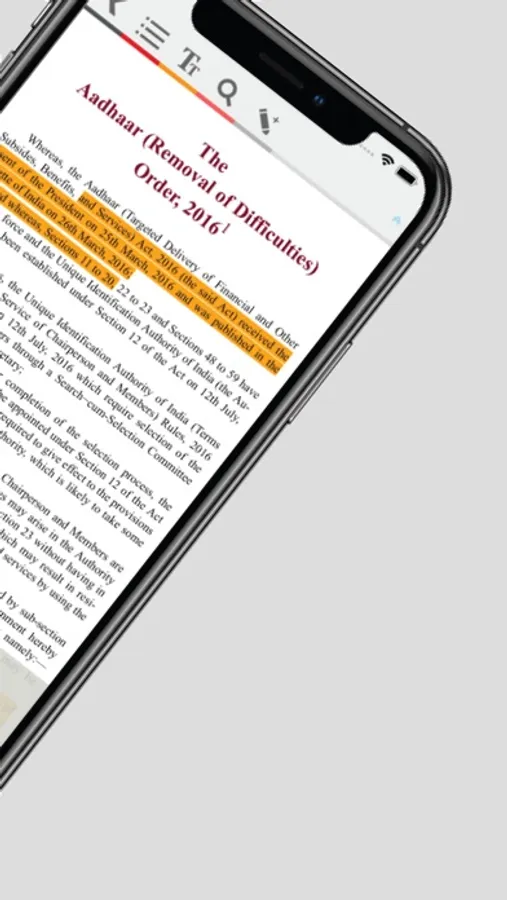
EBC Reader allows you to read eBooks, in a simple easy to use and immersive format. Login with your EBC username and password to start using EBC reader. EBC Reader toolset allows you to dynamically browse your book and interact with your text, highlighting, copying and searching.
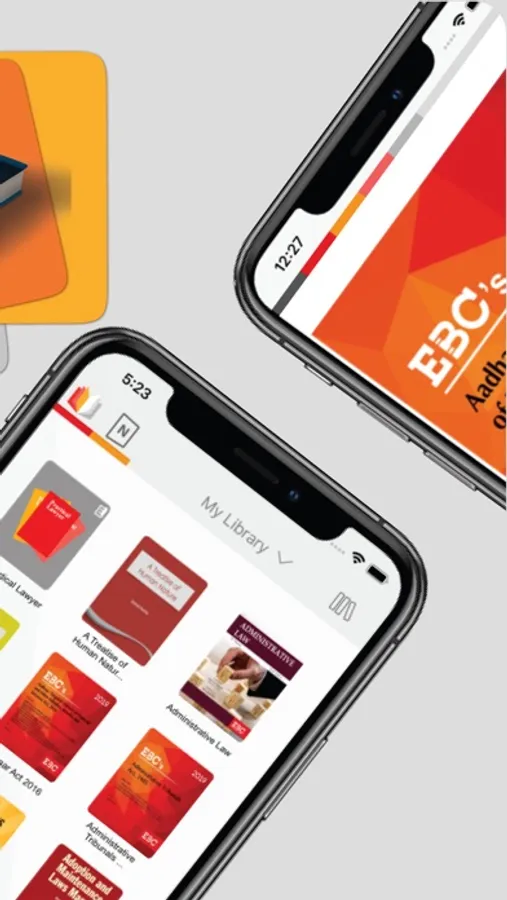
You can easily buy and download titles and read them on the go. It is a hassle free means of having your entire legal library with you all the time. Reading on your Reader is just like reading from the book, only it gets better, as it provides a personalised reading experience.
Features:
- Tap on a book to start reading it
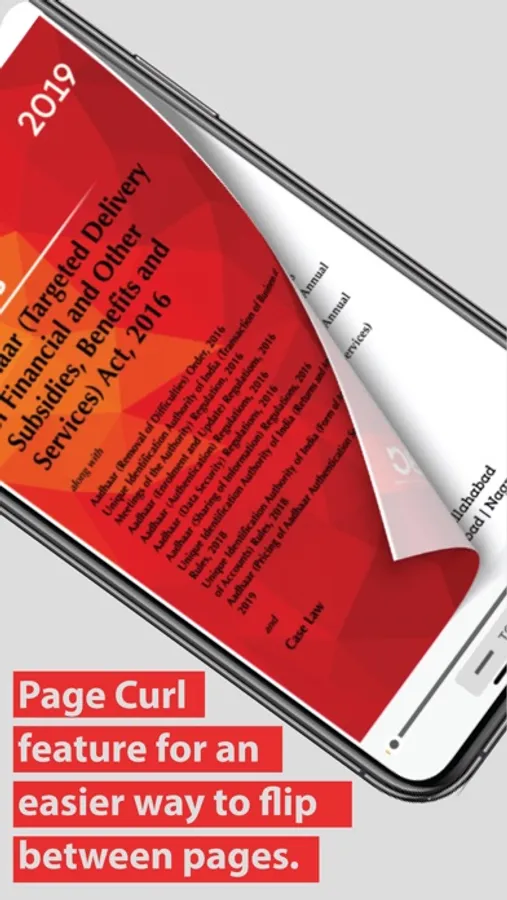
- Flip through pages conveniently
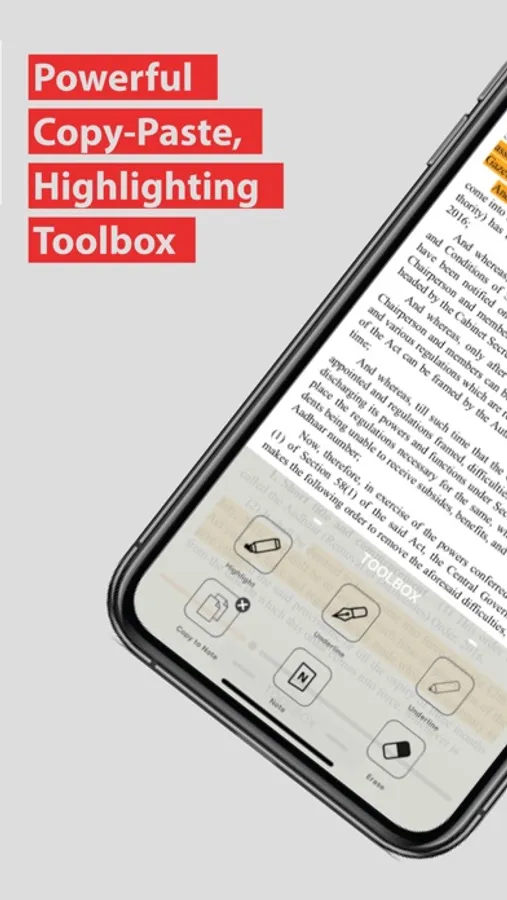
- Touch, Hold and Swipe to highlight the relevant passages
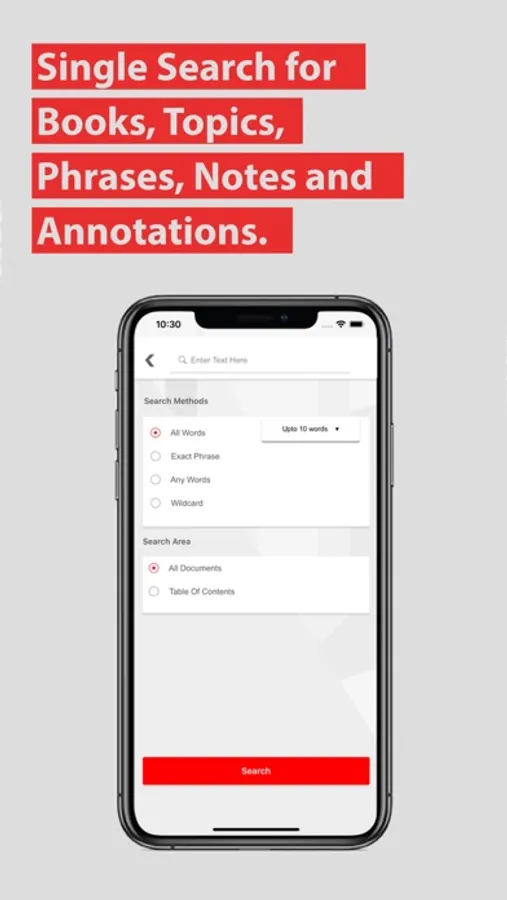
- Single Search Across all eBooks, Notes and Annotations
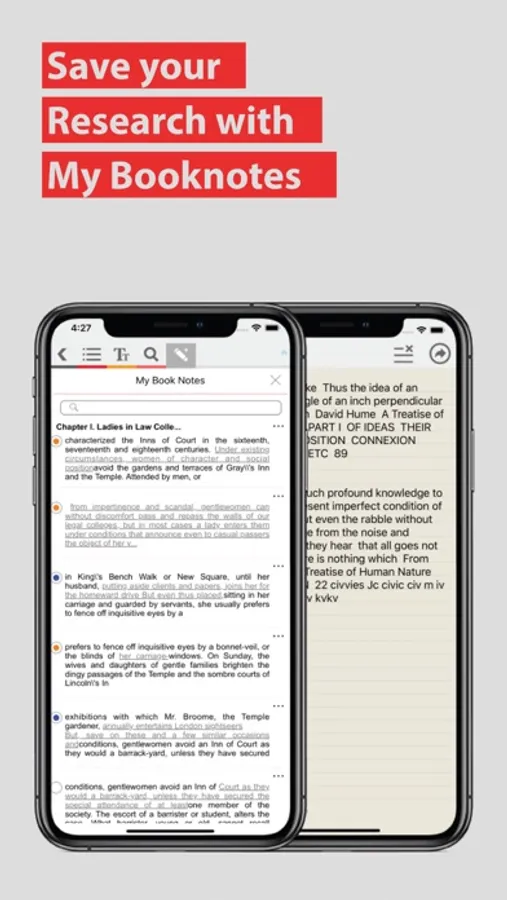
- Make highlights and copy-to-notes throughout your book and see My Booknotes for all your notes in the same place.
- Create your own notebooks and clip them for collating your research.
- Search any word or phrase to the farthest page
- Change the themes as per your comfort
- Create notes pertaining to the eBooks or personal notebooks of your case-files
- Share your notes by emailing, through evernote, printing them or through social media.
You can easily buy and download titles and read them on the go. It is a hassle free means of having your entire legal library with you all the time. Reading on your Reader is just like reading from the book, only it gets better, as it provides a personalised reading experience.
Features:
- Tap on a book to start reading it
- Flip through pages conveniently
- Touch, Hold and Swipe to highlight the relevant passages
- Single Search Across all eBooks, Notes and Annotations
- Make highlights and copy-to-notes throughout your book and see My Booknotes for all your notes in the same place.
- Create your own notebooks and clip them for collating your research.
- Search any word or phrase to the farthest page
- Change the themes as per your comfort
- Create notes pertaining to the eBooks or personal notebooks of your case-files
- Share your notes by emailing, through evernote, printing them or through social media.