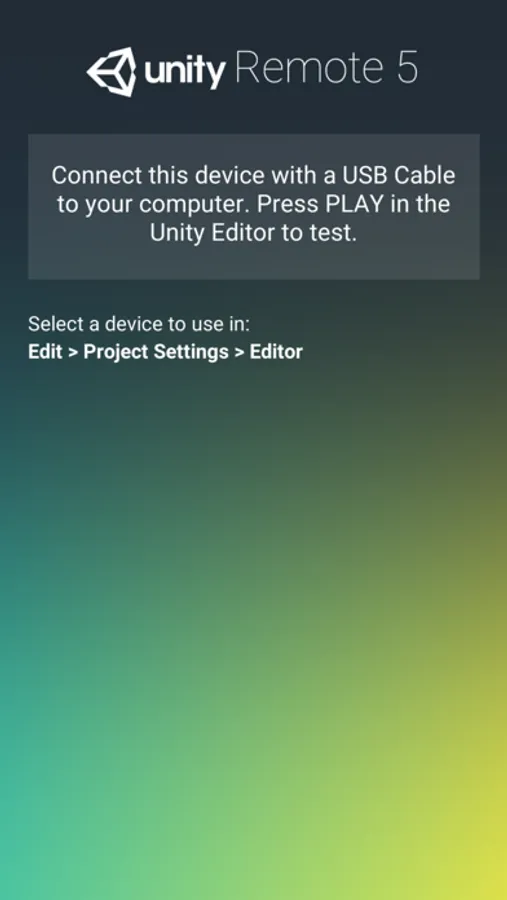
In this app, you can use an iOS device to view and test your Unity projects live, streaming touch inputs and sensors to the editor. Includes support for gamepad input, Siri remote, accelerometer, gyroscope, webcam, and screen orientation events.
AppRecs review analysis
AppRecs rating 3.1. Trustworthiness 77 out of 100. Review manipulation risk 23 out of 100. Based on a review sample analyzed.
★★★☆☆
3.1
AppRecs Rating
Ratings breakdown
5 star
55%
4 star
7%
3 star
6%
2 star
6%
1 star
26%
What to know
✓
Low review manipulation risk
23% review manipulation risk
⚠
Ad complaints
Many low ratings mention excessive ads
⚠
High negative review ratio
32% of sampled ratings are 1–2 stars
About Unity Remote 5
Unity Remote 5, allows you to use an iOS device to view and test your game live, right inside the Unity Editor without having to build your project. Unity Remote 5 makes your iOS device act as remote control. It streams touch, MFi gamepad, Siri remote (on Apple TV) accelerometer, gyroscope, webcam and screen orientation events back to Unity Editor. This is useful for rapid development when you don't want to compile and deploy your project to iOS device for each change and prefer to use the Unity Editor Game window instead. Unity Remote is compatible with any Unity version newer than 5.0, but some features require Unity 5.4 or above.
Full documentation is available on https://docs.unity3d.com/Manual/UnityRemote5.html
Full documentation is available on https://docs.unity3d.com/Manual/UnityRemote5.html