AppRecs review analysis
AppRecs rating 2.0. Trustworthiness 65 out of 100. Review manipulation risk 20 out of 100. Based on a review sample analyzed.
★★☆☆☆
2.0
AppRecs Rating
Ratings breakdown
5 star
0%
4 star
0%
3 star
0%
2 star
100%
1 star
0%
What to know
✓
Low review manipulation risk
20% review manipulation risk
⚠
Mixed user feedback
Average 2.0★ rating suggests room for improvement
About Powerlouvre
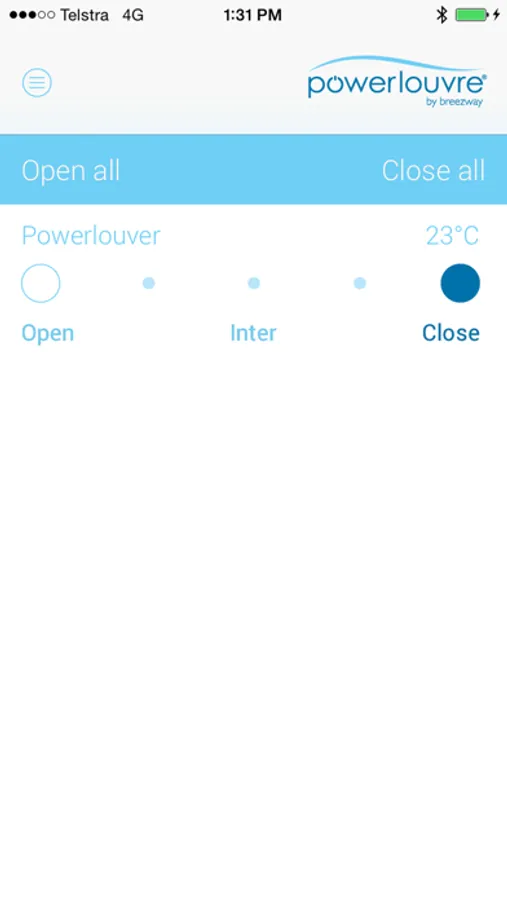
Remotely control the Powerlouvre Windows connected to your Apptivate Control Units.
Also unlock additional features and settings of your Apptivate Control Units.
Wirelessly connect to your Apptivate Control Unit to:
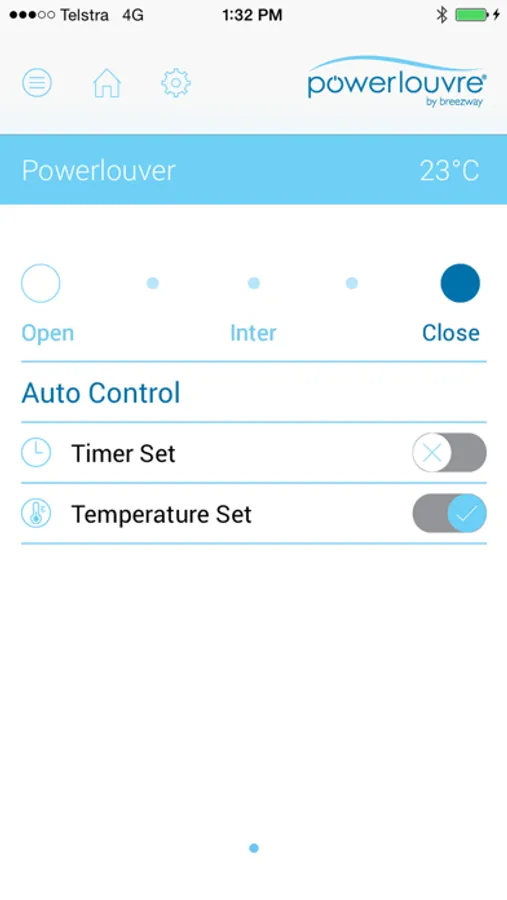
- Remotely open and close Powerlouvre Windows connected to Apptivate Control Units.
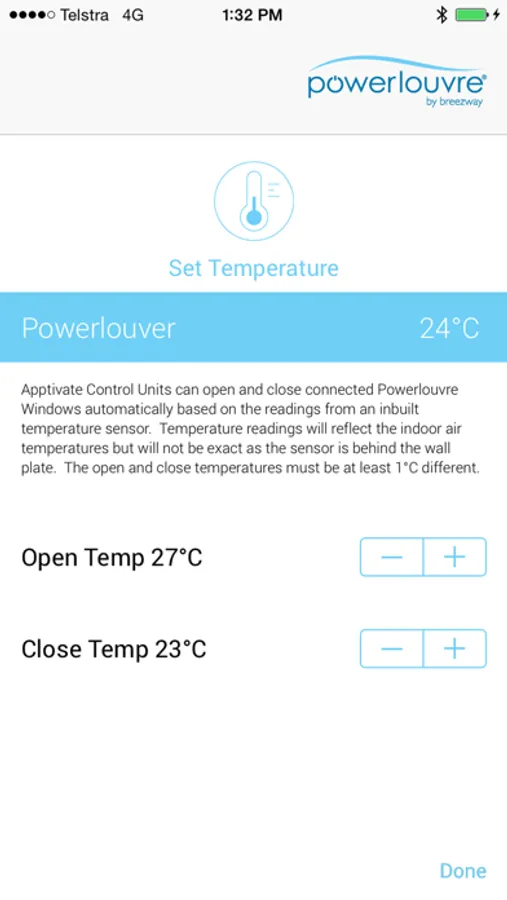
- Adjust the settings for automatic opening and closing in response to the Apptivate Control Unit’s in-built temperature sensor.
- Turn automatic response to temperature sensors on and off remotely from your phone.
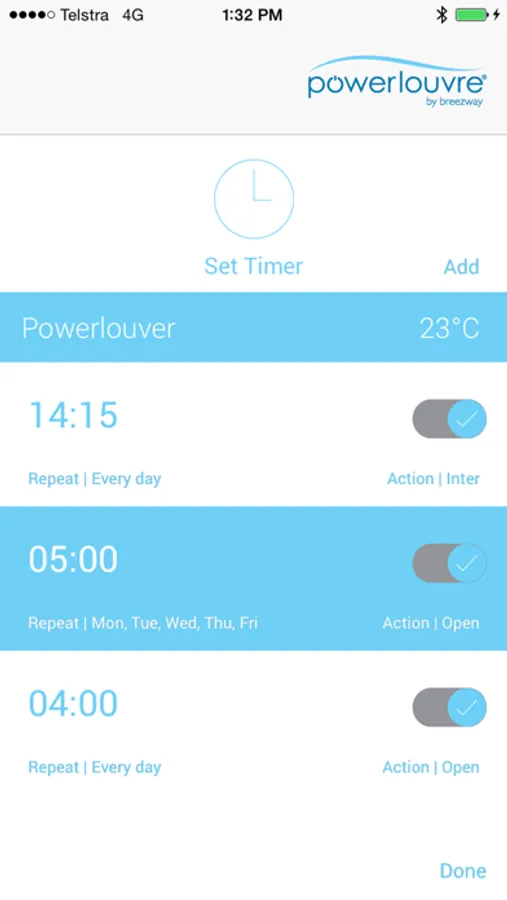
- Set timers in the Apptivate Control Unit to automatically open and close connected Powerlouvre Windows and to enable and disable automatic response to temperatures.
- Turn all timers on and off remotely from your phone.
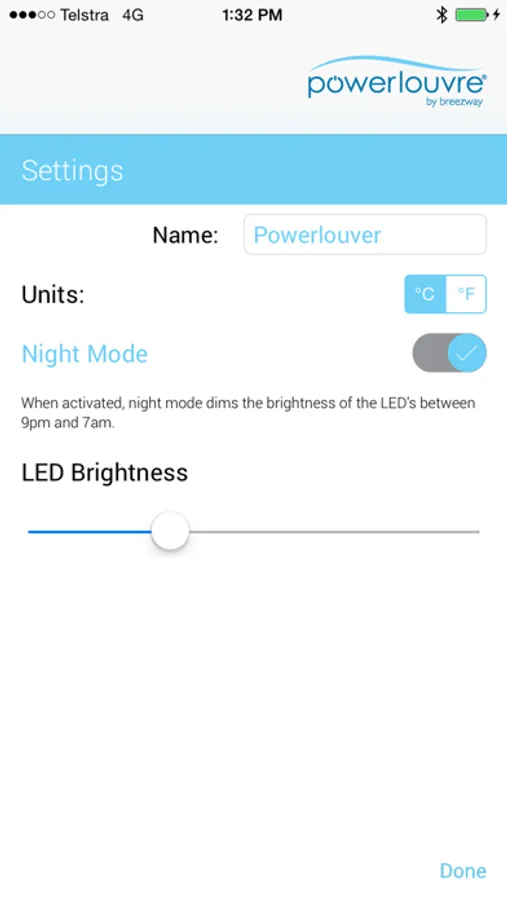
- Set and adjust ‘Night Mode’ which dims the brightness of the lights on the Apptivate Control Unit overnight to minimise ambient light.
Note: The Powerlouvre App enables wireless interfacing with the Apptivate Control Unit which will be hardwired to Powerlouvre Windows. The Powerlouvre App cannot control Powerlouvre Windows without the Apptivate Control Unit.
Also unlock additional features and settings of your Apptivate Control Units.
Wirelessly connect to your Apptivate Control Unit to:
- Remotely open and close Powerlouvre Windows connected to Apptivate Control Units.
- Adjust the settings for automatic opening and closing in response to the Apptivate Control Unit’s in-built temperature sensor.
- Turn automatic response to temperature sensors on and off remotely from your phone.
- Set timers in the Apptivate Control Unit to automatically open and close connected Powerlouvre Windows and to enable and disable automatic response to temperatures.
- Turn all timers on and off remotely from your phone.
- Set and adjust ‘Night Mode’ which dims the brightness of the lights on the Apptivate Control Unit overnight to minimise ambient light.
Note: The Powerlouvre App enables wireless interfacing with the Apptivate Control Unit which will be hardwired to Powerlouvre Windows. The Powerlouvre App cannot control Powerlouvre Windows without the Apptivate Control Unit.