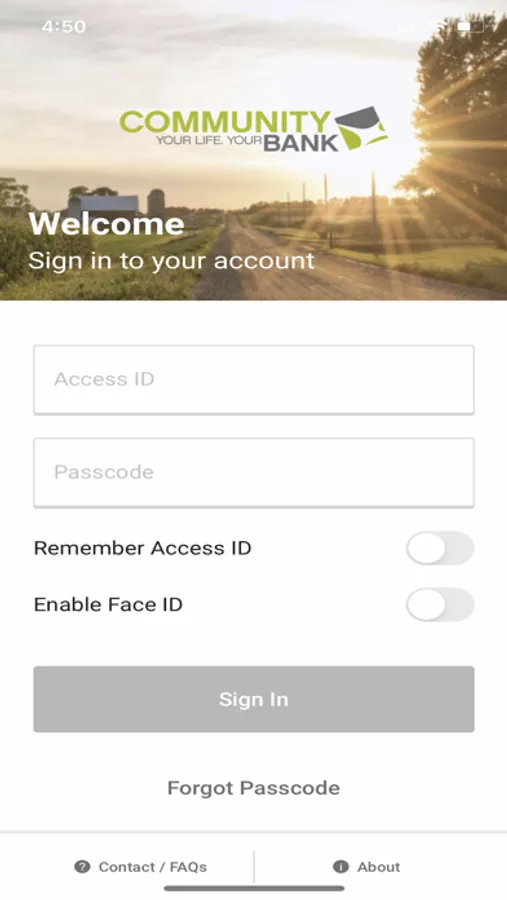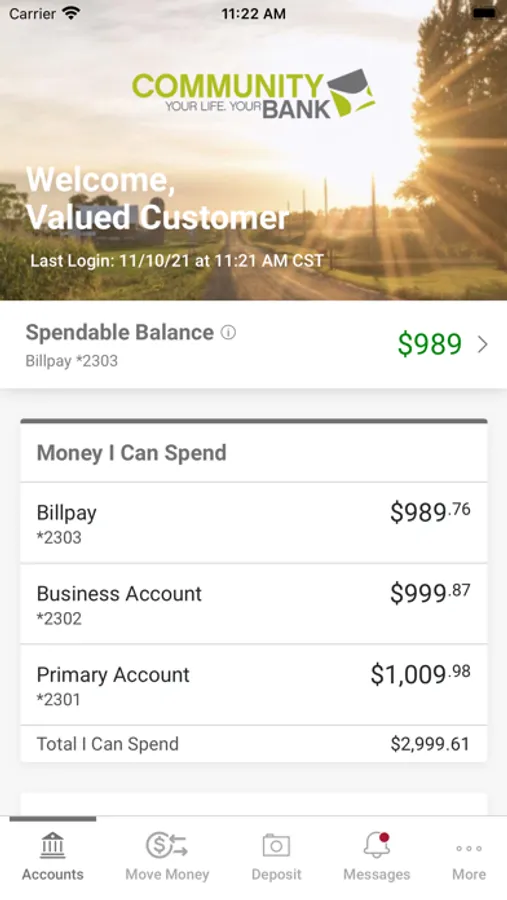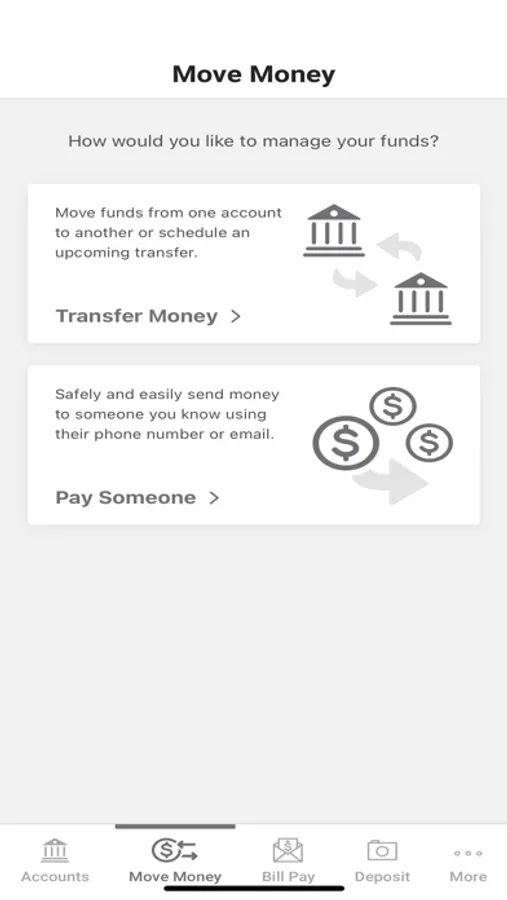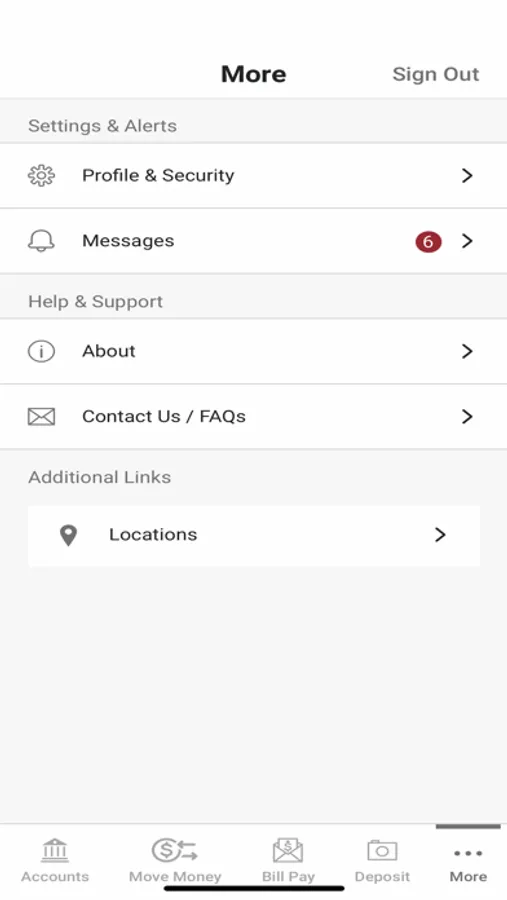
With this mobile banking app, you can check account balances, transfer funds, and deposit checks using your device’s camera. Includes account management features, bill payments, and biometric login options.
AppRecs review analysis
AppRecs rating 4.8. Trustworthiness 0 out of 100. Review manipulation risk 0 out of 100. Based on a review sample analyzed.
★★★★☆
4.8
AppRecs Rating
Ratings breakdown
5 star
86%
4 star
9%
3 star
2%
2 star
1%
1 star
1%
What to know
✓
High user satisfaction
86% of sampled ratings are 5 stars
✓
Authentic reviews
No red flags detected
About Community Bank Mobile
Start banking wherever you are with Community Bank Mobile Banking app. Available to all Community Bank online banking customers.
Available features include:
Accounts:
•Check your latest account balance and search recent transactions by date, amount, or check number.
Transfers:
•Easily transfer cash between your accounts.
Bill Pay:
•Make payments and view recent and scheduled payments.
Manage Payees:
•Ability to add new payees, existing payers, or delete payees directly from the mobile app.
Deposits:
•Submit check deposits using your device’s camera.
Touch ID/Face ID:
•Touch ID/Face ID allows you to use a secure and more efficient sign-on experience using your fingerprint or facial recognition.
Available features include:
Accounts:
•Check your latest account balance and search recent transactions by date, amount, or check number.
Transfers:
•Easily transfer cash between your accounts.
Bill Pay:
•Make payments and view recent and scheduled payments.
Manage Payees:
•Ability to add new payees, existing payers, or delete payees directly from the mobile app.
Deposits:
•Submit check deposits using your device’s camera.
Touch ID/Face ID:
•Touch ID/Face ID allows you to use a secure and more efficient sign-on experience using your fingerprint or facial recognition.