Matter - 3D Effects
Pixite Inc.
4.5 ★
store rating
$4.99
AppRecs review analysis
AppRecs rating 4.3. Trustworthiness 81 out of 100. Review manipulation risk 26 out of 100. Based on a review sample analyzed.
★★★★☆
4.3
AppRecs Rating
Ratings breakdown
5 star
80%
4 star
8%
3 star
3%
2 star
1%
1 star
8%
What to know
✓
Low review manipulation risk
26% review manipulation risk
✓
Credible reviews
81% trustworthiness score from analyzed reviews
✓
High user satisfaction
80% of sampled ratings are 5 stars
About Matter - 3D Effects
= = = = =
Brought to you by the award-winning app development team, Pixite.
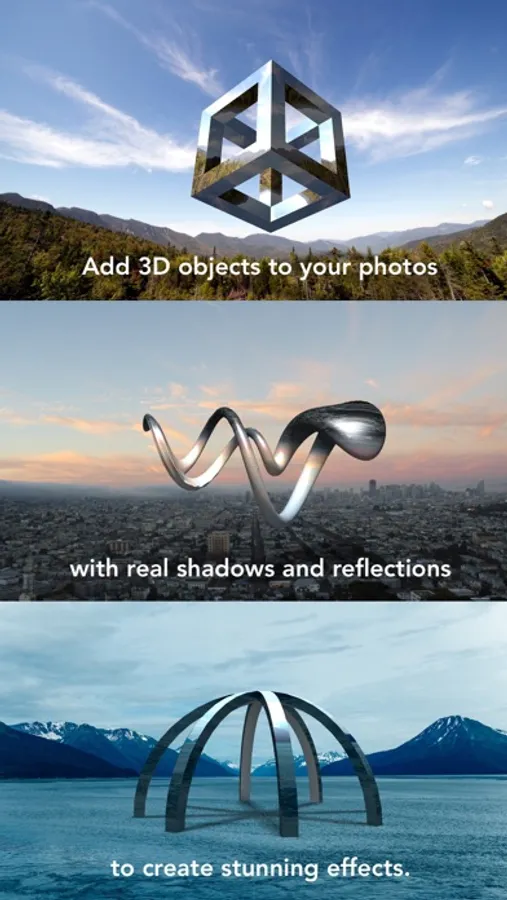
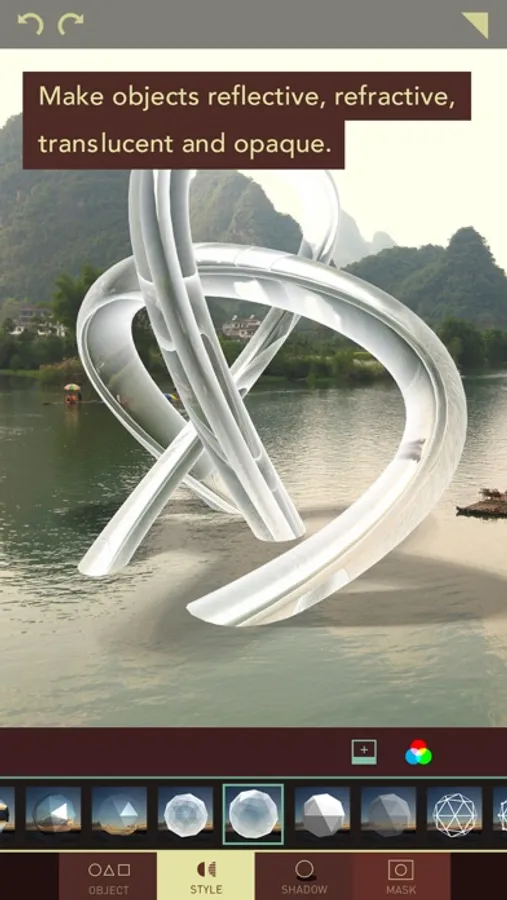
With Matter, alter the reality of your photos by seamlessly adding unique 3D objects to them. Choose from 4 packs of models ranging from simple geometric shapes to complex, architectural structures. Once you’ve chosen your object, select from a range of visual styles to make it reflective or refractive, opaque or translucent. Output high resolution images and even videos.
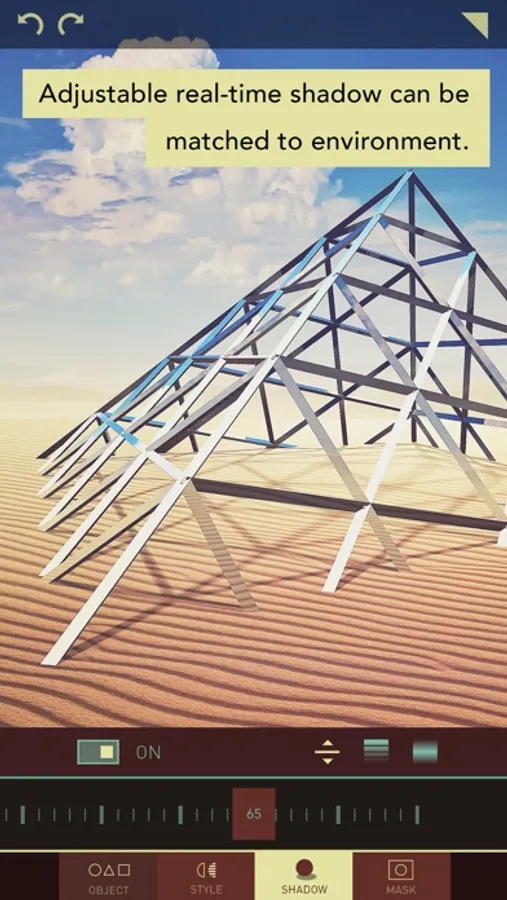
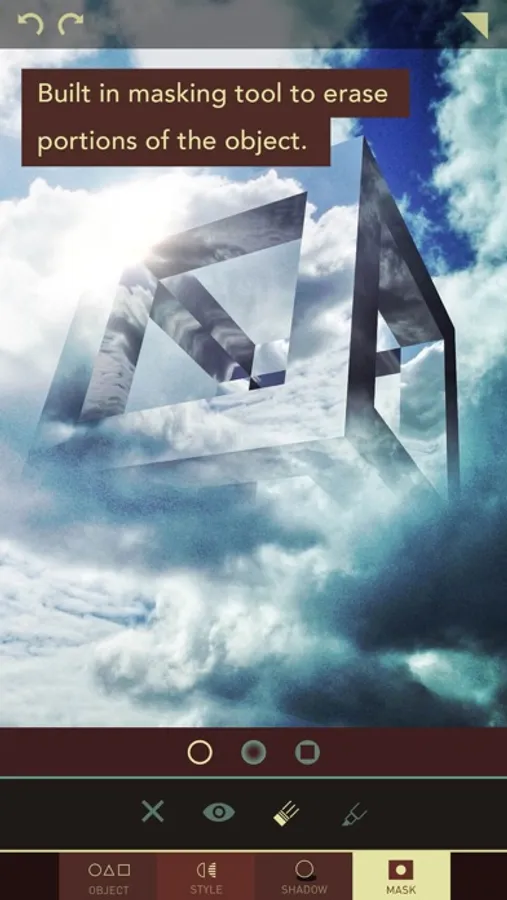
Make your edits even more realistic by adding and adjusting the model’s shadow. Fine-tune the shadow's position, opacity, and strength. Use the built-in masking tools to erase portions of your model or shadow to seamlessly blend it into your photo's environment.
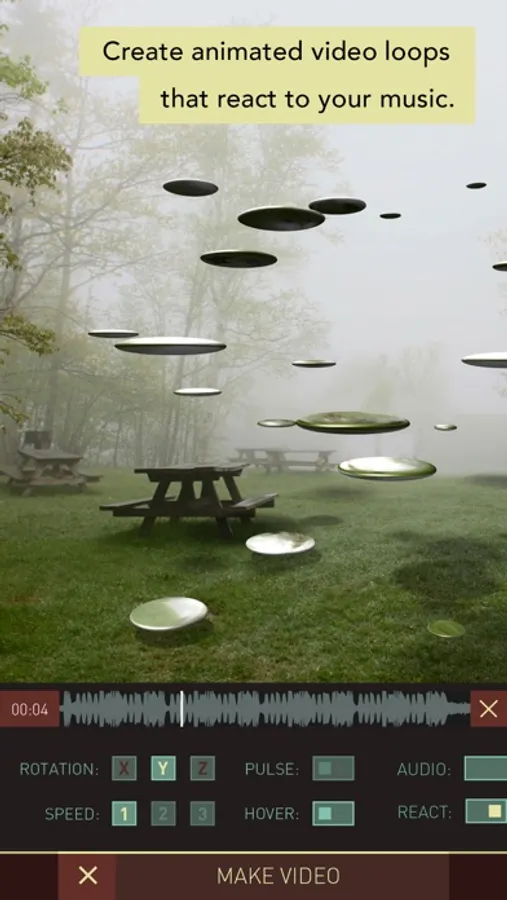
Use the unique video export feature to create short animated loops of the object spinning, pulsing, and hovering in your photo. Adjust the rotation speed and direction for a different effect every time.
Make sure to share your Matter edits on Instagram using #matterapp for a chance to be featured.
Brought to you by the award-winning app development team, Pixite.
With Matter, alter the reality of your photos by seamlessly adding unique 3D objects to them. Choose from 4 packs of models ranging from simple geometric shapes to complex, architectural structures. Once you’ve chosen your object, select from a range of visual styles to make it reflective or refractive, opaque or translucent. Output high resolution images and even videos.
Make your edits even more realistic by adding and adjusting the model’s shadow. Fine-tune the shadow's position, opacity, and strength. Use the built-in masking tools to erase portions of your model or shadow to seamlessly blend it into your photo's environment.
Use the unique video export feature to create short animated loops of the object spinning, pulsing, and hovering in your photo. Adjust the rotation speed and direction for a different effect every time.
Make sure to share your Matter edits on Instagram using #matterapp for a chance to be featured.