With this wireless display app, you can cast presentations, manage meeting content, and collaborate online using features like EZNote and EZKeep. Includes screen sharing, meeting control, cloud integration, and security options.
AppRecs review analysis
AppRecs rating 1.3. Trustworthiness 61 out of 100. Review manipulation risk 25 out of 100. Based on a review sample analyzed.
★☆☆☆☆
1.3
AppRecs Rating
Ratings breakdown
5 star
18%
4 star
4%
3 star
13%
2 star
5%
1 star
60%
What to know
✓
Low review manipulation risk
25% review manipulation risk
⚠
Mixed user feedback
Average 2.1★ rating suggests room for improvement
⚠
High negative review ratio
65% of sampled ratings are 1–2 stars
About EZCast Pro
Thank you for choosing EZCast Pro!
EZCast Pro app is designed to work with EZCast Pro, a leading innovator of wireless display and smart office solutions.
#Features:
1. Wireless presentations - Make wireless presentations for more efficient meetings.
2. 4 screen split - Display up to 4 presentations simultaneously in a 4 screen split.
3. Take meeting minutes effectively – Use EZNote to save, annotate and edit presentation slides in real-time as meeting minutes for actionable follow-ups.
4. Organize meetings - Use Host Control to manage presentation priorities and control agendas.
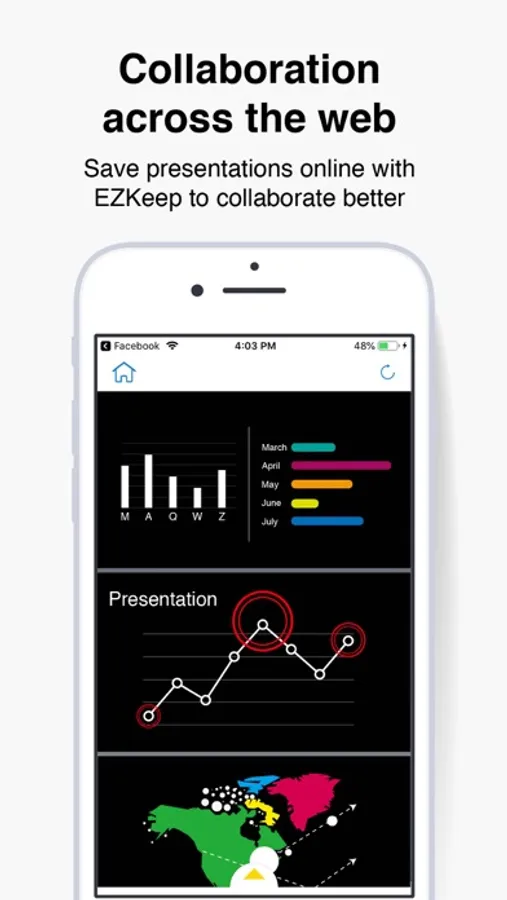
5. Collaboration across the web - Save presentations online with EZKeep to collaborate better.
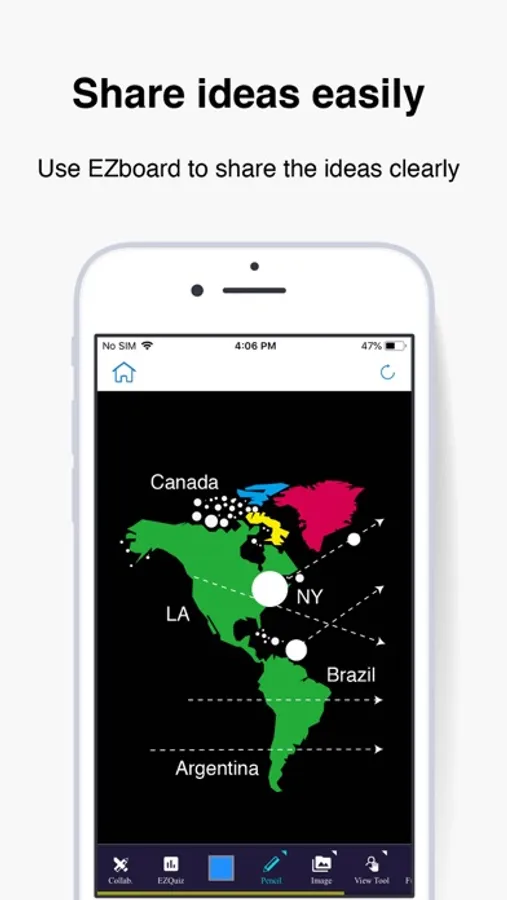
6. Share ideas easily – Use EZBoard to share ideas clearly to students or colleagues and give them a quiz.
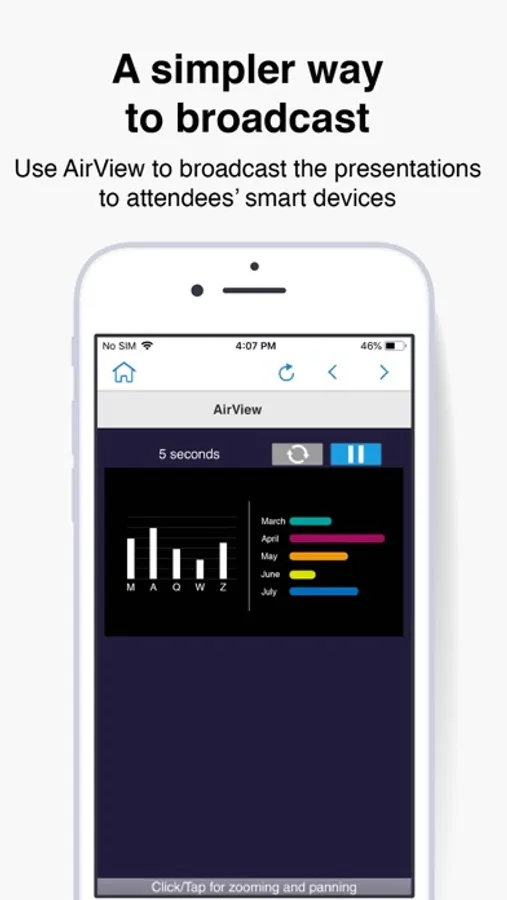
7. A simpler way to broadcast – Use AirView to broadcast the presentations to attendees’ smart devices.
8. Cloud integration – Share presentations across Dropbox or other online storage service platforms for more flexible collaboration.
9. Supports OTA – Ongoing firmware upgrades to keep your dongle up to date.
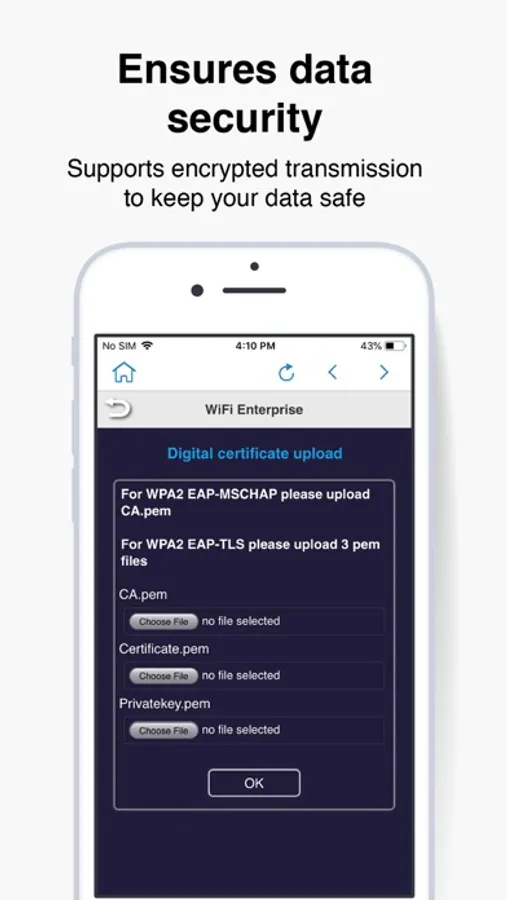
10. Ensures data security – Supports encrypted transmission to keep your data safe.
EZCast Pro app is designed to work with EZCast Pro, a leading innovator of wireless display and smart office solutions.
#Features:
1. Wireless presentations - Make wireless presentations for more efficient meetings.
2. 4 screen split - Display up to 4 presentations simultaneously in a 4 screen split.
3. Take meeting minutes effectively – Use EZNote to save, annotate and edit presentation slides in real-time as meeting minutes for actionable follow-ups.
4. Organize meetings - Use Host Control to manage presentation priorities and control agendas.
5. Collaboration across the web - Save presentations online with EZKeep to collaborate better.
6. Share ideas easily – Use EZBoard to share ideas clearly to students or colleagues and give them a quiz.
7. A simpler way to broadcast – Use AirView to broadcast the presentations to attendees’ smart devices.
8. Cloud integration – Share presentations across Dropbox or other online storage service platforms for more flexible collaboration.
9. Supports OTA – Ongoing firmware upgrades to keep your dongle up to date.
10. Ensures data security – Supports encrypted transmission to keep your data safe.