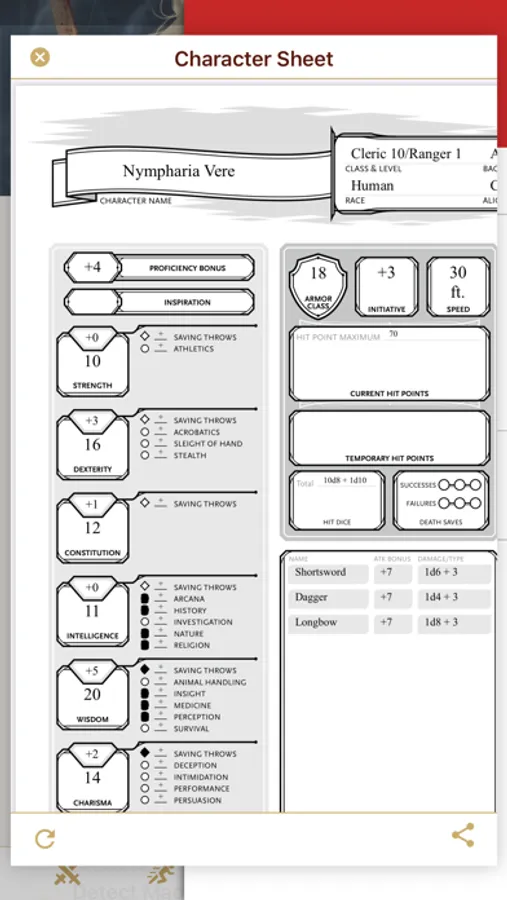
In this digital character management app, you can input character details, track spells, and manage equipment. Includes features for automatic stat calculations, printable character sheets, and dice rolling.
AppRecs review analysis
AppRecs rating 4.8. Trustworthiness 80 out of 100. Review manipulation risk 25 out of 100. Based on a review sample analyzed.
★★★★☆
4.8
AppRecs Rating
Ratings breakdown
5 star
79%
4 star
14%
3 star
3%
2 star
1%
1 star
3%
What to know
✓
Low review manipulation risk
25% review manipulation risk
✓
Credible reviews
80% trustworthiness score from analyzed reviews
✓
High user satisfaction
79% of sampled ratings are 5 stars
About Fight Club 5th Edition
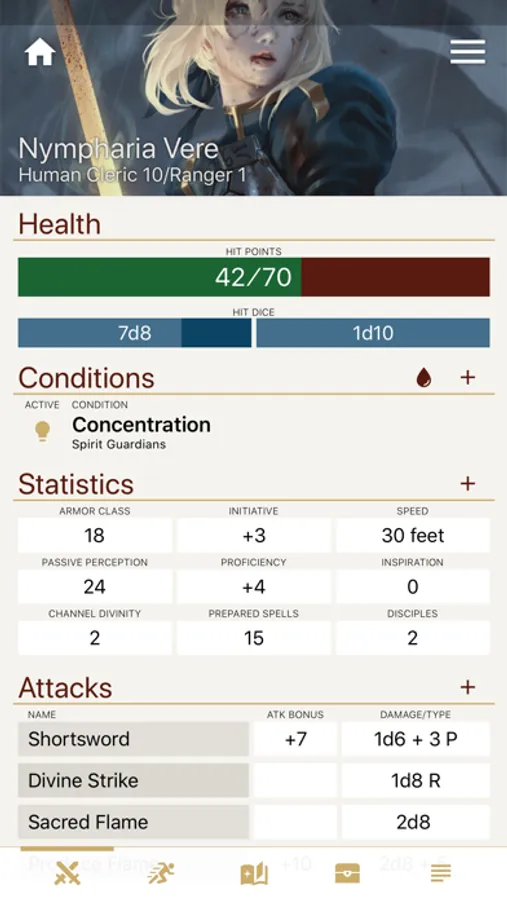
Leave your books, character sheets, and dice bags at home. Fight Club 5th Edition serves as a digital character sheet that can be all you need to play a Dungeons & Dragons 5th Edition game.
Character Sheet
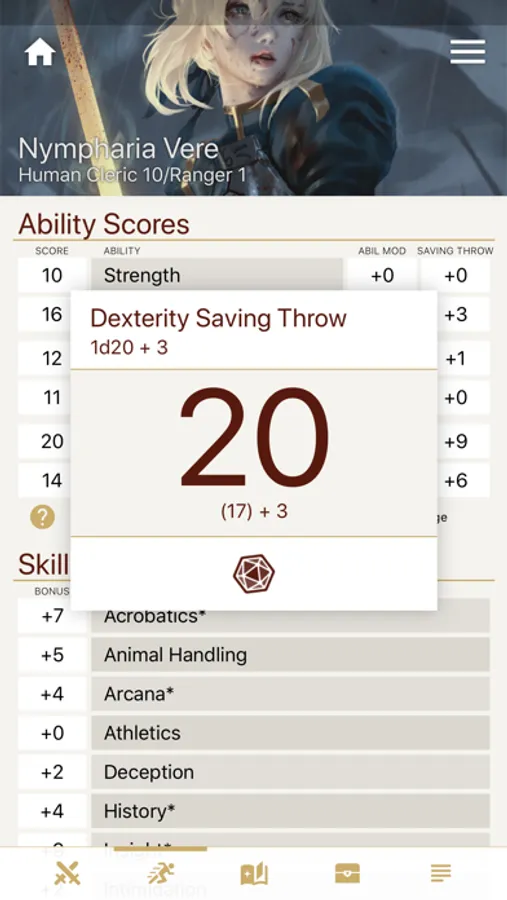
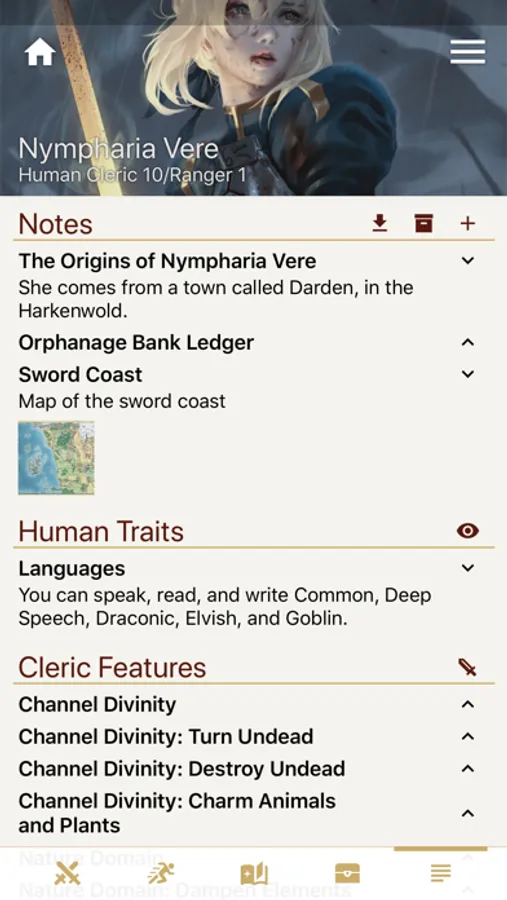
Everything you would write into a 5th Edition character sheet can be inputted into Fight Club. Set your basic character information (ability scores, skills, proficiencies, etc...) and all the stats will be automatically calculated. Any bonuses/penalties you receive through various traits and features can be also be set. And, if going completely paperless isn't allowed in your game, the app can also generate a printable character sheet PDF file.
Spellbook
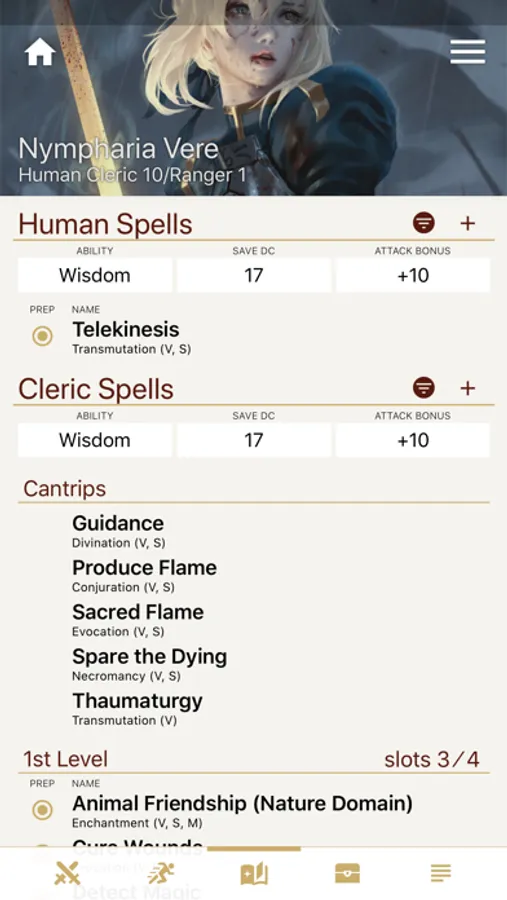
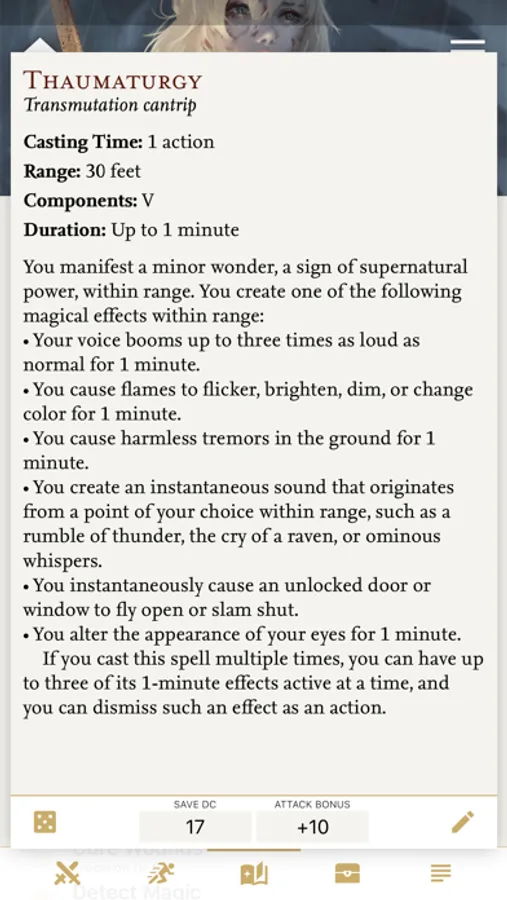
Select from a large list of fully detailed spells and add them to your PC's spellbook. Select which are prepared for the day. Track spell slot usage. Everything you'll need for your sorcerers and wizards.
Equipment
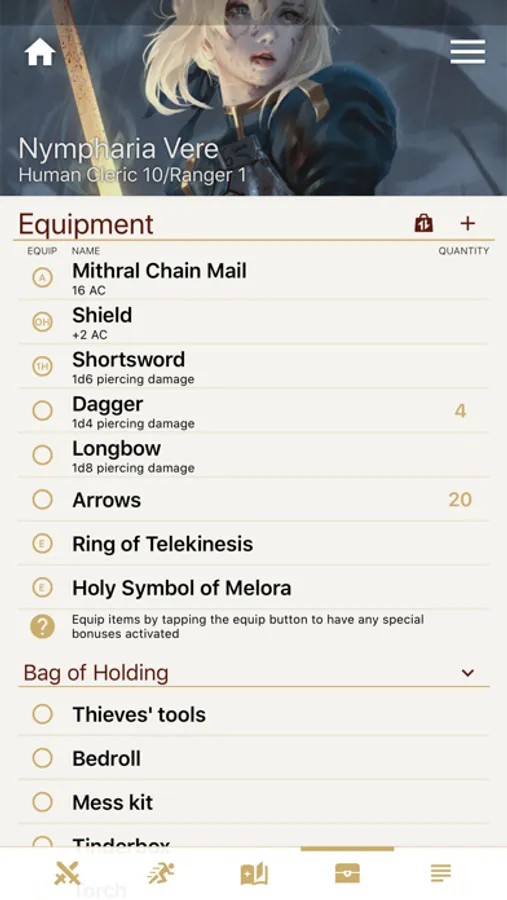
Keep a list of all of your equipment and loot. All of your armor and weapons can be equipped and unequipped and with the tap of a button and stats, like armor class, will automatically change to reflect your current gear.
Dice Roller
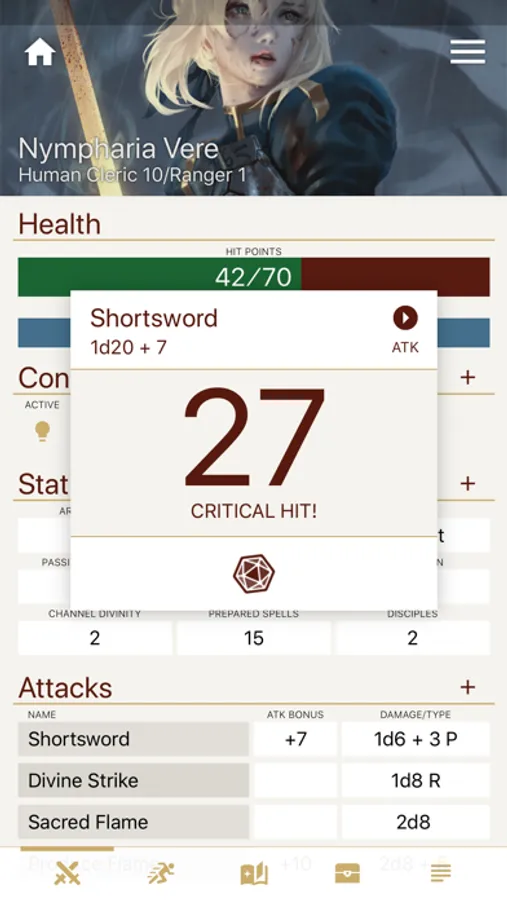
All of your stats and attacks can be rolled with a tap of a button. Also included is dice calculator that allows you to input a custom roll. Need to roll 1d20 + 6d9 + Constitution modifier? Fight Club has what you need.
Compendium
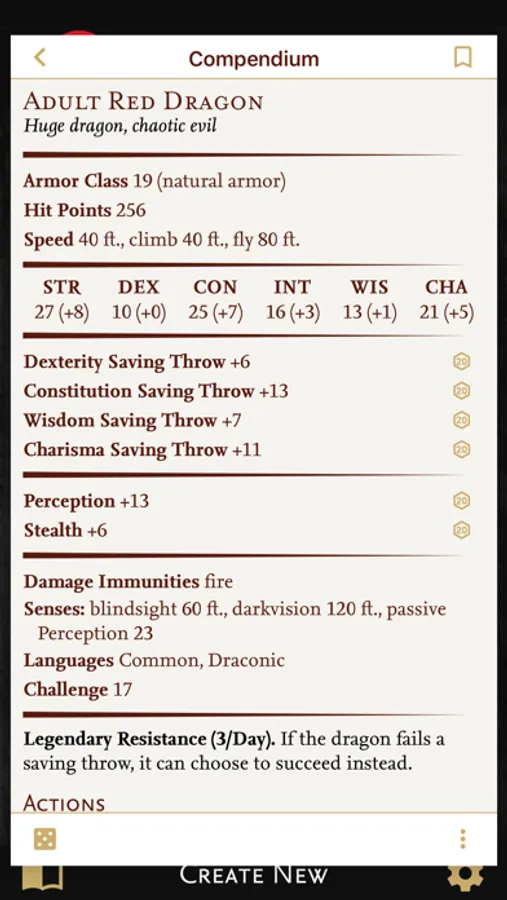
A customizable compendium of content that by default includes all of the races, classes, backgrounds, feats, equipment, spells, and the monsters from the System Reference Document 5.1. This does not contain all of the official content from the Player's Handbook so you'll have to input any missing. To make adding easier, there is an Import feature through which you can type/copy content on your PC then transfer the file into the compendium. Fan made files are also available for download, so search online.
Premium Version
The app is free to download, but you are limited creating only one character and you will see a small advertisement at the bottom of the screen. Upgrading to the premium version with the in-app purchase will allow you to create unlimited characters and remove any advertisements.
Character Sheet
Everything you would write into a 5th Edition character sheet can be inputted into Fight Club. Set your basic character information (ability scores, skills, proficiencies, etc...) and all the stats will be automatically calculated. Any bonuses/penalties you receive through various traits and features can be also be set. And, if going completely paperless isn't allowed in your game, the app can also generate a printable character sheet PDF file.
Spellbook
Select from a large list of fully detailed spells and add them to your PC's spellbook. Select which are prepared for the day. Track spell slot usage. Everything you'll need for your sorcerers and wizards.
Equipment
Keep a list of all of your equipment and loot. All of your armor and weapons can be equipped and unequipped and with the tap of a button and stats, like armor class, will automatically change to reflect your current gear.
Dice Roller
All of your stats and attacks can be rolled with a tap of a button. Also included is dice calculator that allows you to input a custom roll. Need to roll 1d20 + 6d9 + Constitution modifier? Fight Club has what you need.
Compendium
A customizable compendium of content that by default includes all of the races, classes, backgrounds, feats, equipment, spells, and the monsters from the System Reference Document 5.1. This does not contain all of the official content from the Player's Handbook so you'll have to input any missing. To make adding easier, there is an Import feature through which you can type/copy content on your PC then transfer the file into the compendium. Fan made files are also available for download, so search online.
Premium Version
The app is free to download, but you are limited creating only one character and you will see a small advertisement at the bottom of the screen. Upgrading to the premium version with the in-app purchase will allow you to create unlimited characters and remove any advertisements.