Stage Plot Maker
Arlo Leach
2.0 ★
store rating
$3.99
AppRecs review analysis
AppRecs rating 1.5. Trustworthiness 73 out of 100. Review manipulation risk 24 out of 100. Based on a review sample analyzed.
★☆☆☆☆
1.5
AppRecs Rating
Ratings breakdown
5 star
13%
4 star
13%
3 star
0%
2 star
13%
1 star
63%
What to know
✓
Low review manipulation risk
24% review manipulation risk
⚠
Pricing complaints
Many low ratings mention paywalls or pricing
⚠
Mixed user feedback
Average 2.0★ rating suggests room for improvement
About Stage Plot Maker
Stage Plot Maker helps you build clear, readable stage plots to communicate your band's technical requirements to a sound engineer. You can build a collection of stage plots for different kinds of gigs, then print or email them directly from your mobile device.
Running the app on a tablet is recommended for building stage plots. Once you build a stage plot, you can copy it to the phone app for quick access on the go.
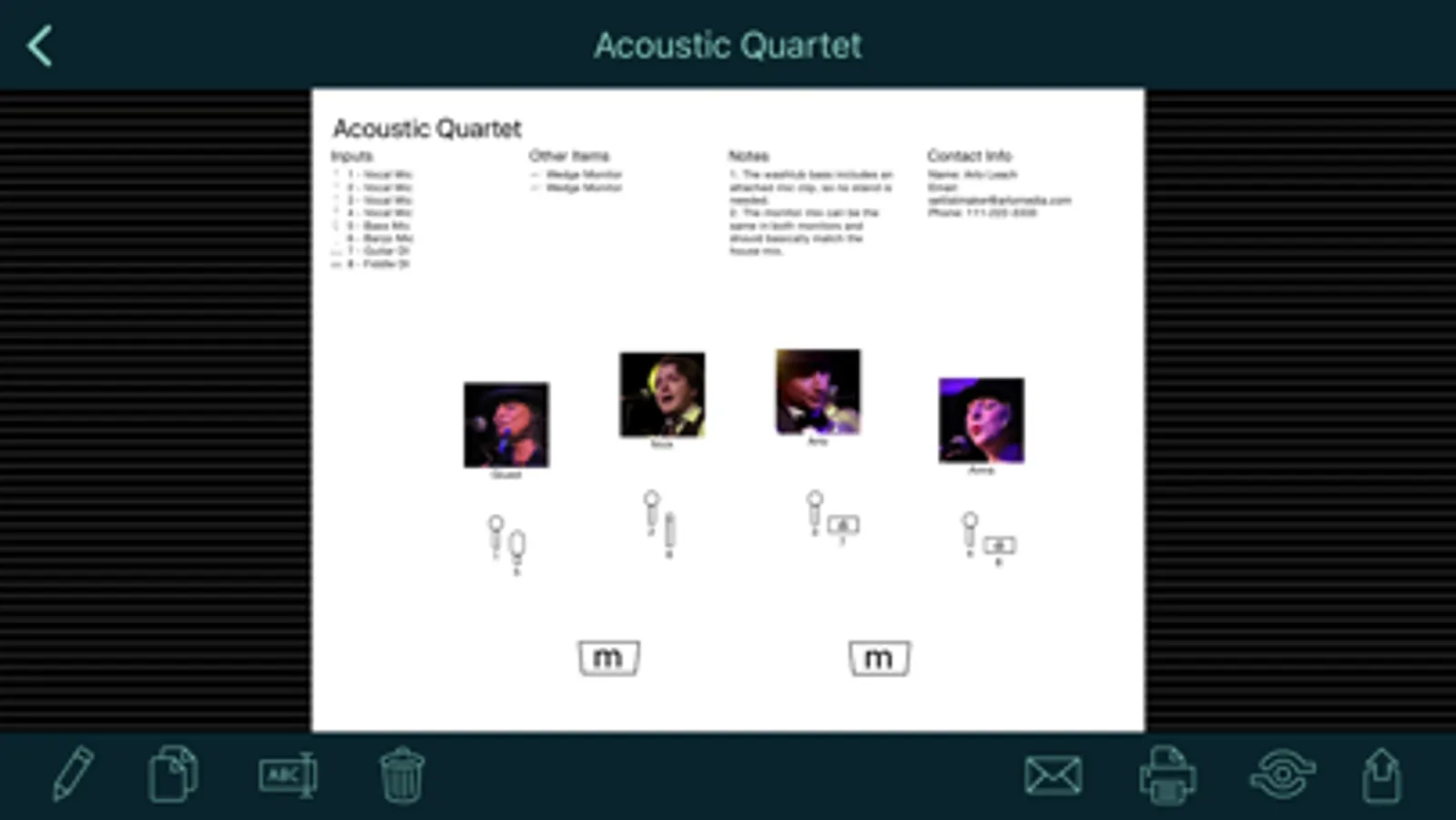
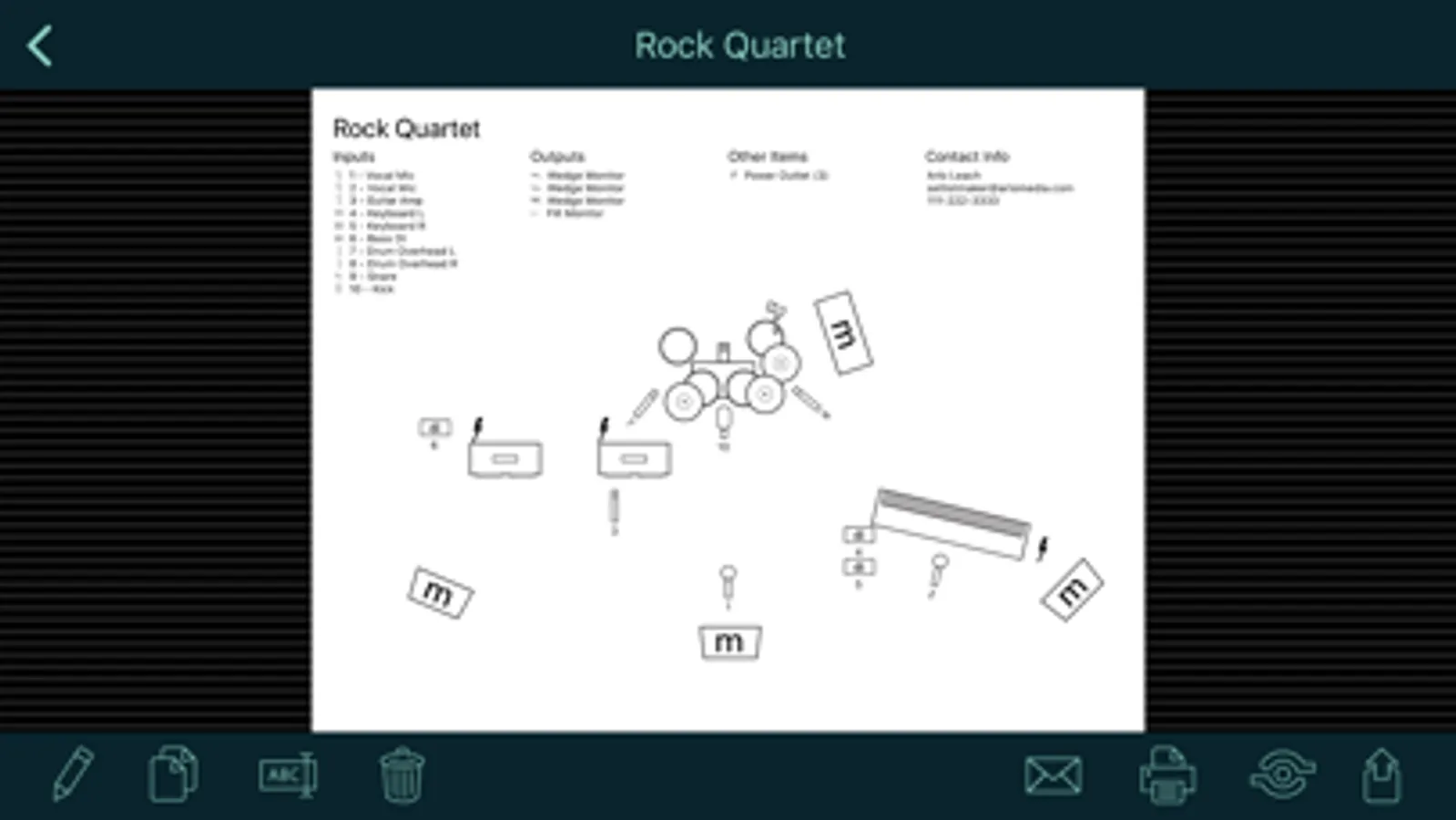
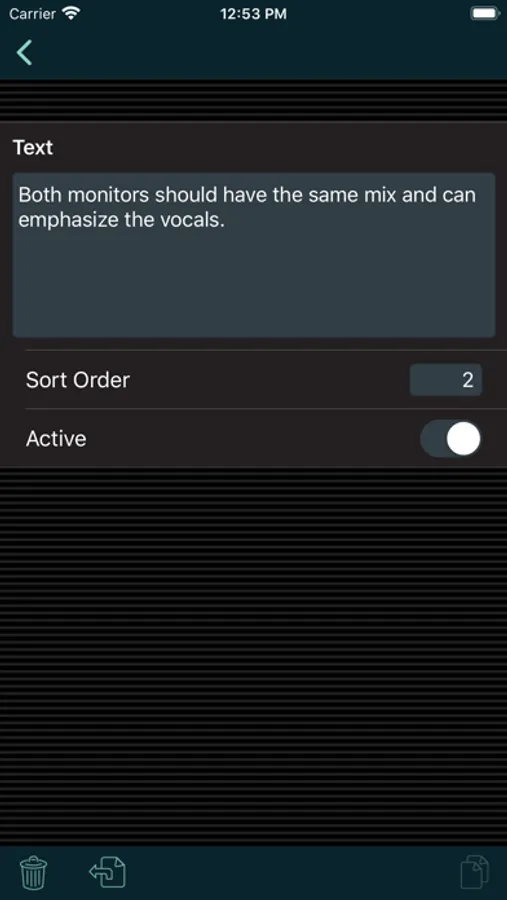
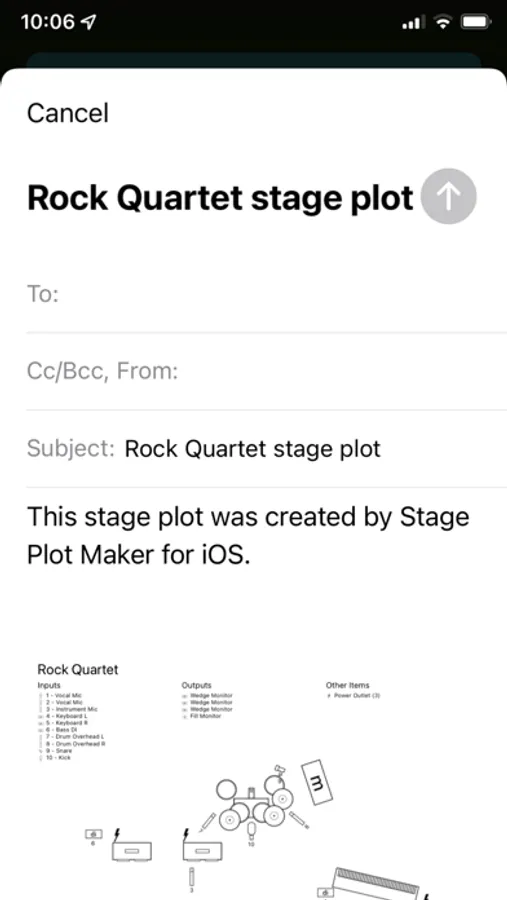
Stage plots can include a diagram to show the placement of elements on stage; numbered input and output lists; a list of other required items like chairs and music stands; the name and photo of each performer; notes for the sound engineer; and your contact info.
Note that this app doesn't use pictures for small instruments like guitars, trumpets, etc. Instead, it uses symbols for the inputs that those instruments go into, like mics or DI boxes. You can label those inputs to show what instrument they are used for. This provides a streamlined display that shows sound engineers just what they need to set up the stage for you. The app does include symbols for large instruments like piano and drums that are typically placed on stage first with the inputs positioned around them. Please see the screen shots and demo video for examples.
*** If you have a problem or a suggestion, please contact me before writing a bad review. I respond promptly to all emails and posts in my support forum. ***
Running the app on a tablet is recommended for building stage plots. Once you build a stage plot, you can copy it to the phone app for quick access on the go.
Stage plots can include a diagram to show the placement of elements on stage; numbered input and output lists; a list of other required items like chairs and music stands; the name and photo of each performer; notes for the sound engineer; and your contact info.
Note that this app doesn't use pictures for small instruments like guitars, trumpets, etc. Instead, it uses symbols for the inputs that those instruments go into, like mics or DI boxes. You can label those inputs to show what instrument they are used for. This provides a streamlined display that shows sound engineers just what they need to set up the stage for you. The app does include symbols for large instruments like piano and drums that are typically placed on stage first with the inputs positioned around them. Please see the screen shots and demo video for examples.
*** If you have a problem or a suggestion, please contact me before writing a bad review. I respond promptly to all emails and posts in my support forum. ***