AppRecs review analysis
AppRecs rating 1.0. Trustworthiness 68 out of 100. Review manipulation risk 26 out of 100. Based on a review sample analyzed.
★☆☆☆☆
1.0
AppRecs Rating
Ratings breakdown
5 star
3%
4 star
1%
3 star
2%
2 star
3%
1 star
91%
What to know
⚠
Pricing complaints
Many low ratings mention paywalls or pricing
⚠
Mixed user feedback
Average 1.2★ rating suggests room for improvement
⚠
High negative review ratio
94% of sampled ratings are 1–2 stars
About symplr Access
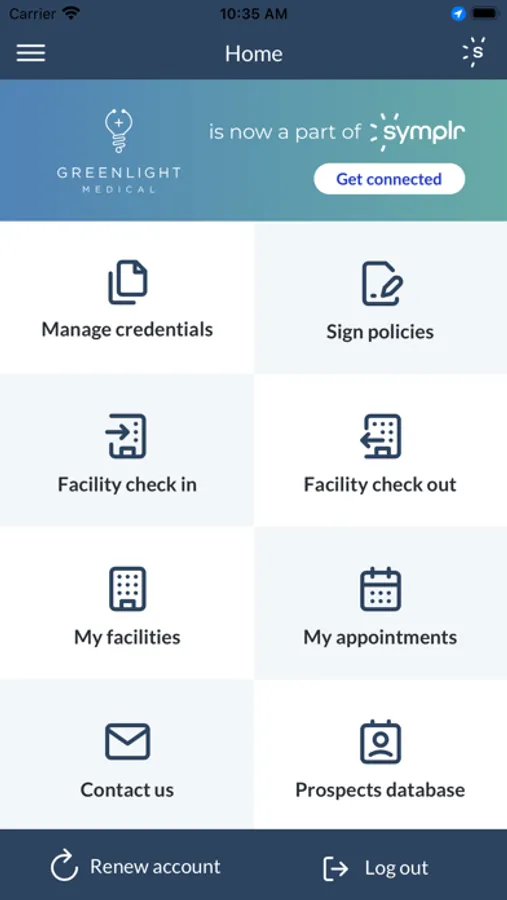
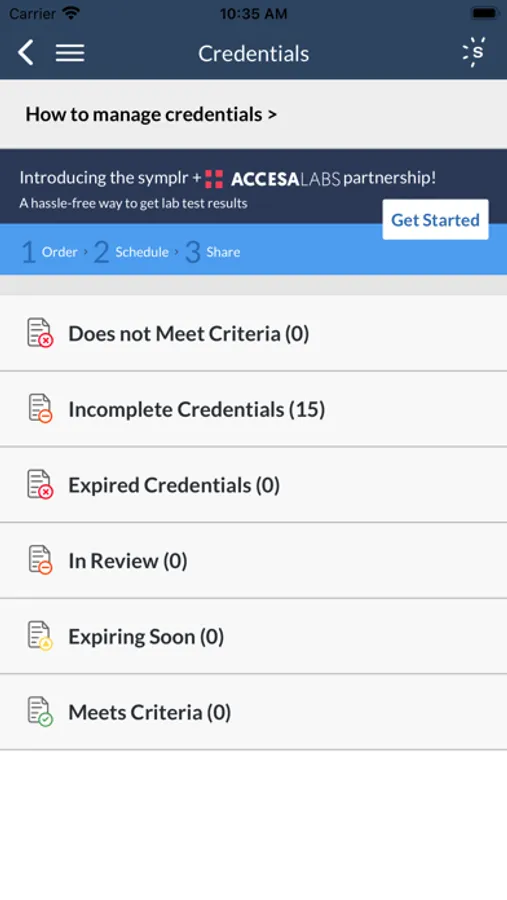
Manage your symplr account and get quick access to facilities with our mobile app. While on-site, a virtual badge will display that includes the vendor profile photo in addition to appointment details. Track your credentials on the go: you can easily see the status of your credentials and view detailed credential descriptions. While on-site, use the app to check in, view your appointments, display a virtual badge with your profile photo & appointment details, and check out.
For hospital administrators, the symplr mobile app improves your vendor management process with a rep on-site dashboard and rep look-up function.
BE INFORMED
• Easily identify Incomplete, Declined, & Expired credentials that need action
• Easily identify Incomplete or Expired policies that need action
• View scheduled appointments
STAY COMPLIANT
• Read & sign facility policies
• Upload credential documents
• Schedule and accept facility appointments
• Mobile check-in & check-out (at supporting facilities)
MANAGE YOUR ACCOUNT
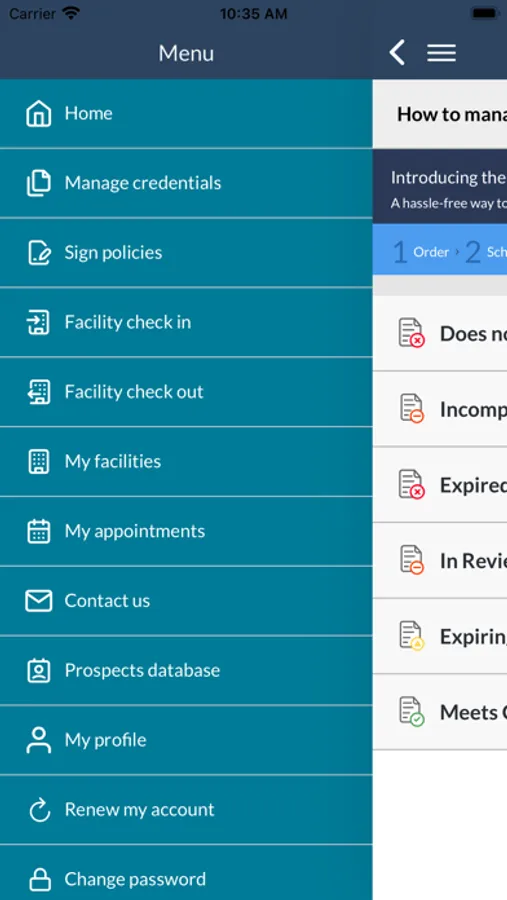
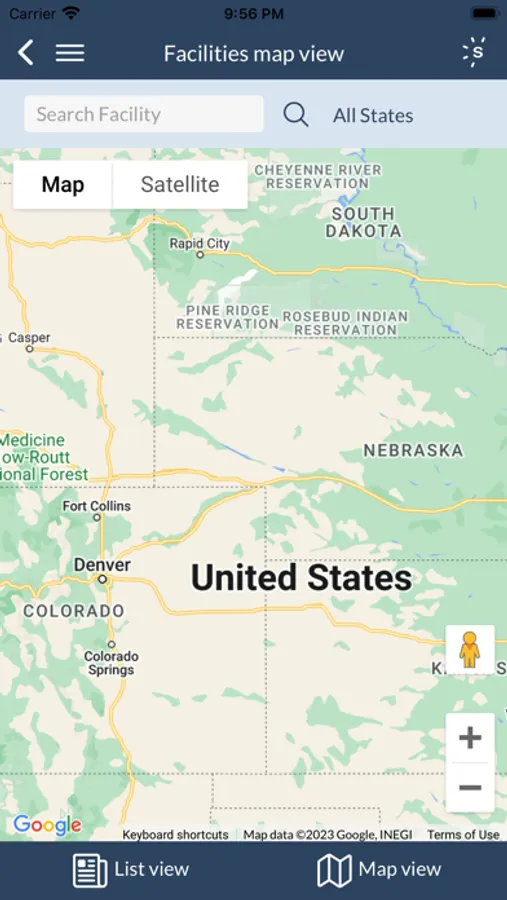
• View and add facilities to your territory
• Update account details
• Upload profile picture or driver’s license
• Access symplr support email, phone, and live chat
Fresh updates for hospital administrators include the following features:
• Mobile On Site Dashboard to quickly view details including vendor name, vendor appointment details, and vendor light status
• Rep Look Up to quickly locate vendors listed in our database to identify compliance
• Rep Sign In option to facilitate capturing rep visit details
• App permissions that sync with customizable permissions structure in desktop site
Send your comments and feedback to our Product Developers: feedback@symplr.com
About symplr
Symplr is an industry leader in compliance and credentialing Software as a Service (SaaS) solutions that help healthcare organizations mitigate risk and ensure compliance. We have a single mission: to make healthcare compliance and credentialing orders of magnitude simpler for all constituents of the healthcare community.
For hospital administrators, the symplr mobile app improves your vendor management process with a rep on-site dashboard and rep look-up function.
BE INFORMED
• Easily identify Incomplete, Declined, & Expired credentials that need action
• Easily identify Incomplete or Expired policies that need action
• View scheduled appointments
STAY COMPLIANT
• Read & sign facility policies
• Upload credential documents
• Schedule and accept facility appointments
• Mobile check-in & check-out (at supporting facilities)
MANAGE YOUR ACCOUNT
• View and add facilities to your territory
• Update account details
• Upload profile picture or driver’s license
• Access symplr support email, phone, and live chat
Fresh updates for hospital administrators include the following features:
• Mobile On Site Dashboard to quickly view details including vendor name, vendor appointment details, and vendor light status
• Rep Look Up to quickly locate vendors listed in our database to identify compliance
• Rep Sign In option to facilitate capturing rep visit details
• App permissions that sync with customizable permissions structure in desktop site
Send your comments and feedback to our Product Developers: feedback@symplr.com
About symplr
Symplr is an industry leader in compliance and credentialing Software as a Service (SaaS) solutions that help healthcare organizations mitigate risk and ensure compliance. We have a single mission: to make healthcare compliance and credentialing orders of magnitude simpler for all constituents of the healthcare community.