AppRecs review analysis
AppRecs rating 2.8. Trustworthiness 66 out of 100. Review manipulation risk 17 out of 100. Based on a review sample analyzed.
★★☆☆☆
2.8
AppRecs Rating
Ratings breakdown
5 star
40%
4 star
0%
3 star
10%
2 star
0%
1 star
50%
What to know
✓
Low review manipulation risk
17% review manipulation risk
⚠
Mixed user feedback
Average 2.8★ rating suggests room for improvement
About My Heart Rate (Lite)
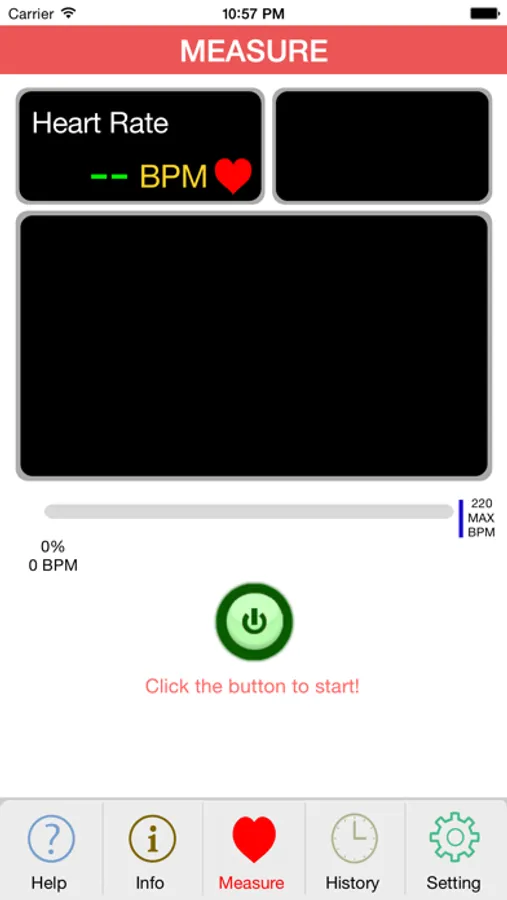
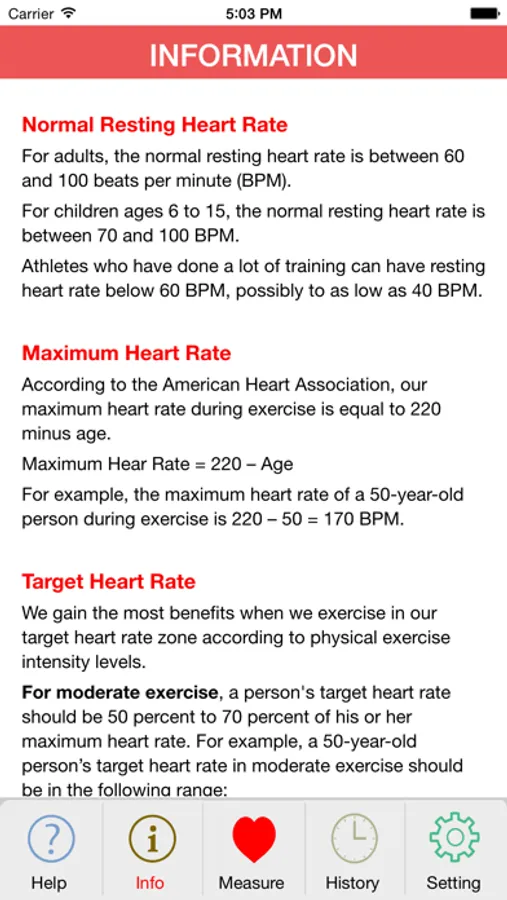
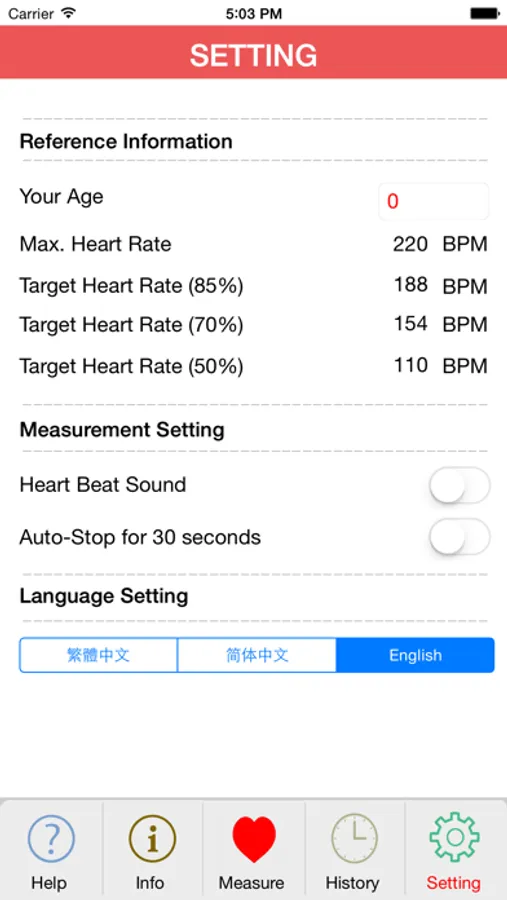
My Heart Rate app is designed with user interface similar to a real pulse oximeter, which let you monitor your heart rate anytime and anywhere, especially before and after exercise. If you enter your age in the setup page, percentage of the measured heart rate based on your maximum heart rate will be displayed for monitoring your target heart rate in moderate and intense exercise.
How to use this App and main features:
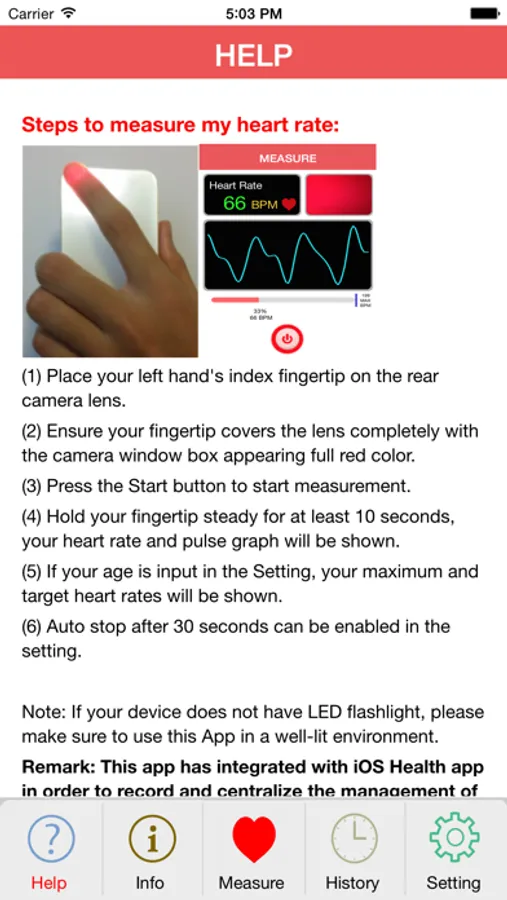
(1) Place your left hand's index fingertip on the rear camera lens.
(2) Ensure your fingertip covers the lens completely with the camera window box appearing full red color.
(3) Press the Start button to start measurement.
(4) Hold your fingertip steady for at least 10 seconds, your heart rate and pulse graph will be shown.
(5) If your age is input in the Setting, your maximum and target heart rates will be shown.
(6) Auto stop after 30 seconds can be enabled in the setting.
Note: If your device does not have LED flashlight, please make sure to use this App in a well-lit environment.
Remark: This app has integrated with iOS Health app in order to record and centralize the management of your heart rate.
How to use this App and main features:
(1) Place your left hand's index fingertip on the rear camera lens.
(2) Ensure your fingertip covers the lens completely with the camera window box appearing full red color.
(3) Press the Start button to start measurement.
(4) Hold your fingertip steady for at least 10 seconds, your heart rate and pulse graph will be shown.
(5) If your age is input in the Setting, your maximum and target heart rates will be shown.
(6) Auto stop after 30 seconds can be enabled in the setting.
Note: If your device does not have LED flashlight, please make sure to use this App in a well-lit environment.
Remark: This app has integrated with iOS Health app in order to record and centralize the management of your heart rate.