In this educational app, users practice touch typing through interactive lessons and animated finger guides. Includes lessons for all ages, multiple keyboard layouts, and options to import custom content.
AppRecs review analysis
AppRecs rating 4.7. Trustworthiness 79 out of 100. Review manipulation risk 20 out of 100. Based on a review sample analyzed.
★★★★☆
4.7
AppRecs Rating
Ratings breakdown
5 star
70%
4 star
12%
3 star
8%
2 star
2%
1 star
7%
What to know
✓
Low review manipulation risk
20% review manipulation risk
✓
Credible reviews
79% trustworthiness score from analyzed reviews
✓
High user satisfaction
83% of sampled ratings are 4+ stars (4.4★ average)
About Animal Typing
• Animal Typing is a simple and funny way to learn touch typing for all ages.
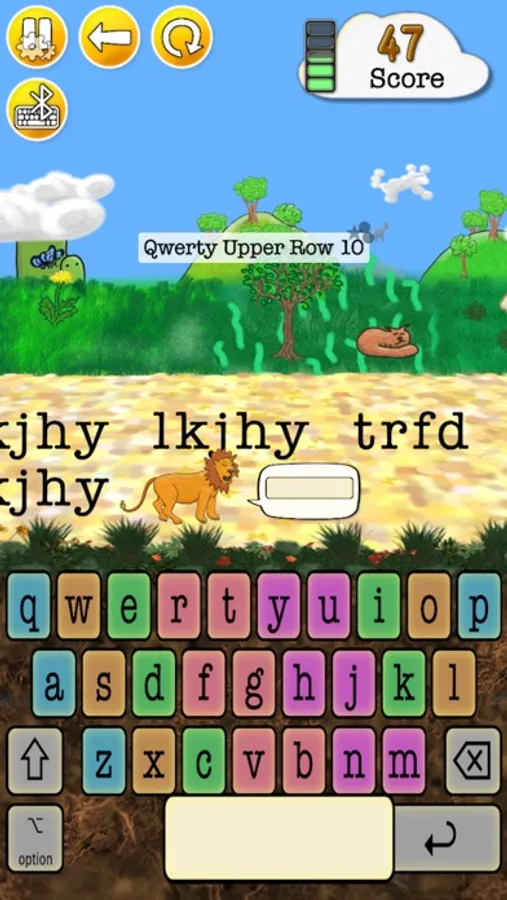
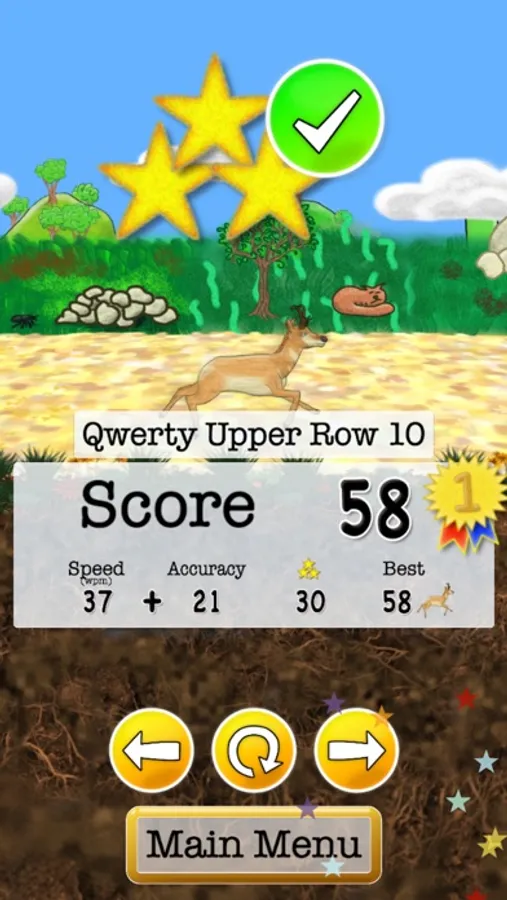
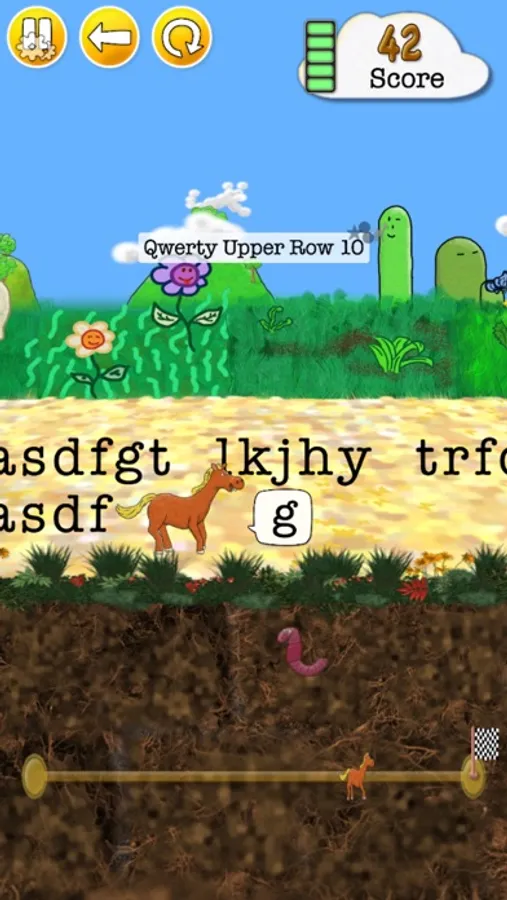
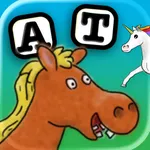
In Animal Typing, the animal you get depends on your typing skills. The faster you type, the faster is your animal (snail, rabbit, horse, etc.). However, be careful, Animal Typing also greatly rewards your accuracy. So, avoid the typos and get the cheetah!
• Use the virtual keyboard or a Bluetooth keyboard.
** A hardware Bluetooth keyboard is recommended. **
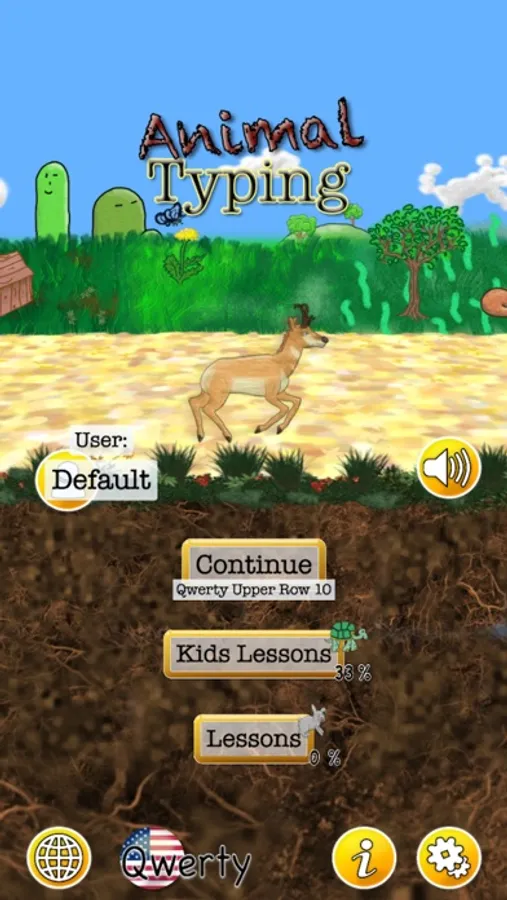
• 28 lessons to gradually learn the keyboard keys.
• Also include two sets of 32 lessons designed for kids under 12 years old.
• You could also import your own lessons (add them using iCloud Drive).
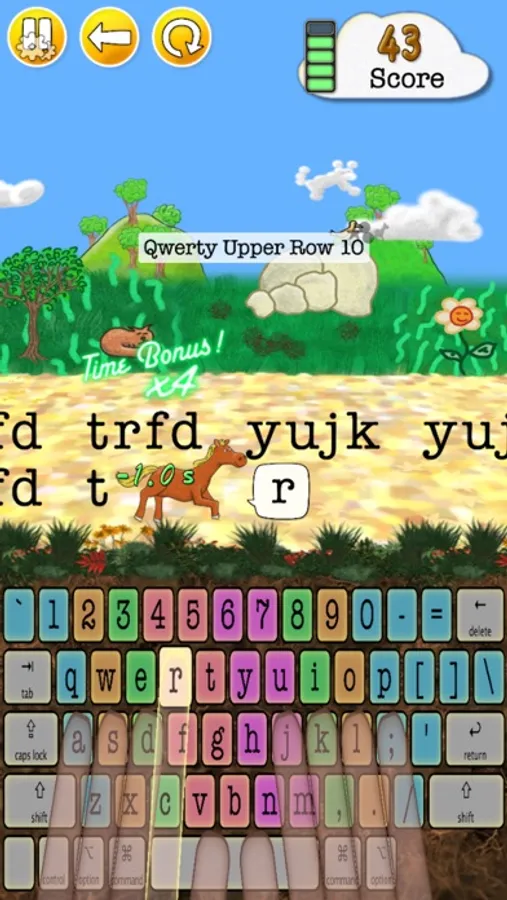
• Animated fingers showing the proper typing technique.
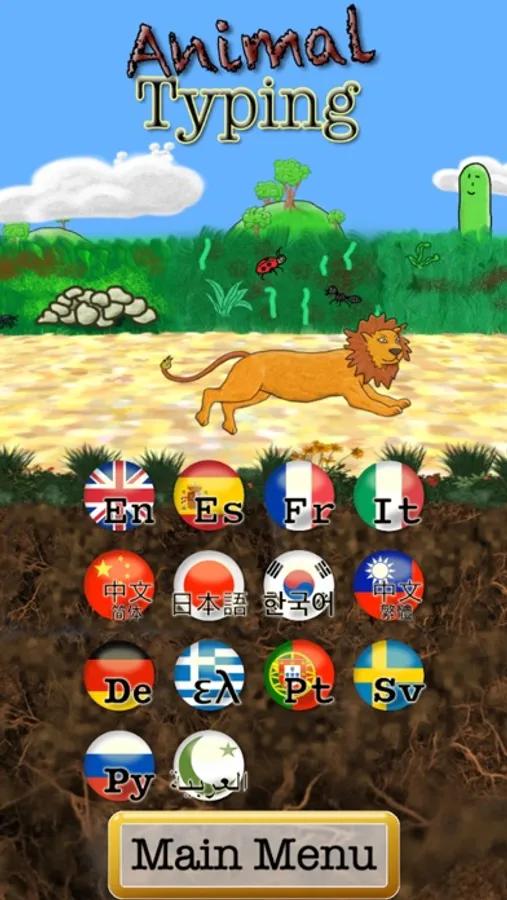
• Multiple Keyboard layouts: Qwerty (US/UK), Dvorak, Colemak, Workman, Qwertz (German/Swiss), Azerty (France).
(Kids Lessons are designed for the Qwerty and Dvorak layout.)
• Possibility to customize the finger typing zones.
• Local user login system to switch between multiple users.
• Dictation mode that spells out the words to be typed.
• Include advanced lessons for specials characters (1234... #$%[]...).
Credits:
I want to thank the translators Mr Oscar Céspedes, Mr Amos Del Fabbro, Ms Lingnan Wang, Ms Kwon Nam Soo, Ms Masako Nagano and Ms Hanah Nguyen for the realization of the Spanish, Italian, Chinese, Korean, Japanese and Vietnamese lessons respectively.
I want to thank Ms Gaylene Sutton for her suggestion and advices in the preparation of the "Kids Lessons" set.
I want to thank the freesound.org community for the sound effects.
Full audio credits:
https://sites.google.com/view/animaltyping/.
In Animal Typing, the animal you get depends on your typing skills. The faster you type, the faster is your animal (snail, rabbit, horse, etc.). However, be careful, Animal Typing also greatly rewards your accuracy. So, avoid the typos and get the cheetah!
• Use the virtual keyboard or a Bluetooth keyboard.
** A hardware Bluetooth keyboard is recommended. **
• 28 lessons to gradually learn the keyboard keys.
• Also include two sets of 32 lessons designed for kids under 12 years old.
• You could also import your own lessons (add them using iCloud Drive).
• Animated fingers showing the proper typing technique.
• Multiple Keyboard layouts: Qwerty (US/UK), Dvorak, Colemak, Workman, Qwertz (German/Swiss), Azerty (France).
(Kids Lessons are designed for the Qwerty and Dvorak layout.)
• Possibility to customize the finger typing zones.
• Local user login system to switch between multiple users.
• Dictation mode that spells out the words to be typed.
• Include advanced lessons for specials characters (1234... #$%[]...).
Credits:
I want to thank the translators Mr Oscar Céspedes, Mr Amos Del Fabbro, Ms Lingnan Wang, Ms Kwon Nam Soo, Ms Masako Nagano and Ms Hanah Nguyen for the realization of the Spanish, Italian, Chinese, Korean, Japanese and Vietnamese lessons respectively.
I want to thank Ms Gaylene Sutton for her suggestion and advices in the preparation of the "Kids Lessons" set.
I want to thank the freesound.org community for the sound effects.
Full audio credits:
https://sites.google.com/view/animaltyping/.