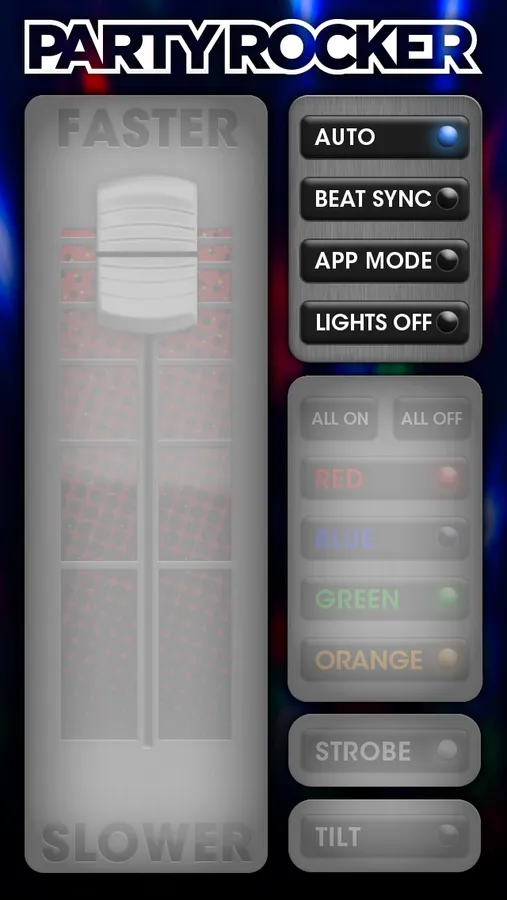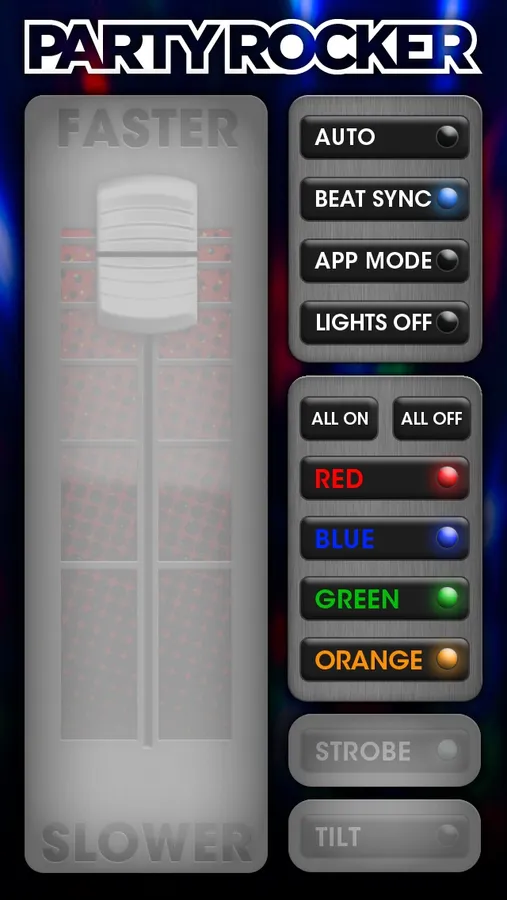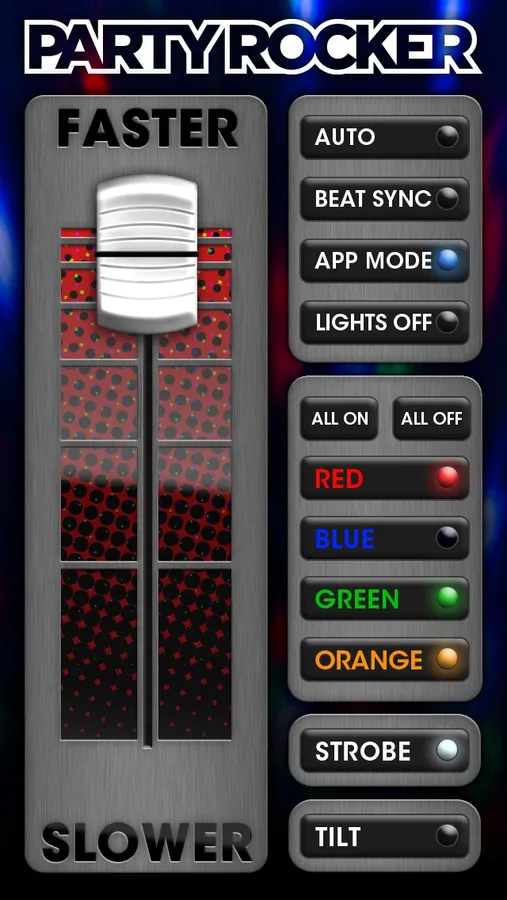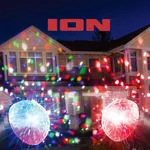
In this lighting control app, you can select colors, adjust speed, and enable strobe effects for the Party Rocker speakers. Includes color selection, speed control, and strobe effect settings.
AppRecs review analysis
AppRecs rating 2.6. Trustworthiness 73 out of 100. Review manipulation risk 24 out of 100. Based on a review sample analyzed.
★★☆☆☆
2.6
AppRecs Rating
Ratings breakdown
5 star
25%
4 star
11%
3 star
8%
2 star
5%
1 star
51%
What to know
✓
Low review manipulation risk
24% review manipulation risk
⚠
Mixed user feedback
Average 2.5★ rating suggests room for improvement
⚠
High negative review ratio
56% of sampled ratings are 1–2 stars
About Party Rocker
Take control of the light show with the Party Rocker app! Designed to work with the Party Rocker Live and Block Party Live speakers from Ion Audio, the app brings a new level of excitement to these products by providing individual color selection, speed control, a strobe effect, and more!
·Use the speed slider to change how fast the lights swirl around the room.
·Choose any combination of Red, Blue, Green and Orange, depending on your mood. Or, turn all colors on or off with the press of a button!
·Create a strobe light effect, and change the speed of flashing with the speed slider
·With Tilt mode, control the speed by moving your device left, right, forward or backward.
·Use the media player for song, artist or album selection.
Tip: To ensure seamless integration between the Party Rocker app and your Party Rocker Live hardware, please be sure to pair your iOS device and Party Rocker Live via Bluetooth before launching the Party Rocker app. If the Party Rocker app is already running before you pair your iOS device and Party Rocker Live, you may need to quit the app, re-pair your iOS device and Party Rocker Live, then re-launch the Party Rocker app to ensure all Party Rocker app functionality is accessible.
·Use the speed slider to change how fast the lights swirl around the room.
·Choose any combination of Red, Blue, Green and Orange, depending on your mood. Or, turn all colors on or off with the press of a button!
·Create a strobe light effect, and change the speed of flashing with the speed slider
·With Tilt mode, control the speed by moving your device left, right, forward or backward.
·Use the media player for song, artist or album selection.
Tip: To ensure seamless integration between the Party Rocker app and your Party Rocker Live hardware, please be sure to pair your iOS device and Party Rocker Live via Bluetooth before launching the Party Rocker app. If the Party Rocker app is already running before you pair your iOS device and Party Rocker Live, you may need to quit the app, re-pair your iOS device and Party Rocker Live, then re-launch the Party Rocker app to ensure all Party Rocker app functionality is accessible.