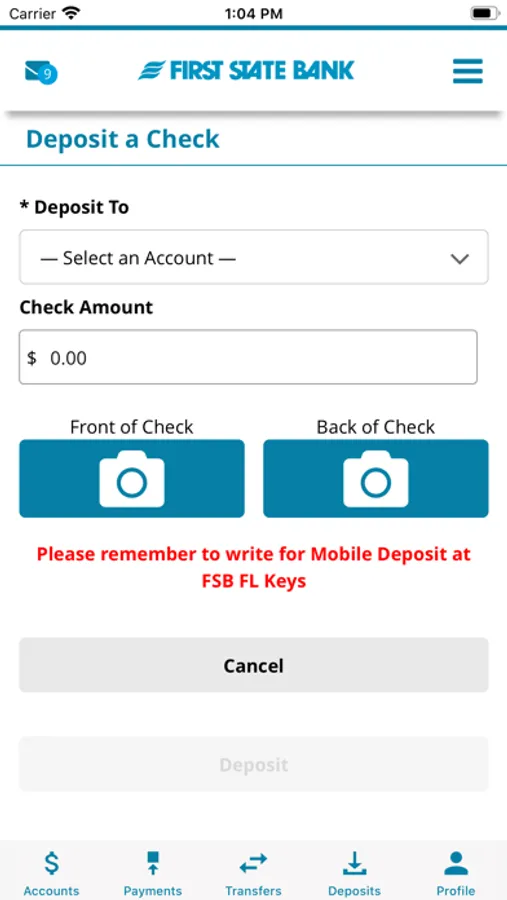
KeysBank Mobile App
First State Bank of the Florida Keys
4.2 ★
store rating
Free
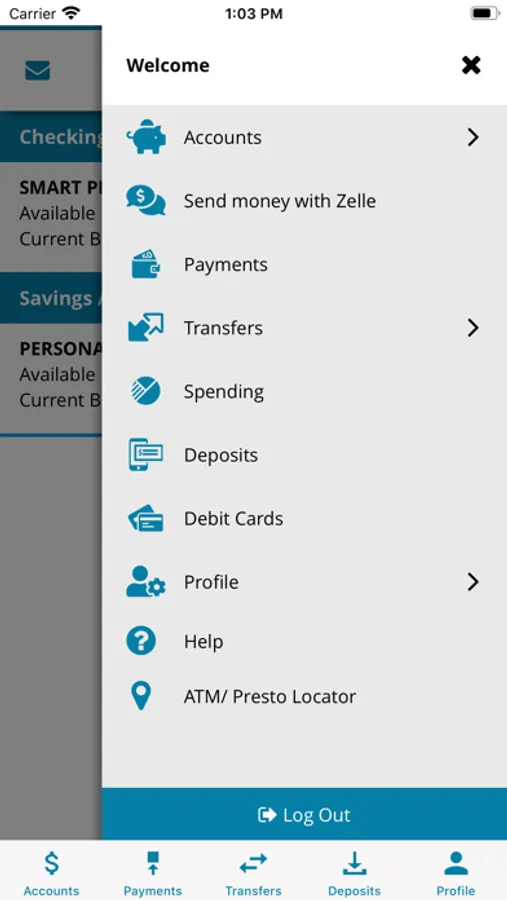
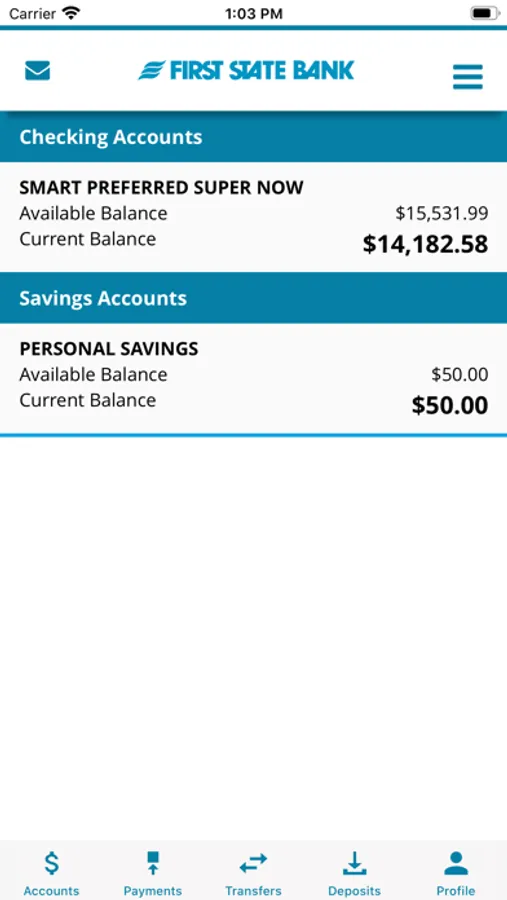
With this banking app, you can check balances, deposit checks, and transfer funds. Includes account management, transaction history, bill payments, and secure messaging features.
AppRecs review analysis
AppRecs rating 3.9. Trustworthiness 0 out of 100. Review manipulation risk 0 out of 100. Based on a review sample analyzed.
★★★☆☆
3.9
AppRecs Rating
Ratings breakdown
5 star
75%
4 star
4%
3 star
2%
2 star
2%
1 star
18%
What to know
✓
High user satisfaction
78% of sampled ratings are 4+ stars (4.2★ average)
✓
Authentic reviews
No red flags detected
About KeysBank Mobile App
KeysBank Mobile App – Manage your account anytime, anywhere.
It’s convenient, secure, and free* for First State Bank of the Florida Keys customers.
Features:
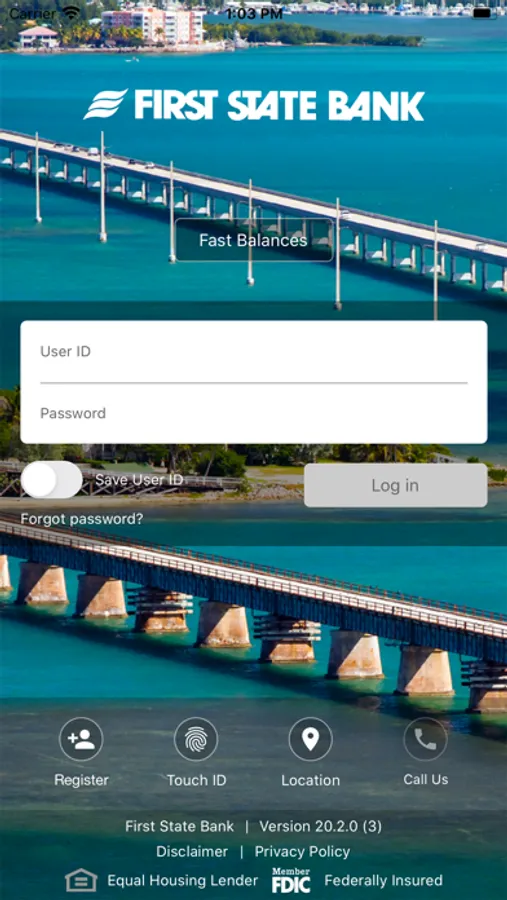
• Check Balances without logging in
• Deposit checks on your mobile device
• Set debit card limits and alerts and turn cards on or off
• Manage email, text, and push alerts
• Enroll in Text Banking
• View, search, and sort transaction history
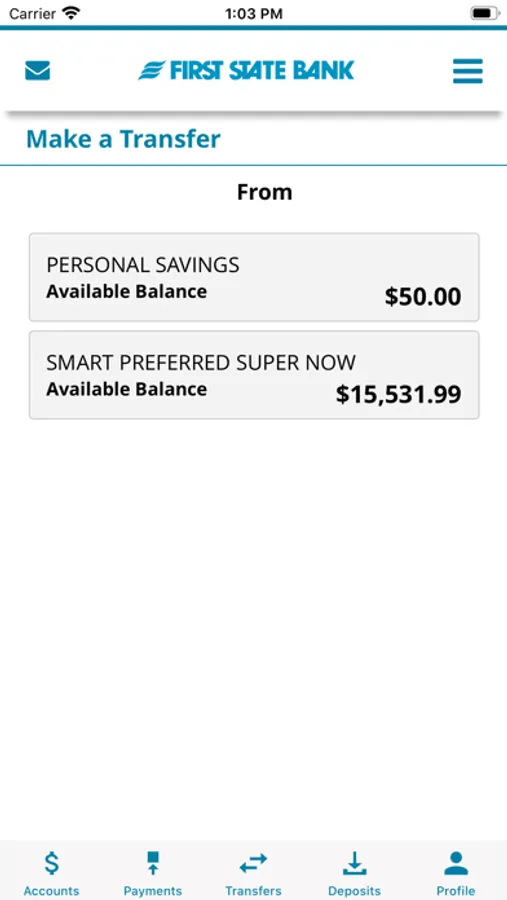
• Transfer funds – between your internal accounts, to another FSB customer or to your account at another bank
• Send money with Zelle®
• Pay bills**
• Make loan payments
• View statements and checks
• Send and receive secure messages
• Apply for a personal or mortgage loan
• Make address, phone, and email changes
• Request Stop Payments
• Reorder checks
• View ATM and branch locations
*Standard phone, data, and messaging rates may apply. *Fees may apply for business accounts
First State Bank of the Florida Keys customers must enroll in Online Banking to use the KeysBank Mobile App by logging in to KeysBank.com and completing the secure enrollment form. Once activated, your Login ID and Password will remain the same for Online and Mobile Banking.
First State Bank of the Florida Keys. Member FDIC. Equal Housing Lender.
It’s convenient, secure, and free* for First State Bank of the Florida Keys customers.
Features:
• Check Balances without logging in
• Deposit checks on your mobile device
• Set debit card limits and alerts and turn cards on or off
• Manage email, text, and push alerts
• Enroll in Text Banking
• View, search, and sort transaction history
• Transfer funds – between your internal accounts, to another FSB customer or to your account at another bank
• Send money with Zelle®
• Pay bills**
• Make loan payments
• View statements and checks
• Send and receive secure messages
• Apply for a personal or mortgage loan
• Make address, phone, and email changes
• Request Stop Payments
• Reorder checks
• View ATM and branch locations
*Standard phone, data, and messaging rates may apply. *Fees may apply for business accounts
First State Bank of the Florida Keys customers must enroll in Online Banking to use the KeysBank Mobile App by logging in to KeysBank.com and completing the secure enrollment form. Once activated, your Login ID and Password will remain the same for Online and Mobile Banking.
First State Bank of the Florida Keys. Member FDIC. Equal Housing Lender.