AppRecs review analysis
AppRecs rating 2.4. Trustworthiness 77 out of 100. Review manipulation risk 19 out of 100. Based on a review sample analyzed.
★★☆☆☆
2.4
AppRecs Rating
Ratings breakdown
5 star
11%
4 star
0%
3 star
33%
2 star
0%
1 star
56%
What to know
✓
Low review manipulation risk
19% review manipulation risk
✓
Credible reviews
77% trustworthiness score from analyzed reviews
⚠
Mixed user feedback
Average 2.1★ rating suggests room for improvement
About miniDSP control App
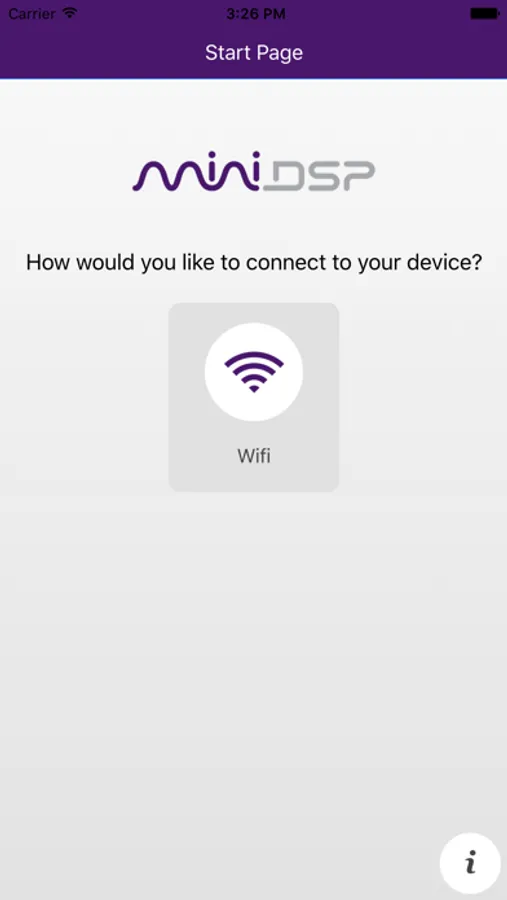
miniDSP control App is a remote control App which allows remote control functionality of your miniDSP processor over Wifi. It allows basic remote control functions such as:
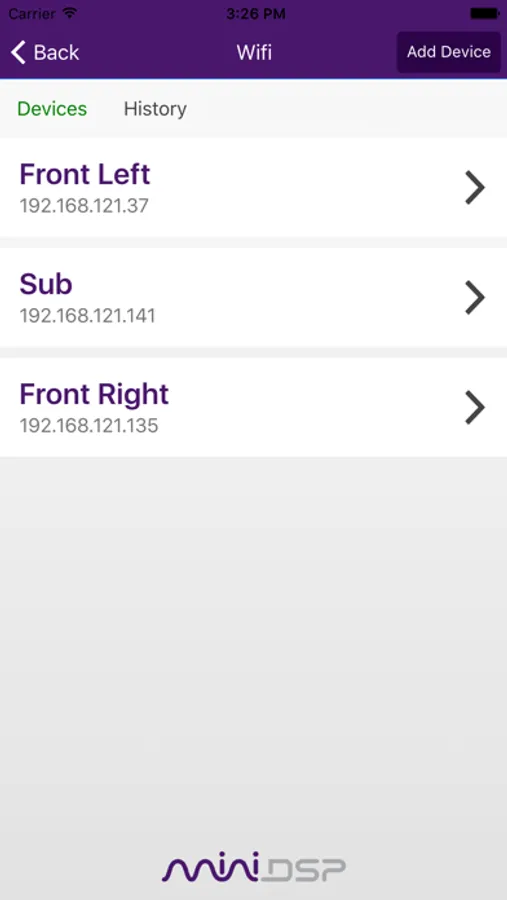
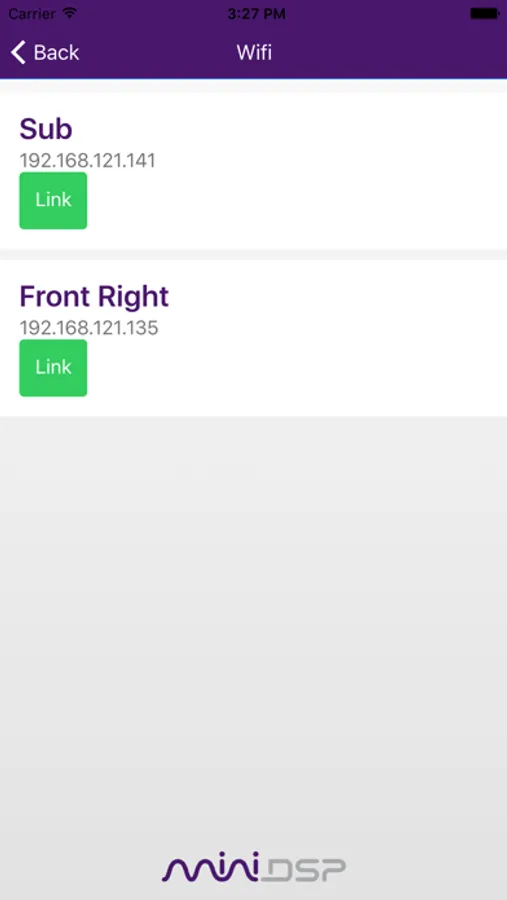
• Self discovery of minidsp products on the networks
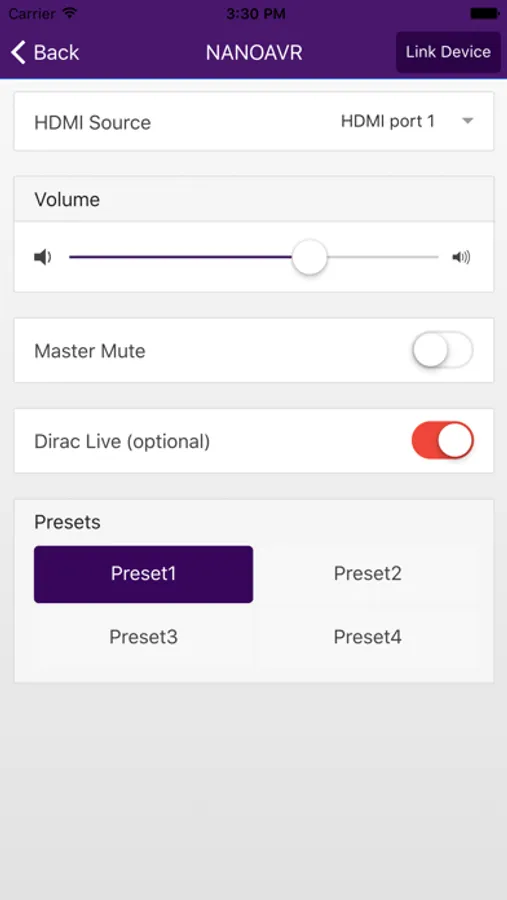
• Source selection
• Master volume control
• Master mute
• Recall of preset (1-4)
• New Link Device feature: Duplicates setting changes to one or more linked device(s)
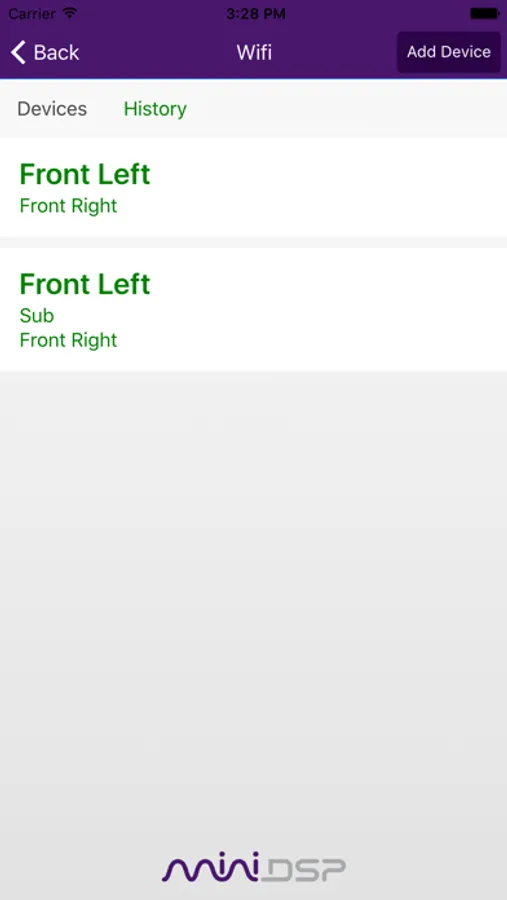
• Link History: Previously linked devices are saved in history tab for easy recall
• Dirac Live Bypass
Important Notes:
The Master Volume control function for PWR-ICE is available in firmware v3.2 or above. Please select "Remote Mode" radio button near the upper-right corner of the PWR-ICE plugin software (please use software version 1.4 or above) to enable this function. If the device firmware is v3.1 or below, please connect the device to the PWR-ICE2 plugin software and from the menu bar at the top, select "Restore" → "Upgrade Firmware" to update the device firmware to v3.2 or above. Please consult firmware upgrade manual (included in software download package) for details of updating the firmware.
• Self discovery of minidsp products on the networks
• Source selection
• Master volume control
• Master mute
• Recall of preset (1-4)
• New Link Device feature: Duplicates setting changes to one or more linked device(s)
• Link History: Previously linked devices are saved in history tab for easy recall
• Dirac Live Bypass
Important Notes:
The Master Volume control function for PWR-ICE is available in firmware v3.2 or above. Please select "Remote Mode" radio button near the upper-right corner of the PWR-ICE plugin software (please use software version 1.4 or above) to enable this function. If the device firmware is v3.1 or below, please connect the device to the PWR-ICE2 plugin software and from the menu bar at the top, select "Restore" → "Upgrade Firmware" to update the device firmware to v3.2 or above. Please consult firmware upgrade manual (included in software download package) for details of updating the firmware.