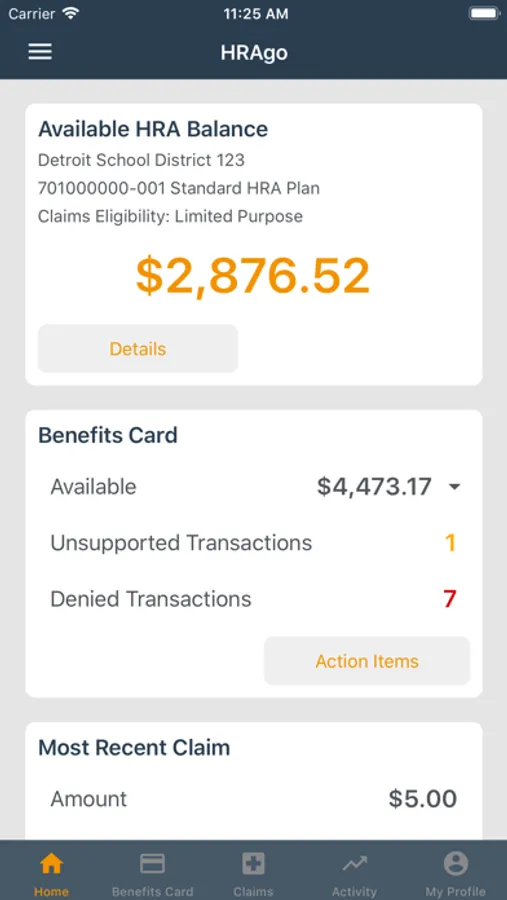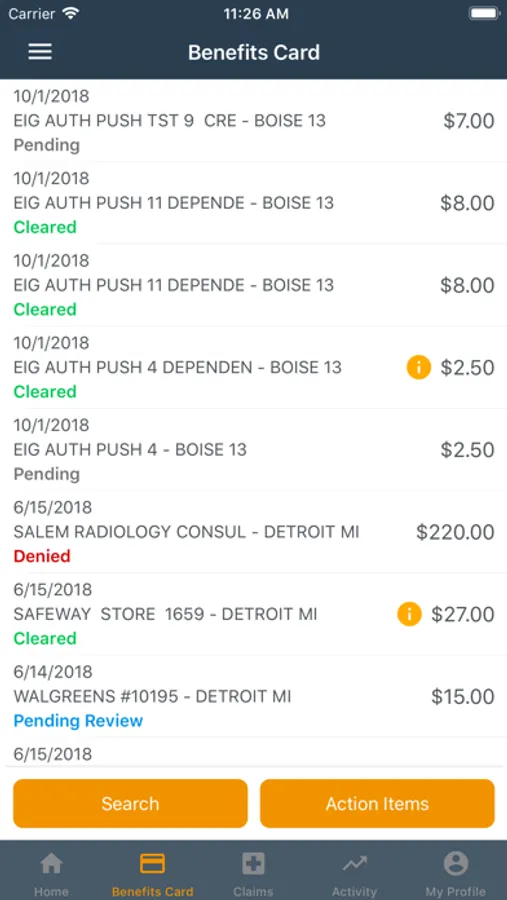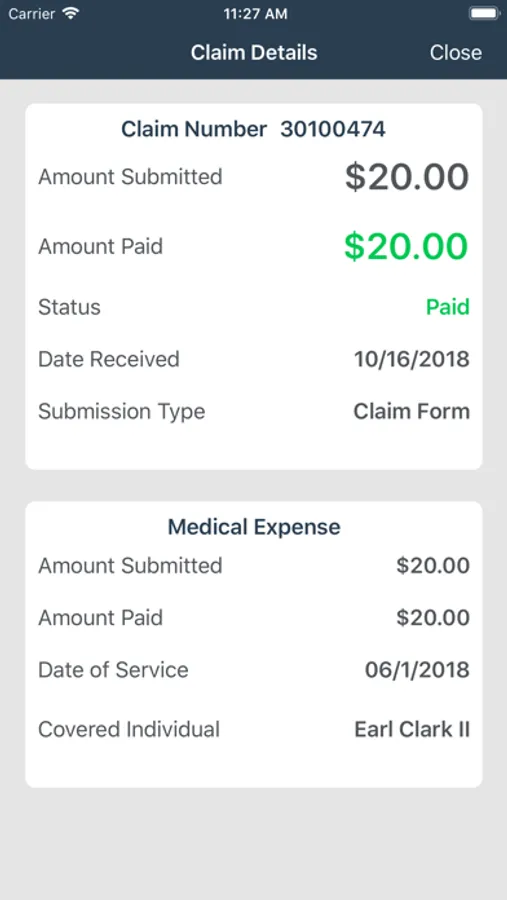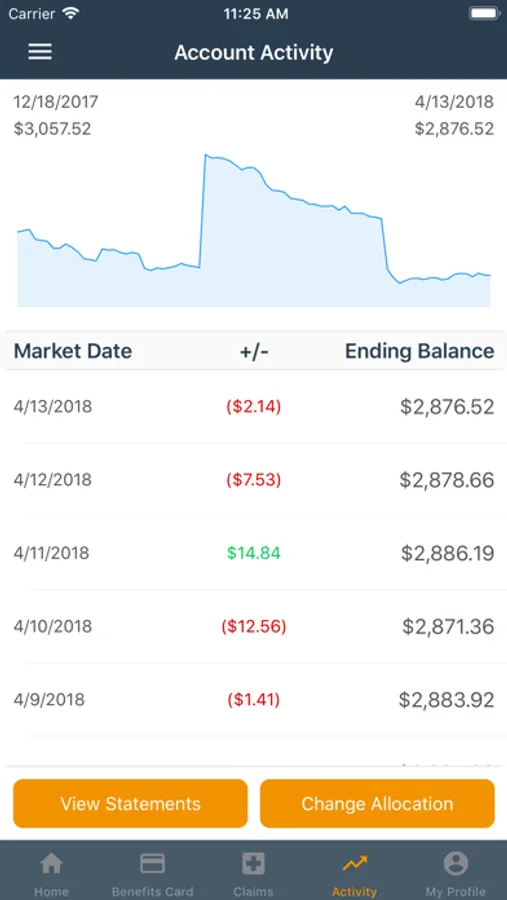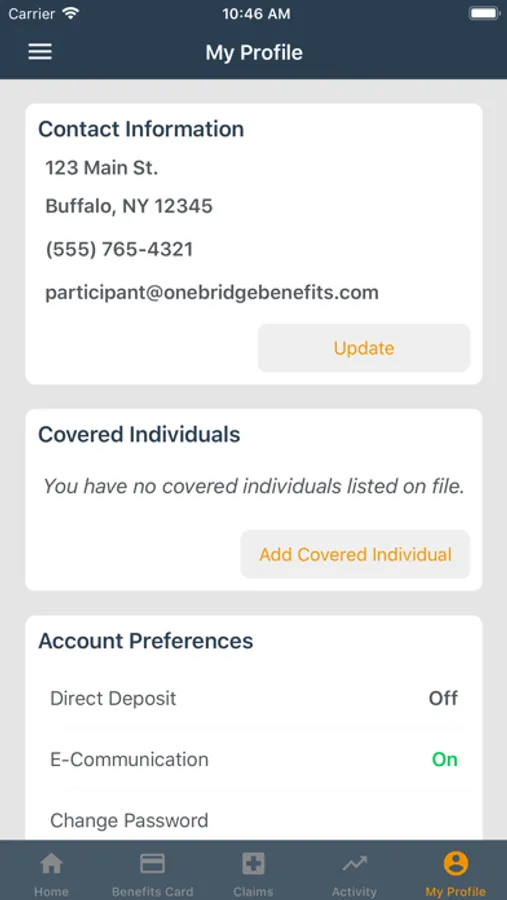
With this app, you can view account balances, submit claims, and manage account information. Includes claim submission, activity tracking, and account management features.
AppRecs review analysis
AppRecs rating 3.4. Trustworthiness 78 out of 100. Review manipulation risk 24 out of 100. Based on a review sample analyzed.
★★★☆☆
3.4
AppRecs Rating
Ratings breakdown
5 star
60%
4 star
5%
3 star
5%
2 star
5%
1 star
25%
What to know
✓
Low review manipulation risk
24% review manipulation risk
⚠
Pricing complaints
Many low ratings mention paywalls or pricing
⚠
High negative review ratio
30% of sampled ratings are 1–2 stars
About HRAgo
HRAgo allows you to view your account balance, as well specific account activity and history on your Funded HRA, HSA, FSA, and RHSP accounts.
You can also submit claims, submit benefits card supporting documentation*, update your contact information, make investment allocation changes**, and update your account preferences directly from your iPhone or iPad.
Prior to using HRAgo, you’ll need to have an existing portal user account. If you haven’t already registered your HRA/HSA/FSA/RHSP account under your plan’s respective website, please do this first. Once registered, you can use the same portal account credentials to access your account via HRAgo.
Key Features:
• View current account balance and activity for all of your accounts
• View participant account statements**
• Submit new HRA, FSA, and RHSP claims
• View and search HRA, FSA, and RHSP claims history
• Submit benefits card supporting documentation*
• View and search benefits card transactions*
• Manage your investment allocations**
• Update your contact information
• Sign up to receive reimbursements via direct deposit
• Use Face ID or Touch ID to log in
* Benefits card features are only available to participants who are enrolled in a plan that offers this option, and have elected to receive a card.
** Feature specific to invested accounts.
You can also submit claims, submit benefits card supporting documentation*, update your contact information, make investment allocation changes**, and update your account preferences directly from your iPhone or iPad.
Prior to using HRAgo, you’ll need to have an existing portal user account. If you haven’t already registered your HRA/HSA/FSA/RHSP account under your plan’s respective website, please do this first. Once registered, you can use the same portal account credentials to access your account via HRAgo.
Key Features:
• View current account balance and activity for all of your accounts
• View participant account statements**
• Submit new HRA, FSA, and RHSP claims
• View and search HRA, FSA, and RHSP claims history
• Submit benefits card supporting documentation*
• View and search benefits card transactions*
• Manage your investment allocations**
• Update your contact information
• Sign up to receive reimbursements via direct deposit
• Use Face ID or Touch ID to log in
* Benefits card features are only available to participants who are enrolled in a plan that offers this option, and have elected to receive a card.
** Feature specific to invested accounts.