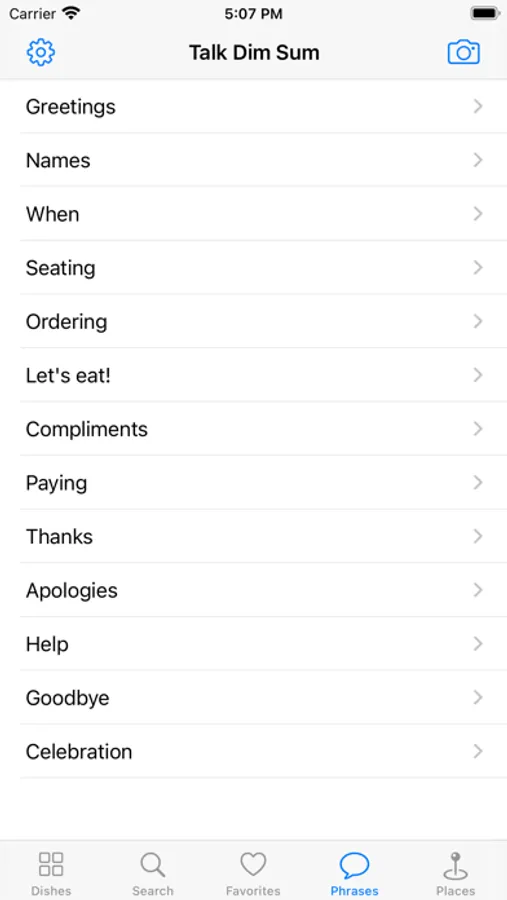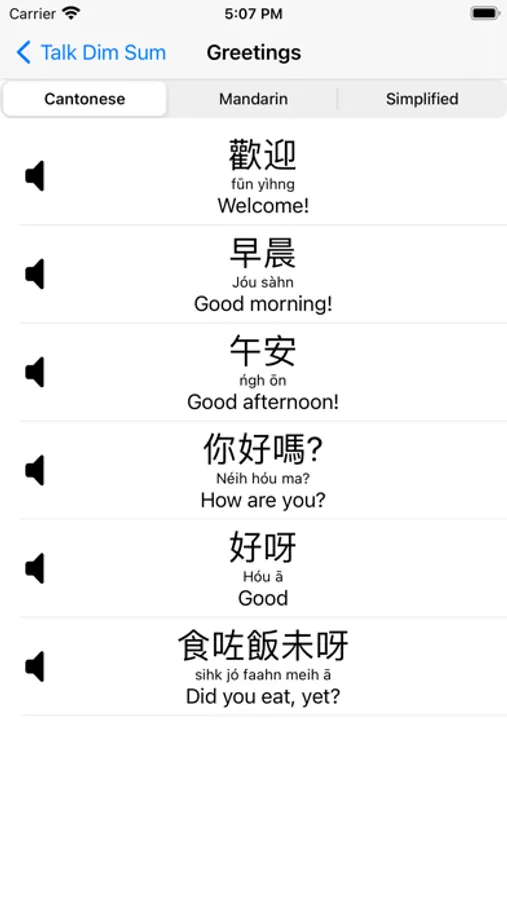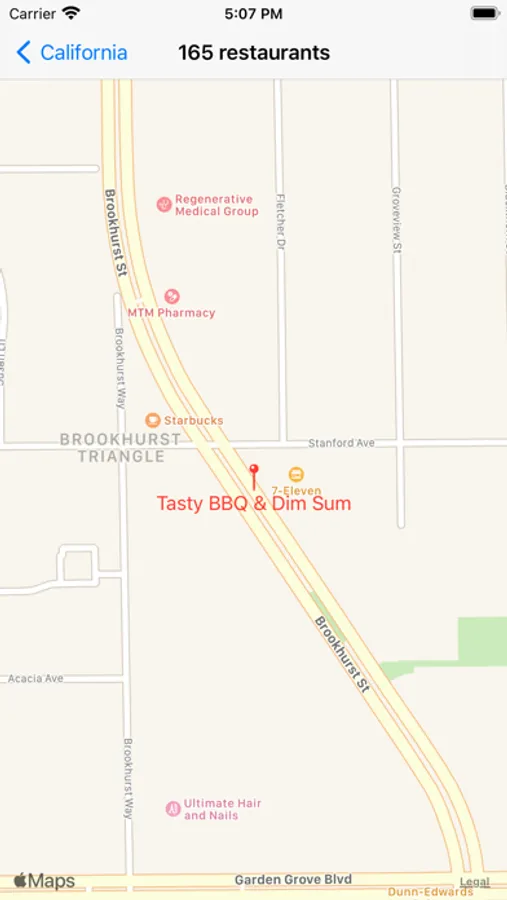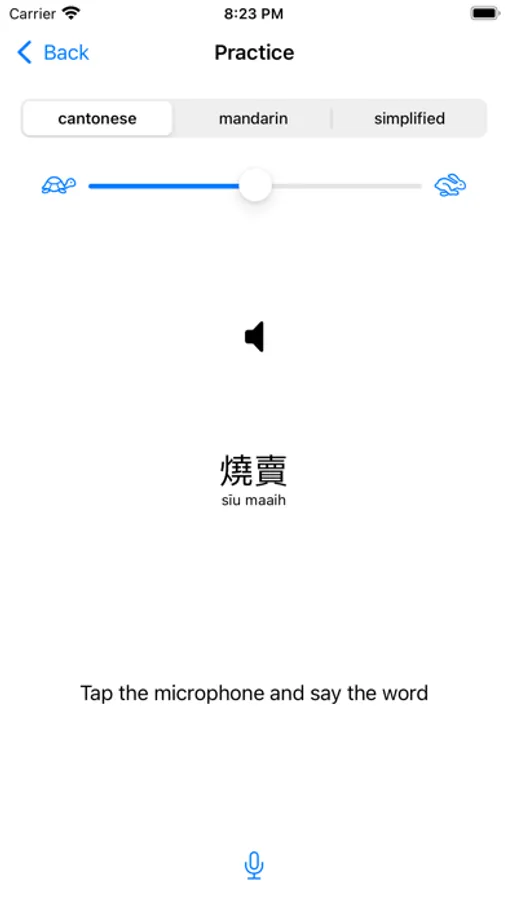
In this language learning app, you can explore Chinese dishes, listen to their pronunciation in Cantonese or Mandarin, and practice speaking. Includes text-to-speech playback, dish recognition, and phrase practice features.
AppRecs review analysis
AppRecs rating 4.6. Trustworthiness 75 out of 100. Review manipulation risk 21 out of 100. Based on a review sample analyzed.
★★★★☆
4.6
AppRecs Rating
Ratings breakdown
5 star
85%
4 star
11%
3 star
3%
2 star
1%
1 star
0%
What to know
✓
Low review manipulation risk
21% review manipulation risk
✓
Credible reviews
75% trustworthiness score from analyzed reviews
✓
High user satisfaction
85% of sampled ratings are 5 stars
About Talk Dim Sum
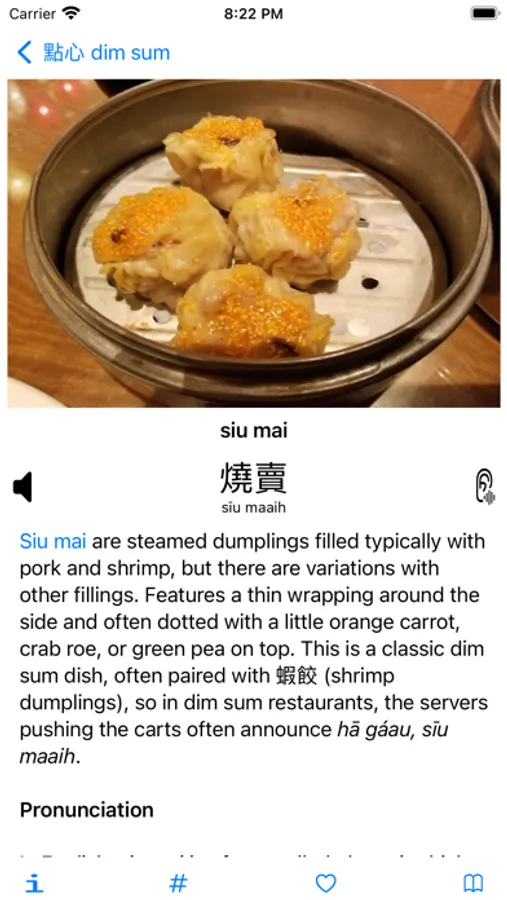
Love dim sum, but don't know what to order or how to order? Bring this app, find what you like, and tap the speaker icon to hear the dish pronounced in Chinese (Cantonese or Mandarin) using iOS text-to-speech.
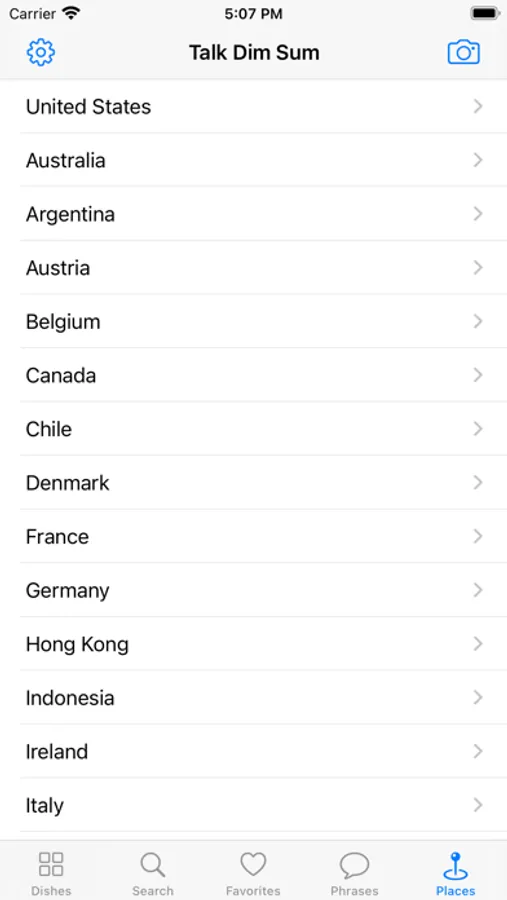
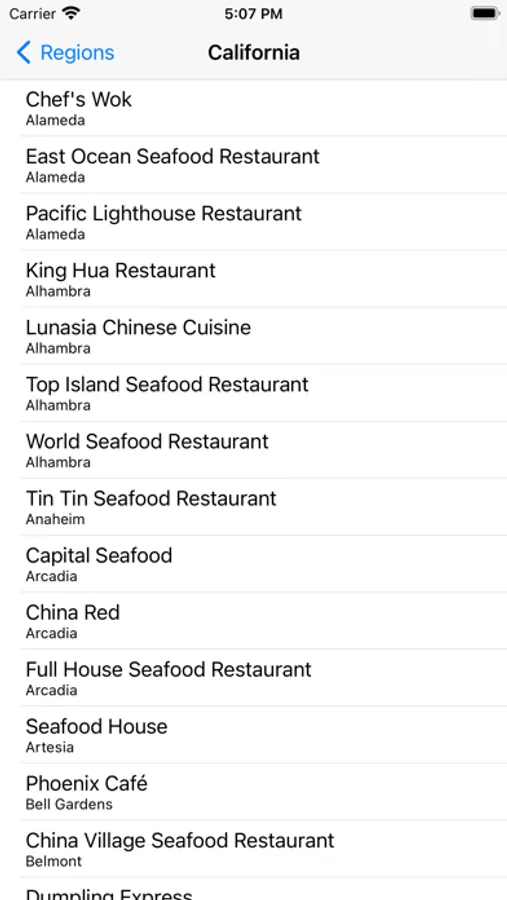
I made this app after visiting Hong Kong and trying to crash course learn Cantonese in the food courts. The early focus was just on dim sum and Cantonese text-to-speech and my favorite restaurants, but has since expanded (based on user tips and requests and my own interests) to more broadly cover Chinese and Chinese-adjacent food (over five hundred dishes) and include features such as Mandarin (traditional and simplified), search (English and Chinese), saving favorites, AI camera recognition of dishes, speech-to-text pronunciation practice, basic phrases, and over five hundred restaurants in the US (sorry, I gave up on trying to list every restaurant in the world, it's just not feasible).
Tips:
If the voice is stuck in Cantonese or Mandarin even after switching the tabs in the Practice screen, go to the Settings app, select Accessibility then Spoken Content and check the Chinese voice. If it's not one of the Siri voices, try selecting Siri in Mainland China, Hong Kong, or Taiwan.
If you don't hear the Chinese speech
1) check the mute switch on your iPhone and make sure it isn't on.
2) text-to-speech for a particular voice sometimes seems to require an internet connect, at least on initial use (same with speech-to-text, the microphone practice button).
2) sometimes a device will have trouble accessing the text-to-speech voice (it's the Hong Kong Chinese voice used for Accessibility in Settings), so try turning your device off and on.
Tapping the speaker icon plays back the Chinese pronunciation at half speed to help you learn. Tap the microphone icon to bring up more options, including adjusting the playback speed, switching between Cantonese and Mandarin, and practicing speaking (the speed and language settings are also in Settings).
Aside from the default speed, the speech may sound not quite natural because the app does not play back recorded speech but instead uses iOS text-to-speech functionality, which utters one character (i.e. one syllable) at a time, which may not match how an entire compound word or phrase is normally pronounced (you can hear this effect when using Siri).
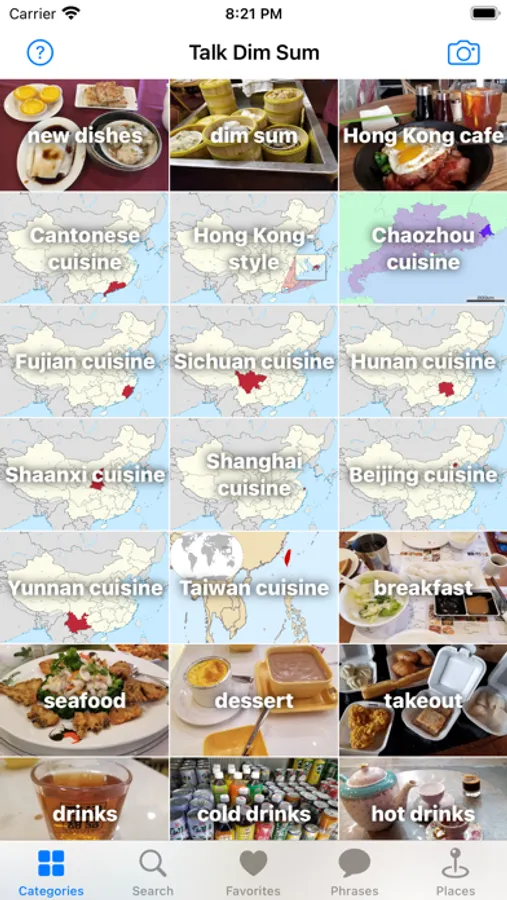
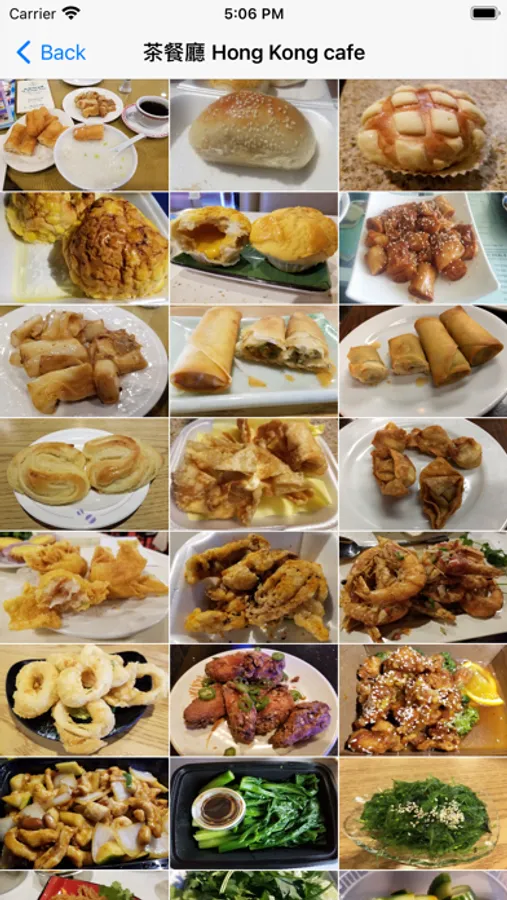
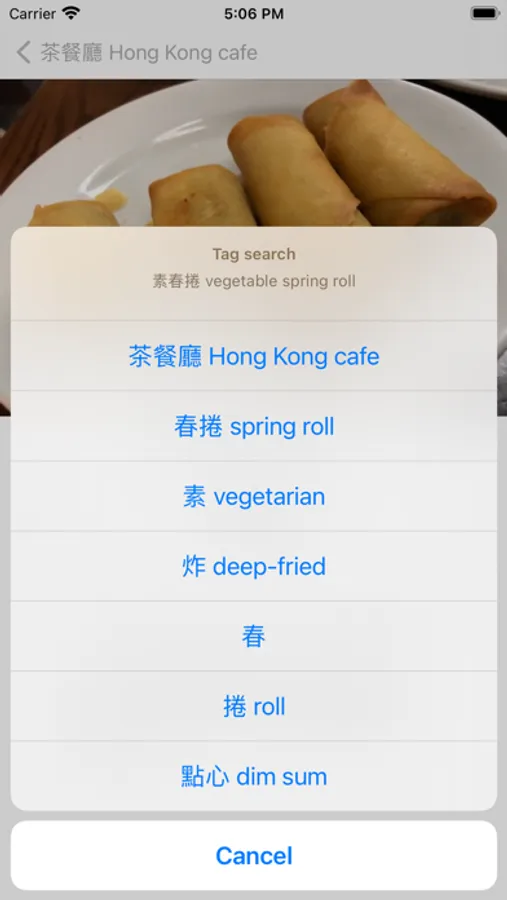
The home screen shows categories of dishes. Tap each category to see the dishes. Or tap on the Search button at the top left (some vocabulary items like "takeout" are not in categories but available in via search).
Talk Dim Sum is developed with:
The dim sum icon from Stock Image Folio on Iconfinder.com.
The technicat logo designed by Dakota Snow.
Restaurant link icons from Simple Icons.
Photos from many dim sum excursions.
Regional map images from Wikipedia (Creative Commons License from Wikimedia).
Swift open source packages: AlertToast, ImagePickerView, LinksKit, Qgrid, SQLite.swift, SwiftUIPager, and SwiftyJSON.
I made this app after visiting Hong Kong and trying to crash course learn Cantonese in the food courts. The early focus was just on dim sum and Cantonese text-to-speech and my favorite restaurants, but has since expanded (based on user tips and requests and my own interests) to more broadly cover Chinese and Chinese-adjacent food (over five hundred dishes) and include features such as Mandarin (traditional and simplified), search (English and Chinese), saving favorites, AI camera recognition of dishes, speech-to-text pronunciation practice, basic phrases, and over five hundred restaurants in the US (sorry, I gave up on trying to list every restaurant in the world, it's just not feasible).
Tips:
If the voice is stuck in Cantonese or Mandarin even after switching the tabs in the Practice screen, go to the Settings app, select Accessibility then Spoken Content and check the Chinese voice. If it's not one of the Siri voices, try selecting Siri in Mainland China, Hong Kong, or Taiwan.
If you don't hear the Chinese speech
1) check the mute switch on your iPhone and make sure it isn't on.
2) text-to-speech for a particular voice sometimes seems to require an internet connect, at least on initial use (same with speech-to-text, the microphone practice button).
2) sometimes a device will have trouble accessing the text-to-speech voice (it's the Hong Kong Chinese voice used for Accessibility in Settings), so try turning your device off and on.
Tapping the speaker icon plays back the Chinese pronunciation at half speed to help you learn. Tap the microphone icon to bring up more options, including adjusting the playback speed, switching between Cantonese and Mandarin, and practicing speaking (the speed and language settings are also in Settings).
Aside from the default speed, the speech may sound not quite natural because the app does not play back recorded speech but instead uses iOS text-to-speech functionality, which utters one character (i.e. one syllable) at a time, which may not match how an entire compound word or phrase is normally pronounced (you can hear this effect when using Siri).
The home screen shows categories of dishes. Tap each category to see the dishes. Or tap on the Search button at the top left (some vocabulary items like "takeout" are not in categories but available in via search).
Talk Dim Sum is developed with:
The dim sum icon from Stock Image Folio on Iconfinder.com.
The technicat logo designed by Dakota Snow.
Restaurant link icons from Simple Icons.
Photos from many dim sum excursions.
Regional map images from Wikipedia (Creative Commons License from Wikimedia).
Swift open source packages: AlertToast, ImagePickerView, LinksKit, Qgrid, SQLite.swift, SwiftUIPager, and SwiftyJSON.