Unrapp
Unrapp, LLC
4.3 ★
store rating
Free
AppRecs review analysis
AppRecs rating 4.1. Trustworthiness 79 out of 100. Review manipulation risk 23 out of 100. Based on a review sample analyzed.
★★★★☆
4.1
AppRecs Rating
Ratings breakdown
5 star
82%
4 star
0%
3 star
0%
2 star
0%
1 star
18%
What to know
✓
Low review manipulation risk
23% review manipulation risk
✓
Credible reviews
79% trustworthiness score from analyzed reviews
✓
High user satisfaction
82% of sampled ratings are 4+ stars (4.3★ average)
About Unrapp
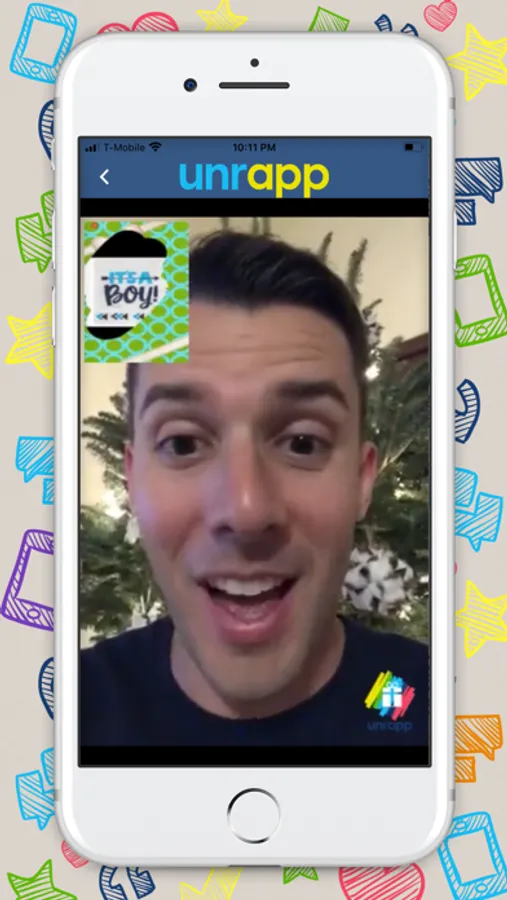
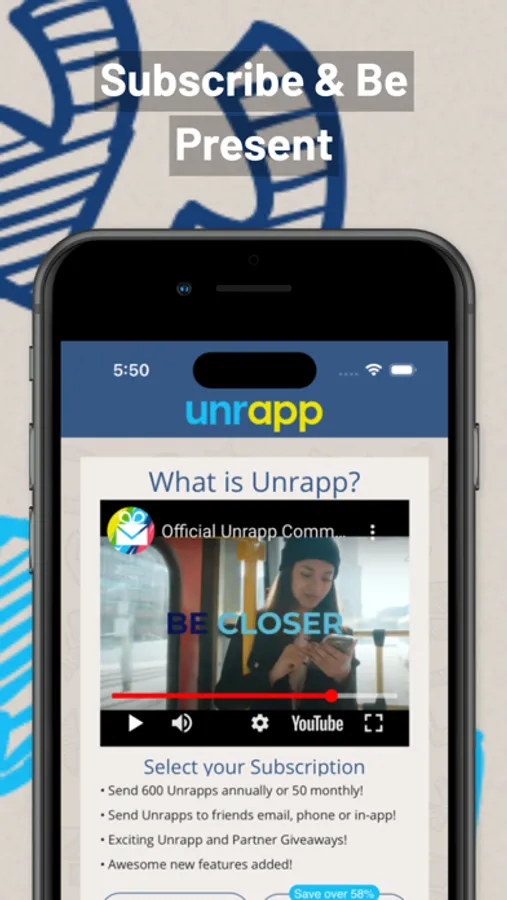
Unrapp allows users to send pictures and gift cards within our network as a gift in order to capture the natural element of surprise and joy of the recipient user as they digitally Unrapp the gift on their mobile device. As the gift is "Unrapped" the recipient’s reaction is recorded which can be saved or shared within our network.
Here is how it works:
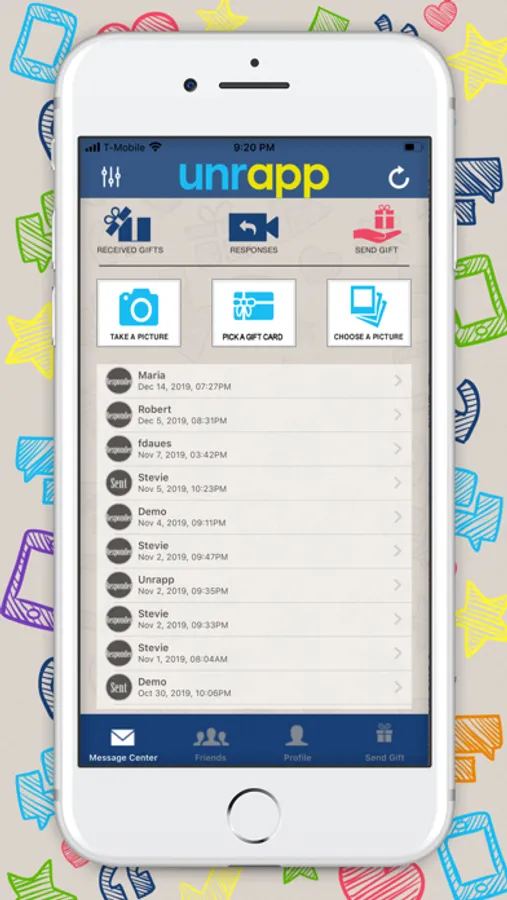
1.Pick a gift card, capture or upload an image to be used as a gift.
2.Select a recipient(s) from Unrapp's network of users or add a phone number or email address in order to send the gift image.
3.Recipients will receive a new "message" in their inbox within the app which they can click to Unrapp the gift and share their reaction. If sender used an email address or phone number, the the recipient will receive an email or text respectively.
4.Once a recipient has shared their reaction, the original sender will receive a new "response" within the network. Simply click the "response" from the recipient to view. Please note that the recipient can also choose to not share their reaction video.
Terms of Use - https://www.unrapp.com/terms-of-use
Privacy Policy - https://www.unrapp.com/privacy
Here is how it works:
1.Pick a gift card, capture or upload an image to be used as a gift.
2.Select a recipient(s) from Unrapp's network of users or add a phone number or email address in order to send the gift image.
3.Recipients will receive a new "message" in their inbox within the app which they can click to Unrapp the gift and share their reaction. If sender used an email address or phone number, the the recipient will receive an email or text respectively.
4.Once a recipient has shared their reaction, the original sender will receive a new "response" within the network. Simply click the "response" from the recipient to view. Please note that the recipient can also choose to not share their reaction video.
Terms of Use - https://www.unrapp.com/terms-of-use
Privacy Policy - https://www.unrapp.com/privacy