Blur Image Background - Editor
out thinking limited
3.6 ★
store rating
Free
With this photo editing app, you can select or capture a photo and apply adjustable blur effects to the background. Includes tools for erasing blur, saving images, and sharing via social media platforms.
AppRecs review analysis
AppRecs rating 2.9. Trustworthiness 74 out of 100. Review manipulation risk 25 out of 100. Based on a review sample analyzed.
★★☆☆☆
2.9
AppRecs Rating
Ratings breakdown
5 star
56%
4 star
7%
3 star
7%
2 star
4%
1 star
26%
What to know
⚠
Ad complaints
Many low ratings mention excessive ads
⚠
Review quality concerns
60% of sampled 5-star reviews are very short
⚠
High negative review ratio
30% of sampled ratings are 1–2 stars
About Blur Image Background - Editor
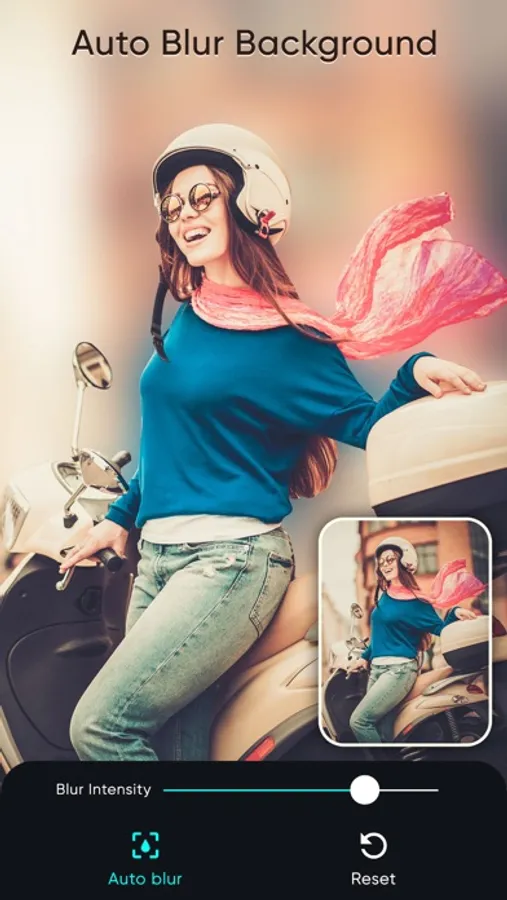
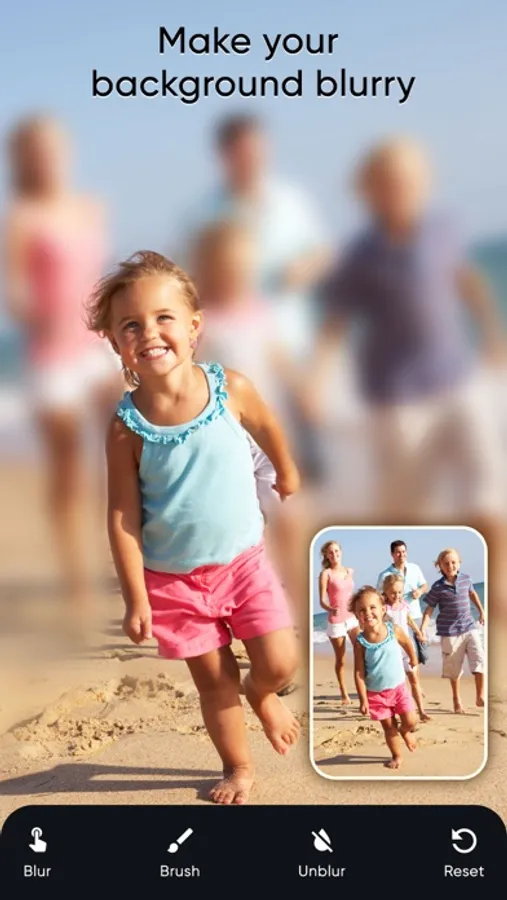
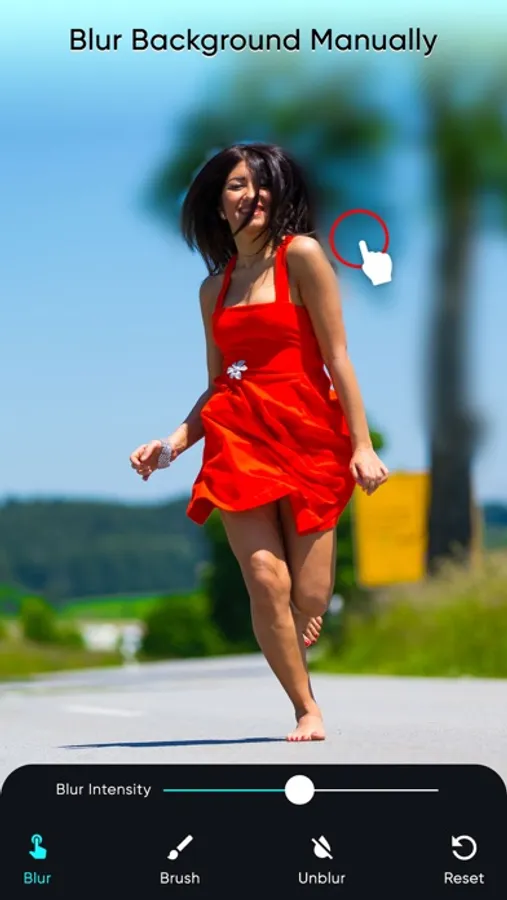
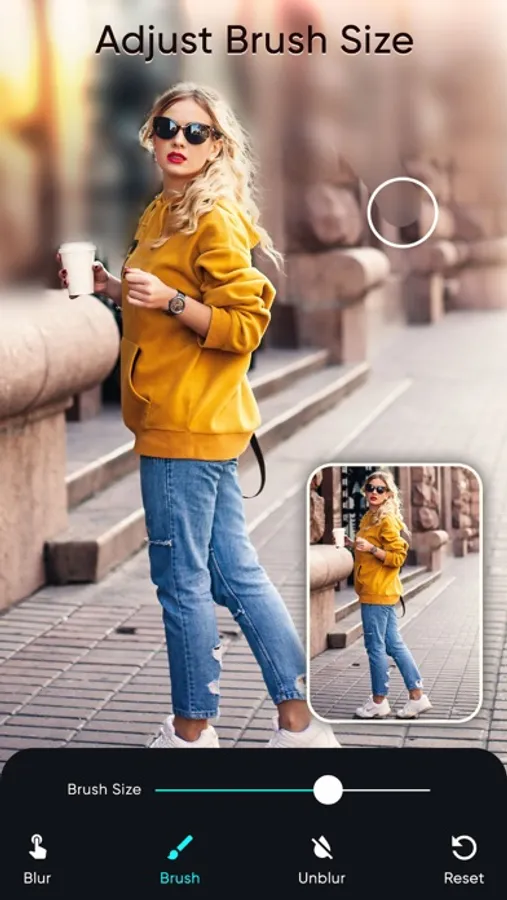
Auto blur background app to create beautiful blur backgrounds to your photos quickly and easily. This photo background blur app enables us to select a photo and give it a blurry look. Choose a photo that you like from the phone or take a snap using the camera option, add a blur effect to the image background by adjusting the brush size. Also erase the blur effect on the photo wherever you want.
After adding the blur effect the photo can be saved to the phone. Also share the blurred photo with your dear ones through social media platforms.
Do you want to give your photo a blur effect? Then this photo blur app is the one you must be looking for.
Key features
1. Camera option to take a photo.
2. The photo to be blurred can be selected from the phone.
3. Blur option to blur the selected photo.
4. The size of the blur brush can be adjusted.
5. The blur effect given to the image can be erased.
6. Save the blurred photo to the phone.
7. Share the blurred image through different social media platforms.
Subscription Terms
- Subscribe to get unlimited video collage app access to all features.
- Upon confirmation of purchase, the payment will be charged to the iTunes account.
- Until you turn off the auto-renew at least 24 hours before the end of the current.
period it will be automatically renewed.
- If you decide to turn off auto-renewal, you can turn it off maybe by going to account settings after purchase.
-The renewal amount will be charged from the account within 24 hours before the end of the current period.
-As per the policy, cancellation of the current subscription is not allowed during the active subscription period. Once purchased, refunds will not be returned for any unused portion of the subscription period.
Terms of use - https://www.outthinkingindia.com/terms-of-use/
Privacy policy - https://www.outthinkingindia.com/privacy-policy/
After adding the blur effect the photo can be saved to the phone. Also share the blurred photo with your dear ones through social media platforms.
Do you want to give your photo a blur effect? Then this photo blur app is the one you must be looking for.
Key features
1. Camera option to take a photo.
2. The photo to be blurred can be selected from the phone.
3. Blur option to blur the selected photo.
4. The size of the blur brush can be adjusted.
5. The blur effect given to the image can be erased.
6. Save the blurred photo to the phone.
7. Share the blurred image through different social media platforms.
Subscription Terms
- Subscribe to get unlimited video collage app access to all features.
- Upon confirmation of purchase, the payment will be charged to the iTunes account.
- Until you turn off the auto-renew at least 24 hours before the end of the current.
period it will be automatically renewed.
- If you decide to turn off auto-renewal, you can turn it off maybe by going to account settings after purchase.
-The renewal amount will be charged from the account within 24 hours before the end of the current period.
-As per the policy, cancellation of the current subscription is not allowed during the active subscription period. Once purchased, refunds will not be returned for any unused portion of the subscription period.
Terms of use - https://www.outthinkingindia.com/terms-of-use/
Privacy policy - https://www.outthinkingindia.com/privacy-policy/