Arbor Mobile
Arbor Bank
4.8 ★
store rating
Free
AppRecs review analysis
AppRecs rating 4.8. Trustworthiness 0 out of 100. Review manipulation risk 0 out of 100. Based on a review sample analyzed.
★★★★☆
4.8
AppRecs Rating
Ratings breakdown
5 star
87%
4 star
8%
3 star
3%
2 star
1%
1 star
2%
What to know
✓
High user satisfaction
87% of sampled ratings are 5 stars
✓
Authentic reviews
No red flags detected
About Arbor Mobile
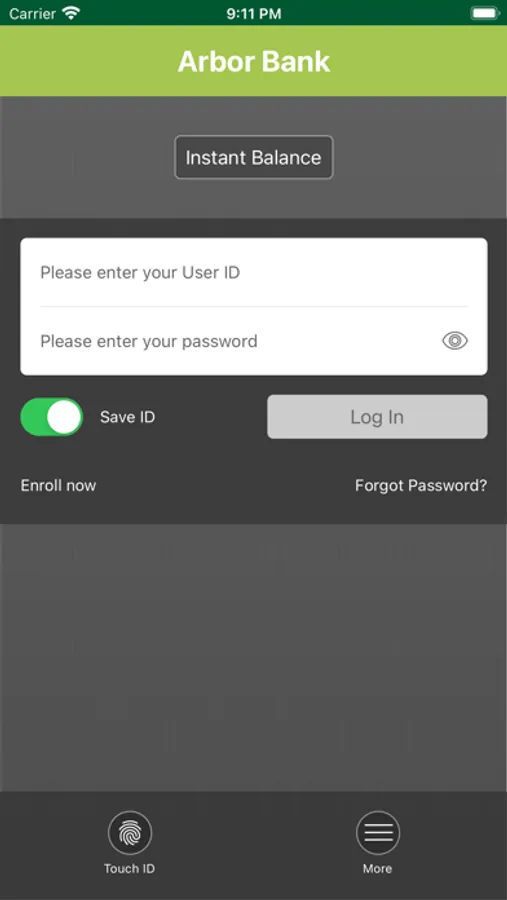
With Arbor Mobile, your Arbor Bank accounts are now as mobile as you are.
You can access your accounts on-the-go- easily and safely.
Getting started is easy:
• Go to arborbanking.com and log into Online Banking.
• Within Online Banking, go to the 'Services' tab and choose 'Arbor Mobile'.
• Complete the enrollment process.
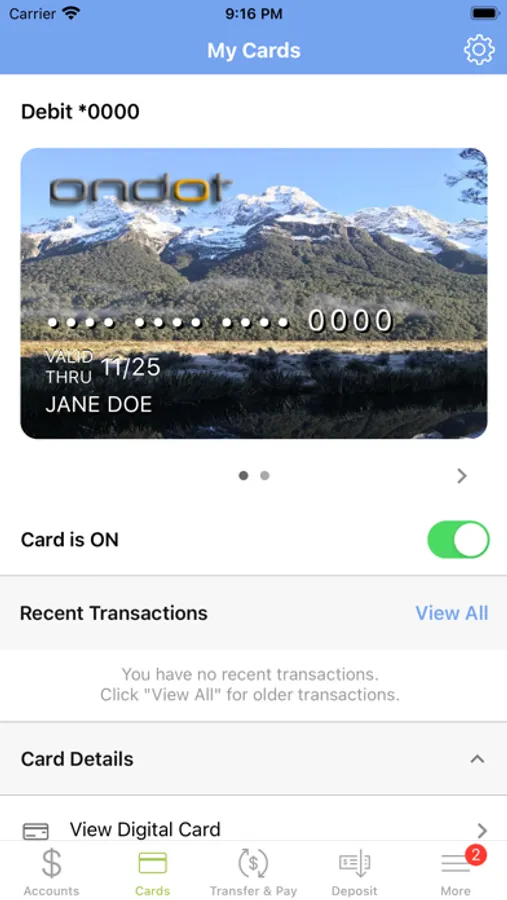
Once Arbor Mobile is downloaded to your mobile device you can securely:
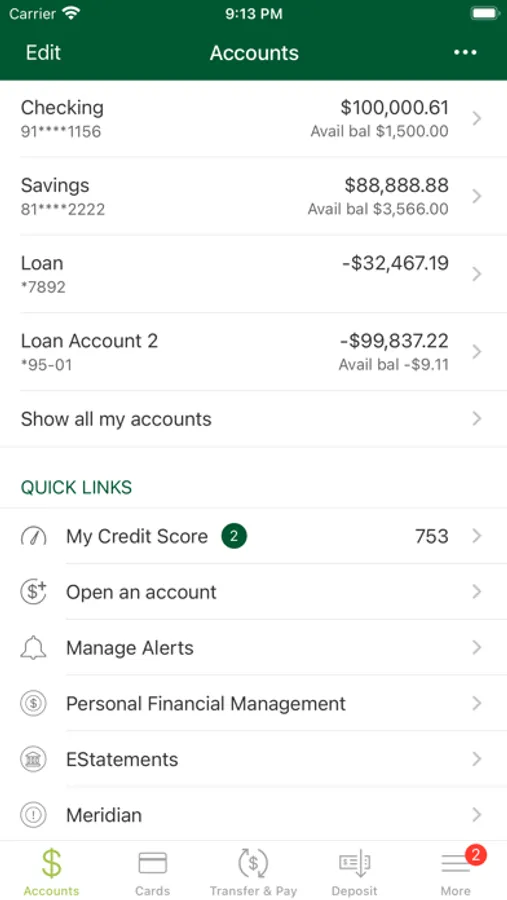
• Get account balances
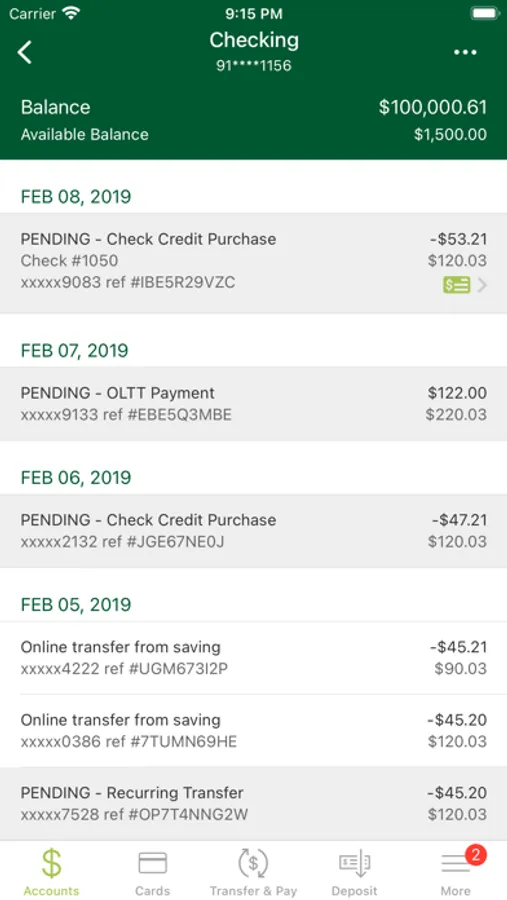
• View transaction history
• Pay bills
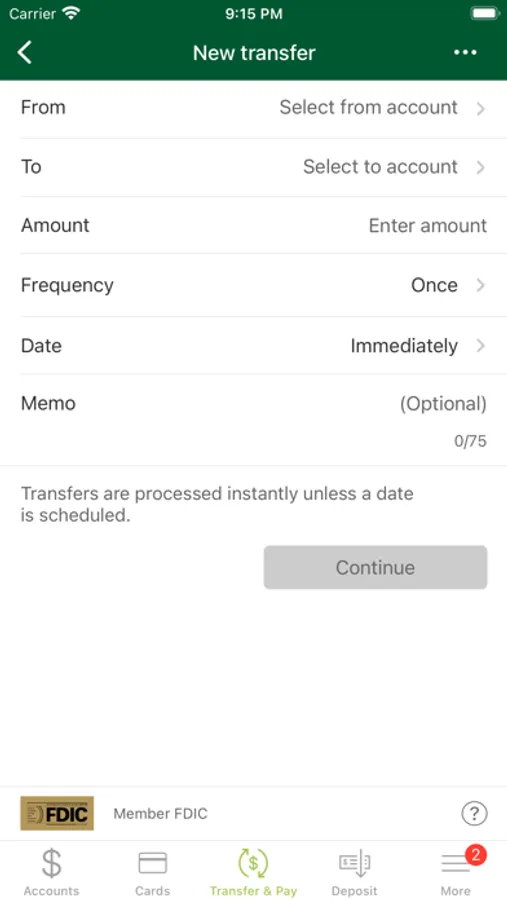
• Transfer funds between accounts
• Locate Arbor Bank branches and ATMs
Arbor Mobile is a free service to Arbor Bank customers, but message and data rates from your mobile service provider may apply.
You can access your accounts on-the-go- easily and safely.
Getting started is easy:
• Go to arborbanking.com and log into Online Banking.
• Within Online Banking, go to the 'Services' tab and choose 'Arbor Mobile'.
• Complete the enrollment process.
Once Arbor Mobile is downloaded to your mobile device you can securely:
• Get account balances
• View transaction history
• Pay bills
• Transfer funds between accounts
• Locate Arbor Bank branches and ATMs
Arbor Mobile is a free service to Arbor Bank customers, but message and data rates from your mobile service provider may apply.